What each symbol means
Everything you type is matched literally, except the symbols below. To match one of these
symbols for real, put a backslash in front of it — \. matches a full stop.
New to all this? Start with
Understanding Regular Expressions.
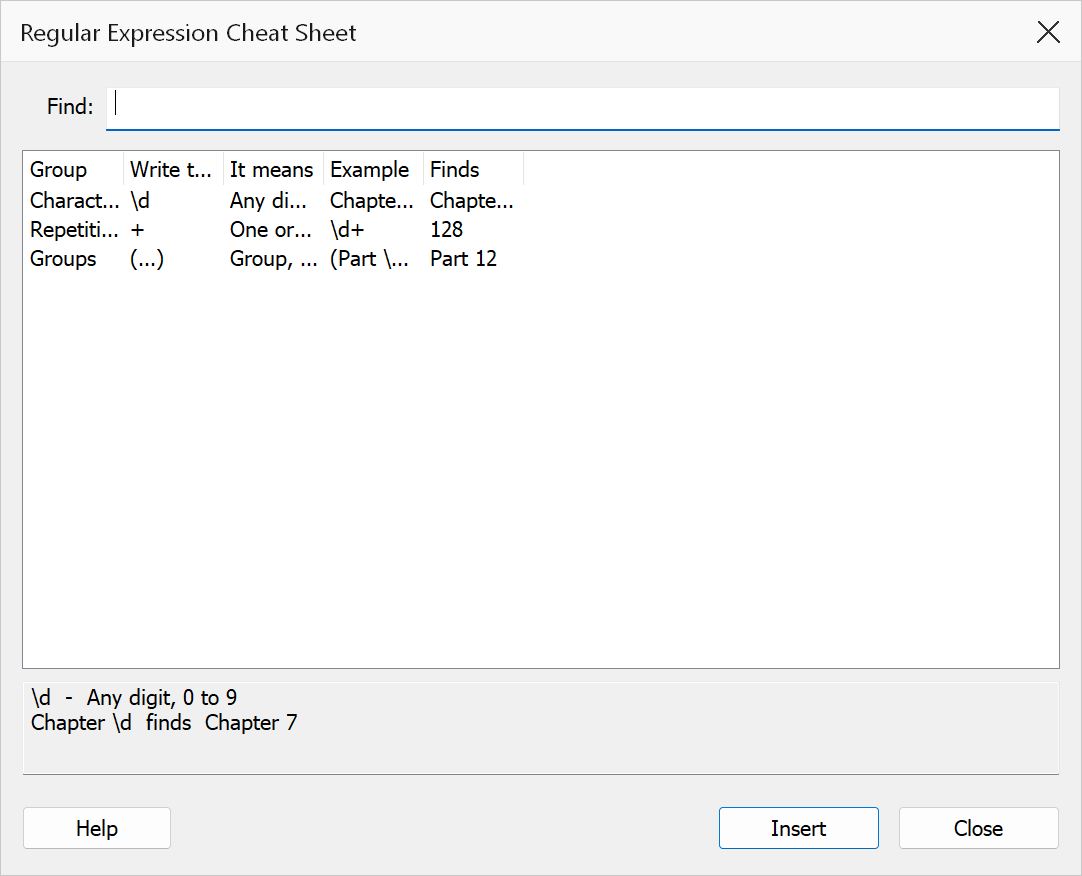
The same list is built into the product: in the Regular Expression Library, click Cheat Sheet… to browse it, or, when editing an entry, Insert… to drop any of these straight into your pattern.
| Write this | It means | Example | Finds |
|---|---|---|---|
| Kinds of character | |||
. | Any single character | . | any one character |
\d | Any digit 0-9 | page \d | page 7 |
\D | Anything but a digit | \D | any character that is not a digit |
\w | Letter, digit or underscore | \w+ | Appendix |
\W | Anything but a word character | \W | a space or a punctuation mark |
\s | Space, tab or line break | see\s+page | see page |
\S | Anything but a space | \S+ | a run of non-space characters |
[A-Z] | One capital letter | Appendix [A-Z] | Appendix A |
[a-z] | One lower-case letter | [a-z]\) | a) |
[IVXLCDM] | One Roman numeral letter | Part [IVXLCDM]+ | Part XIV |
(?:-|â) | A hyphen or an en dash | (\d+)\s*(?:-|â)\s*(\d+) | 12-18 and 12â18 |
[…] | Any of these characters | [abc] | a, b or c |
[^…] | None of these characters | [^0-9] | anything except a digit |
| How many | |||
…+ | One or more | \d+ | 3, 47, 1024 |
…* | Zero or more | Fig\.\s*12 | Fig.12 and Fig. 12 |
…? | Optional (none or one) | Figs? | Fig and Figs |
…{4} | Exactly four | \d{4} | 2026 |
…{2,4} | Between two and four | [A-Z]{2,4} | ABC |
…{2,} | Two or more | \d{2,} | 47, 1024 |
| Where on the page | |||
^ | Start of the text | ^INTENTIONALLY BLANK | a blank-page marker |
$ | End of the text | Page \d+$ | a trailing page number |
\b | Edge of a word | \bTable\s+(\d+) | Table 3, not Turntable 3 |
| Groups and choices | |||
| | Either / or | Figure|Table | Figure or Table |
(…) | Capture group (keeps it) | Invoice #(\d+) | keeps 4471 |
(?:…) | Group without keeping | (?:19|20)\d{2} | 1998, 2026 |
(?=…) | Must be followed by | \d+(?= pages) | 12 in "12 pages" |
(?!…) | Must NOT be followed by | \d+(?! pages) | 12 unless " pages" follows |
| Real symbols | |||
\. | A real full stop | Fig\. 12 | Fig. 12 only |
\( | Real round brackets | Eq\.?\s*\((\d+)\) | Eq. (3) |
\[ | Real square brackets | \[(\d+)\] | [12] |
\\ | A real backslash | C:\\Specs | C:\Specs |
\$ | A real dollar sign | \$(\d+) | $1200 |
| Ready-made | |||
(\d+) | Whole number | (\d+) | 47 |
(\d+\.\d+) | Decimal number | (\d+\.\d+) | 3.14 |
\s+ | One or more spaces | see\s+page | see page |
([A-Za-z]+) | A word | ([A-Za-z]+) | Appendix |
(.*)$ | Rest of the line | Title: (.*)$ | everything after "Title: " |
Putting captures back
These go in a Replace or Value field, not in the pattern itself. The notation is not the same everywhere.
| Where | Write | Means |
|---|---|---|
| Search and Replace (bookmarks and URLs) | $1 … $9 | What capture group 1…9 matched |
| Search and Replace | $& | The whole match |
| Search and Replace | $$ | A real dollar sign |
| Generate Links from Rules | \1 … \9 | What capture group 1…9 captured |
| Generate Links from Rules | \0 | The whole match |
| Split output file names | {match:PATTERN} | The first match on the first page |
Warning
Generate Links from Rules does not understand $1. Type
$1 there and you get the literal characters “$1” in your link.
Use \1. Everywhere else, use $1.
Capitals, per feature
A library entry stores no capitals setting, so the same pattern can behave differently depending on which dialog uses it.
| Feature | Capitals |
|---|---|
| Search and Replace, Find / Edit Bookmark Properties, Delete Pages by Text Search, Bookmarks from Text Patterns, Highlight Text Patterns | Match case checkbox — off by default |
| Generate Links from Rules | i checkbox, plus m, g, x, u |
| Extract by Text Pattern, Split by Text Pattern, Split by Pattern Change | Always ignores capitals |
| Delete Text Highlights | Always matches capitals exactly |
Full explanation, with what to do about it: Capitals and matching.
Not supported
These work on some websites and in some other programs, but TOC Builder rejects them:
| Not supported | Use instead |
|---|---|
(?i) and other inline switches | The Match case option, or a character class such as [Ss]ection |
(?<=…) look-behind | Capture the marker as well, and keep only the group you want |
(?<name>…) named groups | Numbered groups — $1, $2 |
\p{L} Unicode properties | \w, or an explicit list of characters |
A non-English character inside […] — [-–], [áé] | An alternation — (?:-|–), (?:á|é) |
That last row is the one that bites quietly. Square brackets are a list of single
characters, and text is compared one byte at a time, so a character outside the plain
A–Z range (which takes two or three bytes) is listed as its separate bytes rather
than as itself. The pattern still compiles, and [-–] still matches a
plain hyphen — it simply never matches the en dash it was added for. Ranges such as
[A-Z], [0-9] and [IVXLCDM] are unaffected.
Look-ahead — (?=…) and (?!…) —
is supported.