Overview
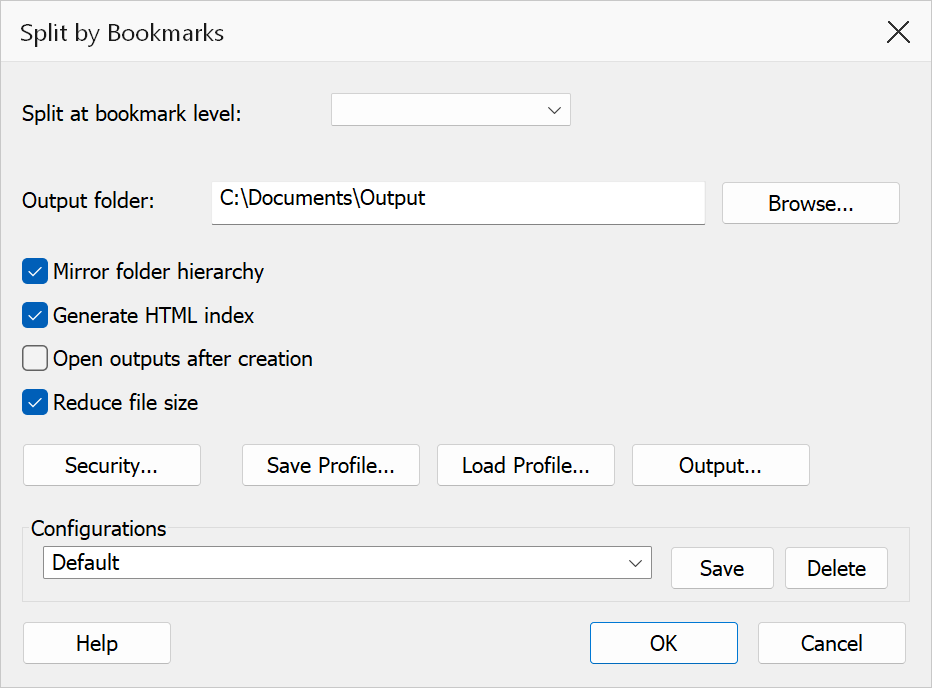
Split by Bookmarks divides a PDF at the page boundaries implied by bookmarks at a chosen outline level. Each bookmark at that level defines the start of a new output file, which is named after the bookmark's title.
How to use
- Open a PDF that contains bookmarks.
- Go to Plug-Ins > Split > Split by Bookmarks.
- Select the bookmark level at which to split.
- Choose an output folder and configure any additional options.
- Click OK to perform the split.
Options
| Option | Description |
|---|---|
| Split at bookmark level | Select the bookmark depth level (1 = top level, 2 = second level, etc.) at which the document is split. Each bookmark at that level starts a new output file spanning from its destination page up to the page before the next sibling bookmark. The dropdown lists all levels present in the document. |
| Output folder | The base folder for all output files. Click Browse to choose a folder. |
| Mirror folder hierarchy | When checked, the parent-bookmark path is reconstructed as sub-folders inside the output folder, mirroring the bookmark tree structure on disk. |
| Generate HTML index | Creates an index.html file in the output folder with hyperlinks to every
generated PDF, arranged in bookmark order. |
| Open outputs after creation | Opens each generated file in Acrobat after the operation completes. |
Output filenames
Each output file is named after the corresponding bookmark title. Characters that are
illegal in filenames (\ / : * ? " < > |) are replaced with underscores.
A numeric suffix is appended if two bookmarks share the same title.
Titles in any language are used as they stand, so a Cyrillic, Greek or CJK bookmark
produces a file named in that language, and Mirror folder hierarchy
creates its sub-folders the same way. The index.html listing shows the
titles in full.
Security settings
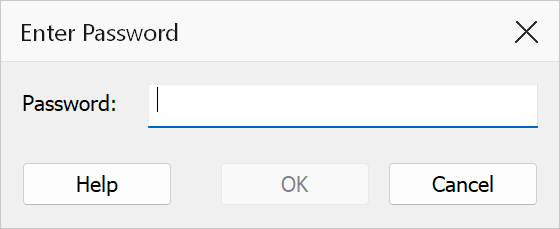
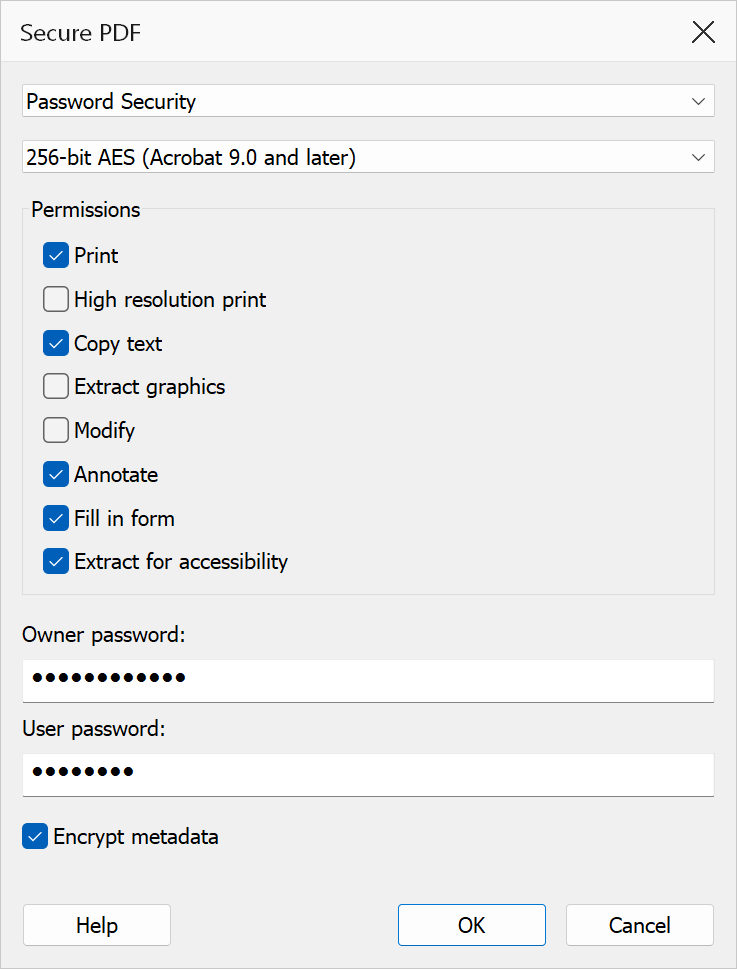
Click Security... to open the PDF security dialog, where you can apply password protection and permission restrictions to the output files. Options include:
- Document open password — requires a password to open the PDF.
- Permissions password — restricts printing, copying, and editing.
- Encryption level — choose 128-bit AES or 256-bit AES encryption.
Security settings apply to all output files generated by the split operation.
Tip
Enable Mirror folder hierarchy when splitting a deeply nested bookmark tree to preserve the logical structure of the document as a folder tree on disk.
Note
Bookmarks that point to the same page as the previous bookmark produce an empty range and are skipped. The document must contain bookmarks at the chosen level; if it does not, no output files are created.