Overview
Every Split and Extract command carries a shared set of per-output behaviours,
reached through the Output... button on its dialog. They apply to
every file the command produces and are saved with the command's configurations
and .tsp profiles.
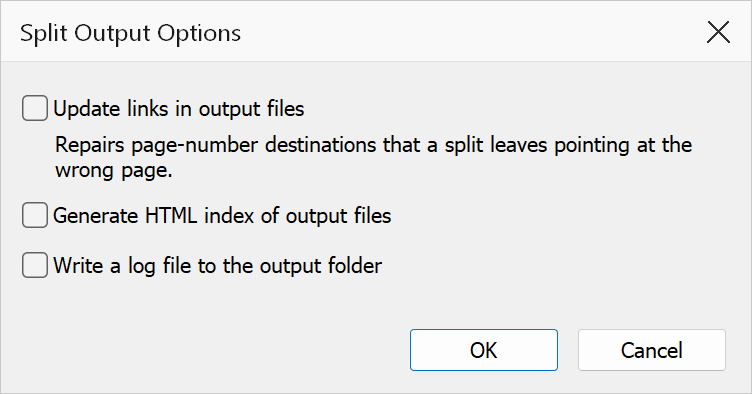
Options
| Option | Description |
|---|---|
| Update links in output files | Repairs GoTo links whose destination is stored as a literal page number. Such links still count pages in the original document, so in a split piece they address the wrong page; this option repoints them at the page they became. Links stored as page references are already correct after a split and are left untouched, as are links whose target did not make it into the piece. |
| Generate HTML index of output files | Writes an index.html in the output folder linking to every file
the command produced — handy when publishing a large split to a web
server or shared folder. (Split by Bookmarks has carried its own HTML index
checkbox for years; it keeps it, and this dialog hides the duplicate.) |
| Write a log file to the output folder | Appends a timestamped entry to split-log.txt in the output folder
listing every file the run produced. |
Note
All three options also work from .tsp profiles run through the
command line (fixupLinks, generateHtmlIndex,
writeLog keys in the profile's settings).