
UXP vs CEP Extensions in Adobe Photoshop
A comparison of the old CEP extensions and the newer UXP extensions in Adobe Photoshop.
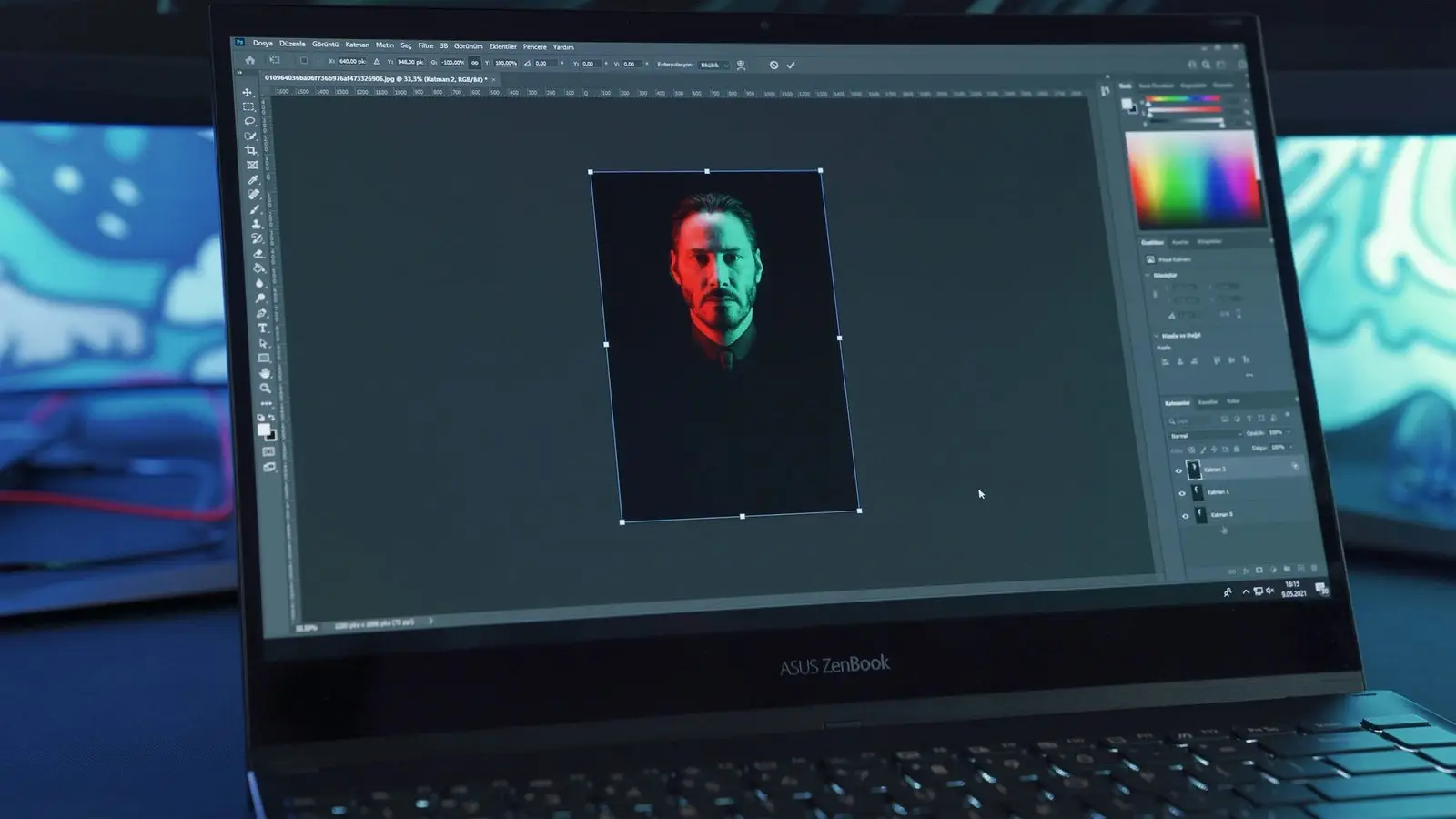
In the world of design and digital art, Adobe Photoshop has long been the go-to software for professionals. With its wide range of features and capabilities, Photoshop allows users to create stunning visuals and manipulate images with ease. Over the years, Adobe has continuously worked on improving the user experience by introducing new extensions and tools. In this article, we will explore the differences between the old CEP (Common Extensibility Platform) extensions and the newer UXP (Unified Extensibility Platform) extensions in Adobe Photoshop.
1. Introduction to CEP Extensions
CEP extensions were the primary method for extending the functionality of Adobe applications, including Photoshop. These extensions were built using HTML, CSS, and JavaScript, making it relatively easy for developers to create custom panels and tools. CEP extensions provided access to various APIs (Application Programming Interfaces) that allowed developers to interact with Photoshop and perform tasks like image manipulation, file handling, and more.
2. The Advantages of CEP Extensions
CEP extensions offered a range of advantages for both developers and users. They provided a familiar web development environment, allowing developers to leverage their existing skills to create custom panels and tools. Users could install CEP extensions directly from the Adobe Creative Cloud marketplace, making it easy to find and add new functionality to Photoshop. Additionally, CEP extensions had access to a wide range of APIs, giving developers the flexibility to create powerful and feature-rich tools.
3. Limitations of CEP Extensions
While CEP extensions were popular and widely used, they did have some limitations. One of the main drawbacks was performance. CEP extensions relied on a separate process that communicated with Photoshop, which often resulted in slower performance and increased memory usage. Additionally, CEP extensions were not cross-platform compatible, meaning that developers had to create separate versions for Windows and macOS.
4. Introducing UXP Extensions
To address the limitations of CEP extensions, Adobe introduced the Unified Extensibility Platform (UXP). UXP is a modern and more efficient platform for creating extensions in Adobe applications, including Photoshop. UXP extensions are built using web technologies like HTML, CSS, and JavaScript, similar to CEP extensions. However, UXP provides a more streamlined and optimized framework for developers.
5. The Benefits of UXP Extensions
UXP extensions offer several benefits over their CEP counterparts. Firstly, UXP extensions have improved performance due to their direct integration with Photoshop. This allows for faster loading times and smoother interactions. UXP extensions are also cross-platform compatible, eliminating the need for separate versions for different operating systems. Furthermore, UXP provides a more secure environment for extensions, ensuring that they meet Adobe's security standards.
6. Transitioning from CEP to UXP
Adobe has been actively encouraging developers to transition from CEP to UXP extensions. While the transition may require some effort, Adobe provides comprehensive documentation and resources to assist developers in migrating their existing extensions. The UXP framework offers a more modern and flexible development experience, allowing developers to create innovative tools and panels for Photoshop.
7. Future of UXP Extensions
With Adobe's focus on UXP, it is clear that the future of extension development lies in this platform. Adobe has been actively expanding the capabilities of UXP, introducing new APIs and features that empower developers to create even more powerful extensions. As UXP continues to evolve, we can expect to see a wider range of innovative and feature-rich extensions available for Adobe Photoshop. The Spectrum UXP component library is a key part of what makes UXP plugins feel native to the Adobe interface.
Architectural Differences
Understanding why UXP performs differently from CEP requires a look at their underlying architectures. CEP extensions run in a separate Chromium Embedded Framework (CEF) process — a full browser engine sitting alongside the host application. Communication between your extension's JavaScript and Photoshop's internals crosses a process boundary via a message-passing bridge. Every call to csInterface.evalScript() serialises your ExtendScript code as a string, sends it to Photoshop's ExtendScript engine running in a different process, executes it there, and returns the result as a serialised string. This works, but the overhead is significant, particularly for operations that require many round-trips.
UXP takes a fundamentally different approach. The UXP runtime is embedded directly inside the host application process. Your panel's JavaScript executes in the same process as Photoshop, with direct access to native API bindings. When you call require('photoshop').app.activeDocument, you are not crossing a process boundary — you are calling into native code through a thin JavaScript binding layer. The performance difference for API-heavy operations is measurable, sometimes dramatically so. Operations that took seconds via CEP's eval bridge can run in milliseconds through direct UXP bindings.
The UI layer differs too. CEP panels render HTML/CSS inside a CEF iframe, which gives you a full browser rendering engine — effectively a Chrome tab embedded in an Acrobat or Photoshop panel. This is flexible but means your UI is visually isolated from the host application's native controls. UXP renders through its own lightweight renderer that understands Spectrum (Adobe's design system), producing panels that look and feel native to the application rather than like embedded web pages. The subset of HTML and CSS supported by UXP's renderer is smaller than a full browser, which is occasionally a constraint for complex layouts.
API Coverage: What You Can and Cannot Do
CEP's power came from ExtendScript. The ExtendScript DOM for Photoshop is extraordinarily comprehensive — built up over two decades, it exposes almost everything Photoshop can do, from layer blending modes to 3D properties to history state management. Because CEP panels can call arbitrary ExtendScript through the eval bridge, CEP extensions could in principle do anything ExtendScript can do.
UXP's native APIs are newer and — honestly — not yet as complete. The photoshop module covers the most common operations: document creation and saving, layer manipulation, selections, smart objects, filters, and the History API. For most extension requirements, this is sufficient. But there are operations available in ExtendScript that have no UXP equivalent yet, particularly around advanced colour management, 3D, some adjustment layer properties, and certain export options. Adobe is actively expanding the UXP API surface, and each major Photoshop release adds coverage, but this gap is real and worth checking against your specific requirements before committing to a UXP rewrite.
UXP also provides access to web platform APIs — fetch, localStorage, WebSocket, and a subset of the DOM. This makes cloud integrations significantly cleaner in UXP than in CEP, where you had to proxy network requests through a Node.js layer in the CEP panel's background process.
Migrating from CEP to UXP
If you have an existing CEP extension, the migration to UXP is not a simple port — it is closer to a rewrite. The UI layer needs restructuring to the HTML/CSS subset UXP supports and, ideally, to use Spectrum web components so the panel looks native. The ExtendScript logic needs to be replaced with equivalent UXP API calls, which means mapping your evalScript calls to the appropriate require('photoshop') operations.
Adobe's recommendation is to start with the manifest file — the CEP manifest.xml becomes a UXP manifest.json with a different schema — then rebuild the panel HTML progressively, testing each piece of functionality against the UXP API. The UXP Developer Tool (UDT) replaces the CEP extension manager and provides hot-reload for faster iteration during development.
For large, complex extensions with significant ExtendScript investment, a pragmatic approach is to maintain the CEP version while building UXP incrementally. Adobe has committed to a CEP deprecation timeline, but that timeline has been extended several times. CEP currently still works in Creative Cloud 2024 and 2025 applications, though Adobe has signalled it will eventually be removed. Planning a migration over 12–18 months rather than attempting an immediate cutover is more realistic for non-trivial extensions.
When to Use Each Platform
For new extensions targeting Photoshop (2021 and later), UXP is the clear choice. You get better performance, native-feeling UI, cleaner network integration, and alignment with Adobe's investment direction. The development tooling — UDT, the VS Code UXP debugger, Spectrum web components — is actively maintained and improving.
CEP remains the practical choice if you need to support older Photoshop versions (before Photoshop 22), if your extension depends on ExtendScript operations that have no UXP equivalent yet, or if you are extending applications where UXP is not yet available. CEP is also still the only extension model for several applications in the Creative Cloud suite — not every Adobe application has received UXP support.
For automation and scripting rather than panel-based extensions, ExtendScript via .jsx files remains viable and straightforward. If you just need to run a script on a batch of files, the overhead of building a full UXP plugin is not justified. Scripting and plugin development serve different needs, and the scripting route has the advantage of familiarity for anyone who has worked with Acrobat or InDesign automation.
Conclusion
UXP extensions in Adobe Photoshop offer a more streamlined and efficient platform for developers to create custom panels and tools. With improved performance, cross-platform compatibility, and enhanced security, UXP extensions are the future of extension development in Photoshop. As Adobe continues to invest in UXP, we can look forward to a vibrant ecosystem of innovative extensions that enhance the user experience and expand the capabilities of this industry-leading software. For custom Photoshop automation solutions, see our Photoshop development page.
Related Articles
Related Articles
Adobe Common Extensibility Platform (CEP): An Introduction
An introduction to Adobe's Common Extensibility Platform (CEP) — how it works, how it integrates with ExtendScript, and how to structure a CEP extension.
ExtendScript for Adobe Applications
Learn how ExtendScript can automate tasks and create custom scripts for Adobe's Creative Cloud applications including Photoshop, Illustrator and more.
Adobe ExtendScript: Applications, Usage and Limitations
Discover how Adobe ExtendScript can automate tasks and enhance workflow in various Adobe applications, including Photoshop and Illustrator. Learn about its capabilities and limitations.
Need Custom Adobe Extensions?
Mapsoft builds UXP and CEP extensions for Adobe Creative Cloud applications. Get in touch to discuss your requirements.