
Adobe Acrobat for Architects and Engineers
How construction and engineering professionals use PDF for drawing reviews, measurements, markups, approval workflows, and long-term project documentation — and where custom tooling adds further value.
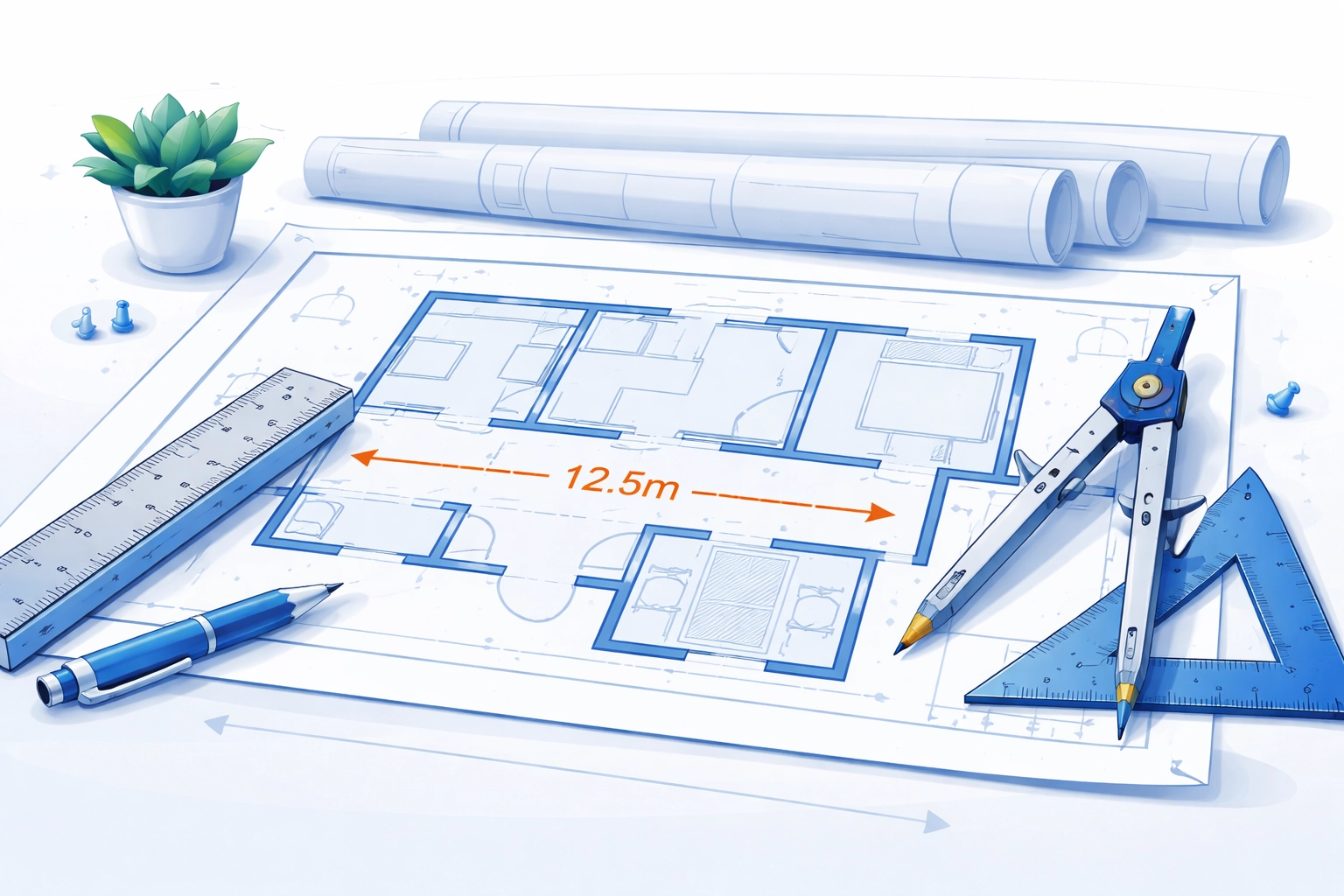
PDF as the Standard for Construction Drawings
PDF has become the de facto exchange format for construction drawings across the architecture, engineering, and construction (AEC) industry. While the original design work is produced in CAD applications such as AutoCAD, Revit, or MicroStation, drawings are almost always distributed and reviewed in PDF form. The reasons are practical: PDF preserves the exact appearance of a drawing regardless of the recipient's software, fonts, or operating system; it produces compact files suitable for email and cloud sharing; and it supports the annotation and markup workflows that are central to the construction review process.
AutoCAD has supported direct PDF export since AutoCAD 2010, and Revit similarly produces high-quality vector PDFs from sheet sets. These CAD-generated PDFs retain vector geometry, which means they can be zoomed to any magnification without loss of quality and support accurate on-screen measurement — a critical requirement when reviewing structural details or checking compliance with spatial constraints.
Measurement Tools in Acrobat
Adobe Acrobat Pro includes a set of measurement tools (found under Tools > Measure) that are particularly useful for engineering and architectural drawings. Before measuring, you calibrate the scale by clicking two points on the drawing whose real-world distance you know — for example, a scale bar or a dimensioned line — and entering the corresponding measurement. Acrobat stores this calibration so all subsequent measurements on that page use the correct scale.
The available measurement types are:
- Distance (linear): Measures the straight-line distance between two points. Useful for checking room widths, structural spans, and clearances.
- Perimeter: Measures the total length of a multi-segment polyline. Useful for fencing runs, kerb lengths, or any irregular boundary.
- Area: Measures the area enclosed by a polygon. Useful for floor area calculations, paving quantities, or any surface take-off.
Measurement annotations are stored as standard PDF annotations and can be printed, exported as a summary, or shared with reviewers. Each measurement annotation records the scale and value, so recipients can verify calculations independently.
Engineering Markup and Comment Tools
Acrobat's annotation toolkit is well matched to the mark-up workflows common in design review. Cloud annotations (the irregular bubble outline) are the traditional engineering comment indicator for areas requiring attention. Callout annotations combine a text box with a leader line pointing to a specific location on the drawing. Sticky notes, text highlights, and freehand drawing tools (pencil) round out the toolkit for general review comments.
In a typical review workflow, an engineer or architect opens the issued PDF, adds markup annotations with comments, and returns the annotated file. The document author can then view all annotations in the Comments pane, filter by reviewer, and track which comments have been addressed. Acrobat's comment status mechanism (accepted, rejected, cancelled, completed) supports formal review and response tracking within the PDF itself.
Stamp Tools for Approval Workflows
PDF stamp annotations are widely used in AEC approval workflows. Acrobat ships with a library of standard stamps including "Approved", "For Review", "Confidential", and "Draft", but custom stamp files can be created from any PDF. Many organisations create custom approval stamps that embed a project number, drawing number, revision reference, and date field — making the stamp function as a formal record of the review stage. Dynamic stamps can incorporate the current user's name and the date and time of stamping, drawn from Acrobat's JavaScript environment, which provides a lightweight electronic approval trail without the overhead of a full digital signature infrastructure.
Comparing Drawing Revisions
When a revised drawing is issued, Acrobat Pro's document comparison feature (Tools > Compare Files) can generate a visual overlay highlighting differences between two PDF versions. Changed areas are marked with colour-coded annotations, and a summary panel lists the number of changes per page. For construction drawings this is valuable for quickly identifying what has changed between revision A and revision B of a structural layout, without manually checking every detail. The comparison works on vector-based PDFs most reliably; scanned drawings or rasterised PDFs produce less precise results.
Portfolio PDFs for Project Documentation Sets
Acrobat supports PDF Portfolio files — a container format that bundles multiple documents (PDFs, Word files, spreadsheets, images) into a single navigable PDF file. For construction projects, a Portfolio can serve as a self-contained project handover pack: architectural drawings, structural calculations, specifications, and O&M manuals in a single file with a custom navigation interface. Recipients only need Acrobat Reader to browse the portfolio and open individual documents.
PDF/A for As-Built Archive
For long-term archiving of as-built documentation — a requirement under many building regulations and contracts — PDF/A (ISO 19005) is the appropriate format. PDF/A is a subset of PDF that prohibits features which create external dependencies or render the file unreadable in the future: external content references, encrypted content, and certain compression methods are disallowed. All fonts must be embedded. An as-built drawing set saved to PDF/A-2b or PDF/A-3b provides confidence that the documents will remain accurately renderable for decades without reliance on external resources.
Bluebeam Revu as an Alternative
Bluebeam Revu is a PDF application specifically designed for the AEC market and is widely used by construction teams as an alternative or complement to Acrobat (see our comparison of PDF editors for more options). It offers a purpose-built toolset for construction workflows: Studio Sessions for real-time multi-user markup collaboration, a more comprehensive measurement and quantity take-off toolkit than standard Acrobat, and deeper integration with common construction document numbering conventions. For firms whose primary PDF use case is drawing review and quantity surveying, Revu's specialised feature set often makes it a better choice than general-purpose Acrobat.
Custom PDF Tools for Engineering Workflows
Beyond off-the-shelf applications, Mapsoft has developed custom PDF tooling for engineering and construction clients with requirements that neither Acrobat nor Bluebeam addresses out of the box. Examples include automated drawing register extraction from PDF metadata, bulk revision stamping with data drawn from a project management database, and automated generation of PDF drawing sets from CAD batch exports with standardised cover sheets and bookmarks. These solutions integrate with the client's existing document management systems and CAD environments, eliminating manual steps in the document control process.
Related Articles
The Acrobat Software Developer's Kit
Unlock the full potential of PDF manipulation with the Acrobat SDK and C++. Learn how to customize and enhance PDFs using Visual Studio and the Adobe Acrobat SDK.
How to Create a Plug-in for Adobe Acrobat Using the SDK
Learn how to develop an Adobe Acrobat plug-in that adds a custom menu item using the Acrobat SDK, C++, and Visual Studio. Step-by-step guide with code examples.
What is an Acrobat Plug-in?
Discover how Acrobat plugins can enhance the functionality of the Adobe Acrobat application. Learn about the features that can be added, from interactive forms to advanced document processing tasks.
Custom PDF Tooling for Engineering and Construction
Mapsoft builds bespoke PDF automation and tooling for AEC firms — from automated drawing registers to integration with project management systems. Tell us about your workflow.