
InDesign CEP Extensions: When CEP Is Still the Right Answer
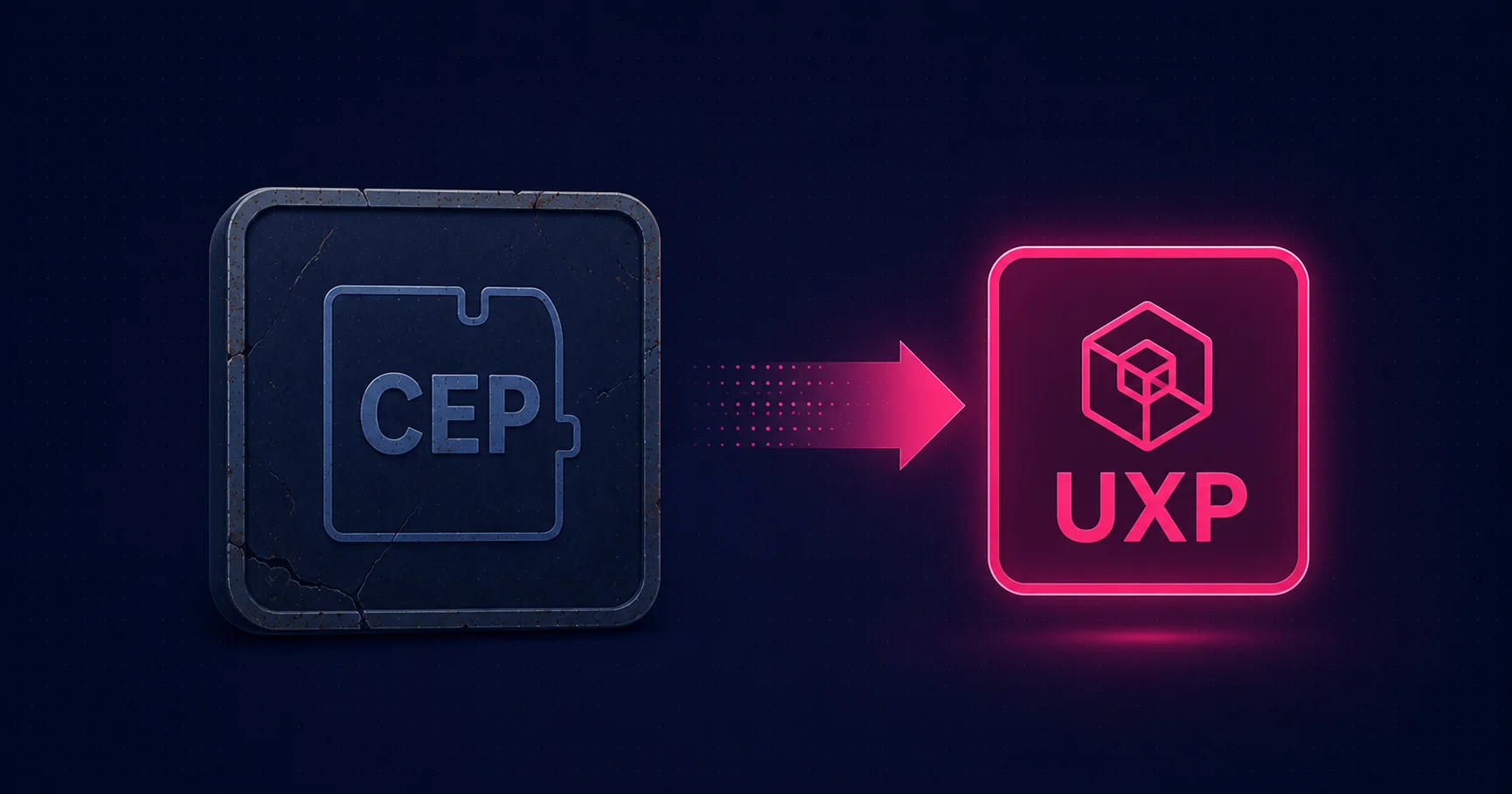
For InDesign in 2026, UXP is the recommended path for new panel work — but CEP isn’t deprecated, and there are real cases where CEP is still appropriate. Here’s the honest picture: when to keep using CEP, when to migrate, and how to architect the migration to UXP cheaply.
The honest framing
CEP — the Common Extensibility Platform — is the older HTML-panel framework Adobe used to host third-party panels in Creative Cloud applications before UXP. For InDesign in 2026, CEP is unambiguously the legacy choice: UXP is publicly available, mature, and recommended for new panel work. Building a new InDesign panel in CEP today is, in almost every case, the wrong call.
That said, CEP isn’t deprecated. Existing CEP extensions still load. Adobe continues to support the framework alongside UXP, and historical precedent from Photoshop suggests CEP will keep loading for years. There are specific cases where CEP is still the right answer — this post covers those, plus the migration path to UXP for everything else.
For the broader UXP-vs-CEP framing and the modern recommendation for InDesign panel work, see UXP for InDesign.
When CEP is still right for InDesign
Three cases where CEP is still the appropriate choice:
1. Maintaining an existing CEP panel
If you have a CEP panel in production today, you don’t need to rewrite it in UXP just to be on the new platform. Existing CEP panels continue to load in current InDesign versions. Rewriting working code for the sake of platform alignment, without a substantive feature reason to touch it, is rarely justified by the user-facing benefit.
The reasonable rule: maintain the CEP panel as-is until you have a meaningful feature reason to touch it. When that reason arrives, evaluate whether the change is large enough to justify a UXP rewrite as part of the work, or whether it’s a small enough change to apply in CEP.
2. Node.js dependencies
CEP gives you Node.js inside the panel, with the full standard library and access to npm. UXP doesn’t. If your panel relies on:
- A Node native module (anything compiled, anything that wraps a system library)
- A Node-only npm package without a browser equivalent
- Node child-process orchestration (forking processes, piping stdin/stdout)
- Direct filesystem access patterns that depend on Node’s
fsmodule specifics
...then a UXP rewrite isn’t a port — it’s a re-implementation of the parts that depended on Node. CEP remains the right answer until that re-implementation is justified by something more than platform alignment.
3. Deep CEP-only APIs
A handful of CEP-specific APIs don’t have UXP equivalents:
- The
vfscache for CEP extension assets - Certain
CEFCommandLineflags for fine-grained Chromium behaviour - CEP-specific event hooks for application lifecycle events
- The
CSEventdispatch system for inter-extension communication
If your panel depends on any of these, UXP isn’t a drop-in replacement. The migration cost is the rewrite of whichever piece relies on those APIs — and until that rewrite is justified, CEP remains appropriate.
What CEP is, briefly
For readers who haven’t worked with CEP before: it’s a framework Adobe introduced in 2014 (replacing the older Flash-based panels) that hosts HTML panels inside Creative Cloud applications. A CEP extension is a folder of files: an HTML page, the CSS and JavaScript that drive it, an ExtendScript file that talks to the host application, and a manifest XML. At runtime the panel runs inside CEFCommandLine (a Chromium webview embedded in InDesign) and communicates with the document via the CSInterface JavaScript library, which evaluates ExtendScript code in the host’s scripting engine.
The framework is mature and well-tooled. The development workflow — Chrome DevTools for the panel, the VSCode ExtendScript Debugger for the host code, ZXP signing for production distribution — works cleanly. Most third-party InDesign panels currently shipping in production are CEP-based.
The anatomy of a CEP extension for InDesign
A minimal CEP extension is a folder with:
com.mapsoft.demo/
  CSXS/
    manifest.xml          <-- declares InDesign as host
  index.html              <-- the panel
  js/
    CSInterface.js        <-- Adobe's host-comms library
    main.js               <-- panel logic
  jsx/
    host.jsx              <-- ExtendScript run in InDesign
The manifest declares which Adobe applications the extension supports. For InDesign, the host code is IDSN:
<HostList>
  <Host Name="IDSN" Version="[20.0,99.9]"/>
</HostList>
The version range covers InDesign 2025 onwards; adjust the lower bound for older support.
How a CEP panel talks to InDesign
The bridge is CSInterface.js. The panel uses evalScript() to send ExtendScript strings to the host:
// In main.js (panel)
var cs = new CSInterface();
document.getElementById('countStories').addEventListener('click', function () {
  cs.evalScript('countStories()', function (result) {
    document.getElementById('output').textContent =
      'Document has ' + result + ' stories';
  });
});
// In jsx/host.jsx (ExtendScript)
function countStories() {
if (app.documents.length === 0) return '0';
return app.activeDocument.stories.length.toString();
}The CEP-vs-UXP architectural difference is exactly here: in UXP the panel calls the InDesign DOM directly, no string-passing bridge. In CEP, every host operation goes through evalScript as a string. That’s the source of CEP’s performance overhead and the friction in production code.
Debugging
The development debugging story is genuinely good. Add a .debug file mapping the extension ID to a port, and CEP exposes the panel’s webview to Chrome DevTools:
<ExtensionList>
  <Extension Id="com.mapsoft.demo.panel">
    <HostList>
      <Host Name="IDSN" Port="8088"/>
    </HostList>
  </Extension>
</ExtensionList>
Open chrome://inspect, attach to the listed port, and you have full DevTools (breakpoints, network, performance, console). For the ExtendScript side, the VSCode "Adobe ExtendScript Debugger" extension provides breakpoints and stepping. The combination is the production debugging setup most CEP teams settle on.
Remember to set PlayerDebugMode to 1 in the registry (Windows) or defaults (macOS) for unsigned development extensions to load.
Packaging and signing — ZXP
For production distribution, package as a ZXP file — a signed ZIP archive containing the extension folder and a signature block. The signing tool is ZXPSignCmd, distributed by Adobe as part of the CEP SDK. The flow:
- Generate a self-signed certificate (or use a code-signing certificate from a CA — better trust prompts at install).
- Run
ZXPSignCmd -sign <extension-folder> <output.zxp> <cert.p12> <cert-password>. - Distribute the
.zxp; users install via Anastasiy’s Extension Manager or similar.
Distribution channels
Same channels as UXP:
- Adobe Exchange / Creative Cloud Marketplace — the official discovery channel; reaches the largest audience but requires Adobe’s review.
- Direct download — sell or distribute the ZXP from your own site; users install with Anastasiy’s. Right for niche enterprise tools and faster iteration.
- Enterprise side-loading — deploy ZXPs across an organisation via SCCM (Windows), Jamf (Mac), or Intune. The panel appears in Window → Extensions on every desktop.
Migration path to UXP
If you’re planning a CEP-to-UXP migration for an InDesign panel, four practices make the move cheap:
- Keep ExtendScript thin in the CEP version. Each ExtendScript function should be a thin wrapper around a host API call. UI logic, state, and async work belong in the panel’s JavaScript. When you migrate, the ExtendScript layer goes away (UXP calls the host directly); the panel JavaScript ports almost as-is.
- Avoid Node.js where you can. If you can use browser-standard APIs (
fetchinstead ofrequire('https'), Web Workers instead of child processes), you save migration effort. The unavoidable Node.js cases are the parts you’ll genuinely have to rewrite. - Use Spectrum Web Components. Adobe’s component library works in CEP today and is the recommended UI in UXP. Building against Spectrum now means the visual design ports as-is.
- Modularise host calls behind a single comms layer. Wrap all
evalScriptcalls in one host-comms module. When you migrate, you replace that one module with direct UXP API calls; the rest of the panel doesn’t change.
The honest take
CEP for InDesign in 2026 is the legacy framework that still has a role — not because it’s the strategic future (it isn’t) but because the migration cost to UXP is real and the CEP panels in production today work. Don’t rewrite a working CEP panel for the sake of being on the new platform. Don’t start a new InDesign panel project in CEP unless you have one of the three justifications above.
The ecosystem will gradually move to UXP over the next several years. CEP will keep loading. Plan migrations on feature-driven schedules, architect new CEP work to be migration-friendly, and default to UXP for anything genuinely new.
Related Articles
UXP for InDesign: The Modern Extensibility Platform
The recommended path for new InDesign panel work in 2026 — modern JavaScript, direct host API, Spectrum components, and a worked example.
Adobe CEP: Common Extensibility Platform Guide
The cross-application introduction to CEP — how it works in InDesign, Photoshop, Illustrator, and the rest of the suite.
Combining InDesign Extension Technologies
How ExtendScript, UXP, CEP, and the C++ SDK fit together — the comparison table and decision flow.
Maintaining or Migrating a CEP Panel?
Mapsoft maintains existing CEP panels in production and plans CEP-to-UXP migrations on schedules driven by features, not platform churn.
Mapsoft is an Adobe affiliate. We may earn a commission on Adobe purchases made through these links, at no extra cost to you.