
The PDF Base-14 Standard Fonts
The fonts every PDF viewer must provide — and why they matter for PDF creation
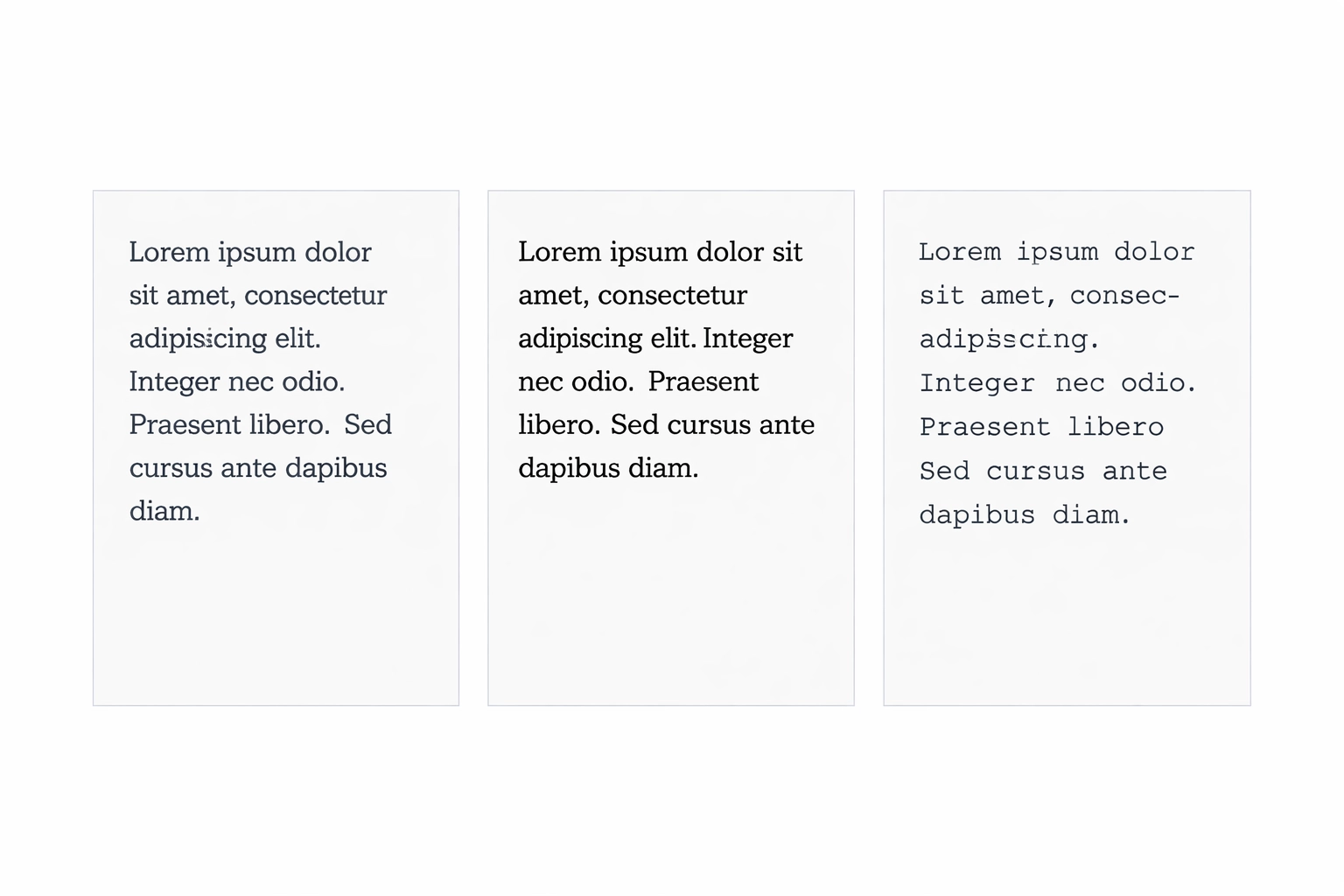
What Are the Base-14 Fonts?
The PDF specification defines a set of 14 fonts — more precisely, 14 font faces across several typeface families — that every conforming PDF viewer is required to support. These fonts do not need to be embedded in a PDF file for a viewer to display them correctly. Because every PDF viewer is guaranteed to have them, a PDF creator can reference these fonts by name without including the font data in the file, keeping the file size smaller.
This is a foundational concept in PDF: the Base-14 fonts are part of the contract between the format and its viewers. Any application that claims to be a PDF viewer must supply these 14 font faces, whether from built-in font data, from the operating system, or from its own font library.
The 14 Fonts
The Base-14 fonts comprise three typeface families plus two symbol fonts:
Helvetica (4 variants)
The sans-serif typeface in the Base-14 set. Helvetica is one of the most widely used typefaces in the world, a Swiss design from 1957 renowned for its clean, neutral appearance.
- Helvetica (Regular)
- Helvetica Bold
- Helvetica Oblique (Italic)
- Helvetica Bold Oblique (Bold Italic)
In XSL-FO (the XML-based page layout language), specifying the generic font family sans-serif will typically map to Helvetica in PDF output.
Times Roman (4 variants)
The serif typeface in the Base-14 set. Times New Roman (and its predecessor Times Roman) was designed for The Times newspaper in 1931 and became the dominant serif typeface in computer printing and screen display.
- Times-Roman (Regular)
- Times-Bold
- Times-Italic
- Times-BoldItalic
In XSL-FO, specifying the generic font family serif will typically map to Times Roman in PDF output.
Courier (4 variants)
The monospaced typeface in the Base-14 set. Originally designed for the IBM typewriter in 1955, Courier became the standard monospaced font for computer terminals and code listings.
- Courier (Regular)
- Courier-Bold
- Courier-Oblique (Italic)
- Courier-BoldOblique (Bold Italic)
In XSL-FO, specifying the generic font family monospace will typically map to Courier in PDF output.
Symbol (1 variant)
Symbol is a single-face font containing Greek alphabetic characters and a range of mathematical and scientific symbols. It is used when content requires characters such as Ω (omega), φ (phi), ≠ (not equal), and © (copyright) within otherwise Latin-alphabet documents.
ZapfDingbats (1 variant)
ZapfDingbats is a single-face font containing dingbats — decorative typographic elements including checkboxes, pointing hands, stars, crosses, and other ornamental characters. Typical uses include bullet points, decorative separators, and form elements. Characters such as ✌ (victory hand), ✍ (writing hand), ❀ (white florette), and ☺ (smiley face) originate in this font.
Why the Base-14 Fonts Matter
Smaller PDF Files
The primary practical advantage is file size. When a PDF uses only Base-14 fonts, the font outline data does not need to be included in the file. This can reduce file size significantly, particularly for documents with large amounts of text. This benefit was especially important in the early days of PDF when storage and bandwidth were expensive; it remains relevant for any high-volume PDF generation workflow.
Specification Guarantee
The PDF specification explicitly states that conforming viewers must supply these fonts if they are not embedded. This is a hard requirement, not a recommendation. Any viewer that fails to do so is not a conforming PDF viewer.
Slight Rendering Variations
There is a practical caveat: "supply the font" does not mean "supply identical font data." A viewer may use its own version of Helvetica or Times Roman — for example, a metrically equivalent substitute such as Arial for Helvetica, or Times New Roman for Times Roman. While these substitutes have identical character widths (ensuring that text reflows identically), there can be very subtle visual differences in letterform details between different implementations. For most uses this is imperceptible, but for brand-critical typography it is worth being aware of.
Base-14 Fonts in Mapsoft Products
Mapsoft's Impress, Impress Pro, and TOCBuilder products all include font selection interfaces where users can choose fonts for elements of their document output. In these products, the 14 Base-14 fonts are displayed in red in the font selection list. This visual distinction serves an important purpose: it alerts users that selecting one of these fonts means the font will not be embedded in the PDF output.
This is particularly relevant in contexts where font embedding is required — most notably when creating PDF/A files for archiving.
Base-14 Fonts and PDF/A
PDF/A is the ISO standard for long-term archival of PDF documents (ISO 19005). One of its core requirements is that all fonts must be embedded in the PDF file, including fonts from the Base-14 set. The rationale is that PDF/A documents must be completely self-contained — they cannot rely on any resources that might not be available in the future, including the viewer's built-in font library.
This means that if you are creating a PDF/A file and you use Helvetica or Courier, you must embed the font data even though these are Base-14 fonts. The non-embedding advantage of the Base-14 set does not apply in PDF/A workflows. Mapsoft's red highlighting in the font list helps users identify this situation and make an informed choice.
Relationship to Type 1 Fonts
The Base-14 fonts originated as Type 1 PostScript fonts — the original Adobe font format from the 1980s. Helvetica, Times Roman, Courier, Symbol, and ZapfDingbats were all originally distributed as Type 1 fonts. The PDF specification's requirement to support them is a direct inheritance from PDF's PostScript origins.
This heritage is relevant now that Adobe has ended support for Type 1 fonts in Creative Cloud applications (from January 2023). However, the Base-14 fonts in a PDF context are a specification requirement for viewers and are not affected by Creative Cloud's Type 1 deprecation. See our article on Type 1 font end of life for more detail on what that change means in practice.
Related Articles
PDF Bookmarks: A Complete Guide
A complete guide to PDF bookmarks: what they are, how they work in the PDF specification, how Acrobat generates them, and how to automate their creation.
PDF Annotations: Types and Usage
A comprehensive guide to PDF annotations: the different types, how they are stored in the PDF format, review workflows, flattening, and scripting with Acrobat JavaScript.
PDF Layers (Optional Content Groups)
Everything about PDF layers (Optional Content Groups): how OCGs work in ISO 32000, use cases in CAD and maps, creating layers in InDesign and Acrobat, scripting visibility, and printing.
Discover Impress and Impress Pro
Mapsoft's Impress products provide professional PDF generation and table-of-contents tools for Adobe InDesign and Acrobat workflows. See the full feature set and download a trial.