
Adobe Acrobat Version History: Every Release from 1993 to 2026
A comprehensive timeline of every major Adobe Acrobat release — from the original Acrobat 1.0 that introduced PDF to the world, through the Creative Suite and Document Cloud eras, to the AI-powered features of today.
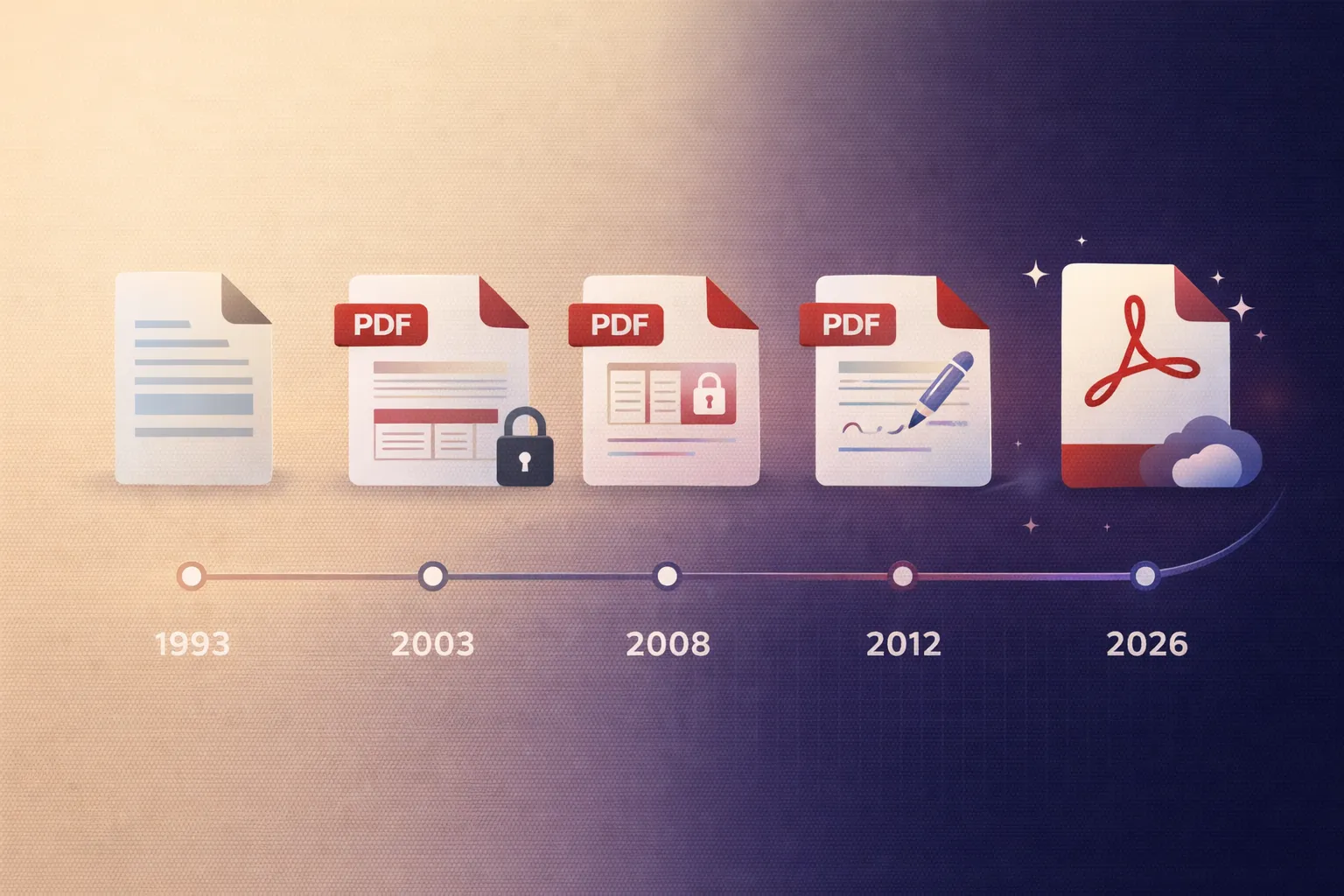
The Birth of PDF and Acrobat 1.0 (1993)
Adobe Acrobat was born from the Camelot project, an initiative led by Adobe co-founder John Warnock to create a universal document format that could be viewed identically on any computer, regardless of operating system, hardware, or installed fonts. The result was the Portable Document Format (PDF) and the software to create and view it: Adobe Acrobat.
Acrobat 1.0 was released on 15 June 1993 and comprised three components: Acrobat Reader (the free viewer), Acrobat Exchange (the editing and annotation tool), and Acrobat Distiller (which converted PostScript files to PDF). The initial release supported PDF 1.0, which provided text, graphics, and images in a fixed-layout document. Hyperlinks were supported from the outset, giving PDF an interactive dimension that print could not match.
The initial market reception was lukewarm. At $695 for the full Acrobat package, adoption was slow. Competing approaches — including Envoy from WordPerfect and Common Ground from No Hands Software — were also vying for the universal document market. Adobe's decision in 1994 to make Acrobat Reader freely available was the turning point that would ultimately establish PDF as the global standard.
Early Evolution: Acrobat 2.0 – 4.0 (1994–1999)
Acrobat 2.0 (1994) introduced support for PDF 1.1, adding security features (password protection), device-independent colour, and article threading for multi-column documents. The free Reader was rebranded as Acrobat Reader to strengthen the product association.
Acrobat 3.0 (1996) brought PDF 1.2 with significantly enhanced capabilities: form fields (making interactive PDF forms possible for the first time), external file embedding, and improved font handling with CIDFont support for Chinese, Japanese, and Korean text. Acrobat 3.0 also introduced the plug-in architecture that would become central to the platform's extensibility — and which Mapsoft has been building on for over two decades.
Acrobat 4.0 (1999) was a major milestone, shipping with PDF 1.3. This version introduced accessibility features (tagged PDF for screen readers), JavaScript support for form validation and interactivity, digital signatures, and the ability to embed multimedia content. Acrobat 4.0 also split into Standard and Professional editions for the first time, establishing the tiered product model that continues today.
The Professional Era: Acrobat 5.0 – 7.0 (2001–2005)
Acrobat 5.0 (2001) introduced PDF 1.4, which brought transparency (a foundational feature for graphic design workflows), 128-bit encryption, and XML form data export. The JavaScript API was substantially expanded, enabling more sophisticated interactive documents.
Acrobat 6.0 (2003) shipped with PDF 1.5 and introduced layers (Optional Content Groups), JPEG 2000 compression, and an entirely new user interface. The product was restructured into Adobe Reader (free), Acrobat Standard, and Acrobat Professional. This version also introduced the Review and Comment workflow, which became a cornerstone of PDF-based document collaboration in enterprise settings.
Acrobat 7.0 (2005) was the first version to be bundled with Adobe Creative Suite, linking Acrobat into the graphic design and publishing workflow. It introduced PDF 1.6 with support for embedded 3D content (using U3D format), OpenType font embedding, and AES encryption. Performance improvements made working with large documents significantly faster.
The Modern Platform: Acrobat 8 – XI (2006–2012)
Acrobat 8 (2006) introduced PDF Portfolios (structured collections of multiple files within a single PDF container), improved form creation tools, and an integrated document comparison feature. The product was offered in Standard, Professional, and a new 3D edition.
Acrobat 9 (2008) brought PDF 1.7 (which would later become the ISO 32000-1 standard) and included native Flash/SWF support for rich media, enhanced PDF Portfolios with Flash-based navigation, and improved redaction tools. Acrobat 9 Pro Extended was the most feature-rich desktop Acrobat ever released.
Acrobat X (2010) introduced the Action Wizard — a guided automation tool that replaced the older Batch Processing feature — along with a redesigned user interface, native PDF/A validation, and improved accessibility checking. Protected Mode, a security sandbox that restricted Acrobat Reader's access to the operating system, was introduced to combat the growing number of PDF-based malware attacks.
Acrobat XI (2012) was the last perpetually licensed version of Acrobat. It introduced PDF editing (the ability to edit text and images directly within a PDF), improved form recognition from scanned documents, and better integration with cloud storage services. Acrobat XI reached end of life in October 2017.
The Subscription Era: Acrobat DC and Beyond (2015–Present)
Acrobat DC (2015) marked the shift to subscription licensing under the Document Cloud brand. It introduced a completely redesigned touch-friendly interface, the Acrobat mobile app, e-signature integration with Adobe Sign (formerly EchoSign), and PDF 2.0 support. Document Cloud enabled seamless file access across desktop, web, and mobile devices.
Acrobat DC Continuous Track replaced the traditional version-numbered releases with a rolling update model. Features are added throughout the year rather than in annual major releases. Key additions since 2015 include: Compare Files (visual document comparison), Prepare Form improvements, enhanced Redact tools, Acrobat Web (a browser-based PDF viewer and editor), integration with Microsoft 365 and Teams, and Liquid Mode (AI-powered responsive document reflow for mobile reading).
Acrobat (2024–2026) saw the integration of Adobe's AI Assistant into Acrobat, providing conversational interaction with PDF documents: summarising content, answering questions, and generating citations. The AI features use Adobe's Firefly generative AI platform and operate within Adobe's enterprise security and privacy framework. The web and mobile experiences have continued to converge with the desktop application, and new collaboration features — including shared reviews with real-time presence — have been introduced.
Acrobat Editions: Reader vs Standard vs Pro
Throughout its history, Acrobat has been offered in tiered editions. Understanding the differences is important when choosing the right product.
Acrobat Reader (free) provides PDF viewing, basic annotation (highlights, sticky notes), form filling, and digital signature application. It supports the full PDF specification for viewing but cannot create or edit PDFs. Reader also supports third-party plugins that extend its capabilities.
Acrobat Standard adds PDF creation (from any application via the PDF printer driver), basic PDF editing, form creation, document signing with certificates, and password-based security. It is available on Windows only.
Acrobat Pro includes everything in Standard plus advanced features: full PDF editing, OCR (text recognition from scanned documents), redaction, accessibility tools, PDF/A and PDF/X validation, Action Wizard for batch processing, Preflight, Compare Files, and the Acrobat SDK for plugin development. Pro is available on both Windows and macOS. For a detailed feature comparison, see our Acrobat Standard vs Pro comparison.
The Acrobat SDK and Plugin Ecosystem
Since Acrobat 3.0, the Acrobat SDK has allowed developers to extend Acrobat's functionality through C/C++ plugins and, later, JavaScript. The plugin architecture has been central to Acrobat's success in enterprise workflows, enabling organisations to build custom document processing, form handling, security, and integration solutions.
Mapsoft has been developing Acrobat plugins since the early days of the SDK. Our current range includes tools for automated bookmarking, table of contents generation, page labelling, stamping, and more — all built on the Acrobat plugin API and compatible with both Acrobat Standard and Pro.
Version Timeline
| Version | Year | PDF Version | Key Features |
|---|---|---|---|
| Acrobat 1.0 | 1993 | PDF 1.0 | First release; text, graphics, hyperlinks |
| Acrobat 2.0 | 1994 | PDF 1.1 | Security, device-independent colour |
| Acrobat 3.0 | 1996 | PDF 1.2 | Forms, plug-in architecture, CJK support |
| Acrobat 4.0 | 1999 | PDF 1.3 | Accessibility, JavaScript, digital signatures |
| Acrobat 5.0 | 2001 | PDF 1.4 | Transparency, 128-bit encryption, XML forms |
| Acrobat 6.0 | 2003 | PDF 1.5 | Layers, JPEG 2000, Standard/Professional split |
| Acrobat 7.0 | 2005 | PDF 1.6 | 3D content, Creative Suite integration, AES |
| Acrobat 8 | 2006 | PDF 1.7 | PDF Portfolios, document comparison |
| Acrobat 9 | 2008 | PDF 1.7 (ISO) | Flash/SWF, rich media, enhanced redaction |
| Acrobat X | 2010 | PDF 1.7 | Action Wizard, Protected Mode sandbox |
| Acrobat XI | 2012 | PDF 1.7 | PDF editing, last perpetual license version |
| Acrobat DC | 2015 | PDF 2.0 | Subscription model, Document Cloud, mobile apps, e-signatures |
| Acrobat (current) | 2024– | PDF 2.0 | AI Assistant, Liquid Mode, real-time collaboration |
Other Adobe History Articles
Related Articles
Adobe Acrobat Versions: Reader vs Standard vs Pro
Compare every Adobe Acrobat version — Reader, Standard, and Pro. Feature comparison, pricing, and which edition is right for your workflow.
The Acrobat Software Developer's Kit
Unlock the full potential of PDF manipulation with the Acrobat SDK and C++. Learn how to customise and enhance PDFs using Visual Studio and the Adobe Acrobat SDK.
Adobe Acrobat Batch Processing
Master batch processing in Adobe Acrobat using Action Wizard and JavaScript. Automate PDF conversion, redaction, accessibility compliance, and more.
Extend Acrobat with Mapsoft Plugins
Mapsoft has been building Adobe Acrobat plugins for over 25 years. Our tools automate bookmarking, table of contents generation, stamping, page labelling, and more.