

More than 90 percent of large enterprises worldwide depend on Portable Document Format files for secure document exchange, yet american IT managers frequently face complex challenges when balancing workflow automation and version control with evolving Adobe technologies. The smallest differences between PDF standards can disrupt document accessibility, security, and compliance in global operations. This guide breaks down key advances in PDF versions and arms you with practical strategies to maintain control, optimize workflows, and safeguard your enterprise data.
Table of Contents
- Defining Pdf Version Differences And Standards
- Key Pdf Versions And Feature Variations
- Compatibility Challenges Across Pdf Versions
- Security, Compliance, And Upgrade Implications
- Optimizing Enterprise Workflows For Pdf Versions
Key Takeaways
| Point | Details |
|---|---|
| PDF version selection is critical | Choosing the appropriate PDF version impacts document security, compatibility, and usability in enterprise workflows. |
| Understand compatibility challenges | Organizations must address PDF version compatibility issues to ensure consistent document readability across platforms. |
| Proactive security management is essential | Regular audits of PDF security infrastructures can identify vulnerabilities and ensure compliance with relevant regulations. |
| Ongoing workflow optimization is necessary | Continuous reassessment and adaptation of PDF document management strategies will help address evolving standards and organizational needs. |
Defining PDF Version Differences and Standards
Portable Document Format (PDF) has evolved significantly since its inception, with each version introducing critical improvements for enterprise document management. PDF was originally developed by Adobe in 1992 and has since become a global standard for preserving document integrity across different computing platforms.
Modern PDF versions differ substantially in their capabilities and technical specifications. PDF 1.7, which long served as the primary standard, offered basic document preservation features. However, PDF 2.0, published as ISO 32000-2 in December 2020, represents a substantial leap forward in document technology. This version introduces enhanced security protocols, improved metadata handling, and more robust cross-platform compatibility.
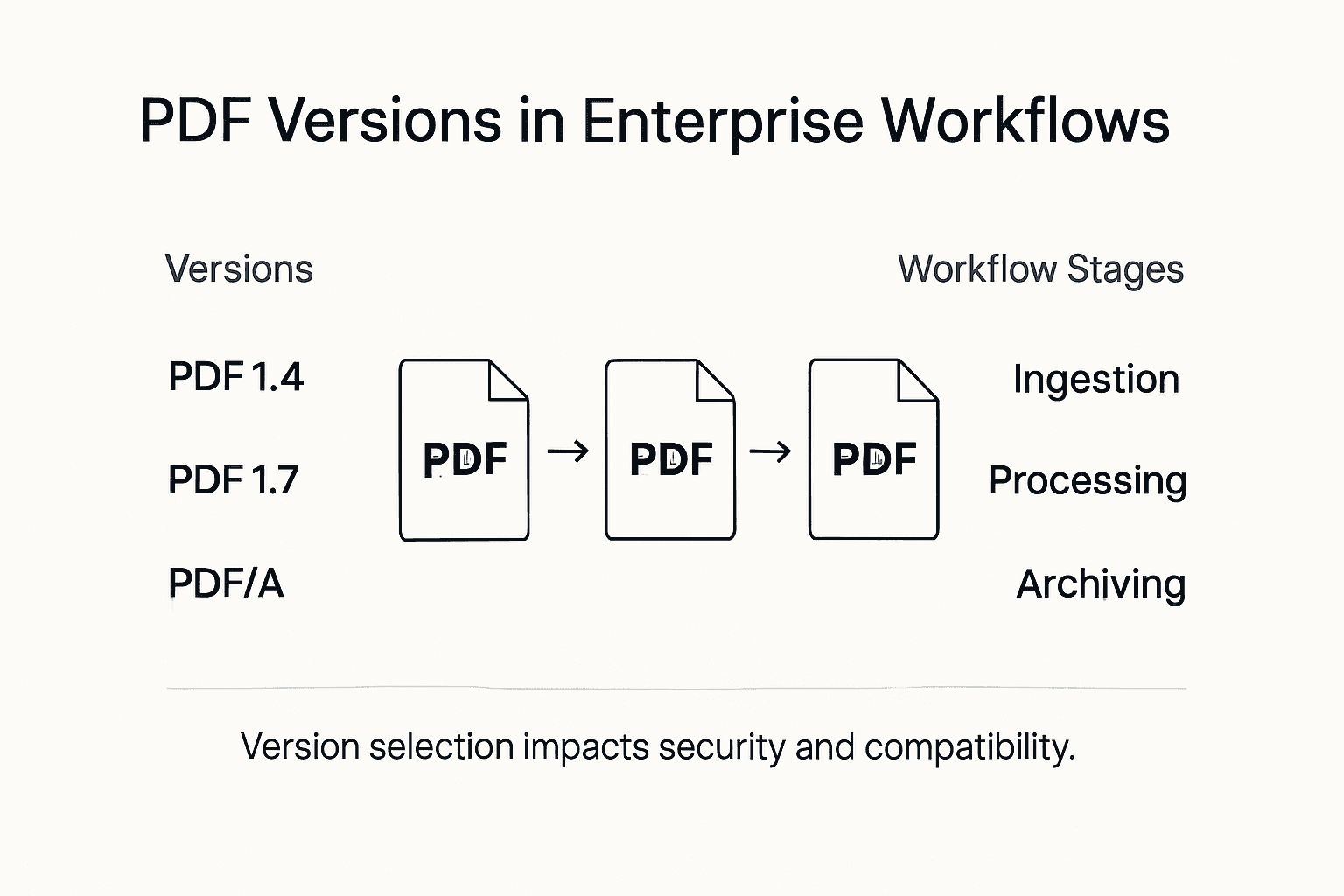
Enterprise workflows now recognize critical distinctions between PDF versions:
- PDF 1.7: Standard format with basic document preservation
- PDF/A: Specialized archival format designed for long-term document retention
- PDF 2.0: Advanced version with enhanced security and interoperability features
Pro Tip: Version Verification Strategy: Always verify the exact PDF version before integrating documents into enterprise workflows to prevent potential compatibility or security issues.
Professional Insight: Enterprises must treat PDF version selection as a strategic decision, not just a technical detail. Understanding these nuanced differences can dramatically impact document security, accessibility, and long-term information management.
Key PDF Versions and Feature Variations
PDF versions have evolved to address complex industry-specific requirements, with specialized formats emerging to meet unique document management challenges. PDF/X represents a critical subset of PDF standards designed specifically for graphic arts professionals, providing precise controls for print-related document specifications.
The graphic design and printing industries rely on specific PDF variants that ensure consistent output and color management. PDF/X-1a, for instance, mandates strict CMYK or spot color usage, while PDF/X-3 allows more flexibility with calibrated RGB and CIELAB color spaces. These specialized versions solve critical challenges in professional printing workflows by enforcing standardized document creation parameters.
Key PDF version variations include:
- PDF/A: Long-term archival document preservation
- PDF/X: Graphic arts and printing industry standard
- PDF/E: Engineering and technical document exchange
- PDF 2.0: Advanced enterprise document format with enhanced security
Enterprise document management strategies must consider these specialized PDF variants, understanding their unique capabilities and limitations. Each version offers distinct advantages for specific use cases, from archival preservation to professional printing requirements.
Here’s a comparison of major PDF versions and their primary business impacts:
| PDF Version/Standard | Core Focus | Notable Features | Business Impact |
|---|---|---|---|
| PDF 1.7 | General use, legacy | Basic preservation, limited metadata | Reliable for everyday tasks, but lacks modern security |
| PDF/A | Long-term archiving | Strict standard for preservation, disables active content | Ensures regulatory and compliance for archives |
| PDF/X | Print industry workflows | Enforces print color integrity, strict file checks | Guarantees accurate and consistent printing |
| PDF/E | Engineering, CAD | Handles complex drawings, 3D models | Facilitates technical data exchange and collaboration |
| PDF 2.0 | Modern enterprise | Improved encryption, enhanced metadata, interoperability | Maximizes security, future-proofs workflows |
Pro Tip: Version Selection Strategy: Always match your PDF version to your specific industry requirements, considering factors like color management, archival needs, and technical document exchange standards.
Professional Insight: Selecting the right PDF version is not just a technical decision, but a strategic workflow optimization that can significantly impact document reliability, compatibility, and long-term usability.
Compatibility Challenges Across PDF Versions
Enterprise document management encounters significant obstacles when navigating PDF version compatibility, particularly when dealing with accessibility and document interpretation challenges. Organizations frequently struggle with maintaining consistent document readability and functionality across different PDF versions and platforms.

Accessibility standards present complex compatibility issues for enterprises. Different accessibility requirements between WCAG 2.1 AA and PDF/UA standards create significant technical challenges, requiring meticulous document preparation and strategic version management. These variations can impact how assistive technologies interpret and render document content, potentially creating barriers for users with disabilities.
Key compatibility challenges include:
- Inconsistent rendering across different PDF reader applications
- Variation in embedded font support
- Metadata interpretation differences
- Security feature incompatibilities
- Accessibility tag and structure variations
Enterprises must develop comprehensive strategies to mitigate these compatibility risks. This involves implementing robust document conversion protocols, maintaining strict version control, and investing in advanced PDF management tools that can effectively bridge version-related gaps.
Pro Tip: Compatibility Assessment Strategy: Regularly audit your PDF documents across multiple platforms and versions to identify and resolve potential compatibility issues before they impact critical business workflows.
Professional Insight: Successful PDF version management requires a proactive approach that anticipates potential technical barriers and develops flexible document handling strategies.
Security, Compliance, and Upgrade Implications
Legacy document management systems present significant security risks that can compromise organizational data integrity and regulatory compliance. Enterprises must critically evaluate their existing PDF workflows, understanding that outdated systems create vulnerabilities that extend far beyond simple document management.
Modern PDF security demands a comprehensive approach that addresses multiple compliance frameworks. Organizations must navigate complex regulatory requirements like GDPR, ISO 27001, and industry-specific standards, which mandate stringent document protection protocols. This involves implementing advanced encryption, access controls, and comprehensive audit trails that track document interactions and modifications.
Key security and compliance considerations include:
- Encryption strength across different PDF versions
- Granular access control mechanisms
- Metadata protection and sanitization
- Audit logging and document tracking
- Compliance with international data protection regulations
Upgrade strategies must prioritize security evolution, recognizing that PDF version transitions represent critical opportunities to enhance organizational document protection. Enterprises should develop systematic upgrade paths that minimize potential vulnerabilities while maintaining operational continuity.
Pro Tip: Security Baseline Assessment: Conduct quarterly comprehensive reviews of your PDF security infrastructure, identifying potential gaps and proactively implementing version-specific security enhancements.
Professional Insight: Successful PDF security is not about achieving perfection, but establishing a dynamic, adaptive approach that anticipates and mitigates emerging digital threats.
Optimizing Enterprise Workflows for PDF Versions
Research reveals significant challenges in enterprise PDF workflow accessibility, with less than 3.2% of scholarly PDFs meeting comprehensive accessibility standards. This startling statistic underscores the critical need for strategic workflow optimization that addresses both technical capabilities and usability requirements.
Successful PDF workflow optimization demands a multifaceted approach that integrates advanced technology, standardized processes, and continuous performance monitoring. Enterprises must develop robust frameworks that accommodate version-specific requirements, ensuring seamless document conversion, metadata management, and cross-platform compatibility. This involves implementing intelligent automation tools, establishing clear version control protocols, and creating adaptive document processing pipelines.
Key strategies for optimizing PDF workflows include:
- Centralized document version management
- Automated accessibility compliance checking
- Intelligent metadata extraction and tagging
- Cross-platform rendering validation
- Scalable batch processing capabilities
- Dynamic version conversion mechanisms
Enterprise PDF workflow optimization is not a one-time project but an ongoing strategic initiative. Organizations must continuously reassess their document management approaches, adopting flexible technologies that can adapt to evolving PDF standards and organizational requirements.
To help address workflow and compatibility challenges, here is a summary of strategies and the organizational benefits they provide:
| Optimization Strategy | Example Action | Key Benefit |
|---|---|---|
| Centralized Version Control | Unified platform for managing versions | Fewer errors, consistent documents |
| Automated Accessibility Checks | Use software to scan documents | Ensures legal compliance, improves usability |
| Metadata Extraction & Tagging | Intelligent tools for auto-tagging | Easier search, faster retrieval |
| Cross-Platform Validation | Test rendering on multiple systems | Reliable viewing for all users |
| Dynamic Conversion Tools | Convert older PDFs to latest standards | Extended document lifespan |
| Periodic Workflow Audits | Biannual infrastructure reviews | Early detection of issues, proactive fixes |
Pro Tip: Workflow Assessment Strategy: Conduct biannual comprehensive audits of your PDF workflow infrastructure, identifying performance bottlenecks, accessibility gaps, and opportunities for technological integration.
Professional Insight: Successful PDF workflow optimization transcends technical implementation, requiring a holistic approach that balances technological capability with organizational adaptability.
Streamline Your Enterprise PDF Workflows with Mapsoft Solutions
Navigating the complexities of PDF version differences and ensuring compatibility across platforms can be overwhelming. This article highlights critical challenges such as version verification, security compliance, and accessibility that enterprises face daily. At Mapsoft, we understand how selecting the right PDF standard—from PDF/A archival needs to PDF 2.0 security enhancements—directly impacts your document management success. Our solutions are designed to address these pain points by enabling automated version control, robust metadata management, and seamless cross-platform compatibility.

Empower your organization today by exploring our tailored tools for Digital Preservation, ensuring your PDFs meet archival and compliance standards without hassle. Visit Mapsoft.com to discover how our professional plug-ins and automation platforms simplify secure PDF handling. Take control of your PDF workflows now before version incompatibilities disrupt your business productivity.
Frequently Asked Questions
What are the main differences between PDF versions?
The primary differences between PDF versions include their capabilities, such as document preservation features, security protocols, and specific applications. For example, PDF 1.7 provides basic features, while PDF 2.0 offers enhanced security and interoperability.
How does PDF/A differ from regular PDF formats?
PDF/A is a specialized archival format designed for long-term document retention, which disables active content to ensure consistent document integrity over time, whereas standard PDF formats may allow interactive elements that could compromise archiving.
What challenges arise from compatibility issues between PDF versions in enterprise settings?
Compatibility challenges include inconsistent rendering in different PDF readers, variations in embedded font support, and accessibility discrepancies, which can hinder document readability and functionality across platforms.
How can organizations ensure their PDF workflows are optimized for varying PDF versions?
Organizations can optimize their PDF workflows by implementing centralized version control, automated accessibility checks, and dynamic conversion tools to handle different PDF standards effectively.

