

{
“@type”: “Article”,
“image”: “https://csuxjmfbwmkxiegfpljm.supabase.co/storage/v1/object/public/blog-images/organization-3822/1765671974953_image_1765671974838.png”,
“author”: {
“url”: “https://mapsoft.com”,
“name”: “Mapsoft”,
“@type”: “Organization”
},
“@context”: “https://schema.org”,
“headline”: “Adobe Accessible PDF: Enhancing Workflow Compliance”,
“publisher”: {
“url”: “https://mapsoft.com”,
“name”: “Mapsoft”,
“@type”: “Organization”
},
“inLanguage”: “en”,
“articleBody”: “Adobe accessible PDF ensures document compliance, improves workflow efficiency, and reduces legal risks. Explore standards, features, and best practices.”,
“description”: “Adobe accessible PDF ensures document compliance, improves workflow efficiency, and reduces legal risks. Explore standards, features, and best practices.”,
“datePublished”: “2025-12-14T00:26:44.980Z”
}
Over 60 million American adults live with some form of disability, yet many digital documents remain out of reach for them. As businesses and public organizations embrace online communication, the need for truly accessible PDFs has become more urgent than ever. Understanding Adobe’s accessible PDF principles empowers technical teams and content creators to make every document readable, navigable, and inclusive for users of all abilities.
Table of Contents
- Adobe Accessible PDF: Core Principles Explained
- Accessibility Standards and Legal Requirements
- Key Features for Creating Accessible PDFs
- Use Cases in Business Workflows
- Common Mistakes and Compliance Risks
Key Takeaways
| Point | Details |
|---|---|
| Inclusive Design | Accessible PDFs must be designed to be readable and usable for individuals with diverse abilities, focusing on universal design principles. |
| Legal Compliance | Organizations must adhere to accessibility standards like EN 301 549, the Americans with Disabilities Act (ADA), and Section 508 to avoid legal risks. |
| Documentation Best Practices | Implement logical heading structures, alternative text for images, and keyboard navigation to enhance document accessibility. |
| Proactive Accessibility | Accessibility should be viewed as a fundamental requirement, not an afterthought, to ensure equal access and improve user experience. |
Adobe Accessible PDF: Core Principles Explained
Accessible PDFs represent a critical intersection of digital design and inclusive technology. These documents go beyond standard file formats by ensuring information remains readable, navigable, and comprehensible for users with diverse abilities. Adobe’s accessibility principles are fundamentally rooted in creating digital experiences that welcome all users, regardless of their physical or cognitive capabilities.
The core principles of Adobe Accessible PDFs center on universal design, which means developing documents that can be understood through multiple sensory channels. This includes providing alternative text for images, creating logical reading order, enabling screen reader compatibility, and ensuring keyboard navigation. Advanced accessible PDFs also incorporate semantic structure, allowing assistive technologies to interpret document content accurately. These technical considerations transform PDFs from static visual documents into dynamic, interactive resources that can be engaged with through various adaptive technologies.
Implementing accessibility involves several strategic approaches. Document creators must focus on:
- Proper heading hierarchies
- Descriptive link texts
- Color contrast considerations
- Comprehensive metadata
- Machine-readable form elements
Technical teams and content designers play a crucial role in bridging accessibility gaps. By embedding accessibility features during document creation, organizations can ensure their digital communications remain inclusive, compliant with legal standards, and genuinely user-centric.
Accessibility Standards and Legal Requirements
Navigating the complex landscape of digital accessibility requires understanding critical legal frameworks that protect users with diverse abilities. The European standard EN 301 549 represents a pivotal milestone in establishing comprehensive guidelines for information and communication technology (ICT) accessibility, providing a robust blueprint for inclusive digital experiences across multiple sectors.
Legal requirements for digital accessibility typically fall into several key categories. Compliance standards mandate that organizations ensure their digital documents and platforms are usable by individuals with visual, auditory, motor, and cognitive disabilities. This means creating PDFs that can be interpreted by screen readers, support keyboard navigation, and maintain clear semantic structures. In the United States, regulations like the Americans with Disabilities Act (ADA) and Section 508 of the Rehabilitation Act require federal agencies and organizations receiving federal funding to provide accessible digital content.
Key accessibility legal considerations include:
- Providing alternative text for images
- Ensuring proper color contrast
- Supporting screen reader compatibility
- Creating logical document structure
- Enabling keyboard-based navigation
- Maintaining consistent formatting
Beyond legal mandates, accessibility represents a fundamental commitment to digital inclusivity. Organizations that proactively implement accessible PDF standards not only mitigate legal risks but also demonstrate social responsibility, expand their potential audience, and create more meaningful user experiences for all individuals, regardless of their physical capabilities.
Key Features for Creating Accessible PDFs
Creating truly accessible PDFs requires a comprehensive approach that goes beyond basic document formatting. Key accessibility features transform digital documents from visual representations into navigable, comprehensible resources for users with diverse abilities. These technical considerations ensure that every aspect of the document can be interpreted by assistive technologies, making information universally available.

The fundamental elements of accessible PDF design include semantic structure and comprehensive metadata. This means developing documents with logical heading hierarchies, providing alternative text for images, creating descriptive link texts, and ensuring form fields are properly labeled. Screen readers and other assistive technologies rely on these structural elements to translate visual information into meaningful content that can be read aloud, interpreted through braille displays, or navigated using keyboard controls.
Critical components of PDF accessibility include:
- Logical reading order
- Proper heading hierarchies (H1, H2, H3)
- Alternative text for all visual elements
- Keyboard navigation support
- High color contrast
- Descriptive hyperlink text
- Machine-readable form elements
- Embedded document language tags
Technical teams must approach PDF accessibility as a holistic design challenge. By embedding these features during document creation, organizations can ensure their digital communications are not just compliant with legal standards, but genuinely inclusive. This approach transforms PDFs from static documents into dynamic, interactive resources that can be accessed and understood by individuals with visual, auditory, motor, and cognitive disabilities.
Use Cases in Business Workflows
Businesses across multiple sectors are discovering the transformative power of accessible PDF technologies. Accessible PDF strategies are revolutionizing how organizations communicate, ensuring that critical documents remain inclusive and comprehensible for every team member, regardless of their individual capabilities.
In human resources departments, accessible PDFs play a crucial role in standardizing employment documentation. Onboarding materials, employee handbooks, benefits guides, and training documentation become universally readable when properly structured. This approach ensures that job applications, performance review documents, and compliance forms can be easily interpreted by screen readers, supporting equitable workplace communication and eliminating potential barriers for employees with diverse abilities.
Key business workflow applications for accessible PDFs include:
- Human Resources document management
- Legal and compliance documentation
- Technical instruction manuals
- Financial reporting and statements
- Training and educational materials
- Customer communication packages
- Internal policy and procedure documents
Technical and operational teams benefit significantly from implementing accessible PDF strategies. By treating document accessibility as a fundamental design principle rather than an afterthought, organizations create more robust communication systems. These approaches not only meet legal accessibility requirements but also demonstrate a commitment to inclusive workplace practices, ultimately improving information comprehension and organizational efficiency across diverse professional environments.
Common Mistakes and Compliance Risks
Navigating the complex terrain of PDF accessibility requires a keen understanding of potential pitfalls that can compromise document usability. Common accessibility mistakes represent significant legal and operational risks for organizations, potentially exposing them to compliance challenges and potential litigation under disability discrimination laws.
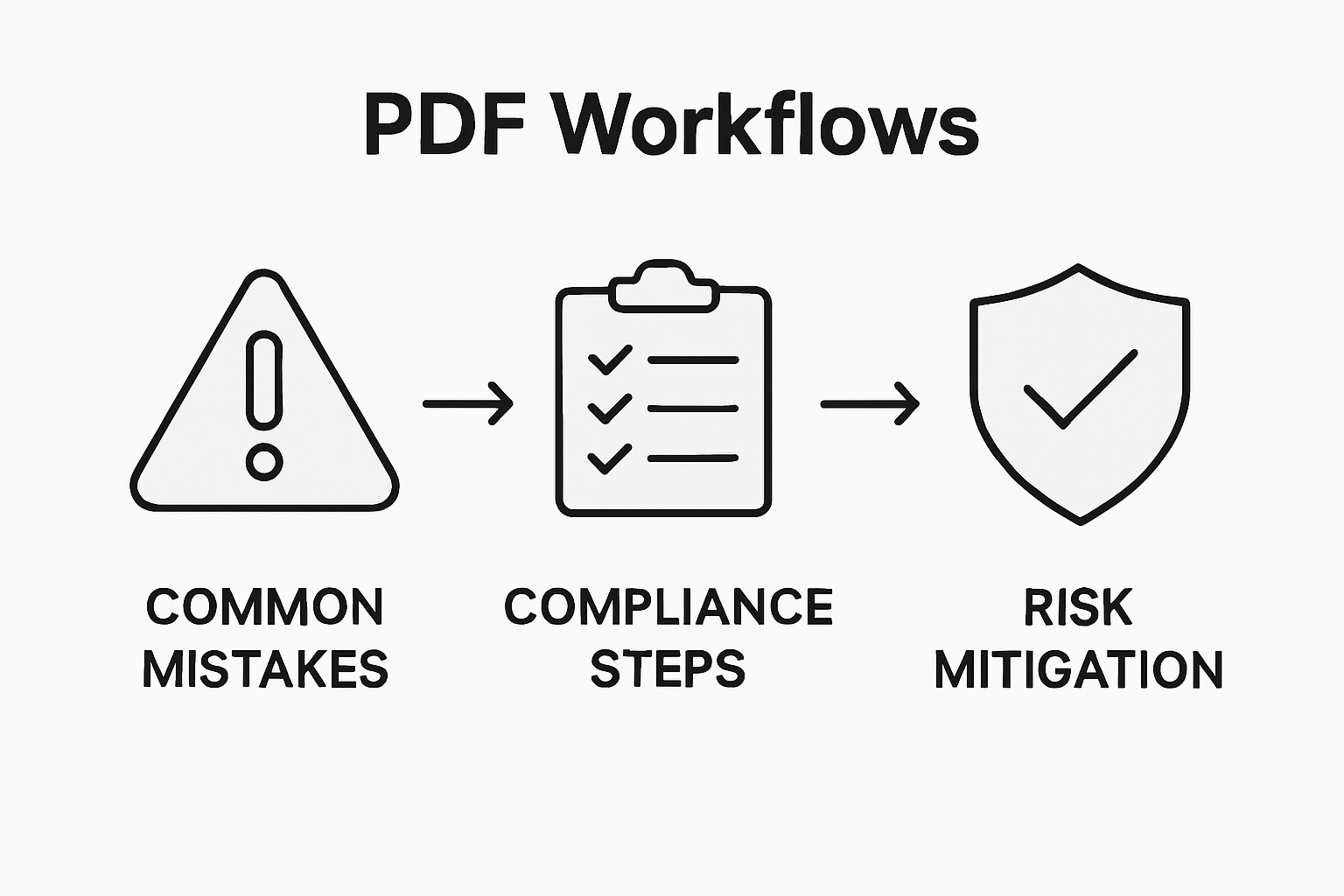
The most critical accessibility vulnerabilities emerge from seemingly minor technical oversights. These include failing to provide alternative text for images, creating inconsistent or illogical heading structures, and leaving form fields unlabeled. Such errors can render entire documents incomprehensible to users relying on assistive technologies, effectively creating digital barriers that prevent equal access to information. Screen readers and other adaptive technologies depend on precise structural cues to translate visual content into meaningful experiences for users with visual, auditory, or cognitive disabilities.
Key compliance risks and common mistakes include:
- Omitting alternative text for images and graphics
- Inconsistent or missing heading hierarchies
- Unlabeled or improperly configured form fields
- Poor color contrast that impedes readability
- Untagged or incorrectly tagged document elements
- Lack of keyboard navigation support
- Missing document language specifications
Addressing these accessibility challenges requires a proactive, systematic approach. Organizations must view document accessibility not as a optional enhancement, but as a fundamental requirement of modern digital communication. By implementing comprehensive accessibility review processes, training technical teams, and leveraging automated accessibility checking tools, businesses can mitigate compliance risks while demonstrating a genuine commitment to inclusive digital practices.
Elevate Your Accessible PDF Compliance with Mapsoft Solutions
The challenges detailed in the article reflect a critical need for thorough, consistent PDF accessibility that meets legal standards like EN 301 549 while ensuring all users can navigate and understand your documents. Key pain points include ensuring proper heading hierarchies, alternative text for images, keyboard navigation support, and semantic structure compliance. These demands can create complex workflow bottlenecks for businesses aiming to uphold accessibility and inclusivity in document handling.
At Mapsoft, we understand the importance of embedding accessibility from the start through advanced PDF processing and automation tools. Our solutions empower your teams to streamline compliance by offering features such as metadata management, semantic structure editing, and batch workflow automation. By integrating these capabilities, organizations can reduce the risk of compliance breaches and deliver truly inclusive digital documents. Explore how our services can enhance your accessibility strategy and support your regulatory goals with tools at Digital Preservation and our comprehensive offerings at Mapsoft.com.
Ready to overcome accessibility challenges and optimize your Adobe PDF workflows?

Discover powerful tools and expert support to secure your document compliance today. Visit Mapsoft.com and start transforming your PDF accessibility workflows with tailored software solutions and consultancy services designed for modern businesses.
Frequently Asked Questions
What are the core principles of Adobe Accessible PDFs?
Adobe Accessible PDFs focus on universal design, ensuring that documents are readable, navigable, and comprehensible for users with diverse abilities. This includes providing alternative text for images, creating logical reading orders, and enabling compatibility with assistive technologies.
Why is accessibility important for business documents?
Accessibility is crucial for business documents to ensure inclusivity, compliance with legal standards, and to enhance communication for all users. This encompasses creating documents that everyone, including those with disabilities, can understand and navigate.
What common mistakes should be avoided in creating accessible PDFs?
Common mistakes include failing to provide alternative text for images, using inconsistent heading hierarchies, leaving form fields unlabeled, and not ensuring proper color contrast. These oversights can lead to compliance risks and make documents unusable for some users.
How can organizations ensure compliance with accessibility standards?
Organizations can ensure compliance by embedding accessibility features during document creation, conducting regular accessibility reviews, and providing training for technical teams. Utilizing automated accessibility checking tools can also help mitigate compliance risks.

