

Managing thousands of business-critical records can quickly become overwhelming when traditional formats fail to keep up with evolving compliance rules and preservation demands. IT managers know that long-term document accessibility is essential for organizations across North America, Europe, and Asia where regulatory pressure and audit expectations keep growing. Choosing a standardized, self-contained solution like PDF/A offers a proven way to future-proof digital archives, eliminate costly risks from obsolete file types, and keep compliance on track.
Table of Contents
- PDF/A Defined For Document Archiving
- Types Of PDF/A And Key Differences
- PDF/A Features Supporting Longevity
- Compliance, Legal, And Regulatory Mandates
- Risks Of Non-Standard Formats In Archiving
- Comparing PDF/A To Other File Formats
Key Takeaways
| Point | Details |
|---|---|
| PDF/A is Essential for Archiving | PDF/A ensures long-term digital preservation by embedding fonts and eliminating dynamic elements, creating reliable, self-contained documents. |
| Different PDF/A Versions Serve Various Needs | PDF/A versions (1, 2, 3, 4) offer progressively advanced features for different archival scenarios, catering to specific document complexities. |
| Compliance with Regulations is Crucial | Many industries mandate PDF/A for legal compliance, ensuring that documents remain unalterable and verifiable for auditing purposes. |
| Non-Standard Formats Represent Risks | Using non-standard formats can jeopardize document integrity and future accessibility due to technological obsolescence and vendor lock-in. |
PDF/A Defined for Document Archiving
PDF/A represents a specialized digital document format designed specifically for long-term archival preservation. Developed as an international ISO standard for electronic documents, this format ensures consistent rendering and accessibility across different technological platforms and time periods.
Unlike standard PDF files, PDF/A imposes strict requirements that guarantee document integrity and future readability. These requirements include mandatory font embedding, color management standards, and the prohibition of certain dynamic elements like executable code, audio, video, and external links. By eliminating these potentially unstable features, PDF/A creates a static, self-contained document that can be reliably reproduced decades into the future.
The PDF/A family comprises multiple versions (PDF/A-1, PDF/A-2, PDF/A-3), each progressively expanding capabilities while maintaining core preservation principles. Enterprises dealing with critical documentation such as legal records, scientific research, financial statements, and historical archives find PDF/A invaluable for ensuring document authenticity and accessibility over extended periods.
Pro tip: When converting documents to PDF/A, always validate the output using specialized compliance checking tools to confirm full archival standard conformance.
Types of PDF/A and Key Differences
The PDF/A standard has evolved through multiple versions, each addressing specific archival preservation requirements. PDF/A versions progressively expand document preservation capabilities, introducing increasingly sophisticated features for long-term digital document management.
Four primary PDF/A versions exist, each built upon different PDF platform standards: PDF/A-1 (based on PDF 1.4), PDF/A-2 and PDF/A-3 (based on PDF 1.7), and PDF/A-4 (based on PDF 2.0). These versions introduce incremental improvements in document preservation technologies. PDF/A-1 establishes the foundational archival standard by prohibiting dynamic features like transparency and embedded audio. PDF/A-2 significantly expanded capabilities by allowing transparency effects and embedding PDF/A-compliant files. PDF/A-3 introduced the groundbreaking ability to embed arbitrary file formats within the document, dramatically increasing its utility for complex archival scenarios.
Each PDF/A version includes three compliance levels – A (accessible), B (basic), and U (unicode) – which define specific requirements for document structure, visual integrity, and text encoding. The A level provides the most comprehensive accessibility standards, ensuring documents remain fully readable and navigable across different platforms and technologies. The B level focuses on basic visual preservation, while the U level guarantees proper Unicode text representation.
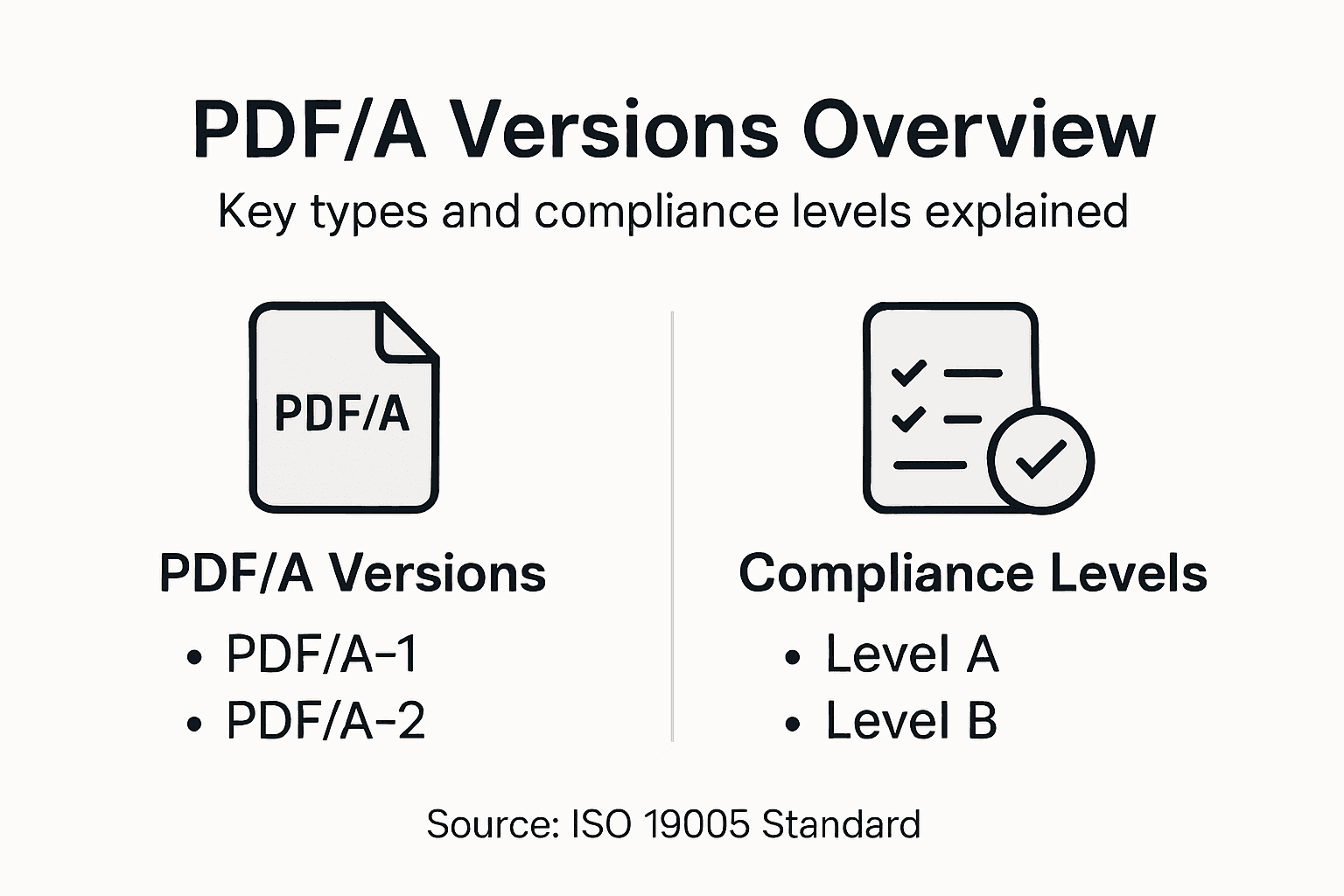
Here’s how the main PDF/A versions differ in capabilities and recommended usage:
| PDF/A Version | Key Enhancements | Typical Use Cases |
|---|---|---|
| PDF/A-1 | Basic preservation, no transparency or embedding | Legal contracts, simple archives |
| PDF/A-2 | Supports transparency, layers, embedding PDF/A files | Scanned records, documents with graphics |
| PDF/A-3 | Allows embedding any file type for context | Emails, invoices with source data |
| PDF/A-4 | Leverages PDF 2.0, improved modern features | Complex workflows, future-proof archiving |
Pro tip: When selecting a PDF/A version, carefully evaluate your specific archival requirements and choose the version that best matches your document complexity and long-term preservation needs.
PDF/A Features Supporting Longevity
PDF/A ensures document preservation through rigorous technical standards that guarantee long-term digital accessibility. The format was specifically designed to address the challenges of digital document archiving by implementing strict requirements that prevent future rendering complications.
The core longevity features of PDF/A focus on comprehensive self-containment and device independence. This means every document must include all necessary resources internally, eliminating external dependencies that could compromise future readability. Key preservation mechanisms include mandatory font embedding, complete color profile integration, and comprehensive metadata preservation. By prohibiting dynamic content elements like JavaScript, audio, video, and executable code, PDF/A creates a static document snapshot that remains consistent across different technological platforms and generations.
Enterprise organizations particularly benefit from PDF/A’s robust archival capabilities. The format ensures that critical documents such as legal contracts, financial records, scientific research, and historical archives maintain their original visual integrity, textual accuracy, and structural completeness. Advanced features like embedded color management profiles and comprehensive Unicode support further enhance the document’s long-term reliability, allowing organizations to confidently preserve important information for decades or even centuries.
Pro tip: Always validate your PDF/A documents using specialized compliance checking tools to confirm they meet the required archival preservation standards.
Compliance, Legal, and Regulatory Mandates
Government and regulatory bodies increasingly mandate PDF/A for comprehensive document preservation across multiple critical industries. This standardized format has become essential for organizations seeking to meet stringent legal and archival requirements, particularly in sectors where document integrity and long-term accessibility are paramount.
Different industries face unique compliance challenges that PDF/A directly addresses. In healthcare, financial services, legal, and government sectors, regulatory frameworks demand precise document retention protocols. PDF/A enables organizations to create records that maintain their original visual appearance, textual accuracy, and structural completeness over extended periods. The format supports critical legal requirements by ensuring documents remain unalterable, verifiable, and consistently reproducible, which is crucial for audit trails, regulatory inspections, and potential legal proceedings.
The digital preservation capabilities of PDF/A extend far beyond simple file storage. By embedding digital signature capabilities, comprehensive metadata, and establishing non-repudiation standards, the format provides a robust framework for information security. Organizations can confidently demonstrate compliance with records management regulations, knowing that their critical documents will remain legally admissible and technologically accessible for decades. This approach transforms document management from a potential liability into a strategic asset for regulatory conformance and institutional memory.
Pro tip: Develop a systematic PDF/A conversion and validation process that automatically checks documents against compliance standards before final archiving.
Risks of Non-Standard Formats in Archiving
Non-standard file formats present significant preservation challenges that can compromise organizational data integrity and long-term accessibility. These proprietary or obscure formats create substantial risks beyond simple file storage, potentially rendering critical information unrecoverable or prohibitively expensive to maintain.
The most critical risks associated with non-standard formats involve technological obsolescence and vendor dependence. Proprietary file types frequently require specific software ecosystems, creating potential barriers to future document access. Organizations may find themselves locked into expensive software licensing agreements or forced to undertake complex data migration projects when original platforms become discontinued. This technological vulnerability can lead to incremental costs, complex recovery efforts, and potential permanent loss of institutional knowledge.
Enterprise organizations face multifaceted challenges when relying on non-standard archival formats. These risks extend beyond immediate technological constraints, impacting legal compliance, audit trails, and institutional memory. Inconsistent or proprietary formats can compromise document authenticity, create challenges during regulatory inspections, and increase the potential for data corruption or unintended modification. By contrast, standardized formats like PDF/A provide a robust, vendor-neutral approach to long-term document preservation, mitigating these systemic risks and ensuring continued accessibility.
Pro tip: Conduct a comprehensive audit of your current document formats, identifying and prioritizing migration strategies for high-risk proprietary file types.
Comparing PDF/A to Other File Formats
Understanding file format compatibility reveals critical distinctions that make PDF/A superior for long-term document preservation. Unlike standard PDF, Microsoft Word, or image-based formats, PDF/A provides a comprehensive archival solution that guarantees consistent rendering and comprehensive data integrity across technological generations.
Traditional file formats like DOCX, TXT, and JPEG present significant limitations for archival purposes. Microsoft Word documents can lose formatting when transferred between different software versions, while JPEG images degrade with repeated compression. Plain text files lack robust metadata preservation, and spreadsheet formats frequently depend on specific software ecosystems. PDF/A, by contrast, embeds all necessary fonts, color profiles, and metadata internally, creating a self-contained document that remains identical regardless of the viewing platform or technological timeframe.

Enterprise organizations require file formats that transcend immediate technological constraints. PDF/A stands out by offering comprehensive features that other formats cannot match: mandatory font embedding, color management standards, comprehensive metadata preservation, and strict prohibition of dynamic elements like executable code or external links. This approach transforms document archiving from a potential liability into a strategic asset, ensuring that critical organizational knowledge remains accessible, authentic, and legally admissible for decades.
Below is a quick comparison of PDF/A and common file formats for archival reliability:
| Format | Long-term Reliability | Metadata Preservation | Software Dependencies |
|---|---|---|---|
| PDF/A | High, self-contained | Comprehensive, structured | Minimal, platform-independent |
| DOCX | Medium, format may shift | Good, but inconsistent | Requires MS Office or compatible |
| JPEG | Low, image quality loss | Limited, not searchable | Standard viewers, but lossy |
| TXT | Medium, universal access | None, plain text only | Minimal, but no structure |
Pro tip: Systematically audit your current file formats and develop a strategic migration plan prioritizing PDF/A for mission-critical documents.
Fortify Your Document Preservation with Expert PDF/A Solutions
Are you ready to overcome the challenges of long-term digital archiving and ensure full compliance with regulatory mandates? The article highlights the necessity of using PDF/A to protect your documents from format obsolescence, maintain integrity, and meet strict legal requirements. If maintaining document authenticity and accessibility for decades is your goal, then relying on powerful, compliant PDF/A workflows is a must. Discover how our advanced tools and services make mastering PDF/A effortless.

Explore comprehensive solutions at Mapsoft.com tailored for efficient PDF management and archiving. Our offerings support critical features such as PDF/A conversion, validation, editing, and automation, all designed to minimize risks posed by non-standard formats. Visit our Digital Preservation category to learn more about securing your documents with industry-leading technology. Start fortifying your archives today and stay ahead in compliance and preservation with Mapsoft.
Frequently Asked Questions
What is PDF/A and why is it important for document archiving?
PDF/A is a specialized format for long-term preservation of digital documents, ensuring consistent rendering and accessibility across different technologies. It eliminates dynamic elements that could hinder future readability, making it crucial for organizations that need to maintain document integrity over time.
How does PDF/A differ from standard PDF formats?
PDF/A imposes strict requirements such as mandatory font embedding and prohibition of dynamic content, unlike standard PDFs that may include interactive features. This ensures that PDF/A files remain self-contained and stable for future use, whereas standard PDFs may not guarantee long-term accessibility.
What are the different versions of PDF/A, and how should I choose one?
The main versions of PDF/A include PDF/A-1, PDF/A-2, PDF/A-3, and PDF/A-4, each with varying capabilities for document preservation. Choose a version based on your specific archival needs; for example, PDF/A-3 allows embedding any file type, making it suitable for complex documents.
What risks do non-standard file formats pose for document preservation?
Non-standard file formats can lead to challenges such as technological obsolescence and vendor dependence, making documents difficult or impossible to access in the future. In contrast, PDF/A provides a vendor-neutral, standardized approach that mitigates these risks and ensures long-term document reliability.
Recommended
- Long-term PDF archiving and preservation – The Impact of PDF/A
- PDF/A Archival Formats: Ensuring Digital Longevity –
- Why PDFs Are Universal: Impact on Enterprise Workflows –
- PDFs for Legal Compliance: Enterprise Strategies –
- hipaa security rule requirements: Quick path to safeguards – Heights Consulting Group

