

More than 60 percent of American enterprises are now automating PDF workflows to slash costs and accelerate document management. For IT managers handling large volumes with Adobe tools, manual document processing eats up valuable time and exposes organizations to avoidable errors. This guide uncovers proven automation strategies that simplify PDF tasks, highlighting key features and real-world savings enterprises achieve through smart automation.
Table of Contents
- Workflow Automation Defined For PDF Tasks
- Types Of Automated PDF Workflows
- Key Features And Integration Capabilities
- Enterprise Use Cases And Savings Examples
- Risks, Compliance, And Expense Reduction Strategies
- Avoiding Common Mistakes In Automation Implementation
Key Takeaways
| Point | Details |
|---|---|
| Workflow Automation Enhances Efficiency | Automating PDF tasks significantly reduces processing times and human errors, streamlining document management in organizations. |
| Types of Workflows Address Diverse Needs | Automated PDF workflows can be categorized into rule-based, Natural Language Processing, and AI-powered solutions, each serving distinct purposes. |
| Integration is Crucial for Success | Successful automation hinges on robust integration capabilities with existing systems, ensuring seamless interoperability and scalability. |
| Avoid Common Implementation Pitfalls | Organizations must conduct thorough process mapping and engage stakeholders to prevent automation failures and enhance strategic alignment. |
Workflow Automation Defined for PDF Tasks
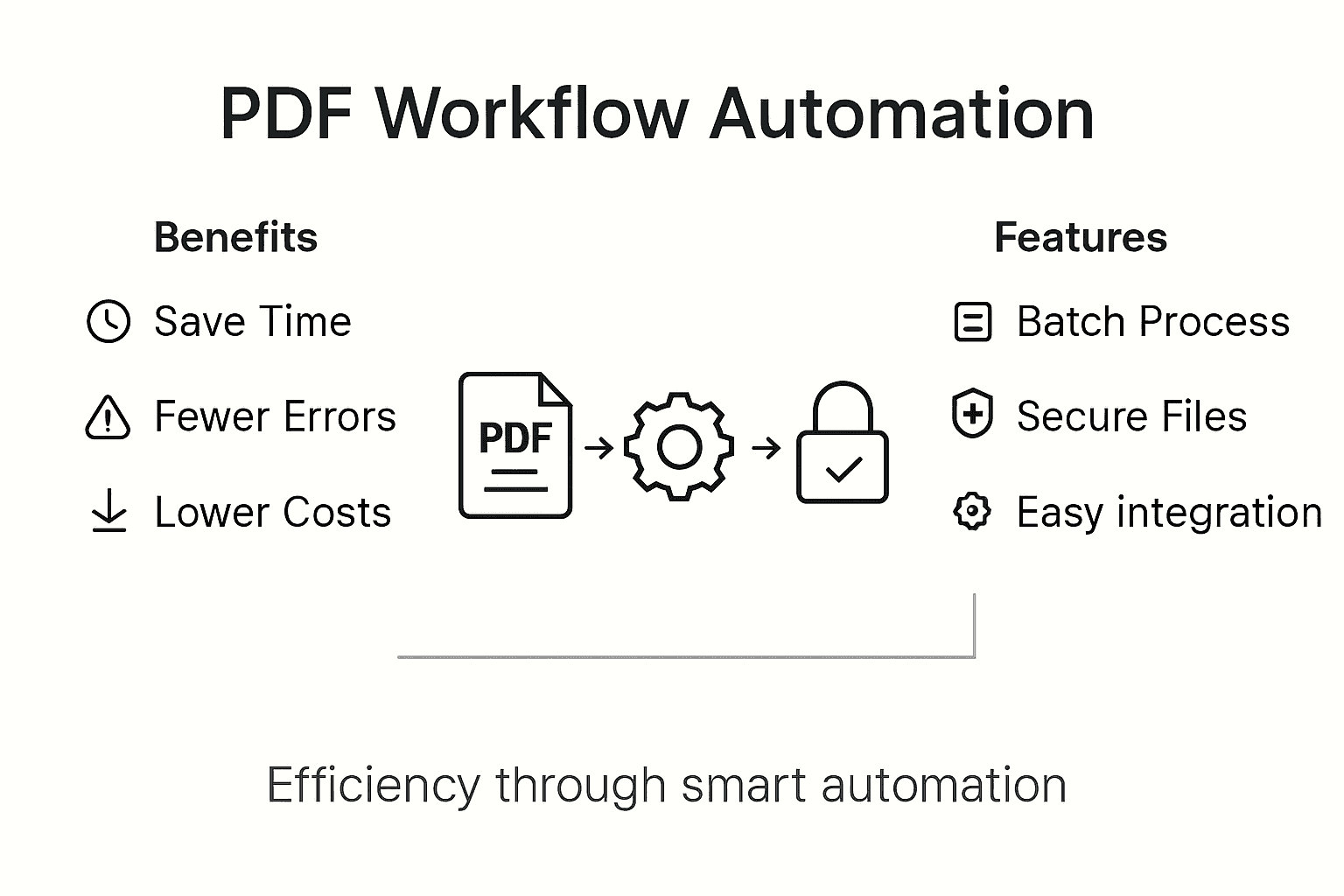
Workflow automation for PDF tasks represents a strategic approach to streamlining document processing through technological solutions that eliminate manual interventions. At its core, workflow automation transforms repetitive PDF-related tasks into efficient, programmable sequences that reduce human error and accelerate business operations.
Modern PDF workflow automation encompasses several critical capabilities that dramatically improve organizational efficiency. These capabilities typically include:
- Automatic PDF document conversion
- Batch processing of multiple files
- Intelligent routing and approval workflows
- Password protection and security management
- Digital signature integration
- Metadata extraction and indexing
Businesses leveraging these automation techniques can expect significant productivity gains. Enterprise-level PDF workflow solutions enable organizations to eliminate manual document handling processes, reducing processing times from hours to minutes and minimizing the potential for human error.
Technical implementation of PDF workflow automation requires understanding specific tools and technologies that enable seamless document management. These often include specialized software connectors, robotic process automation platforms, and enterprise-grade APIs designed to integrate complex document workflows across different business systems.
Pro Tip: Start by mapping your current PDF-related processes and identifying repetitive tasks that consume significant manual effort before implementing any automation strategy.
Types of Automated PDF Workflows
PDF workflow automation encompasses multiple sophisticated approaches designed to transform document management across enterprises. Modern organizations leverage diverse workflow types that enable intelligent document processing and seamless information extraction, each tailored to specific business requirements and complexity levels.
Three primary categories of automated PDF workflows emerge as critical strategic solutions:
-
Rule-Based Document Processing
- Predefined logic for structured document handling
- High predictability for standardized forms
- Minimal human intervention
-
Natural Language Processing (NLP) Workflows
- Advanced data extraction from unstructured documents
- Semantic understanding of PDF content
- Dynamic information interpretation
-
Artificial Intelligence-Powered Workflows
- Machine learning-driven document classification
- Adaptive processing capabilities
- Continuous performance improvement
Enterprise-level PDF workflow solutions offer remarkable flexibility in document management, enabling organizations to implement complex automation strategies. These workflows can include intricate processes such as e-signature generation, multiformat document conversion, optical character recognition (OCR), intelligent routing, and comprehensive document tracking.
Successful implementation requires understanding each workflow type’s unique strengths and potential application scenarios. Technical teams must carefully evaluate organizational needs, document complexity, and desired automation depth to select the most appropriate workflow approach.
Here’s how the main types of automated PDF workflows differ in capabilities and best-fit scenarios:
| Workflow Type | Key Technologies Used | Ideal For | Strengths |
|---|---|---|---|
| Rule-Based | Logic engines, scripts | Standard forms, invoices | High reliability for routine tasks |
| NLP-Based | Text analytics, NLP libraries | Complex documents, reports | Extracts meaning from ambiguous text |
| AI-Powered | Machine learning, image recognition | Large data volumes, varied formats | Learns and improves over time |
Pro Tip: Conduct a thorough audit of your current PDF processing workflows and identify repetitive tasks that can be standardized before selecting an automation strategy.
Key Features and Integration Capabilities
Enterprise PDF workflow automation demands sophisticated technological capabilities that transform document management strategies. Advanced automation features enable organizations to streamline complex document processing through robust integration frameworks, delivering unprecedented operational efficiency.
Key integration capabilities encompass multiple critical technological dimensions:
-
API-Based Connectivity
- REST API integration
- Custom scripting support
- Third-party application compatibility
-
Advanced Processing Features
- Batch PDF transformation
- Dynamic document generation
- Automated workflow routing
-
Enterprise System Compatibility
- Cloud platform synchronization
- Virtualization tool support
- Enterprise resource planning (ERP) integration
The technological landscape of PDF workflow automation requires comprehensive strategies that transcend traditional document management approaches. Organizations must implement flexible systems capable of adapting to evolving business requirements while maintaining seamless interoperability across diverse technological ecosystems.
Successful implementation demands a holistic approach that considers not just technical specifications, but also organizational culture, existing infrastructure, and long-term digital transformation objectives. Technical teams must carefully evaluate integration capabilities, scalability potential, and alignment with broader strategic goals.
Pro Tip: Conduct a comprehensive technology audit and map out potential integration points before selecting a PDF workflow automation solution to ensure maximum compatibility and minimal disruption.
Enterprise Use Cases and Savings Examples
PDF workflow automation delivers transformative benefits across diverse enterprise environments, enabling organizations to dramatically reduce operational costs and streamline complex document processing. Large-scale enterprise deployments demonstrate remarkable efficiency gains, with automated systems processing millions of pages per hour and eliminating manual document preparation bottlenecks.
Enterprise use cases span critical business domains:
-
Financial Services
- Automated loan document processing
- Compliance report generation
- Instant audit trail creation
-
Human Resources
- Streamlined employee onboarding documentation
- Automated benefits enrollment workflows
- Secure personnel record management
-
Legal Departments
- Contract review and redaction
- Automated legal document routing
- Secure evidence and correspondence management
These automation strategies yield substantial operational improvements. Organizations typically observe 40-65% reduction in document processing time, significant decreases in human error rates, and enhanced regulatory compliance through standardized, trackable workflows.

The economic impact extends beyond immediate process efficiency. By implementing sophisticated PDF workflow automation, enterprises create scalable, adaptable systems that support long-term digital transformation objectives while delivering measurable financial advantages.
This table summarizes savings and impacts from PDF workflow automation across enterprise sectors:
| Sector | Time Saved | Error Reduction | Compliance Benefits |
|---|---|---|---|
| Financial Services | Up to 65% | Lower audit errors | Fast, traceable reporting |
| Human Resources | Up to 60% | Fewer onboarding mistakes | Reliable records management |
| Legal Departments | Up to 50% | Fewer contract errors | Secure file tracking |
Pro Tip: Quantify your current document processing costs and time investments before implementing automation to establish a clear baseline for measuring improvement.
Risks, Compliance, and Expense Reduction Strategies
Enterprise PDF workflow automation presents a sophisticated approach to mitigating operational risks while driving substantial cost reductions. Advanced automation strategies enable organizations to systematically reduce manual error risks and enhance regulatory compliance through structured, traceable data management.
Key risk mitigation and expense reduction strategies include:
-
Regulatory Compliance Management
- Comprehensive audit trail generation
- Automatic documentation tracking
- Real-time compliance verification
-
Error Reduction Techniques
- Standardized document processing
- Machine-validated data extraction
- Automated cross-referencing checks
-
Cost Optimization Approaches
- Minimized manual intervention
- Reduced processing time
- Elimination of redundant administrative tasks
AI-driven PDF workflow automation provides sophisticated mechanisms for mitigating compliance risks while simultaneously lowering operational expenses. By implementing intelligent systems that produce structured, accountable documentation, organizations can significantly reduce potential legal and financial vulnerabilities.
Successful risk management through workflow automation requires a holistic approach that balances technological capability with strategic organizational objectives. Technical teams must develop comprehensive frameworks that not only reduce immediate compliance risks but also create adaptable systems capable of evolving with changing regulatory landscapes.
Pro Tip: Conduct periodic compliance audits of your automated workflows to ensure continuous alignment with the latest regulatory requirements and technological standards.
Avoiding Common Mistakes in Automation Implementation
Successful PDF workflow automation demands strategic planning and meticulous execution. Organizations frequently encounter critical implementation challenges that can derail entire automation initiatives through insufficient process analysis and inadequate stakeholder engagement.
Common implementation mistakes include:
-
Process Mapping Failures
- Automating inefficient existing workflows
- Neglecting comprehensive process documentation
- Failing to identify bottleneck points
-
Technological Integration Errors
- Creating isolated, non-communicative systems
- Overlooking cross-departmental workflow requirements
- Selecting incompatible automation tools
-
Organizational Change Management
- Insufficient employee training
- Lack of clear communication strategies
- Minimal stakeholder involvement during implementation
Successful PDF workflow automation requires strategic planning that goes beyond technological implementation, focusing on holistic organizational transformation. Technical teams must develop comprehensive strategies that address not just technological capabilities, but also human factors and organizational culture.
The most effective automation approaches prioritize iterative implementation, continuous feedback, and adaptive system design. This means starting with pilot programs, gathering comprehensive stakeholder input, and creating flexible frameworks that can evolve with changing organizational needs.
Pro Tip: Develop a staged implementation strategy with clear milestones, pilot testing, and continuous feedback loops to minimize risks and maximize successful automation outcomes.
Unlock Real Cost Savings with Advanced PDF Workflow Automation
Businesses facing rising costs and inefficiencies in manual PDF processing know how crucial it is to implement robust workflow automation that delivers measurable savings and error reduction. This article highlights critical pain points such as lengthy document handling, compliance risks, and the complexity of automating PDF tasks with intelligence and security. At Mapsoft.com, we specialize in solving exactly these challenges by providing tailored Adobe Acrobat® enhancements and powerful PDF automation solutions designed to streamline your document workflows.

Take control of your PDF document processes today by leveraging Mapsoft’s industry-leading tools and platforms. Whether you need to automate batch PDF editing, secure sensitive files, or integrate intelligent workflow routing, our solutions are built to accelerate your productivity while significantly lowering operational costs. Don’t let inefficient document handling slow your business growth. Discover how you can reduce processing time by over 60% and cut human errors with our custom automated workflows at Mapsoft.com. Learn more about our capabilities and start your cost-saving journey now.
Frequently Asked Questions
What is PDF workflow automation?
PDF workflow automation refers to the use of technology to streamline and manage tasks related to PDF documents, eliminating manual processes and enhancing efficiency.
How can businesses save costs with PDF workflow automation?
Businesses can save costs by significantly reducing document processing time, minimizing human errors, and eliminating inefficiencies associated with manual document handling, leading to improved productivity.
What are some common features of PDF workflow automation solutions?
Common features include automatic document conversion, batch processing, intelligent approval workflows, password protection, digital signature integration, and metadata extraction.
How can companies ensure successful implementation of PDF workflow automation?
Successful implementation requires careful planning, including thorough process mapping, stakeholder engagement, and continuous feedback during pilot testing and rollout.
Recommended
- Workflow Automation Services for Streamlined PDF Operations –
- Automating Business Processes with Adobe PDF Solutions –
- Master PDF Workflow Automation for Your Business –
- Workflow Process Automation for PDF-Driven Businesses –
- How to Improve Workshop Efficiency for Diesel Injection Pros 2025 – My WordPress

