
Nearly 60 percent of american businesses struggle with inefficient document conversion, wasting both time and resources each week. When PDFs form the backbone of communication and record keeping, even small setbacks can slow down critical operations. Choosing the right strategy for PDF conversion helps ensure accuracy, compliance, and productivity. This guide explains how to pinpoint your needs, select free tools, and configure settings so your team can handle documents smarter and more efficiently.
Table of Contents
- Step 1: Assess Business PDF Conversion Needs
- Step 2: Select and Access a PDF Converter Free Tool
- Step 3: Configure Conversion Settings for Optimal Results
- Step 4: Convert Documents and Manage Output Files
- Step 5: Verify Conversion Quality and Integrate Files
Quick Summary
| Key Point | Explanation |
|---|---|
| 1. Assess document conversion needs | Conduct a thorough audit of your current document management system to identify conversion requirements and tools. |
| 2. Choose the right free converter | Select PDF conversion tools based on compatibility, formats, speed, and security to enhance workflow efficiency. |
| 3. Configure settings for quality | Tailor conversion settings, focusing on layout preservation and accurate rendering to achieve high-quality documents. |
| 4. Organize output files efficiently | Implement systematic file management strategies and consistent naming conventions to streamline document organization. |
| 5. Verify quality before integration | Conduct a meticulous review of converted documents, checking accuracy and integrity to ensure seamless workflow integration. |
Step 1: Assess Business PDF Conversion Needs
Successfully navigating PDF conversion requires a strategic approach tailored to your specific business requirements. Understanding your workflow demands will help you select the most appropriate conversion tools and processes.
Start by conducting a comprehensive audit of your current document management system. Review the types of files you frequently work with and identify the primary formats you need to convert. According to Adelaide Graduate Research School, tools like PrimoPDF and PDF ReDirect can help streamline this assessment process. Look closely at several key factors:
- Volume of documents processed weekly
- Frequency of cross platform conversions
- Specific file format requirements
- Security and compliance needs
- Integration with existing software platforms
Consider exploring versatile conversion solutions like Pandoc, a free document converter supporting multiple formats that can significantly enhance your workflow efficiency. Professional organizations often find that understanding their conversion needs upfront prevents costly mistakes and reduces future technical complexity.
A quick tip: Always test potential conversion tools with a small sample of your actual business documents to verify compatibility and output quality before making a full implementation.
Step 2: Select and Access a PDF Converter Free Tool
Now that you understand your business conversion needs, it is time to choose the right free PDF converter tool that matches your specific requirements. Selecting an appropriate tool can dramatically improve your document workflow efficiency and reduce operational costs.
According to Adelaide Graduate Research School, there are several free PDF conversion tools like PrimoPDF and PDF ReDirect that can help streamline your document management process. When evaluating these tools, consider the following key selection criteria:
- Cross platform compatibility
- Supported file formats
- Conversion speed and accuracy
- User interface intuitiveness
- Security features
- File size handling capabilities
Exploring versatile converters like Pandoc, a free and open source document converter, can provide significant flexibility for your conversion needs. Professional organizations frequently find that testing multiple tools helps identify the most suitable solution for their specific workflow.

A critical tip: Always download free PDF converters from official websites to ensure you receive authentic software without potential malware risks. Verify the tool supports your required file formats and test its performance with a small batch of representative documents before full implementation.
Step 3: Configure Conversion Settings for Optimal Results
Precise configuration of your PDF conversion settings can make the difference between a functional document and a professional quality output. Your goal is to ensure that every converted file meets your specific business requirements with maximum accuracy and minimal manual intervention.
Pandoc offers robust customization options that enable users to tailor conversion settings precisely to their needs. When configuring your conversion tool, focus on these critical parameters:
- Input and output file format specifications
- Encoding and character set compatibility
- Page layout and formatting preservation
- Image and graphic rendering quality
- Metadata and bookmark retention
- Font embedding and substitution rules
Additionally, Utopia Documents demonstrates the importance of semantic configuration, suggesting that modern PDF tools can enhance document readability and web integration. Professional organizations typically iterate through multiple test conversions to fine tune their settings, ensuring consistent and high quality results.
A critical tip: Always perform a comprehensive review of converted documents, checking formatting, hyperlinks, and embedded elements to validate the conversion process.
Small adjustments in settings can dramatically improve overall document quality and usability.
Step 4: Convert Documents and Manage Output Files
Successfully converting documents requires a systematic approach to ensure your files are transformed accurately and efficiently. This step focuses on executing the conversion process and organizing your output files for seamless business workflow integration.
Pandoc offers robust document conversion capabilities that enable professionals to transform files between multiple formats with precision. When converting your documents, follow these essential management strategies:
- Select appropriate input and output file formats
- Verify document structure and formatting preservation
- Create organized destination folders for converted files
- Implement consistent file naming conventions
- Check converted document quality and integrity
- Backup original files before conversion
Qiqqa demonstrates how advanced software can help researchers manage large document collections, suggesting that effective file management goes beyond simple conversion. Professional teams often develop standardized workflows that automate conversion and file organization processes.
A critical tip: Implement a systematic file tracking method that allows you to quickly locate and reference converted documents. Consider creating metadata tags or using folder structures that reflect your organization context, making future retrieval and management significantly easier.
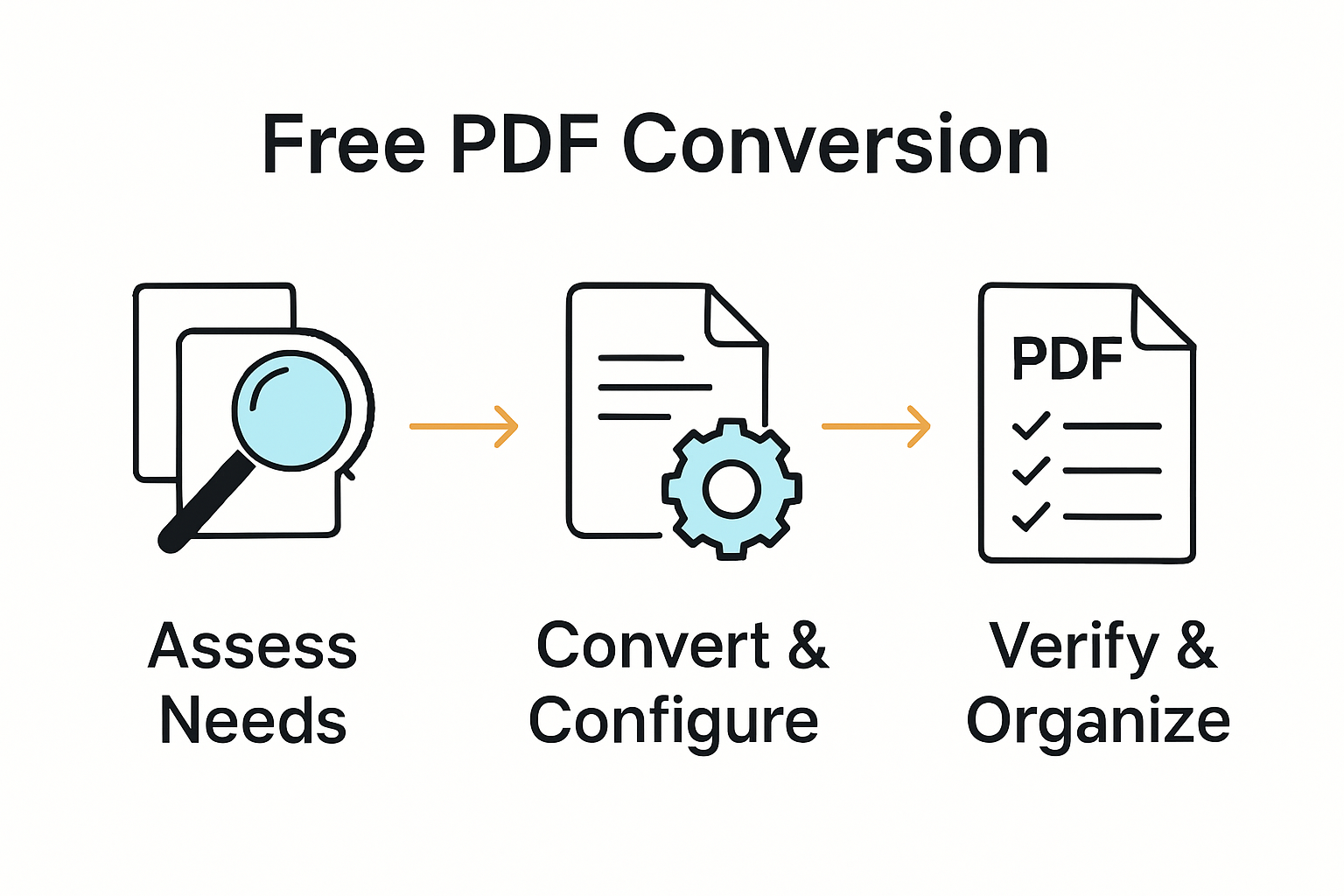
Step 5: Verify Conversion Quality and Integrate Files
The final stage of your PDF conversion process involves a meticulous review to ensure document fidelity and seamless integration into your existing workflow. Comprehensive verification prevents potential errors that could compromise your business documentation.
Utopia Documents provides advanced tools for enhancing PDF readability and web resource integration, offering professionals a robust approach to quality control. When verifying your converted files, focus on these critical evaluation parameters:
- Text accuracy and formatting preservation
- Image and graphic rendering quality
- Hyperlink and internal reference functionality
- Metadata and bookmark retention
- Font consistency and character encoding
- Overall document structure and layout
Qiqqa demonstrates how sophisticated document management tools can support seamless file integration, suggesting that verification is more than a simple checklist. Professional organizations typically develop systematic review protocols that go beyond surface level inspection.
A critical tip: Create a standardized verification template that allows quick and consistent assessment of converted documents. This approach reduces manual review time and ensures uniform quality across all converted files in your business workflow.
Streamline Your Business PDF Workflows with Expert Solutions
Understanding the challenges of selecting the right free PDF converter and configuring it correctly is key to efficient document management. This article highlights common pain points such as ensuring format compatibility, preserving document quality, and managing large volumes securely. If you want to elevate these basic steps into a fully optimized workflow, embracing advanced tools and automation is essential.

Explore how Mapsoft.com can transform your PDF conversion experience. Our specialized Adobe Acrobat® plugins and web-based solutions help you effortlessly convert, edit, secure, and automate PDFs with precision. Whether it is preserving digital integrity through Digital Preservation or creating batch workflows for large-scale processing, we tailor solutions to your unique business needs. Visit Mapsoft.com today and unlock the full potential of your document workflows with trusted software and expert support.
Frequently Asked Questions
How do I assess my business PDF conversion needs?
To assess your business PDF conversion needs, conduct a comprehensive audit of your current document management system. Identify the types of files you frequently use and the formats you require for conversion; analyze factors like document volume and security requirements to tailor your selection of tools accordingly.
What free PDF converter tool should I choose for my business?
When choosing a free PDF converter tool, look for options that support cross-platform compatibility, various file formats, and have user-friendly interfaces. Start by testing a few tools to see which one meets your specific workflow needs and offers the required security features.
How can I configure my PDF conversion settings for better results?
To configure your PDF conversion settings effectively, focus on parameters such as input and output file formats, encoding compatibility, and image quality preservation. Regularly iterate through test conversions to fine-tune these settings, aiming for optimal accuracy and minimal manual adjustments.
What steps should I follow when converting documents using a PDF converter?
When converting documents, first select your desired input and output file formats, then verify proper structure and format. Organize your destination folders for clarity and use consistent naming conventions to aid in future retrieval, aiming for an efficient workflow that saves time.
How can I verify the quality of converted PDF files?
To verify the quality of converted PDF files, evaluate aspects like text accuracy, image quality, and hyperlink functionality. Create a standardized review template to facilitate thorough and consistent assessments, allowing your team to maintain high-quality standards across all documents.
How should I manage output files after conversion?
After converting documents, implement a systematic approach to file management by creating organized folders and using clear naming conventions. Track your converted files efficiently by applying metadata tags, which can help streamline future retrieval and integration processes.