

Over 75 percent of American businesses say they are investing in workflow automation to speed up daily operations. As companies face mounting pressure to stay efficient, finding ways to simplify complex processes has never been more urgent. This article breaks down how low-code workflow automation empowers teams with easy-to-use tools, removing barriers to innovation and cutting the need for expensive technical expertise.
Table of Contents
- Defining Low-Code Workflow Automation Solutions
- Key Components and How Automation Works
- Types of Workflows in Enterprise Settings
- Integration With Adobe and PDF Management
- Benefits, Challenges, and ROI Considerations
Key Takeaways
| Point | Details |
|---|---|
| Low-Code Solutions Simplify Development | Low-code platforms reduce programming complexity, enabling users with minimal coding experience to create applications effectively. |
| Key Technical Components Enhance Automation | Workflow automation relies on components like graphic designers and integration connectors to streamline business processes. |
| Diverse Workflow Types Address Organizational Needs | Enterprise workflows, such as document management and HR processes, benefit from automation by improving efficiency and reducing errors. |
| Strategic Integration Amplifies Document Management | Effective integration with tools like Adobe enhances PDF management, creating efficient and secure document ecosystems. |
Defining Low-Code Workflow Automation Solutions
Low-code workflow automation solutions represent a revolutionary approach to software development that dramatically reduces traditional programming complexity. Low-code development platforms provide graphical user interfaces enabling professionals with minimal coding expertise to create sophisticated business applications quickly and efficiently.
At their core, these platforms democratize software creation by offering visual drag-and-drop interfaces that abstract complex programming logic. Instead of writing extensive code lines, users can design workflows, connect systems, and build automated processes through intuitive graphical elements. This approach significantly lowers technical barriers, allowing business analysts, project managers, and operations professionals to develop custom solutions without deep software engineering backgrounds.
Key characteristics of low-code workflow automation solutions include:
- Drag-and-drop interface design
- Pre-built component libraries
- Visual process mapping
- Rapid application development capabilities
- Minimal hand-coding requirements
- Enterprise-grade integration capabilities
Pro Tip: Start Small: Begin your low-code workflow automation journey by automating a single, straightforward business process to build confidence and understand the platform’s capabilities before scaling to more complex workflows.
Key Components and How Automation Works
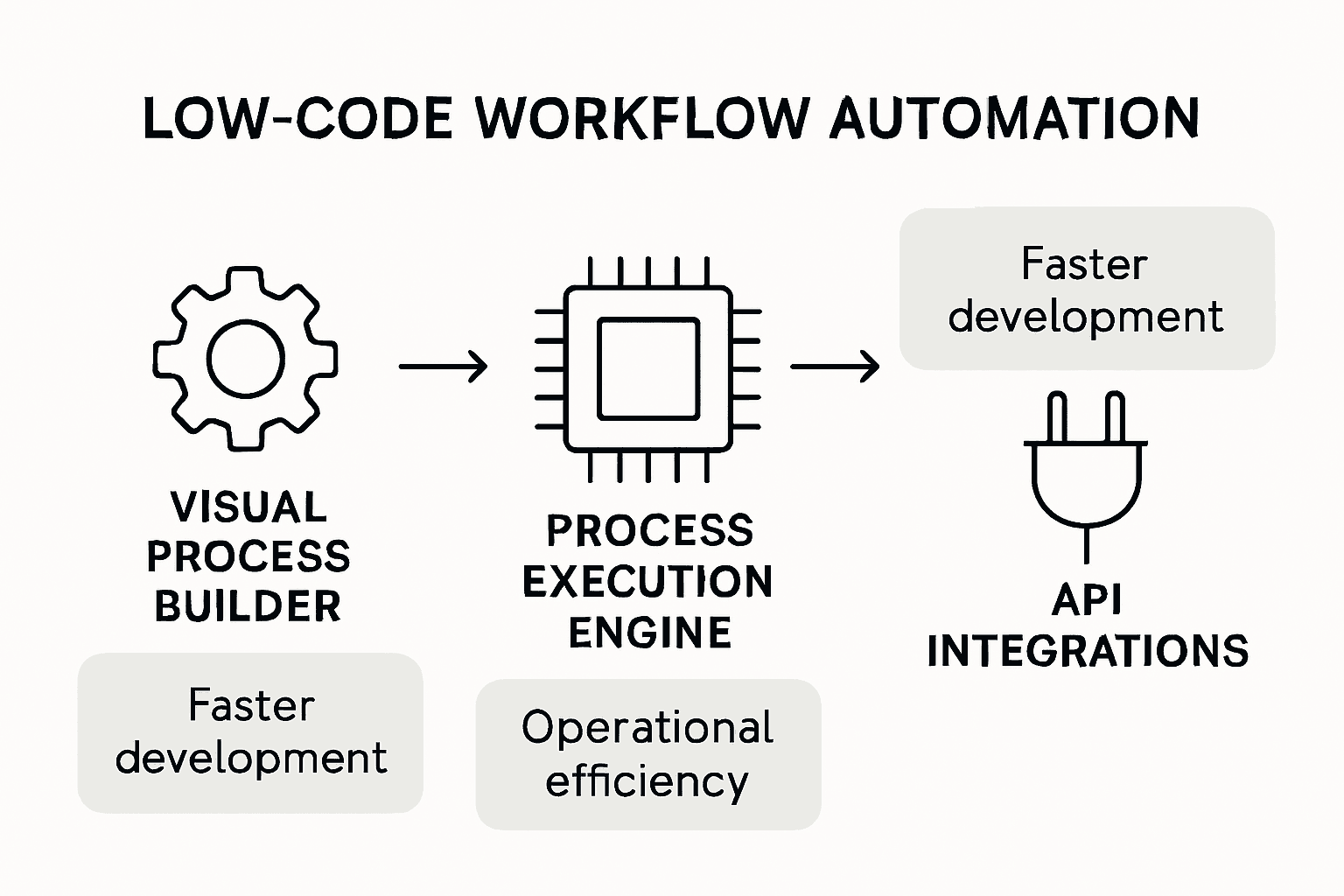
Process Execution Engines are the foundational backbone of modern workflow automation, enabling sophisticated business logic translation into actionable systems. Process Execution Engines play a critical role in driving interactions between humans, machines, and software, creating flexible low-code solutions that transform organizational productivity.
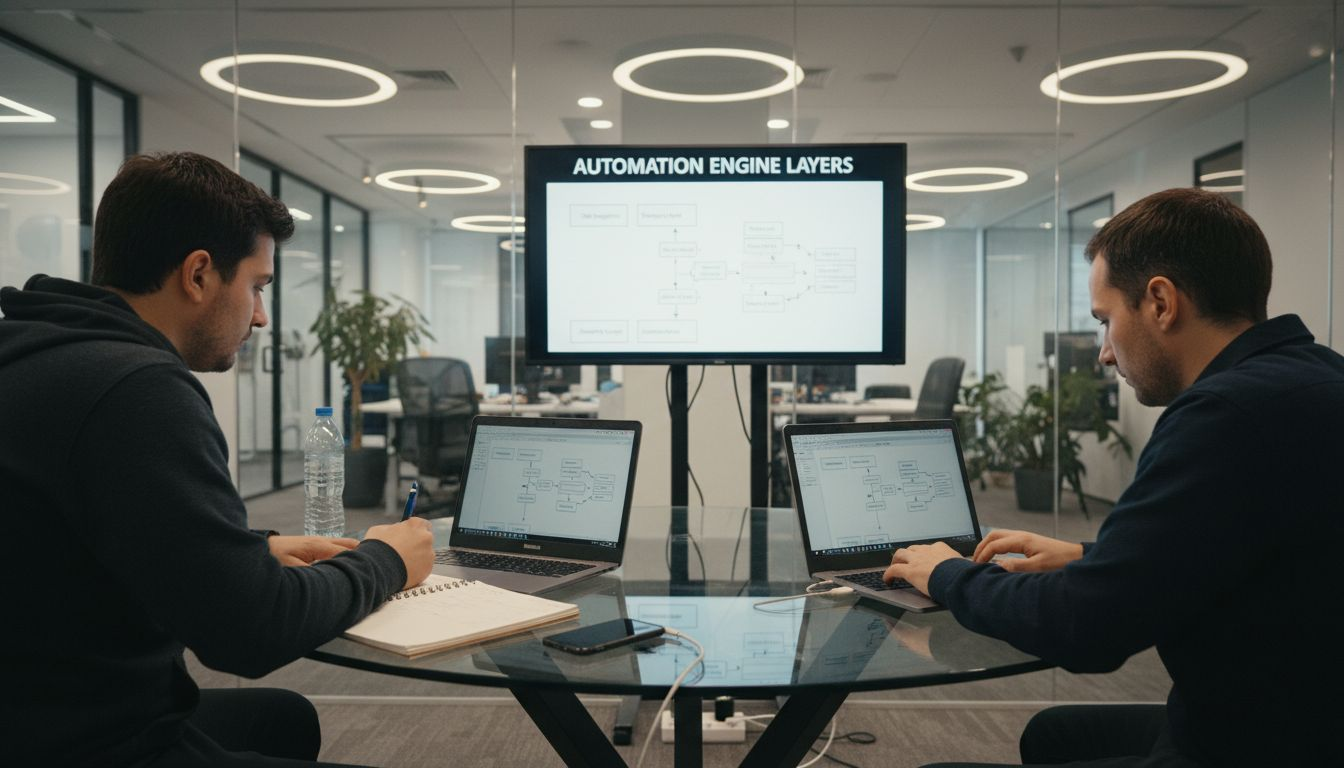
These engines typically consist of several interconnected components that work seamlessly to automate complex business processes. The core architecture includes workflow designers, integration connectors, rule engines, and data transformation modules. Users can map out intricate processes using visual interfaces, where each step is defined with specific triggers, conditions, and actions. Workflow platforms like Zapier demonstrate how these components integrate, allowing users to create automated workflows across multiple applications through simple trigger-and-action mechanisms.
Key technical components of workflow automation solutions include:
- Graphical workflow designers
- API integration connectors
- Business rule engines
- Data mapping and transformation tools
- Event and trigger management systems
- Real-time monitoring and reporting dashboards
Pro Tip: Architect Strategically: Start by documenting your existing manual processes in detail before attempting to automate, ensuring you understand every nuance and potential optimization point in your workflow.
Here’s a summary of how key technical components in workflow automation contribute to business value:
| Component | Primary Purpose | Business Impact |
|---|---|---|
| Workflow Designers | Visual process mapping and setup | Speeds up workflow design and changes |
| Integration Connectors | Connects diverse systems and applications | Enables seamless data and task flow |
| Business Rule Engines | Logic-based decision automation | Ensures consistency and compliance |
| Data Transformation Tools | Standardizes and converts data formats | Reduces manual data preparation |
| Event/Trigger Management | Initiates actions based on event criteria | Supports real-time responsiveness |
| Monitoring & Reporting Dashboards | Tracks workflow metrics and performance | Allows proactive optimization |
Types of Workflows in Enterprise Settings
Enterprise workflow automation encompasses a diverse range of process types that address complex organizational challenges. Low-code platforms enable domain experts to develop specialized automation software for various mechatronic systems, supporting intricate workflows across different business domains and operational requirements.
The primary categories of enterprise workflows typically include:
- Document Management Workflows
- Contract approval processes
- Invoice processing
- Compliance documentation tracking
- Human Resources Workflows
- Employee onboarding
- Performance review management
- Leave and time-off requests
- Sales and Customer Relationship Workflows
- Lead tracking
- Customer communication logs
- Sales pipeline management
Empirical studies of developer discussions reveal significant challenges in workflow implementation, highlighting the complexity of customizing platforms, managing database integrations, and addressing third-party system connections. These insights underscore the critical need for flexible, adaptable workflow solutions that can navigate the intricate landscape of enterprise technological ecosystems.
Pro Tip: Workflow Mapping: Before implementing any automated workflow, conduct a comprehensive process audit to identify bottlenecks, redundancies, and optimization opportunities that can be addressed through strategic automation.
This table compares typical enterprise workflow types, highlighting unique objectives and core automation benefits:
| Workflow Type | Main Objective | Automation Benefit |
|---|---|---|
| Document Management | Organize and route documentation | Faster approvals, fewer errors |
| Human Resources | Manage employee lifecycle tasks | Streamlines onboarding and requests |
| Sales & CRM | Track customers and opportunities | Improves sales cycle efficiency |
Integration With Adobe and PDF Management
PDF workflow automation represents a critical intersection of document management and technological efficiency. Enterprise organizations increasingly rely on sophisticated integration strategies that seamlessly connect Adobe technologies with advanced workflow management systems. Integration capabilities with various applications now enable businesses to create dynamic, interconnected document processing environments that transcend traditional operational boundaries.
The core of effective Adobe and PDF management integration involves several key technical components:
- Automated document routing
- Intelligent metadata extraction
- Dynamic form processing
- Secure digital signature workflows
- Compliance and version control mechanisms
- Real-time collaboration tracking
Successful integration strategies focus on creating unified document ecosystems that minimize manual intervention and maximize operational efficiency. Advanced workflow automation platforms now offer intelligent connectors that can translate complex PDF documents across multiple systems, enabling seamless data transfer, intelligent routing, and comprehensive tracking capabilities. These solutions transform PDF documents from static files into dynamic, actionable business assets.
The technical architecture supporting these integrations typically involves robust API connections, middleware platforms, and sophisticated rule-based processing engines that can interpret, transform, and route document information with minimal human oversight. Organizations can now implement enterprise-grade PDF management solutions that adapt to complex business requirements while maintaining strict security and compliance standards.
Pro Tip: Strategic Integration: Always conduct a comprehensive audit of your existing document workflows before implementing new PDF management systems, identifying potential bottlenecks and integration challenges that could impact overall system performance.
Benefits, Challenges, and ROI Considerations
Low-code workflow automation presents a complex landscape of potential advantages and potential pitfalls for enterprise organizations. A structured evaluation framework highlights critical criteria for assessing the true value of these technological investments, including business process orchestration, UI/UX customization, integration capabilities, and governance mechanisms.
The primary benefits of low-code workflow automation include:
- Accelerated Development Cycles
- Reduced time-to-market for new applications
- Decreased dependency on traditional software development resources
- Faster iteration and process improvement
- Cost Efficiency
- Lower development and maintenance expenses
- Reduced reliance on specialized technical personnel
- Minimized training and onboarding costs
- Operational Flexibility
- Rapid adaptation to changing business requirements
- Enhanced cross-departmental collaboration
- Increased organizational agility
Empirical studies reveal significant challenges that organizations must carefully evaluate, including platform adoption difficulties, customization limitations, and potential integration complexities. These considerations are crucial for developing a realistic assessment of potential return on investment. Successful implementation requires a nuanced approach that balances technological capabilities with specific organizational needs, ensuring that automation solutions genuinely enhance rather than disrupt existing workflows.
Pro Tip: Incremental Implementation: Start with a pilot project in a single department to validate the low-code automation platform’s effectiveness, gathering concrete performance metrics before scaling across the entire organization.
Unlock the Full Potential of Low-Code Workflow Automation with Mapsoft
Low-code workflow automation is transforming the way businesses improve efficiency by simplifying complex processes and enabling rapid development. If you are facing challenges like integration complexities, slow document approvals, or inefficient PDF handling as highlighted in the article, Mapsoft offers specialized solutions tailored to these exact pain points. Our expertise in Adobe® technologies and advanced PDF workflow management empowers your team to automate document routing, form processing, and secure digital signature workflows seamlessly—turning static PDF files into dynamic business assets.

Explore how you can accelerate your workflow automation journey by leveraging Mapsoft’s powerful tools such as Acrobat plugins, PDF batch processing, and custom software development. Don’t let manual bottlenecks hold back your organization. Visit Mapsoft.com to discover solutions designed for enterprise-grade automation. Ready to optimize complex workflows and maximize your Adobe investment now? Start your transformation with Mapsoft PDF Hub and experience true workflow flexibility and efficiency today.
Frequently Asked Questions
What are low-code workflow automation solutions?
Low-code workflow automation solutions are platforms that allow users to create applications and automate processes with minimal coding knowledge, using visual interfaces and drag-and-drop tools.
How do process execution engines work in low-code automation?
Process execution engines translate complex business logic into actionable systems, enabling seamless interactions among humans, machines, and software to automate workflows effectively.
What types of workflows can be automated in an enterprise setting?
Common enterprise workflows that can be automated include document management processes, human resources tasks like onboarding, and sales and customer relationship management activities.
What are the benefits of using low-code workflow automation?
Benefits include accelerated development cycles, cost efficiency, and operational flexibility, enabling organizations to adapt quickly to changing business requirements.
Recommended
- Automating Business Processes with Adobe PDF Solutions –
- Workflow Automation Services for Streamlined PDF Operations –
- Master PDF Workflow Automation for Your Business –
- Master PDF Batch Processing to Automate Document Workflows –
- How to Improve Workshop Efficiency for Diesel Injection Pros 2025 – My WordPress

