
Handling documents has changed a lot in recent years and the right tools can make all the difference for businesses of any size. Secure file editing, intelligent automation, and smooth teamwork are now top priorities for many teams. Some need powerful features to fit inside existing apps while others look for quick solutions to speed up approvals or reduce mistakes. With so many options promising deep integration, smart analysis, and scalable automation, the next step is seeing which approach delivers the most value for your unique needs.
Table of Contents
- Mapsoft
- Enfocus
- Foxit Pdf Editor+ And Foxit Ai
- Kofax (Tungsten Automation)
- Apryse Document Processing Technology
Mapsoft

At a Glance
Mapsoft delivers a tightly focused suite of Adobe®-centric PDF tools and services designed to extract more value from existing Adobe investments. It combines Acrobat® plug-ins, server-based solutions, and bespoke development to solve real-world document workflow bottlenecks for businesses and enterprises. The platform emphasizes practical deployment across desktop, mobile, server, and web environments, backed by free trials and one year of technical support to accelerate adoption. In short: if your environment centers on Adobe technologies, Mapsoft is a purpose-built partner for scalable PDF workflows.
Core Features
Mapsoft’s offering centers on deep Adobe® integration and workflow enablement: a wide variety of Acrobat® plug-ins for day-to-day PDF editing, markup, and modification; server-based PDF solutions including Engage personalization and Mapsoft PDF Hub for automation and scale; and bespoke software development and consultancy to extend or integrate Adobe® workflows. Mapsoft also provides free trial versions with one year of technical support, and platform coverage for desktop, mobile, server, and web deployments. The Mapsoft PDF Hub is positioned for large-scale PDF processing and workflow automation, enabling conversion, editing, security and optimization, structural analysis, and repeatable batch workflows via an online builder and API.
Pros
- Comprehensive Adobe integration: Mapsoft focuses on products and services that maximize investments in Adobe® technologies, which reduces integration overhead and speeds deployment.
- Enterprise-grade support and trials: The inclusion of free trials and one year of technical support helps teams validate solutions before committing to production.
- Custom development and consultancy: Mapsoft offers tailored software development to address unique PDF workflow requirements rather than forcing one-size-fits-all solutions.
- Multi-platform support: The product set supports desktop, mobile, server, and web platforms, helping you standardize workflows across environments.
- Workflow-first approach: Tools emphasize editing, personalization, and automation—practical features that directly reduce manual effort and operational risk.
Who It’s For
Mapsoft is ideal for businesses, IT managers, and developers who already depend on Adobe® products and need robust, enterprise-ready PDF workflows. Typical users include publishing houses, document operations teams, and organizations that require server-side automation or custom integrations into Acrobat® and Creative Cloud toolchains. If you need to scale PDF processing, personalize content for distribution, or build bespoke Adobe integrations, Mapsoft fits your profile.
Unique Value Proposition
Mapsoft’s unique value is its singular focus on maximizing Adobe® ecosystem investments through a combined portfolio of Acrobat® plug-ins, server solutions like Engage and PDF Hub, and custom engineering services. Rather than offering generic PDF tools, Mapsoft aligns development, licensing, and technical support to Adobe workflows—reducing friction between authoring, processing, and distribution stages. That alignment translates to faster time to production, predictable support paths, and the ability to automate large-scale, repeatable PDF tasks via API and online builders. For enterprises committed to Adobe technologies, that focused depth outperforms broader, less-specialized vendors.
Real World Use Case
A publishing company uses Mapsoft’s plug-ins to edit and mark up PDFs before distribution, then deploys server-based tools to personalize content and automate batch processing for multiple titles. The vendor’s free trials and one year of technical support let the team validate workflows and ramp to volume with minimal disruption, ensuring timely publication cycles.
Pricing
Free trial versions are available; detailed pricing and licensing specifics are not specified on the website and are provided on request or via consultation.
Website: https://mapsoft.com
Enfocus
At a Glance
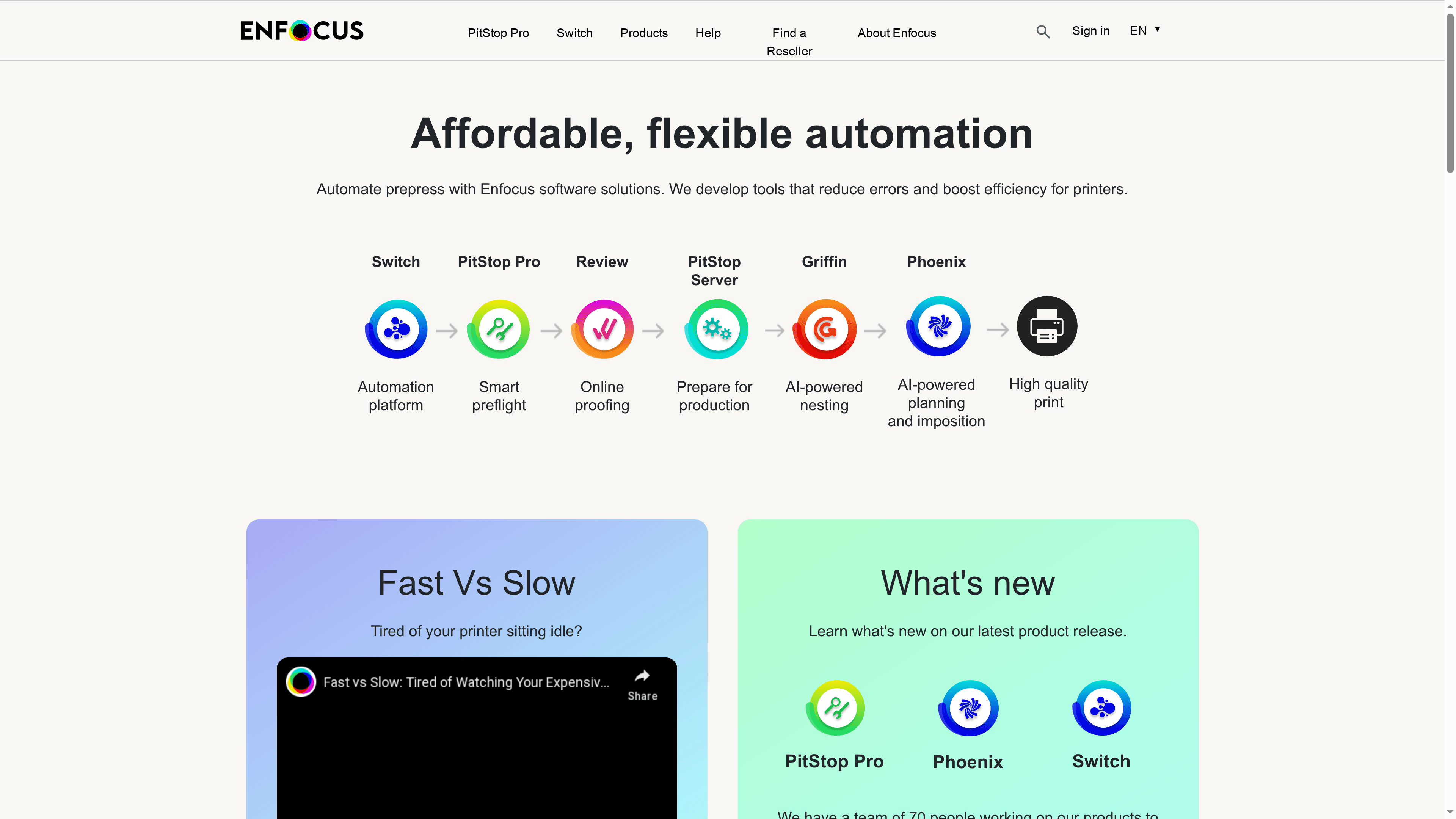
Enfocus delivers targeted automation for prepress and print production, focusing on error reduction and measurable efficiency gains. Its toolset covers preflight, online proofing, AI-assisted nesting and planning, and imposition automation. For printers and graphic professionals, Enfocus is a pragmatic way to cut manual effort and increase throughput without a full production overhaul. Expect a learning curve for complex workflows, but strong support and ROI tools help justify adoption.
Core Features
Enfocus automates key prepress tasks with a suite of capabilities built for print environments: automated prepress workflows, comprehensive preflight review, online proofing for faster approvals, AI-powered nesting and planning to maximize media usage, and imposition automation to streamline press-ready output. These features aim to reduce manual handoffs and standardize quality checks across digital and offset printing processes.
Pros
- Reduces errors in printing workflows: Enfocus centralizes checks and automations that catch common prepress mistakes before they reach press, lowering waste and reprints.
- Increases efficiency and productivity: Automated steps such as nesting and imposition shorten cycle times and free staff to focus on higher-value tasks.
- Offers a range of automation tools tailored for the printing industry: The feature set is explicitly built around prepress needs rather than generic document tooling, which speeds deployment for print shops.
- Strong customer support and partnerships to facilitate integration and adoption: Enfocus pairs its software with implementation support and partner channels to ease on-boarding into existing workflows.
- Proven ROI with tools to calculate payback period: The vendor provides mechanisms to estimate return on investment, helping justify spend to stakeholders.
Cons
- Specific product features and interface complexity might have a learning curve for new users: The depth of automation requires time and training to configure optimally for particular shop practices.
- Pricing details are not explicitly provided on the webpage, requiring direct inquiry for cost information: You must contact Enfocus for tailored quotes rather than finding transparent list pricing online.
- The webpage does not specify subscription or licensing costs explicitly: That lack of upfront pricing can slow procurement conversations for budget-sensitive teams.
Who It’s For
Enfocus is designed for printing companies, label producers, publishers, and graphic professionals who need to automate prepress routines and enforce consistent quality. If your shop runs recurring print jobs, struggles with manual imposition or proofing bottlenecks, or wants to scale capacity without hiring large crews, Enfocus fits that profile.
Unique Value Proposition
Enfocus differentiates by concentrating automation on print-specific pain points—preflight, nesting, planning, proofing, and imposition—rather than general-purpose PDF editing. That vertical focus, combined with ROI calculators and partner-led integrations, positions Enfocus as a practical automation path for shops that must reduce waste and improve throughput quickly.
Real World Use Case
A printing company automated its order handling with Enfocus and reduced processing time from 45 minutes to just 3 minutes, enabling a substantial increase in production capacity and faster job turnaround without proportional staff increases.
Pricing
Pricing details are not provided; interested users should contact Enfocus directly.
Website: https://enfocus.com
Foxit PDF Editor+ and Foxit AI

At a Glance
Foxit PDF Editor+ combined with Foxit AI delivers a practical, enterprise-ready PDF platform that balances strong editing tools with AI-powered document analysis and eSign capabilities. It’s a cost-effective alternative to the market leader, with flexible deployment options for cloud or on-premise environments. For teams that need secure signing, bulk processing, and automation tied into systems like Salesforce, it’s a compelling choice. Expect differences in feature availability across license tiers.
Core Features
Foxit packages core PDF functions—create, edit, manage, and share—across devices, plus legally binding eSignatures and AI-assisted document analysis and generation. The product supports batch processing (convert, merge, compress) and includes OCR for making scanned documents searchable and editable where licensed. Integrations with Microsoft Office, Google Drive, and Salesforce enable end-to-end automation, and the platform supports both cloud and on-premise deployment to meet enterprise security or compliance needs.
Pros
- Cost-effective alternative to premium tools: Foxit often delivers similar editing and signature capabilities at lower total cost, which helps control licensing budgets.
- User-friendly interface and fast editing: The workflow is intuitive and editing tasks complete quickly, reducing time spent on routine document updates.
- Responsive customer support: Customers report timely assistance, which helps minimize downtime during deployment or when troubleshooting.
- Strong security features: Encryption and password protection are built into the platform to help safeguard sensitive documents.
- Flexible licensing and platform availability: Multiple licensing models and support for cloud or on-premise setups suit a range of enterprise needs.
Cons
- Some advanced features require additional purchase or subscription: Certain capabilities, including premium AI tools or advanced modules, may only be available in higher-tier licenses.
- Integration behavior can vary by version and platform: Connectors to third-party systems like Salesforce or cloud drives may offer different features depending on the specific software build.
- OCR and batch processing tied to specific licenses: The availability of OCR and bulk processing features is license-dependent, which can limit access for teams on basic plans.
Who It’s For
Foxit PDF Editor+ and Foxit AI suit businesses and organizations that need secure, scalable PDF handling with automation and AI capabilities—legal, financial, and IT teams included. It’s particularly well-suited to enterprises that must integrate PDF workflows into CRM or document systems and those that require options for on-premise deployment.
Unique Value Proposition
Foxit combines practical, high-performance PDF editing with AI-powered analysis and legally compliant eSignatures, all while offering flexible licensing and deployment choices. That combination makes it attractive to organizations that want enterprise controls without the highest-tier pricing.
Real World Use Case
A financial advisory firm uses Foxit AI to analyze and summarize client documents, speeding internal review, while Foxit eSignatures close approvals remotely and securely—reducing turnaround from days to hours.
Pricing
Pricing is customizable and depends on license selection; options include subscription plans, one-time purchases, and volume discounts, with enterprise quotes tailored to organizational needs.
Website: https://foxit.com
Kofax (Tungsten Automation)
At a Glance
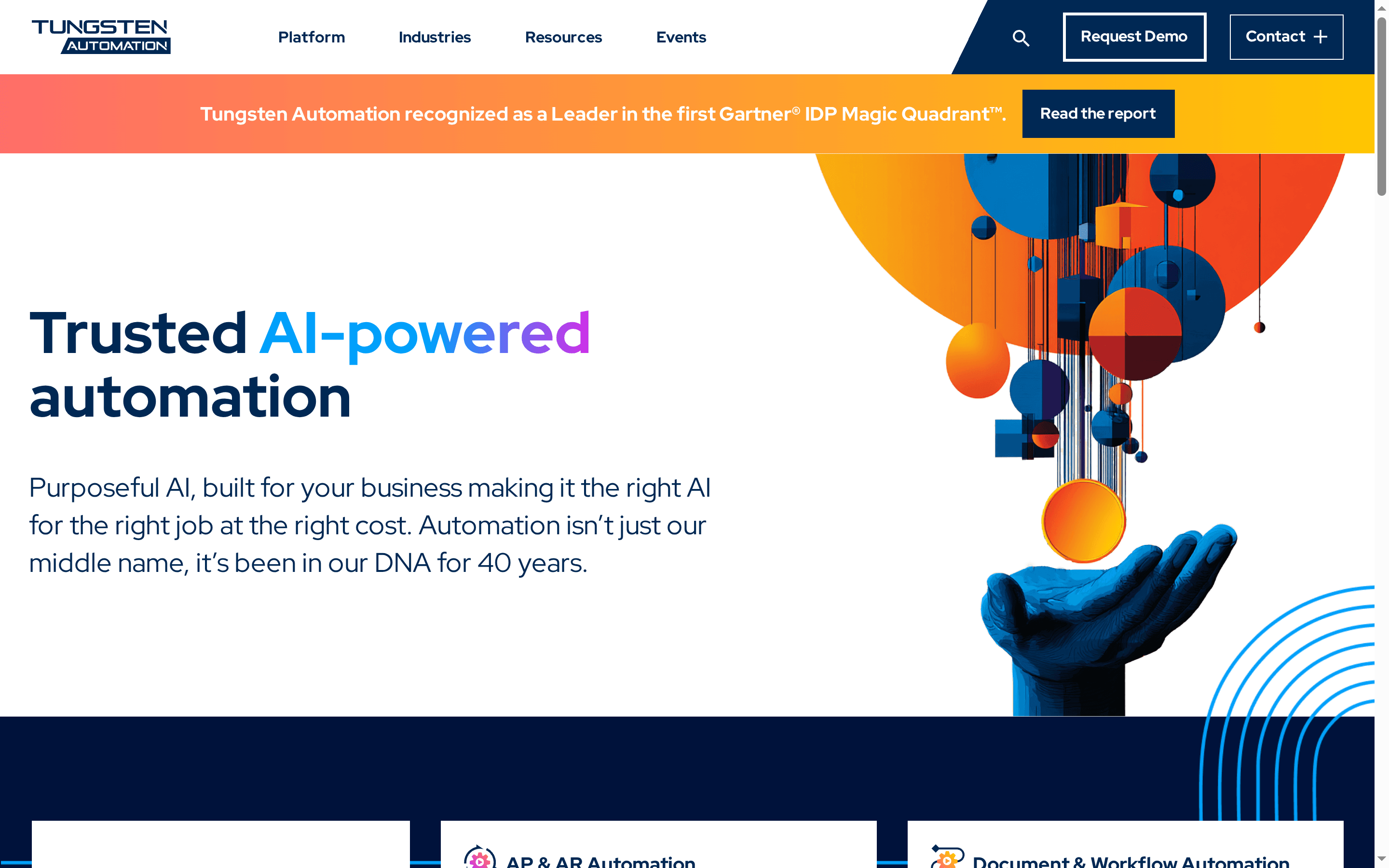
Kofax (Tungsten Automation) is an enterprise-grade platform that applies AI to document processing, workflow orchestration, and knowledge discovery. It’s positioned as a leader in intelligent document processing, offering a broad set of automation capabilities aimed at accelerating AP/AR, improving compliance, and converting document-heavy processes into actionable insights. For large organizations pursuing end-to-end digital transformation, Kofax delivers scale and credibility — with a few caveats around transparency and complexity.
Core Features
Kofax combines AI-driven automation for accounts payable and receivable with document and workflow automation to extract value from unstructured content. The platform supports hybrid cloud deployments for print and document workflows and includes AI-enhanced PDF and e-signature capabilities for secure digital processes. Industry recognition, including placement in Gartner’s Magic Quadrant for Intelligent Document Processing, underscores the platform’s focus on unstructured document handling and enterprise readiness.
Pros
- Recognized industry leader: The product’s placement in analyst research signals maturity and market validation for intelligent automation solutions.
- Comprehensive automation platform: Kofax covers multiple use cases—from AP/AR automation to workflow orchestration—reducing the need for point solutions.
- Cloud-friendly deployment options: Hybrid cloud capabilities give IT teams flexibility to balance on-premises control with cloud scalability.
- Enterprise collaboration and innovation: The vendor’s track record of working with large organizations suggests strong enterprise support and continuous product evolution.
- Security and digital workflow focus: Built-in PDF and e-signature features support secure, auditable document handling across digital processes.
Cons
- Promotional website content limits technical depth: The publicly available materials emphasize benefits but provide limited technical details for architects evaluating implementation.
- Browser upgrade requirement may block quick access to information: Some site features require a modern browser, which can be a friction point when researching quickly.
- Potential solution complexity for smaller teams: The platform’s breadth and enterprise focus may introduce implementation and operational complexity for small or less mature automation teams.
Who It’s For
Kofax is aimed at large enterprises and organizations seeking a comprehensive, AI-powered automation platform for document-heavy operations. If your organization handles high invoice volumes, complex compliance needs, or requires scalable, hybrid deployments, Kofax provides the coverage and vendor credibility to support enterprise digital transformation.
Unique Value Proposition
Kofax’s unique value lies in combining recognized leadership in intelligent document processing with a broad automation portfolio that spans AP/AR, document workflows, print modernization, and PDF/e-signature capabilities. The result is a single vendor option for organizations wanting to centralize automation strategy rather than stitching multiple point tools together.
Real World Use Case
A financial services organization leverages Kofax to automate accounts payable: invoices are captured, validated, and routed using AI to reduce manual touchpoints, improve compliance tracking, and speed payment cycles — freeing finance staff to focus on exception handling and strategic analysis.
Pricing
Pricing is not specified on the website and appears to require direct engagement with sales for licensing and deployment estimates.
Website: https://kofax.com
Apryse Document Processing Technology
At a Glance
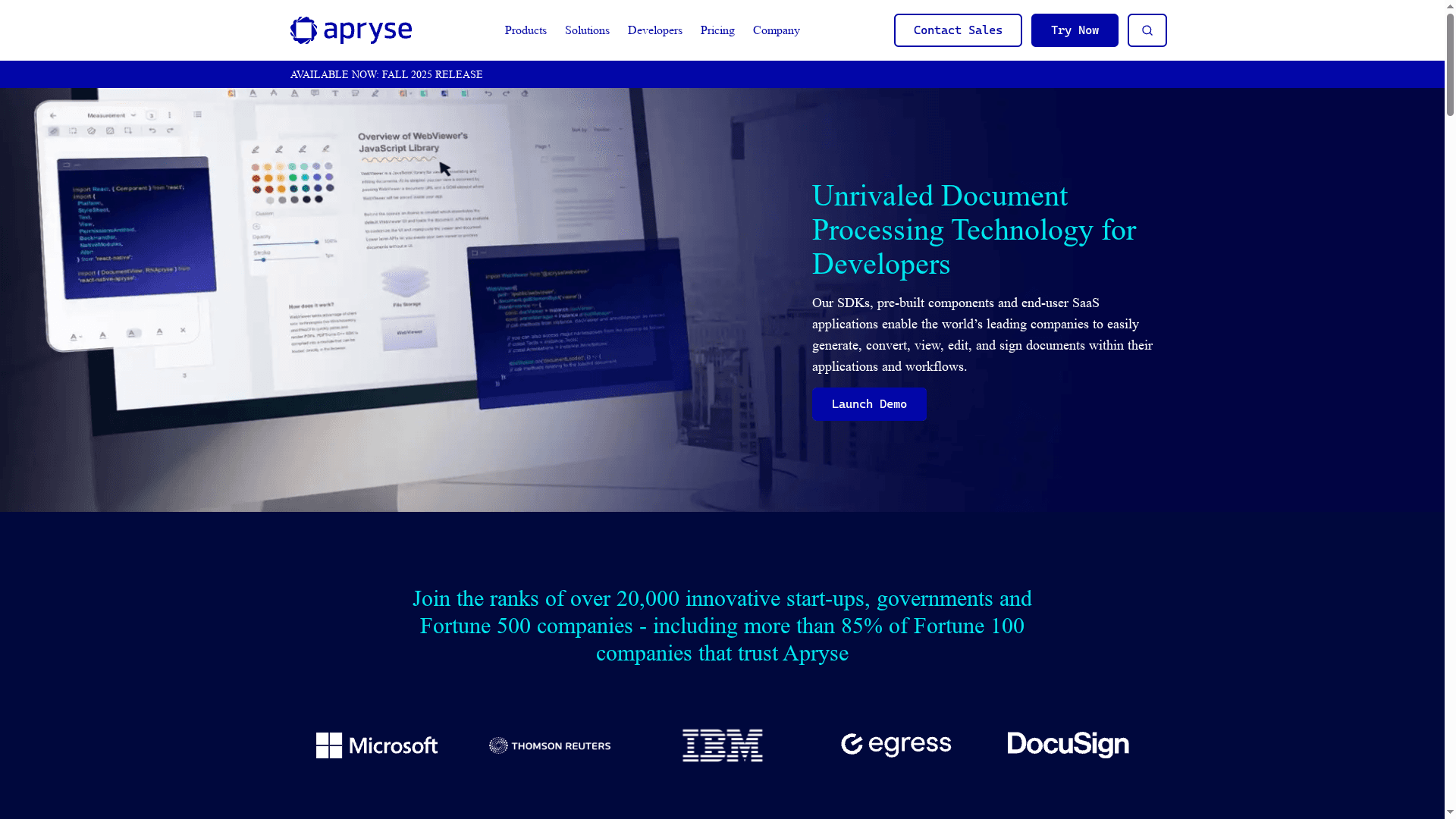
Apryse Document Processing Technology delivers a developer-focused suite of SDKs and end-user components designed to embed powerful PDF and document workflows into enterprise applications. Its strengths lie in deep integration capabilities, secure client-side processing options, and a broad product set that includes web, server, mobile, and Office-focused SDKs. For organizations that need reliable, customizable document handling at scale, Apryse is a pragmatic choice — though you should expect some upfront integration work. Bottom line: powerful and enterprise-ready, but not plug-and-play for every team.
Core Features
Apryse bundles a Web SDK for browser rendering and processing, a Server SDK for backend automation, a Mobile SDK for consistent on-device experiences, and a Fluent SDK specifically for creating, managing, and automating reports in Microsoft Office. It also provides XODO for editing, merging, compressing, and converting PDFs, plus XODO Sign for online signing. The product emphasizes secure, client-side processing where required and extensive customization through a proprietary SDK, making it adaptable for varied deployment models and industry requirements.
Pros
- Deep integration capabilities for developers: The SDK-first approach gives engineering teams granular control to embed document workflows directly into applications.
- Secure and client-side processing to ensure data privacy: Client-side options reduce exposure of sensitive documents during processing, which is critical for regulated environments.
- Supported by a proprietary SDK with extensive customization options: Customizable components let you tailor behavior, UI, and automation to match existing enterprise systems.
- Strong industry presence with trust from Fortune 100 and government agencies: Established enterprise adoption signals stability and a proven track record at scale.
- Comprehensive support and resource guides provided: Documentation and support resources help teams implement and maintain integrations more confidently.
Cons
- Pricing varies based on specific needs and volume, which might complicate initial budgeting: Custom quotes and volume tiers require deeper vendor engagement before you can forecast costs.
- Some advanced features may require significant setup and integration effort: Expect engineering time to configure and tune the SDKs to your environment.
- Potential learning curve for new users unfamiliar with SDKs: Non-developer teams may require training or reliance on engineering resources to leverage the full feature set.
Who It’s For
Apryse is aimed squarely at developers, IT teams, and enterprises that need secure, customizable document processing embedded in customer-facing or internal software. If you manage regulated data, handle high document volumes, or plan to build SaaS features around PDF workflows, Apryse gives you the building blocks you need.
Unique Value Proposition
Apryse stands out by combining enterprise-grade SDKs across web, server, and mobile platforms with specialized components like Fluent SDK and XODO Sign, enabling an end-to-end document strategy within a single vendor ecosystem. That unified approach reduces integration fragmentation and supports consistent behavior across channels.
Real World Use Case
A large financial services firm integrated Apryse SDKs to automate document signing and management, cutting manual effort and improving auditability and security for client onboarding. The integration centralized document workflows while maintaining regulatory controls.
Pricing
Pricing is customized based on features, document volume, and deployment type (server or client-side). Apryse offers volume-based discounts and a free trial to validate fit before committing to an enterprise agreement.
Website: https://apryse.com
PDF and Document Workflow Solutions Comparison
This table provides a comprehensive comparison of several PDF and document workflow solutions, highlighting key features, pros, cons, and pricing insights to help businesses choose the best tool for their needs.
| Solution | Key Features | Pros | Cons | Pricing |
|---|---|---|---|---|
| Mapsoft | Adobe-centric PDF tools, custom development, multi-platform support | Comprehensive Adobe integration, free trials, enterprise-grade support | No explicit pricing details on website | Free trials, pricing on request |
| Enfocus | Prepress automation, AI-assisted planning, imposition automation | Reduces errors, increases efficiency, strong industry support | Learning curve, no pricing details upfront | Pricing on request |
| Foxit | PDF editing, AI document analysis, eSign capabilities | Cost-effective, user-friendly, strong security | Advanced features may require higher-tier licenses | Customizable, subscription options |
| Kofax | AI-driven document processing, workflow orchestration, e-signature capabilities | Recognized leader, comprehensive automation, cloud-friendly | Complex for smaller teams, limited technical details online | Pricing on request |
| Apryse | Developer-focused SDKs for web, server, and mobile, emphasis on security | Deep integration, secure processing, strong support | Requires setup and integration effort, learning curve for non-developers | Customized pricing, free trial |
Unlock Seamless PDF Workflow Automation with Mapsoft
Navigating the challenges of best PDF plugins means addressing your critical needs for robust Adobe Acrobat integration, batch processing, and scalable automation. If your business seeks to reduce manual PDF editing, enhance document security, or create repeatable workflows, you are not alone. Common pain points include inefficient handling of large document volumes, lack of customization, and limited workflow automation options. That is exactly where Mapsoft can empower your team to overcome these hurdles.
Mapsoft offers a specialized suite tailored to maximize your Adobe investments including powerful Acrobat plug-ins and the Mapsoft PDF Hub, a web and API platform that converts, edits, secures, and automates PDF workflows at scale. Whether you need to merge, redact, compress, or automate complex processes, Mapsoft provides enterprise-ready solutions designed specifically to simplify and accelerate your document workflows.
Explore how Mapsoft helps businesses like yours preserve digital content flawlessly in our Digital Preservation category.
Take the decisive step to transform your PDF processes now at Mapsoft.com. Visit our platform today to start your free trial and experience first-hand how expert Adobe-centric PDF solutions can save time, reduce risk, and deliver consistent document quality.
Frequently Asked Questions
What are the key features to look for in PDF plugins for businesses?
When selecting PDF plugins for businesses, focus on features like integration with existing software, batch processing capabilities, and security options for document handling. Assess how these features align with your workflow needs.
How can PDF plugins improve workflows in businesses?
PDF plugins can streamline document creation, editing, and collaboration, significantly reducing manual tasks and potential errors. For example, using plugins may reduce document handling time by around 30% within the first 30 days of implementation.
Are there any specific plugins designed for enterprise-level PDF processing?
Yes, many PDF plugins are tailored for enterprise needs, offering advanced automation, collaboration features, and scalability options. Evaluate these solutions based on your team’s specific document processing demands and volume.
How can businesses ensure seamless integration of PDF plugins?
To ensure seamless integration, choose plugins that offer extensive compatibility with your existing systems and provide detailed documentation. Conduct a pilot test to identify any integration issues before full deployment.
What is the typical pricing structure for PDF plugins used in businesses?
Pricing for PDF plugins varies, often ranging from subscription-based models to one-time purchases. Evaluate the cost against the estimated efficiency gains and choose a model that fits your budget and usage frequency.
How long does it usually take to see the benefits of using PDF plugins in a business workflow?
Most businesses can start seeing benefits from implementing PDF plugins within 30-60 days of usage, particularly in areas like reduced document turnaround time and improved collaboration. Monitor your workflow metrics to measure the impact effectively.