

More than 85 percent of American businesses rely on PDF editing for daily document management. The right tools can make or break professional workflows, especially when handling sensitive contracts or collaborative projects. Mastering PDF editing fundamentals means fewer lost files, smoother team communication, and better document security for any American organization aiming for efficiency in a fast-paced environment.
Table of Contents
- PDF Editing Fundamentals For Businesses
- Essential Types Of PDF Edits Explained
- Workflow Automation And Integration Techniques
- Security, Compliance, And Legal Considerations
- Common PDF Editing Mistakes To Avoid
Key Takeaways
| Point | Details |
|---|---|
| PDF Editing is Essential for Businesses | Mastering PDF editing enhances document management, boosts collaboration, and maintains professionalism. |
| Invest in Training for PDF Tools | Training teams on advanced PDF techniques can improve efficiency and reduce errors. |
| Strategic Workflow Automation is Key | Implementing automated workflows streamlines document processing and reduces manual tasks. |
| Prioritize Security and Compliance | Organizations must adopt robust security measures to protect sensitive information and comply with regulations. |
PDF Editing Fundamentals for Businesses
PDF editing represents a critical component of modern business document management, enabling organizations to manipulate, modify, and optimize digital documents with precision and efficiency. Understanding the fundamental capabilities of PDF editing tools allows businesses to streamline workflows, enhance document collaboration, and maintain professional communication standards.
At its core, PDF editing involves more than simple text modifications. Professionals must recognize the nuanced capabilities of advanced PDF tools, which include features like advanced document management capabilities that go beyond basic reading and viewing. These capabilities typically encompass:
- Annotation and markup tools
- Text and image editing
- Page rearrangement and deletion
- Form creation and fillable field management
- Digital signature integration
- Metadata management
Business users should approach PDF editing with a strategic mindset, understanding that not all PDF editors offer identical functionalities. Some tools provide basic editing, while others deliver comprehensive document transformation capabilities. Selecting the right PDF editing solution requires careful evaluation of your organization’s specific workflow requirements, considering factors like user permissions, security protocols, and integration with existing software ecosystems.
Pro Tip – Strategic PDF Management: Invest time in training your team on advanced PDF editing techniques and standardize your document handling processes to reduce errors and improve overall organizational efficiency.
Successful PDF editing in business environments demands a combination of technical knowledge, strategic tool selection, and a comprehensive understanding of document workflow dynamics. By mastering these fundamentals, organizations can transform PDF documents from static files into dynamic, collaborative assets that drive communication and productivity.
Here’s a summary of how different PDF editing features support business goals:
| PDF Editing Feature | Business Benefit | Example Use Case |
|---|---|---|
| Annotation tools | Improved team collaboration | Project review feedback |
| Image and text editing | Enhanced document accuracy | Updating presentations |
| Page rearrangement | Streamlined reporting | Customizing contract formats |
| Form creation | Efficient data collection | Client intake forms |
| Digital signatures | Accelerated approval processes | Signing legal agreements |
| Metadata management | Better compliance tracking | Auditing document history |
Essential Types of PDF Edits Explained
PDF editing encompasses a wide range of sophisticated document manipulation techniques that go far beyond simple text changes. Modern businesses require versatile editing capabilities to maintain document flexibility, security, and professional presentation. Understanding the various types of PDF edits is crucial for efficient digital document management.
Businesses commonly engage in several core types of PDF editing, which include practical techniques for document transformation. These essential edit types can be categorized into primary functional groups:
- Text Editing: Adding, modifying, or removing text content
- Structural Modifications: Rearranging pages, inserting new pages, or deleting existing ones
- Visual Editing: Inserting images, adjusting layouts, changing fonts and formatting
- Annotation: Adding comments, highlights, digital signatures, and markup
- Security Edits: Applying password protection, setting permissions, redacting sensitive information
Each editing type serves specific business communication and documentation needs. Text editing allows for quick content updates without recreating entire documents. Structural modifications enable complex document reorganization, while visual editing supports brand consistency and professional presentation. Annotation features facilitate collaboration, and security edits protect confidential information.

Pro Tip – Strategic PDF Editing: Always maintain original document versions and use version control systems when performing complex PDF edits to ensure data integrity and track changes effectively.
Successful PDF editing requires understanding both technical capabilities and strategic document management principles. By mastering these essential edit types, businesses can transform static documents into dynamic, interactive communication tools that enhance workflow efficiency and information sharing.
Workflow Automation and Integration Techniques
Workflow automation for PDF management represents a transformative approach to document processing, enabling businesses to streamline complex document-related tasks and significantly reduce manual intervention. By implementing strategic integration techniques, organizations can create more efficient, responsive, and intelligent document management systems that adapt to evolving business requirements.
Modern PDF workflow automation goes beyond simple file conversion, incorporating advanced integration capabilities that connect disparate software systems and create seamless document processing pipelines. Key integration techniques include:
- Automated Routing: Sending PDFs to specific departments or individuals based on predefined rules
- Conditional Processing: Applying different actions depending on document content or metadata
- Validation Workflows: Automatically checking document completeness and accuracy
- Multi-system Synchronization: Connecting PDF workflows with CRM, ERP, and other enterprise systems
- AI-Powered Document Classification: Using machine learning to categorize and route documents
Successful workflow automation requires a comprehensive understanding of both technological capabilities and organizational needs. Businesses must carefully map their existing document processes, identify bottlenecks, and design integration strategies that reduce manual tasks while maintaining data integrity and security.
Pro Tip – Workflow Optimization: Start by mapping your current PDF processing workflow, identifying repetitive tasks that can be automated, and gradually implementing integration solutions to minimize disruption and maximize efficiency.
By embracing sophisticated workflow automation and integration techniques, businesses can transform PDF document management from a time-consuming manual process into a streamlined, intelligent system that enhances productivity, reduces errors, and supports strategic decision-making.
The table below contrasts manual versus automated PDF workflows for businesses:
| Workflow Type | Advantages | Challenges |
|---|---|---|
| Manual Editing | Greater control, simple changes | Time-consuming, higher error risk |
| Automated Workflow | Consistent, scalable processing | Setup complexity, requires training |
| Integrated Systems | Seamless data flow, less duplication | Needs robust security, ongoing maintenance |
Security, Compliance, and Legal Considerations
In today’s complex business environment, managing PDF documents involves far more than simple file manipulation. Organizations must navigate intricate security landscapes that protect sensitive information while maintaining legal compliance across multiple regulatory frameworks. Understanding the critical intersection of document management, security protocols, and legal requirements is fundamental to successful business operations.
Enterprise PDF management requires robust security measures, including comprehensive permission and access control mechanisms that safeguard confidential information. Critical security considerations encompass:
- Access Control: Implementing granular user permissions
- Document Encryption: Protecting sensitive content from unauthorized viewing
- Digital Signatures: Verifying document authenticity and origin
- Audit Trails: Tracking document modifications and access history
- Redaction Capabilities: Permanently removing sensitive information
Legal compliance demands meticulous attention to detail, with different industries requiring specific document handling protocols. Financial, healthcare, and government sectors often have stringent regulations governing document management, necessitating advanced security features that ensure data privacy, integrity, and regulatory alignment.
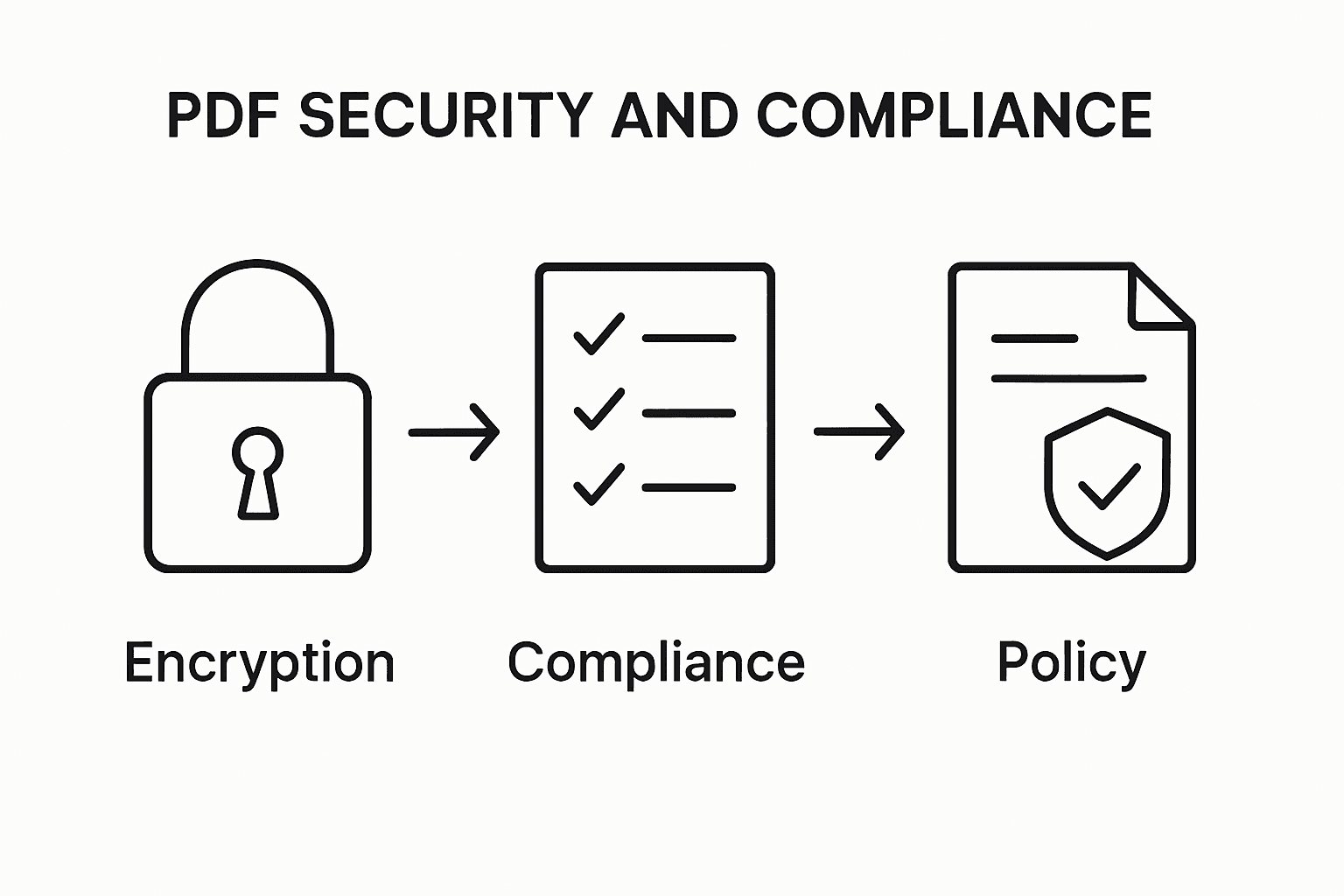
Pro Tip – Compliance Strategy: Develop a comprehensive document security policy that outlines clear guidelines for PDF handling, including encryption standards, access protocols, and retention requirements specific to your industry.
Successful PDF security strategies integrate technological solutions with organizational policies, creating a holistic approach that protects sensitive information while enabling efficient business operations. By prioritizing security, compliance, and legal considerations, businesses can mitigate risks and maintain the highest standards of document management integrity.
Common PDF Editing Mistakes to Avoid
PDF editing requires precision and strategic thinking to maintain document integrity and professional standards. Professionals often encounter numerous pitfalls that can compromise document quality, functionality, and legal compliance. Understanding these common mistakes is crucial for developing effective document management strategies.
Businesses frequently make critical errors when handling PDF files, including problematic file manipulation techniques that can undermine document reliability. The most significant PDF editing mistakes include:
- Unintentional Data Loss: Overwriting or improperly modifying original document content
- Inconsistent Formatting: Disrupting page layout and design during editing
- Compression Errors: Reducing document quality through improper file compression
- Security Vulnerabilities: Failing to protect sensitive information during editing
- Version Control Problems: Not maintaining proper document version history
- Incompatible File Conversions: Losing formatting when converting between file types
- Ignoring Metadata: Accidentally modifying or removing critical document metadata
Technical precision matters significantly in PDF editing. Each modification carries potential risks of compromising document structure, readability, or legal validity. Professionals must approach PDF editing with a methodical mindset, understanding the nuanced implications of each change and implementing robust verification processes.
Pro Tip – Editing Safeguard: Always create a backup copy of the original document before performing any edits, and use tracked changes or version control systems to maintain a comprehensive editing history.
Successful PDF editing demands a combination of technical skill, attention to detail, and strategic thinking. By recognizing and avoiding these common mistakes, businesses can ensure their digital documents remain accurate, professional, and legally compliant.
Elevate Your PDF Editing Workflows with Mapsoft Solutions
Managing complex PDF editing tasks and maintaining document integrity can be challenging in fast-paced business environments. From ensuring secure edits to automating repetitive tasks, the article highlights critical pain points like avoiding data loss, streamlining collaboration, and enforcing compliance. These challenges call for robust tools that integrate seamlessly with your existing Adobe workflows allowing your team to save time, reduce errors, and maintain professionalism with ease.
Digital Preservation presents a strategic approach to managing your documents securely and efficiently.

Discover how Mapsoft’s specialized Acrobat plugins and the Mapsoft PDF Hub platform empower your organization to automate PDF editing, optimize security, and improve workflow scalability right now. Don’t let manual and error-prone editing hold your business back. Visit Mapsoft.com to explore solutions that will transform your document processes and maximize your Adobe investment.
Frequently Asked Questions
What are the essential features to look for in a PDF editing tool for business?
When selecting a PDF editing tool for business, essential features to consider include annotation and markup tools, text and image editing capabilities, page rearrangement, form creation, digital signature integration, and metadata management.
How can I ensure the security of sensitive information when editing PDFs?
To ensure the security of sensitive information during PDF editing, implement access controls, utilize document encryption, apply digital signatures for authentication, maintain audit trails, and utilize redaction capabilities to permanently remove sensitive content.
What are the common mistakes to avoid when editing PDF documents?
Common mistakes to avoid when editing PDFs include unintentional data loss, inconsistent formatting, compression errors, overlooking security vulnerabilities, failing to manage version control, incompatible file conversions, and ignoring critical metadata.
How does workflow automation improve PDF document management in a business setting?
Workflow automation improves PDF document management by streamlining complex tasks, reducing manual intervention, ensuring consistent processes, and enhancing integration with other software systems, which ultimately increases productivity and reduces errors.

