

{
“@type”: “Article”,
“image”: {
“url”: “https://csuxjmfbwmkxiegfpljm.supabase.co/storage/v1/object/public/blog-images/organization-3822/1768538841696_image_1768538841425.png”,
“@type”: “ImageObject”,
“width”: “auto”,
“height”: “auto”
},
“author”: {
“url”: “https://mapsoft.com”,
“name”: “Mapsoft”,
“@type”: “Organization”
},
“@context”: “https://schema.org”,
“headline”: “Cloud Workflow Advantages for PDF-Driven Enterprises”,
“imageAlt”: “IT specialist reviewing PDF workflows in office”,
“publisher”: {
“url”: “https://mapsoft.com”,
“name”: “Mapsoft”,
“@type”: “Organization”
},
“inLanguage”: “en-US”,
“articleBody”: “Discover cloud workflow advantages for IT managers: flexibility, security, automation, and Adobe PDF integration for streamlined enterprise processes.”,
“description”: “Discover cloud workflow advantages for IT managers: flexibility, security, automation, and Adobe PDF integration for streamlined enterprise processes.”,
“datePublished”: “2026-01-16T04:48:18.960Z”
}
More than 85 percent of American enterprises now rely on cloud-based platforms to handle critical digital workflows. For IT managers grappling with massive PDF volumes and shifting compliance demands, outdated processes waste precious time and increase risk. Cloud workflows paired with Adobe technology solutions deliver a smarter way to automate document management, adapt to global business needs, and minimize manual bottlenecks.
Table of Contents
- Defining Cloud Workflows In PDF Management
- Types Of Cloud Workflow Models For Enterprises
- Key Features Driving Workflow Automation
- Integrating Adobe Solutions For Efficiency
- Cost, Security, And Compliance Implications
- Comparing Cloud Workflows To Traditional Methods
Key Takeaways
| Point | Details |
|---|---|
| Cloud Workflows Enhance Efficiency | Cloud workflows automate PDF management tasks, reducing manual intervention and increasing operational efficiency. |
| Flexibility in Workflow Models | Static, dynamic, and hybrid workflow models provide strategic options tailored to enterprise needs for PDF processing. |
| Integration with Adobe Solutions | Leveraging Adobe Cloud solutions can streamline document collaboration and enhance PDF processing capabilities significantly. |
| Cost and Security Considerations | Implementing cloud workflows requires careful balancing of operational costs, security measures, and compliance with regulations. |
Defining Cloud Workflows in PDF Management
Cloud workflows represent sophisticated digital processes that enable enterprises to transform PDF document management through scalable, adaptive computing resources. Complex workflow management systems leverage cloud infrastructure to coordinate tasks across distributed computing environments, providing unprecedented flexibility for organizations handling large document volumes.
At their core, cloud workflows in PDF management function as intelligent task orchestration platforms. They enable businesses to automate complex document processing sequences by breaking down intricate PDF operations into manageable, sequential steps. These workflows can automatically route documents, extract critical information, validate content, and trigger subsequent actions without manual intervention.
The primary advantages of cloud-based PDF workflow systems include remarkable scalability and resource optimization. Scientific workflow management systems provide advanced capabilities like job scheduling, process coordination, and fault tolerance. These systems dynamically allocate computational resources based on processing demands, ensuring efficient handling of PDF tasks ranging from batch conversions to complex data extraction.
Pro Tip: When implementing cloud workflows, start by mapping your existing PDF document processes and identifying repetitive tasks that can be automated to maximize efficiency and reduce human error.
Types of Cloud Workflow Models for Enterprises
Cloud workflow models represent strategic frameworks that enable enterprises to optimize PDF document processing through sophisticated computational architectures. Workflow scheduling approaches provide organizations with diverse methodologies for mapping complex document tasks across cloud infrastructure, each designed to address specific operational requirements.
Three primary cloud workflow models emerge as critical strategies for enterprise PDF management. First, the static workflow model involves predefined task sequences where processes are mapped and configured before execution. Second, the dynamic workflow model allows real-time task allocation and adaptation based on changing computational demands. Third, the hybrid workflow model combines elements of both static and dynamic approaches, offering maximum flexibility for complex document processing scenarios.

Scientific workflow classifications further differentiate models through service-oriented, data-driven, and hybrid frameworks. These classifications enable enterprises to select workflow models that align precisely with their document management strategies. Key differentiators include resource allocation mechanisms, scheduling complexity, optimization criteria, and the ability to handle varying computational loads while maintaining performance and cost-effectiveness.
Here is a comparison of cloud workflow models and their optimal use cases for enterprise PDF management:
| Workflow Model | Task Flexibility | Resource Adaptability | Best Use Case |
|---|---|---|---|
| Static | Predefined steps | Fixed allocation | Routine, repeatable tasks |
| Dynamic | Adaptive steps | Real-time scaling | Variable, unpredictable workloads |
| Hybrid | Mix of both | Context-dependent | Complex, multi-step processes |
Pro Tip: Conduct a comprehensive audit of your current document processing workflows to determine which cloud workflow model best matches your organization’s specific performance, scalability, and cost optimization requirements.
Key Features Driving Workflow Automation
Workflow automation represents a transformative approach for enterprises seeking to optimize PDF document processing through advanced technological capabilities. Task scheduling and resource allocation emerge as critical features that enable organizations to streamline complex document management processes with unprecedented efficiency and precision.
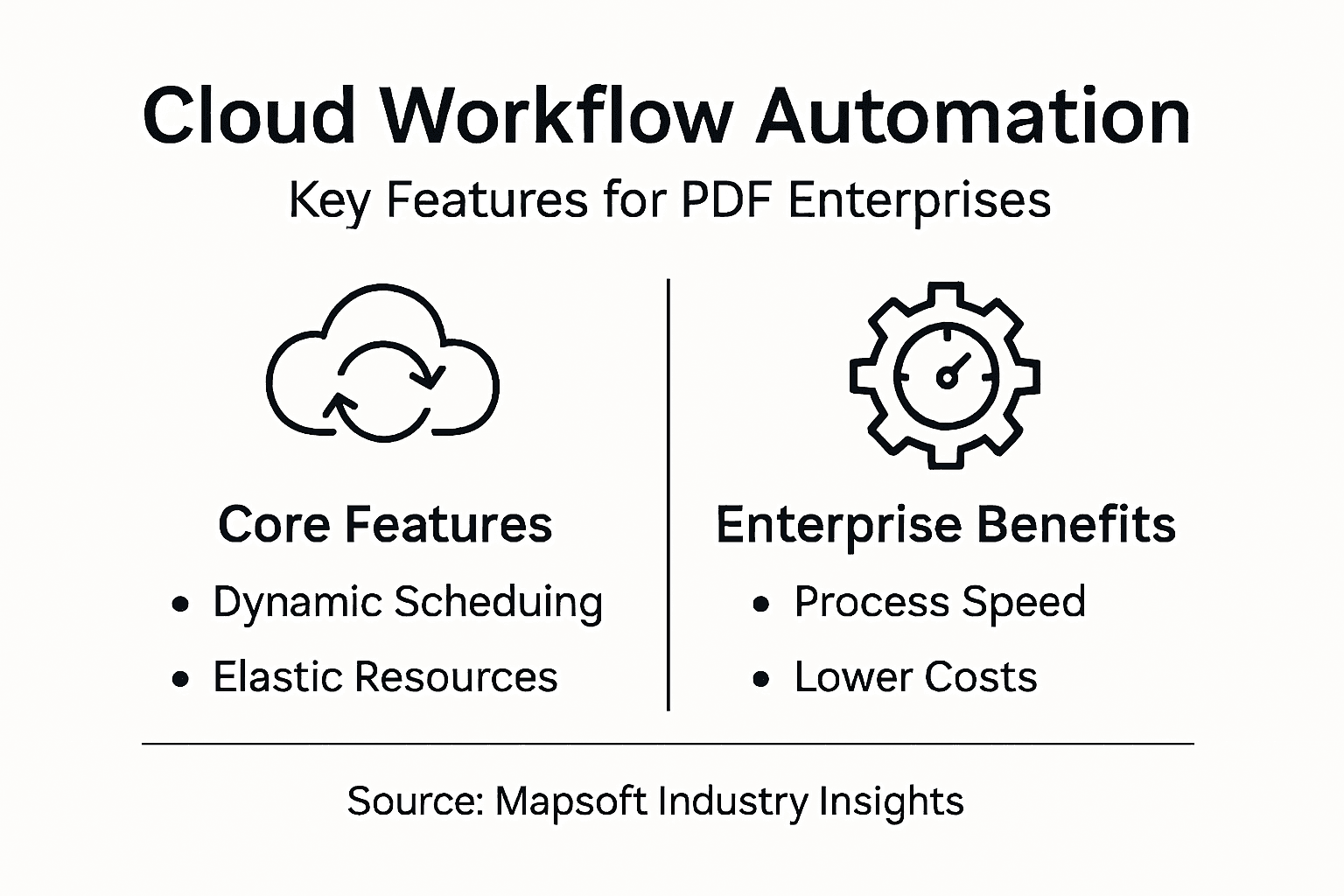
Key automation features can be categorized into several fundamental domains. First, dynamic scheduling allows intelligent task distribution based on real-time computational loads, ensuring optimal resource utilization. Second, fault tolerance mechanisms automatically detect and recover from processing errors, minimizing workflow interruptions. Third, automated monitoring provides comprehensive visibility into workflow performance, enabling continuous optimization and proactive management of document processing systems.
Cloud-native workflow automation introduces advanced capabilities like elasticity and on-demand resource provisioning. These features empower enterprises to scale document processing capabilities dynamically, handling massive PDF volumes without significant infrastructure investments. Automated execution, combined with sophisticated provenance tracking, ensures complete transparency and accountability throughout complex workflow processes, reducing manual oversight and potential human error.
Pro Tip: Implement a phased workflow automation strategy by first identifying and mapping your most repetitive PDF processing tasks to maximize initial implementation success and demonstrate tangible operational improvements.
Integrating Adobe Solutions for Efficiency
Adobe’s cloud ecosystem represents a powerful solution for enterprises seeking to optimize their PDF workflow management strategies. AI-powered cloud services have revolutionized the way organizations handle document processing, introducing intelligent automation and real-time error resolution capabilities that significantly enhance operational efficiency.
The integration of Adobe solutions offers multiple strategic advantages for enterprises. Cloud document collaboration enables seamless file sharing and version control across distributed teams, eliminating traditional barriers to productivity. Native file format support ensures consistent document rendering and preservation of complex design elements, while automated workflow tools allow organizations to create sophisticated, repeatable document processing sequences with minimal manual intervention.
Adobe Creative Cloud integration provides comprehensive workflow management tools that connect various applications like Photoshop, Illustrator, and InDesign. These interconnected platforms facilitate advanced content creation, enabling enterprises to streamline PDF-centric workflows through centralized asset management, collaborative editing, and intelligent resource allocation. The result is a more agile, responsive document management ecosystem that adapts to evolving business requirements.
Pro Tip: Conduct a thorough assessment of your current PDF workflow processes before implementing Adobe cloud solutions to identify specific integration points and maximize potential efficiency gains.
Cost, Security, and Compliance Implications
Cloud workflow implementations demand a sophisticated approach to balancing operational efficiency with rigorous security and cost management strategies. Security and compliance challenges represent critical considerations for enterprises seeking to optimize their PDF document management processes, requiring comprehensive risk mitigation frameworks.
Enterprise organizations must deploy multi-layered security strategies to protect sensitive document workflows. Zero-trust architectures provide robust defense mechanisms by requiring continuous authentication for every system access point. Encryption protocols ensure data confidentiality during transmission and storage, while AI-driven threat detection enables proactive identification of potential security vulnerabilities before they can be exploited. These strategies collectively create a comprehensive defense mechanism against emerging cybersecurity risks.
Cost-aware workflow scheduling introduces complex trade-offs between operational expenses, regulatory compliance, and performance optimization. Enterprises must carefully evaluate cloud workflow implementations against key metrics like execution costs, service level agreements, and industry-specific regulatory requirements such as GDPR and HIPAA. Successful implementations balance technological capabilities with financial constraints, ensuring both security and economic efficiency in document management processes.
Pro Tip: Develop a comprehensive risk assessment matrix that quantifies potential security vulnerabilities, compliance requirements, and associated implementation costs before finalizing your cloud workflow strategy.
Comparing Cloud Workflows to Traditional Methods
Traditional document workflow methods have been fundamentally transformed by cloud computing technologies, offering enterprises unprecedented flexibility and efficiency. Workflow automation tools demonstrate significant advantages over legacy systems, particularly in handling complex PDF processing requirements across diverse organizational environments.
Key differences emerge in several critical operational domains. Traditional methods typically rely on rigid, monolithic architectures that require manual intervention and complex system modifications. In contrast, cloud workflows provide dynamic scalability, allowing real-time resource allocation and immediate adaptation to changing business requirements. This flexibility enables organizations to rapidly reconfigure document processing sequences without extensive infrastructure redesign, a limitation inherent in traditional workflow management approaches.
Cloud platform resource provisioning introduces sophisticated capabilities that traditional batch processing models cannot match. Cloud workflows offer elasticity in computational resources, enabling enterprises to scale document processing capabilities instantaneously based on demand. While traditional systems require substantial upfront infrastructure investments, cloud workflows allow organizations to optimize resource utilization, reduce operational costs, and maintain high performance levels with minimal technological overhead.
This table highlights key differences between traditional and cloud workflow approaches for PDF management:
| Aspect | Traditional Workflow | Cloud Workflow |
|---|---|---|
| Scalability | Limited, hardware-bound | Instant, on-demand |
| Resource Provisioning | Manual, fixed | Automated, elastic |
| Error Handling | Reactive, manual | Proactive, automated |
| Change Management | Slow, disruptive | Fast, flexible |
Pro Tip: Conduct a comprehensive side-by-side assessment of your current workflow processes, mapping specific pain points where cloud technologies could deliver immediate operational improvements.
Unlock the Full Potential of Cloud Workflows for PDF Management
Many enterprises struggle with automating complex PDF processing tasks while ensuring scalability and security. This article highlights key challenges such as dynamic scheduling, fault tolerance, and real-time resource allocation that organizations must overcome to optimize PDF-driven workflows. If your goal is to transform repetitive and manual PDF tasks into streamlined, automated processes that adapt instantly to changing workloads, the solution lies in integrating powerful cloud workflow automation with specialized Adobe technology enhancements.
At Mapsoft.com, we understand these pain points deeply. Our professional software solutions focus on enhancing Adobe Acrobat® workflows by providing advanced Acrobat plug-ins and robust PDF handling tools designed to boost efficiency. From merging, splitting, and batch processing PDFs to securing and optimizing files, our offerings can eliminate manual overhead and reduce costly errors. Plus, the Mapsoft PDF Hub platform empowers enterprises to build repeatable batch workflows using an intuitive online builder for large-scale PDF automation—perfect for enforcing dynamic workflows and fault tolerance mentioned in the article.

Don’t let complex PDF workflows hold your business back. Visit Mapsoft.com now to explore tailored solutions that maximize your Adobe investment and propel your document management into the future. Discover how you can enhance scalability, automate task scheduling, and maintain security compliance with expert software designed specifically for PDF-driven enterprises. Take the next step toward efficient, cloud-powered PDF workflow automation today.
Frequently Asked Questions
What are the primary benefits of using cloud workflows for PDF management?
Cloud workflows offer scalability, resource optimization, automation of complex processes, and reduced manual intervention in PDF management, leading to improved efficiency and accuracy.
How do cloud workflows compare to traditional document processing methods?
Cloud workflows provide instant scalability, automated resource provisioning, proactive error handling, and faster change management, unlike traditional methods that typically rely on rigid architectures and manual interventions.
What types of cloud workflow models can enterprises choose for PDF processing?
Enterprises can choose from static, dynamic, and hybrid workflow models, each offering different levels of task flexibility and resource adaptability to suit various document management needs.
How can integrating Adobe solutions enhance cloud workflows?
Integrating Adobe solutions can improve collaboration, ensure consistent document rendering, and enable the creation of automated workflow tools, all of which streamline PDF-centric processes across teams.

