

{
“@type”: “Article”,
“image”: “https://csuxjmfbwmkxiegfpljm.supabase.co/storage/v1/object/public/blog-images/organization-3822/1765758664106_image_1765758664007.png”,
“author”: {
“url”: “https://mapsoft.com”,
“name”: “Mapsoft”,
“@type”: “Organization”
},
“@context”: “https://schema.org”,
“headline”: “Business Automation Workflow: Maximizing PDF Efficiency”,
“imageAlt”: “Executive reviewing PDF on dual monitors”,
“publisher”: {
“url”: “https://mapsoft.com”,
“name”: “Mapsoft”,
“@type”: “Organization”
},
“inLanguage”: “en”,
“articleBody”: “Business automation workflow empowers document processes with seamless PDF integration, repeatable tasks, and Adobe-based solutions for enterprise-scale impact.”,
“description”: “Business automation workflow empowers document processes with seamless PDF integration, repeatable tasks, and Adobe-based solutions for enterprise-scale impact.”,
“datePublished”: “2025-12-15T00:31:26.759Z”
}
Nearly 85 percent of American businesses now rely on some form of document automation to stay competitive. From small startups to global corporations, the pressure to streamline paperwork and ensure accuracy has never been greater. Understanding how business automation workflow transforms document management helps American organizations cut costs, reduce errors, and respond faster when every second counts.
Table of Contents
- Defining Business Automation Workflow In Document Management
- Workflow Types For PDF And Adobe Environments
- Critical Features Of Automated PDF Solutions
- Enterprise Use Cases And Integration Approaches
- Risks, Costs, And Common Bottlenecks
Key Takeaways
| Point | Details |
|---|---|
| Business Automation Workflow Benefits | Workflow automation enhances document management by reducing errors, speeding up processes, and providing predictable outcomes. |
| Critical Features of Automated PDF Solutions | Key features like intelligent data extraction, dynamic routing, and real-time analytics improve processing efficiency and decision-making. |
| Enterprise Use Cases | PDF workflow automation is effectively utilized in sectors such as finance, healthcare, and human resources to streamline operations and improve compliance. |
| Risks and Costs | Organizations face challenges such as technical complexity, integration issues, and significant initial investment costs, necessitating strategic planning for successful implementation. |
Defining Business Automation Workflow in Document Management
A business automation workflow transforms how organizations manage complex document processes by systematically converting manual tasks into streamlined, repeatable digital sequences. At its core, workflow automation enables businesses to reduce human error, accelerate processing times, and create predictable operational outcomes. Systematic business process management techniques have emerged as critical strategies for connecting users directly with their essential tasks.
The landscape of document management automation is rapidly evolving, driven by advanced technological solutions that can interpret and execute complex procedural requirements. Modern workflow systems leverage artificial intelligence and machine learning to automatically generate executable workflow steps from natural language requests, dramatically reducing the time and complexity associated with traditional process design. This technological progression allows businesses to create more adaptive, responsive document management frameworks that can quickly adjust to changing operational needs.
Effective business automation workflows typically incorporate several key components that work together to optimize document management:
- Process Mapping: Detailed visualization of existing document handling procedures
- Rule Configuration: Establishing precise automated decision points and routing logic
- Integration Capabilities: Connecting different software platforms and document repositories
- Monitoring and Analytics: Tracking workflow performance and identifying optimization opportunities
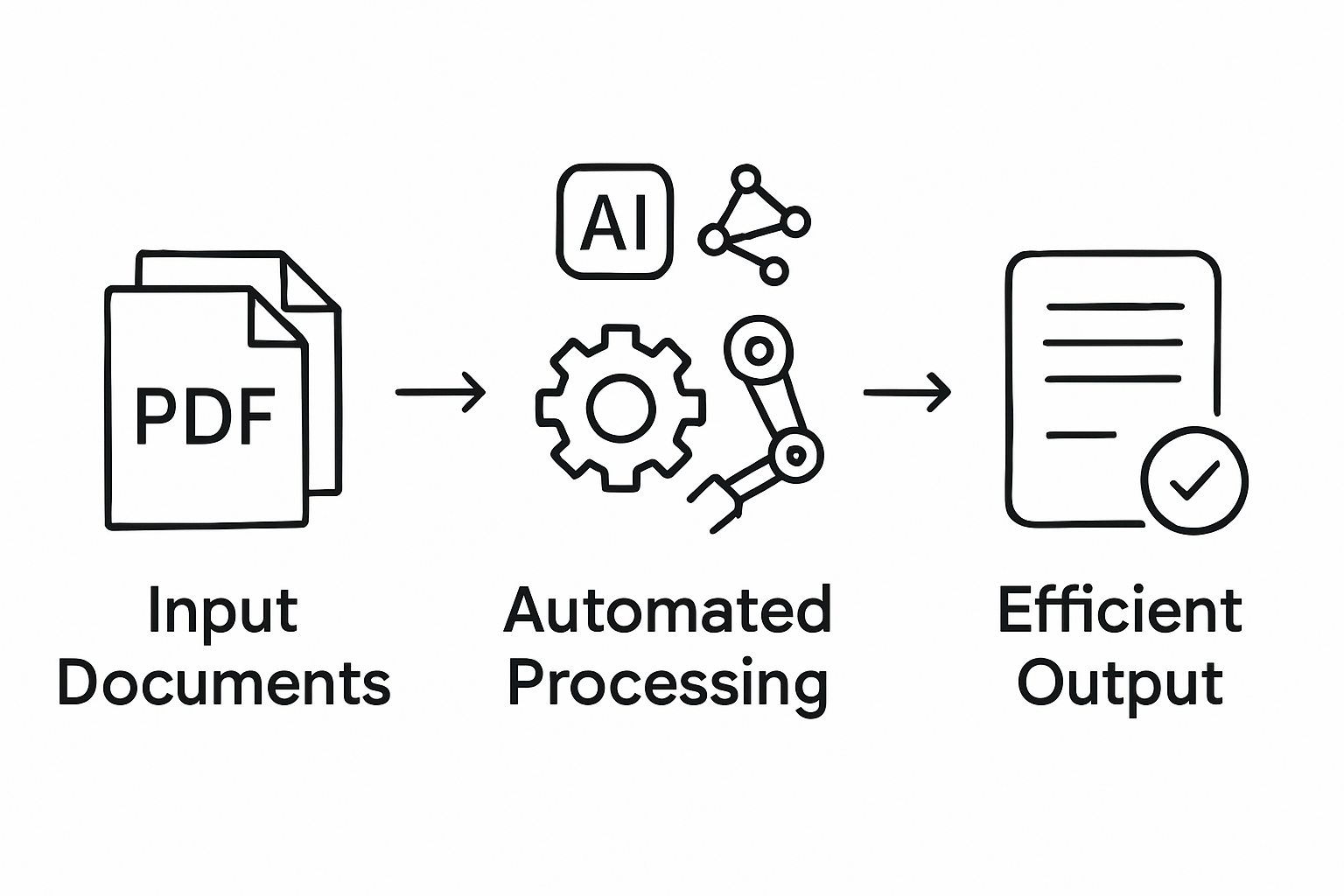
By implementing workflow automation services for PDF operations, organizations can transform their document management from a labor-intensive process into a precise, efficient digital ecosystem. The result is not just improved operational speed, but enhanced accuracy, compliance, and strategic adaptability across entire document handling infrastructures.
Workflow Types for PDF and Adobe Environments
PDF and Adobe environments offer multiple workflow automation types that enable organizations to streamline document management and processing tasks. Automating workflow with Adobe Acrobat’s actions represents a sophisticated approach to digital document handling, allowing businesses to create repeatable, efficient processes across various operational contexts.
The primary workflow types in PDF and Adobe environments can be categorized into several strategic approaches:
- Sequential Workflows: Linear processes where documents move through predefined stages
- Parallel Workflows: Multiple document tracks processed simultaneously
- Conditional Workflows: Dynamic routing based on specific document attributes or content
- Rule-Based Workflows: Automated decision points triggered by predefined conditions
Enterprise document management frequently leverages complex workflow architectures that combine multiple approaches. Automating business processes with Adobe PDF solutions enables organizations to design intricate workflows that can handle diverse document processing requirements. These advanced systems support intelligent routing, automatic metadata extraction, version control, and seamless integration with existing enterprise software platforms.
The most sophisticated workflow types incorporate intelligent automation features that go beyond simple document routing. Advanced PDF workflow systems now include machine learning capabilities, enabling dynamic adaptation to changing business requirements and providing real-time analytics on document processing efficiency. By mastering PDF workflow automation techniques, organizations can transform their document management from a reactive process to a proactive, strategic business function.

Critical Features of Automated PDF Solutions
Automated PDF solutions represent a transformative approach to document management, offering businesses sophisticated tools to streamline complex processing tasks. Document workflow automation technologies deliver remarkable benefits including significant time savings, error reduction, and dramatic improvements in overall organizational productivity.
The most critical features of advanced PDF automation solutions encompass several key technological capabilities:
- Intelligent Data Extraction: Automated recognition and capture of structured and unstructured information
- Dynamic Routing: Intelligent document flow based on content, metadata, and predefined business rules
- Seamless Integration: Compatibility with existing enterprise software ecosystems
- Advanced Security: Comprehensive access controls, encryption, and compliance monitoring
- Real-Time Analytics: Performance tracking and workflow optimization insights
Businesses seeking to master PDF batch processing for document workflows can leverage these advanced automation features to transform their document management strategies. Modern PDF solutions go beyond simple file conversion, offering intelligent processing capabilities that adapt to complex organizational requirements and reduce manual intervention.
The most sophisticated automated PDF solutions now incorporate machine learning and artificial intelligence, enabling dynamic workflow adaptation and predictive processing. Automated PDF data extraction techniques allow organizations to convert unstructured document information into actionable insights, creating a more responsive and intelligent document management infrastructure that can significantly enhance operational efficiency and decision-making capabilities.
Enterprise Use Cases and Integration Approaches
Enterprise PDF workflow automation spans multiple critical business domains, transforming traditional document management into intelligent, adaptive systems. Constructing business automations using natural language processing represents a groundbreaking approach that enables organizations to translate complex business rules into executable digital workflows with unprecedented precision and flexibility.
Key enterprise use cases for PDF workflow automation include:
- Financial Services: Automating loan documentation, compliance reporting, and transaction processing
- Healthcare: Managing patient records, insurance claims, and regulatory documentation
- Legal Departments: Streamlining contract management, document review, and compliance tracking
- Human Resources: Processing employment documents, performance reviews, and onboarding materials
- Supply Chain Management: Handling purchase orders, shipping documentation, and vendor communications
Integrating Robotic Process Automation with Business Process Management enables enterprises to create more intelligent, responsive workflow systems that can adapt to changing organizational requirements. These advanced integration approaches allow businesses to develop comprehensive automation strategies that go beyond simple document routing, incorporating predictive analytics, machine learning, and intelligent decision-making capabilities.
The most advanced enterprise PDF workflow solutions now leverage artificial intelligence to create adaptive integration frameworks that can dynamically adjust to complex business environments. By combining intelligent data extraction, machine learning algorithms, and seamless software ecosystem integration, organizations can transform their document management from a reactive process to a proactive, strategic business function that drives operational efficiency and competitive advantage.
Risks, Costs, and Common Bottlenecks
Document workflow automation presents complex challenges that organizations must carefully navigate to ensure successful implementation. Current robotic process automation tools demonstrate significant limitations in handling intricate decision-making tasks, requiring businesses to develop sophisticated strategies for mitigating potential risks and managing implementation costs.
Key risks and bottlenecks in PDF workflow automation include:
- Technical Complexity: High initial setup and configuration requirements
- Integration Challenges: Compatibility issues with existing software ecosystems
- Data Security Vulnerabilities: Potential exposure of sensitive document information
- Skill Gap: Limited availability of specialized automation expertise
- Scalability Limitations: Difficulty in expanding automation across diverse organizational processes
Intelligent automation methods are emerging to address traditional robotic process automation constraints, offering more adaptable and sophisticated solutions. These advanced approaches aim to reduce dependency on expert knowledge and provide more flexible frameworks for handling complex workflow scenarios. Organizations must carefully assess their specific requirements, invest in comprehensive training, and develop robust implementation strategies to maximize the potential of PDF workflow automation while minimizing associated risks.
The financial implications of workflow automation are significant, with initial investment costs potentially ranging from $50,000 to $500,000 depending on organizational complexity. Businesses must conduct thorough cost-benefit analyses, considering factors such as potential productivity gains, error reduction, and long-term operational efficiency. Successful implementation requires a strategic approach that balances technological investment with measurable business outcomes, ensuring that automation delivers tangible value beyond mere technological novelty.
Unlock Peak Efficiency with Expert PDF Workflow Automation Solutions
The article highlights how business automation workflows can dramatically reduce manual effort, increase accuracy, and accelerate PDF document processing by leveraging intelligent data extraction and dynamic routing. If you are facing challenges like technical complexity, integration bottlenecks, and maintaining secure, adaptive document workflows, you are not alone. Achieving seamless PDF workflow automation requires specialized tools designed to handle complex document operations while maximizing your Adobe investments.

Discover how Mapsoft.com can help you transform your PDF and Adobe Acrobat workflows with proven solutions tailored for enterprise needs. Our extensive offerings include advanced Acrobat plugins, batch processing tools, and customizable automation frameworks that simplify tasks such as metadata management, secure document handling, and intelligent workflow creation. Explore our Digital Preservation solutions to ensure your document processes remain both compliant and efficient. Take control of your document workflows today by visiting Mapsoft.com and start maximizing PDF efficiency with expert guidance and custom software development designed just for you.
Frequently Asked Questions
What is a business automation workflow in document management?
A business automation workflow in document management transforms manual tasks into streamlined digital processes, reducing human error and accelerating processing times. It employs systematic techniques to improve operational efficiency.
How can PDF automation solutions improve document management?
PDF automation solutions enhance document management by providing features such as intelligent data extraction, dynamic routing, and real-time analytics, which streamline complex processing tasks and increase overall productivity.
What types of workflows are commonly used in PDF and Adobe environments?
Common workflow types in PDF and Adobe environments include sequential workflows, parallel workflows, conditional workflows, and rule-based workflows, each designed to facilitate different document processing needs.
What are some key risks associated with implementing PDF workflow automation?
Key risks include technical complexity in setup, integration challenges with existing systems, data security vulnerabilities, and the potential skill gap for managing advanced automation technologies.
Recommended
- Workflow Automation Services for Streamlined PDF Operations –
- Automating Business Processes with Adobe PDF Solutions –
- Master PDF Batch Processing to Automate Document Workflows –
- Master PDF Workflow Automation for Your Business –
- How to Improve Workshop Efficiency for Diesel Injection Pros 2025 – My WordPress
- Understanding Wealth Management Workflow Guide Effectively – Future Family Office
- Role of Automation in Scheduling: Complete Guide – WhenNOT Blog

