

Managing enterprise documents often stalls at a familiar roadblock when rigid PDF files disrupt automation and efficient collaboration. While PDF remains the standard for reliable visual presentation, its complex architecture resists rapid editing and smooth integration across systems like Adobe Experience Platform. For IT managers, recognizing these core PDF limitations sets the stage for building smarter workflows that break through bottlenecks and enable scalable, seamless document processes organization wide.
Table of Contents
- Defining PDF Limitations In Enterprise Workflows
- Types Of PDF Constraints And Common Challenges
- Integration With Adobe And Third-Party Systems
- Automating And Scaling Large-Volume PDF Tasks
- Compliance, Security, And Workflow Risks
- Choosing And Implementing Advanced PDF Solutions
Key Takeaways
| Point | Details |
|---|---|
| PDF Limitations Impact Efficiency | Rigid PDF structures complicate editing and collaboration, hindering organizational efficiency. |
| Invest in Advanced Solutions | Implement sophisticated document management systems to enhance PDF processing capabilities. |
| Strategic Integration is Essential | Seamlessly connect Adobe and third-party systems to improve workflow efficiency. |
| Automate to Scale | Embrace automation for handling large PDF volumes to maintain control and efficiency. |
Defining PDF Limitations in Enterprise Workflows
Enterprise document workflows frequently encounter significant challenges with PDF file management, creating complex obstacles for organizations seeking streamlined digital processes. Workflow management techniques require sophisticated approaches to accommodate evolving business requirements and support robust automation strategies.
The primary limitations enterprises face with PDFs include:
- Inflexible document structures that resist quick editing
- Complex version control mechanisms
- Limited collaborative editing capabilities
- Challenging metadata management
- Restricted search and indexing functionalities
These constraints directly impact organizational efficiency by introducing manual intervention points and slowing down critical business processes. Unlike dynamic file formats, PDFs were originally designed for consistent visual representation, which creates inherent rigidity in enterprise document workflows.
Understanding these limitations requires recognizing how PDF architecture fundamentally constrains digital transformation efforts. Large organizations must develop strategic approaches to overcome these technical barriers, implementing advanced document management systems that can effectively parse, manipulate, and integrate PDF content seamlessly across various enterprise platforms.
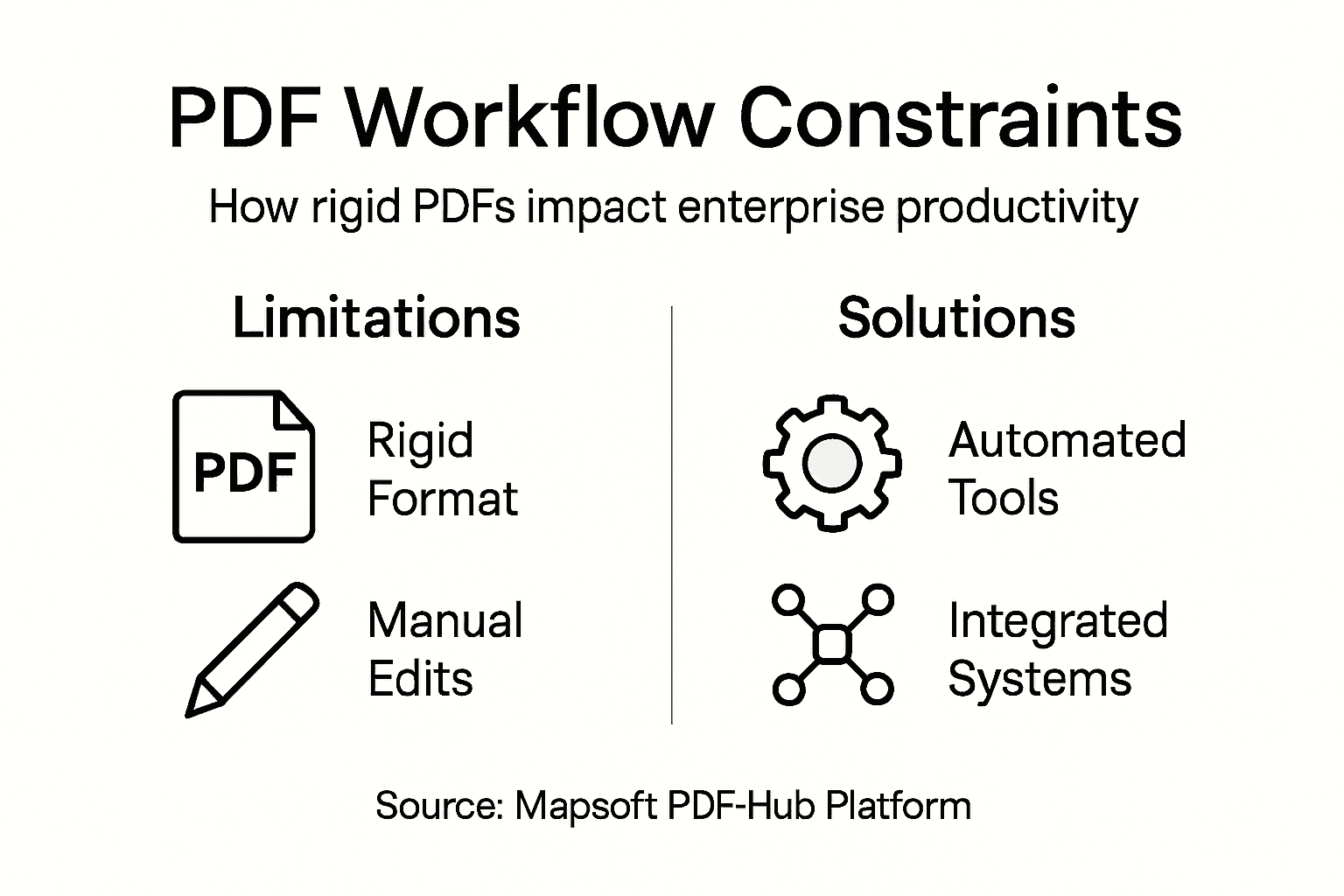
Here’s a quick reference comparing traditional PDF workflows with modern, integrated PDF management systems:
| Characteristic | Traditional PDF Workflow | Modern Integrated PDF Systems |
|---|---|---|
| Editing Flexibility | Manual, limited | Automated, dynamic |
| Collaboration | Sequential, e-mail based | Real-time, multi-user |
| Version Control | Manual file naming | Automated tracking |
| Metadata Handling | Minimal, hard to update | Centralized, searchable |
| Workflow Automation | Largely absent | Extensive, customizable |
| Integration | Standalone tools | Seamless cross-platform links |
Pro tip: Develop a comprehensive PDF workflow audit to identify specific bottlenecks and design targeted technological interventions.
Types of PDF Constraints and Common Challenges
Enterprises encounter multifaceted challenges when working with PDF documents that significantly impede digital workflow efficiency. Enterprise PDF processing challenges reveal complex technological barriers that require sophisticated management strategies.
The primary types of PDF constraints can be categorized into several critical domains:
-
Structural Limitations
- Complex, non-linear document layouts
- Embedded fonts preventing easy text extraction
- Multi-layered content complexity
-
Technical Constraints
- Rendering inconsistencies across different devices
- Performance issues with large file sizes
- Limited programmatic manipulation capabilities
-
Security and Compliance Challenges
- Advanced digital signature requirements
- Cryptographic key management complexities
- Strict standards compliance protocols
These constraints create significant bottlenecks in enterprise document management, forcing organizations to develop intricate workarounds. The fundamental rigidity of PDF architecture means that what appears visually seamless often represents a technically challenging file format for comprehensive digital processing.

Modern enterprises must strategically approach PDF management by investing in sophisticated document processing technologies that can effectively parse, transform, and integrate these complex files across diverse technological ecosystems. PDF standards compliance becomes crucial in developing robust, adaptable document workflows that can overcome traditional PDF limitations.
Pro tip: Implement comprehensive PDF processing tools that support advanced extraction, transformation, and integration capabilities to mitigate structural and technical constraints.
Integration with Adobe and Third-Party Systems
Enterprise document management requires sophisticated integration strategies that enable seamless communication between Adobe technologies and diverse third-party systems. Adobe Experience Platform supports comprehensive data ingestion from multiple external sources, creating robust interconnected workflows for complex organizational needs.
Key integration approaches include:
-
Application Connectors
- CRM system integrations
- Enterprise resource planning (ERP) connections
- Content management system (CMS) linkages
-
Data Transfer Mechanisms
- Cloud storage synchronization
- Automated metadata exchange
- Standardized API communication protocols
-
Workflow Optimization Strategies
- Digital signature embedding
- Automated document routing
- Cross-platform permissions management
Modern enterprises increasingly rely on Acrobat Sign integration tools that provide flexible connection frameworks between document management platforms. These integration solutions allow organizations to develop custom workflows that transcend traditional software boundaries, enabling more dynamic and responsive digital ecosystems.
Successful integration demands a strategic approach that considers technical compatibility, security protocols, and scalability. Enterprises must evaluate their existing technological infrastructure and select integration methods that minimize disruption while maximizing operational efficiency.
Pro tip: Conduct comprehensive system compatibility assessments and pilot integration projects to validate cross-platform performance before full-scale implementation.
Automating and Scaling Large-Volume PDF Tasks
Enterprises today face increasingly complex challenges in managing massive PDF document volumes, requiring sophisticated automation strategies that transcend traditional processing methods. Large Language Models enable dynamic content extraction and formatting with unprecedented efficiency and accuracy.
Key strategies for scaling PDF task automation include:
-
Processing Architecture
- Parallel processing frameworks
- Distributed cloud infrastructure
- Scalable AI-driven pipelines
-
Content Extraction Techniques
- Template-based mapping
- Intelligent metadata parsing
- Dynamic formatting algorithms
-
Performance Optimization
- Real-time validation mechanisms
- Resource-efficient processing
- Adaptive computational allocation
High-volume PDF extraction demands comprehensive architectural approaches that balance computational resources, accuracy, and compliance across diverse document formats. Modern enterprises must implement flexible systems capable of handling thousands of PDFs daily while maintaining strict quality control and operational efficiency.
Successful large-volume PDF automation requires a multifaceted approach that combines advanced technological infrastructure, intelligent processing algorithms, and robust validation frameworks. Organizations must invest in scalable solutions that can adapt to changing document complexity and evolving business requirements.
Pro tip: Develop modular PDF processing architectures that allow incremental scaling and easy integration of emerging AI and machine learning technologies.
Compliance, Security, and Workflow Risks
Enterprise document management demands rigorous approaches to mitigating security vulnerabilities and maintaining regulatory compliance. Security challenges in cloud workflows require sophisticated architectures that protect sensitive information while enabling organizational agility and technological innovation.
Key security and compliance considerations include:
-
Data Protection Strategies
- Encryption protocols
- Access control mechanisms
- Secure data transmission frameworks
-
Regulatory Compliance Requirements
- Industry-specific security standards
- Audit trail maintenance
- Comprehensive documentation practices
-
Risk Mitigation Techniques
- Continuous vulnerability monitoring
- Automated security validation
- Proactive threat detection systems
Automated security workflows offer enterprises powerful mechanisms for reducing operational risks and ensuring consistent policy implementation. By leveraging intelligent automation, organizations can create robust defense mechanisms that adapt dynamically to emerging technological challenges and regulatory landscapes.
Successful enterprise security strategies must transcend traditional reactive approaches, embracing proactive, technology-driven frameworks that integrate seamlessly with existing digital infrastructures. This requires a holistic perspective that balances technological capabilities with comprehensive risk management protocols.
The table below summarizes key security and compliance risks and matching mitigation strategies:
| Risk Area | Typical Challenge | Mitigation Strategy |
|---|---|---|
| Data Protection | Unauthorized access to files | Encryption and access controls |
| Regulatory Gaps | Non-compliance with new standards | Continuous audit and adaptation |
| Threat Response | Delayed detection of malicious activity | Real-time automated monitoring |
| Audit Trails | Incomplete documentation | Automated tracking and reporting |
Pro tip: Implement a multi-layered security strategy that combines automated monitoring, continuous training, and adaptive technological defenses.
Choosing and Implementing Advanced PDF Solutions
Successful enterprise PDF solution selection requires a comprehensive, strategic approach that goes beyond surface-level technical capabilities. Enterprise PDF solution selection demands meticulous evaluation of organizational requirements, technological compatibility, and long-term scalability.
Critical considerations for PDF solution implementation include:
-
Technical Evaluation Criteria
- Scalability and performance metrics
- Integration complexity assessment
- Workflow compatibility analysis
-
Compliance and Security Dimensions
- Regulatory standard adherence
- Data protection mechanisms
- Access control frameworks
-
Operational Requirements
- Document lifecycle management
- Customization potential
- Vendor support quality
Modern enterprises must approach PDF solution selection as a strategic investment, optimizing PDF workflows to create flexible, efficient document management ecosystems. This requires a holistic perspective that balances technological capabilities with specific organizational needs and future growth potential.
Successful implementation transcends technology selection, demanding comprehensive change management strategies that align technological solutions with existing business processes. Organizations must develop robust integration frameworks that enable seamless adaptation and continuous improvement.
Pro tip: Conduct a comprehensive pilot program to validate PDF solution performance across multiple departments before enterprise-wide implementation.
Unlock Enterprise Efficiency by Overcoming PDF Limitations
If your organization struggles with inflexible PDF workflows that slow down productivity it is time to explore solutions designed to transform these challenges into streamlined processes. Enterprises face hurdles like limited editing flexibility complex version control and difficult metadata management that hinder automation and collaboration. At Mapsoft.com we specialize in advanced PDF tools and custom software development tailored to optimize Adobe® PDF workflows and boost document handling efficiency.

Discover how our expertise in Acrobat® platform enhancements and our Mapsoft PDF Hub platform can help you automate large-scale PDF tasks simplify metadata handling and ensure compliance with industry standards. Explore practical insights in our Digital Preservation category or review other innovative solutions in Uncategorized to find the right approach for your enterprise. Take action now to maximize your Adobe investments with customized tools that reduce manual work improve collaboration and secure your document workflows today.
Frequently Asked Questions
What are the major limitations of PDFs in enterprise workflows?
PDFs face several limitations including inflexible document structures, complex version control, limited collaborative editing capabilities, challenging metadata management, and restricted search and indexing functionalities.
How can enterprises improve PDF document management?
Enterprises can enhance PDF document management by implementing advanced document management systems that allow for effective parsing, manipulation, and integration of PDF content across various platforms.
What strategies can be used to automate large-volume PDF tasks?
Key strategies for automating large-volume PDF tasks include utilizing parallel processing frameworks, adopting scalable AI-driven pipelines, and implementing intelligent metadata parsing techniques to streamline content extraction and formatting.
How important is compliance and security when managing PDFs in an enterprise setting?
Compliance and security are critical in PDF management as they safeguard sensitive information and ensure adherence to regulatory standards. Implementing encryption protocols, access controls, and continuous monitoring can help mitigate risks associated with PDF workflows.
Recommended
- Scaling PDF Processing: Boosting Enterprise Efficiency –
- Why PDFs Are Universal: Impact on Enterprise Workflows –
- Trends in Enterprise Mobility: Complete Guide for 2025 –
- PDF Versus Paper Records: Impact On Enterprise Workflows –
- Enterprise Sales: Driving Growth for UK SaaS Leaders
- 7 Migliori Software Contabili per Aziende B2B nel 2026

