

{
“@type”: “Article”,
“image”: {
“url”: “https://csuxjmfbwmkxiegfpljm.supabase.co/storage/v1/object/public/blog-images/organization-3822/1768978134525_image_1768978134348.png”,
“@type”: “ImageObject”,
“caption”: “HR manager reviewing PDFs in office”
},
“author”: {
“url”: “https://mapsoft.com”,
“name”: “Mapsoft”,
“@type”: “Organization”
},
“@context”: “https://schema.org”,
“headline”: “PDFs for HR Processes: Streamlining Compliance and Efficiency”,
“publisher”: {
“url”: “https://mapsoft.com”,
“name”: “Mapsoft”,
“@type”: “Organization”
},
“inLanguage”: “en-US”,
“articleBody”: “PDFs for HR processes help automate onboarding, document security, and compliance. Discover key types, real-world workflows, and common pitfalls.”,
“description”: “PDFs for HR processes help automate onboarding, document security, and compliance. Discover key types, real-world workflows, and common pitfalls.”,
“datePublished”: “2026-01-21T06:49:42.120Z”
}
Managing HR documents across global teams can quickly become overwhelming when dealing with different formats and compliance standards. As human resource management shifts toward data-driven operations, PDFs have emerged as the backbone of secure and consistent HR workflows in multinational organizations. Capitalizing on universal compatibility and robust security, advanced PDF solutions now empower HR managers to automate complex processes, maintain compliance, and ensure clarity in every market.
Table of Contents
- Defining PDFs In Modern HR Operations
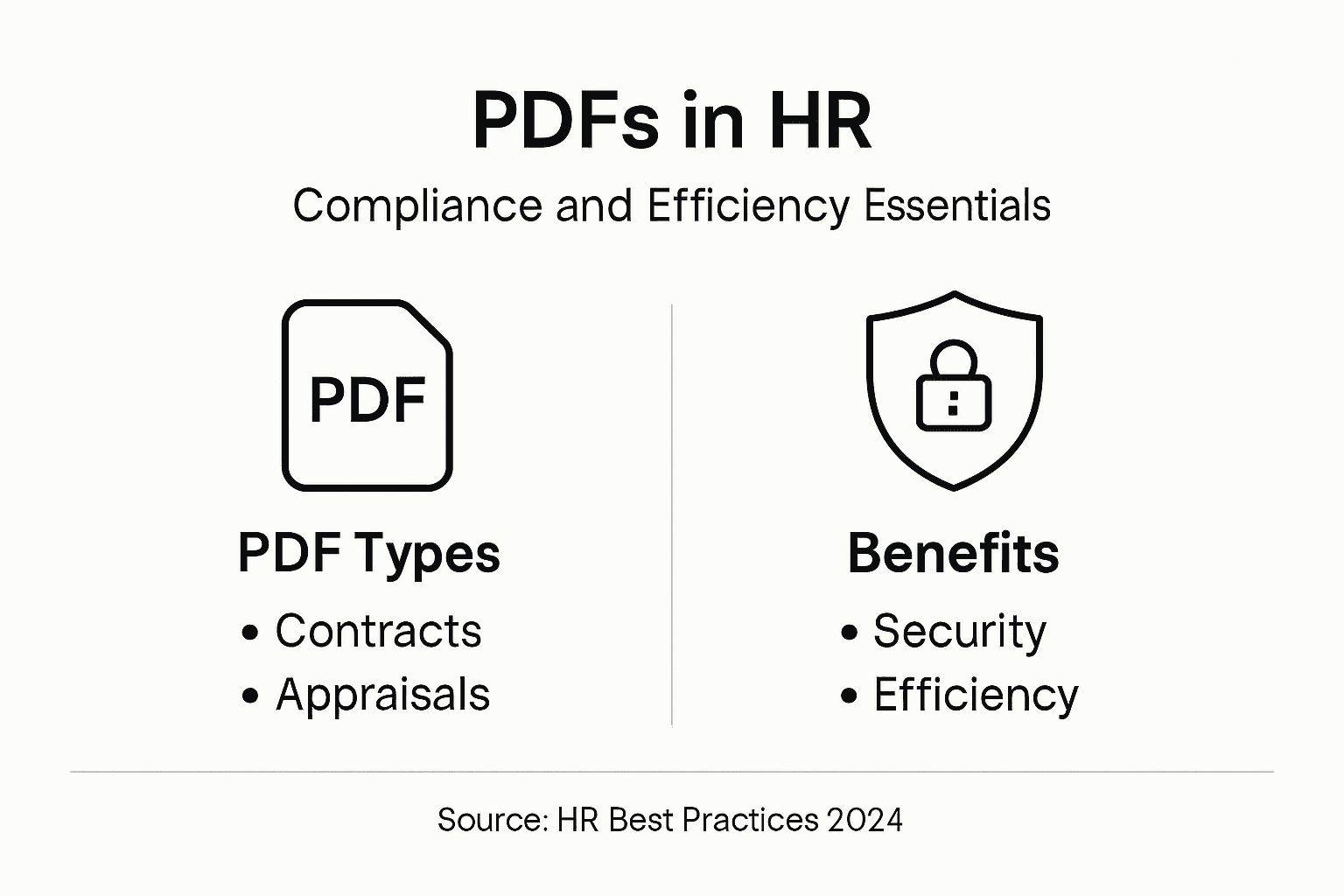
- Key PDF Types For HR Document Management
- Workflow Automation With Advanced PDF Tools
- Legal Compliance And Data Security Considerations
- Common Challenges When Implementing PDF Solutions
Key Takeaways
| Point | Details |
|---|---|
| Importance of PDFs in HR | PDFs are essential for managing and securing sensitive employee information in modern HR operations. Their universal compatibility and strong security features support organizational workflows and compliance. |
| Key PDF Types for HR | Various PDF types, such as Employment Contracts and Performance Appraisal Forms, serve distinct purposes in maintaining legal compliance and efficiency within HR processes. |
| Workflow Automation | Advanced PDF tools automate HR processes, enhancing efficiency and reducing manual errors through features like intelligent data extraction and real-time compliance checking. |
| Challenges in Implementation | Organizations face challenges such as user resistance and technical integration when adopting PDF solutions; strategic planning and user training are crucial for successful implementation. |
Defining PDFs in Modern HR Operations
In the evolving landscape of human resource management, Portable Document Format (PDF) documents have become an essential tool for standardizing and securing critical organizational information. PDFs represent more than just a file type – they are a strategic asset that enables HR professionals to manage, share, and protect sensitive employee data with unprecedented precision. Modern HR operations rely on consistent document formats that maintain integrity across diverse technological platforms.
The strategic importance of PDFs in HR extends far beyond simple document storage. These digital documents serve as critical infrastructure for managing complex workflows, ensuring compliance, and maintaining a structured approach to personnel records. PDFs provide immutable documentation that cannot be easily altered, which becomes crucial for legal and regulatory requirements. They support technological integration within HR operating models, facilitating seamless communication across departments and geographic boundaries.
Key characteristics that make PDFs indispensable in HR operations include:
- Universal compatibility across different devices and operating systems
- Strong encryption and security features
- Ability to preserve original formatting
- Easy archiving and long-term document preservation
- Support for digital signatures and compliance tracking
Pro Tip: Implement a standardized PDF naming convention in your HR department to improve document searchability and reduce file management complexity.
Key PDF Types for HR Document Management
Human resource departments leverage multiple PDF document types to streamline organizational processes and maintain comprehensive employee records. Standardized PDF formats support uniform data collection across recruitment, performance management, and compliance tracking functions. These digital documents serve as critical repositories of essential workforce information, ensuring consistency and legal protection for both employers and employees.
The spectrum of HR PDF documents encompasses several key categories that address different operational needs. Comprehensive HR document management relies on specific PDF types including:
- Employment Contracts: Legally binding agreements detailing job responsibilities
- Recruitment Records: Application forms, interview notes, candidate assessments
- Performance Appraisal Forms: Structured evaluation documents tracking employee progress
- Compensation Agreements: Detailed salary, benefits, and compensation documentation
- Compliance Checklists: Regulatory and policy adherence tracking documents
- Termination and Dismissal Records: Formal documentation of employment separation
Each PDF type serves a unique purpose in maintaining organizational efficiency, legal compliance, and transparent employee communication. By standardizing these documents in a universally accessible format, HR professionals can ensure secure, accurate, and easily retrievable workforce documentation across complex enterprise environments.

Here is a summary of the main HR PDF types and their organizational roles:
| PDF Type | Purpose Description | Typical Impact on HR Processes |
|---|---|---|
| Employment Contracts | Formalizes new hires and terms | Supports legal clarity and onboarding |
| Recruitment Records | Captures candidate information and decisions | Facilitates transparent hiring |
| Performance Appraisal Forms | Tracks evaluations and feedback | Improves performance management |
| Compensation Agreements | Documents pay, benefits, and compensation | Enhances payroll accuracy |
| Compliance Checklists | Ensures policy adherence and audit readiness | Reduces risk of regulatory fines |
| Termination Documents | Records separation processes and reasons | Supports documentation for disputes |
Pro Tip: Develop a consistent digital file naming convention for HR PDFs that includes document type, employee name, and date to simplify future retrieval and archival processes.
Workflow Automation with Advanced PDF Tools
Modern HR departments are transforming their operational capabilities through advanced PDF workflow automation technologies that dramatically reduce manual processing time and enhance organizational efficiency. AI-enabled workflow tools streamline document processing by automatically extracting, organizing, and managing critical employee information across complex enterprise environments.
The core capabilities of these advanced PDF automation tools include:
- Intelligent data extraction from complex document structures
- Automatic form population and validation
- Real-time compliance checking and risk assessment
- Seamless integration with existing HR management systems
- Dynamic routing of documents based on predefined organizational rules
Enterprise workflow automation platforms leverage sophisticated algorithms to transform traditional document-based processes. These technologies enable HR professionals to move beyond repetitive administrative tasks, focusing instead on strategic workforce planning and employee development. By implementing intelligent PDF workflow tools, organizations can reduce processing times, minimize human error, and create more transparent, traceable document management systems.
Pro Tip: Configure automated PDF workflow tools with granular permission settings to maintain strict document security while enabling efficient collaborative processes.
Legal Compliance and Data Security Considerations
Navigating the complex landscape of HR document management requires a comprehensive understanding of legal compliance and data security principles. HR compliance strategies demand rigorous document protection that safeguard sensitive employee information while meeting stringent regulatory requirements across diverse jurisdictional environments.
Key legal compliance and data security considerations for HR PDF management include:
- Implementing robust access control mechanisms
- Establishing comprehensive audit trail documentation
- Ensuring encryption of sensitive employee information
- Maintaining strict confidentiality protocols
- Developing clear data retention and destruction policies
- Protecting against unauthorized document modifications
Government guidelines for HR data management emphasize the critical importance of technical controls and privacy protections. HR departments must develop multilayered security strategies that address both technological vulnerabilities and regulatory compliance requirements. This involves creating systematic approaches to document handling that prevent unauthorized access, ensure data integrity, and maintain transparent, traceable record-keeping processes.
Pro Tip: Conduct quarterly comprehensive security audits of your PDF document management systems to identify and address potential compliance vulnerabilities before they become critical issues.
Common Challenges When Implementing PDF Solutions
Implementing PDF solutions in HR departments requires strategic planning and nuanced understanding of potential organizational obstacles. User resistance to new workflows represents one of the most significant challenges that organizations encounter during digital transformation processes, requiring careful change management strategies.
The most critical challenges in PDF solution implementation include:
- Complex technical integration with existing IT infrastructure
- User training and adaptation requirements
- Managing document version control
- Ensuring consistent access rights and permissions
- Maintaining data security and compliance standards
- Scalability across different organizational units
Enterprise document management systems demand comprehensive approaches that address both technological and human factors. Successful implementation requires a holistic strategy that encompasses technical compatibility, user experience design, comprehensive training programs, and ongoing support mechanisms. HR professionals must anticipate potential resistance, develop robust change management protocols, and create clear communication channels to facilitate smooth technological transitions.
This table compares key challenges and solutions in HR PDF implementation:
| Challenge | Example Scenario | Potential Solution |
|---|---|---|
| Technical Integration | HR software incompatibility | Use open PDF APIs and middleware |
| User Adoption | Staff hesitate with changes | Provide training and clear guidance |
| Version Control | Outdated files circulate | Standardize document management |
| Access and Permissions | Wrong staff access files | Implement role-based access controls |
| Compliance Maintenance | Untracked legal updates | Automate policy update alerts |
Pro Tip: Conduct pilot testing with a diverse cross-section of employees to identify potential implementation challenges and refine your PDF solution strategy before full organizational rollout.
Elevate Your HR PDF Workflows with Intelligent Automation and Security
HR professionals face the ongoing challenge of managing sensitive employee documents while ensuring compliance and operational efficiency. The need for secure, standardized, and easily retrievable PDFs that support complex workflows is clear in areas such as compliance tracking, performance appraisals, and document version control. Rising above manual processes and document chaos is essential to minimizing errors and legal risks.
Discover how Mapsoft’s solutions empower HR teams to seamlessly handle PDF tasks with advanced features like secure document encryption, batch workflow automation, and comprehensive metadata management. Our expertise in Adobe Acrobat® platform enhancements and PDF handling transforms routine document management into a strategic advantage. Explore capabilities across document preservation and workflow automation in our Digital Preservation category and find out how to apply these solutions to your HR operations.

Take control of your HR PDFs now to improve compliance and streamline operations. Visit Mapsoft.com to explore powerful PDF tools and customized solutions that align perfectly with your organizational goals. Unlock the full potential of your HR document environment and reduce risk while boosting productivity today.
Frequently Asked Questions
What are the benefits of using PDFs in HR operations?
PDFs provide universal compatibility, strong security features, maintain original formatting, and facilitate easy archiving and long-term document preservation, making them ideal for managing sensitive employee data.
How can HR departments automate PDF workflows?
HR departments can leverage advanced PDF workflow automation tools that offer intelligent data extraction, automatic form population, real-time compliance checking, and seamless integration with existing HR management systems to enhance efficiency and accuracy.
What types of PDFs are essential for HR document management?
Essential PDF types for HR include employment contracts, recruitment records, performance appraisal forms, compensation agreements, compliance checklists, and termination documents, each serving a specific purpose in maintaining legal compliance and organizational efficiency.
What challenges might HR face when implementing PDF solutions?
Challenges may include technical integration with existing systems, user training requirements, managing document version control, ensuring access rights, and maintaining data security and compliance standards.
Recommended
- PDFs for Legal Compliance: Enterprise Strategies –
- PDFs in Financial Services: Streamlining Compliance and Security –
- Going Paperless for Business: Boosting Enterprise Workflow –
- Process Automation: Transforming PDF Workflows for Business –
- Prisoner Legal Aid – Professional Legal Document Preparation Services

