
Over 80 percent of American enterprises report that inefficient document workflows create significant delays and increased costs across global teams. In the fast-moving world of enterprise IT, finding advanced solutions for PDF productivity can directly impact business performance and operational success. This guide offers IT and software managers practical insight into leveraging Adobe technologies for smarter automation and measurable results.
Table of Contents
- Defining PDF Productivity In Business Automation
- Types Of PDF Solutions And Integrations
- Key Features Of Automated PDF Workflows
- Real-World Use Cases For Enterprises
- Risks, Costs, And Common Pitfalls
- Comparing PDFs Versus Alternative Formats
Key Takeaways
| Point | Details |
|---|---|
| PDF Workflow Automation Enhances Efficiency | Implementing automated PDF workflows can significantly reduce manual processing time and improve operational performance. |
| Choose the Right PDF Solutions | Evaluate specific business needs when selecting PDF solutions to enhance document management and integration capabilities. |
| Strategic Implementation is Key | Carefully assess risks and plan for implementation to avoid pitfalls associated with automation in PDF workflows. |
| Alternative Formats Offer Benefits | While PDFs excel in security and consistency, consider alternative formats for improved interactivity and real-time collaboration. |
Defining PDF Productivity in Business Automation
PDF productivity in business automation represents a strategic approach to transforming document management and workflow processes through intelligent digital solutions. As enterprises increasingly seek operational efficiency, PDF workflow automation has emerged as a critical tool for streamlining complex organizational tasks. Systematic research on business automation reveals that intelligent document processing can significantly enhance operational performance across multiple business domains.
At its core, PDF productivity involves leveraging digital technologies to reduce manual interventions, minimize human error, and accelerate document-related workflows. Modern businesses recognize that PDFs are no longer static files but dynamic instruments of communication and process management. Digital document solutions now serve as strategic productivity tools that can dramatically transform workforce engagement and operational efficiency.
The key components of PDF productivity in business automation include:
- Automated document routing
- Intelligent form processing
- Real-time collaboration capabilities
- Secure digital signature implementation
- Seamless integration with existing enterprise systems
Pro tip: Conduct a comprehensive audit of your current PDF workflows to identify bottlenecks and opportunities for intelligent automation.
Types of PDF Solutions and Integrations
PDF solutions and integrations have evolved dramatically, transforming how businesses manage, process, and leverage digital documents. Modern enterprises require sophisticated tools that go beyond basic file conversion, demanding comprehensive PDF management solutions that streamline complex workflows. These advanced platforms provide a range of capabilities designed to enhance operational efficiency and document handling across organizational ecosystems.
The landscape of PDF solutions encompasses several critical categories that address diverse business needs. Conversion tools enable seamless transformation between different file formats, allowing organizations to maintain document flexibility. Editing platforms provide comprehensive capabilities for modifying PDF content, while security-focused solutions ensure robust protection of sensitive information. Integration capabilities have become increasingly sophisticated, enabling these tools to connect with enterprise resource planning (ERP) systems, customer relationship management (CRM) platforms, and cloud storage environments.
Key types of PDF solutions include:
- Document conversion utilities
- Advanced editing software
- Enterprise-grade security tools
- Workflow automation platforms
- Collaborative document management systems
- Electronic signature and compliance solutions
Businesses must carefully evaluate their specific requirements when selecting PDF integration solutions, considering factors such as scalability, compatibility with existing systems, and potential productivity gains. The right solution can dramatically reduce manual processing time and minimize potential errors associated with document management.
Pro tip: Conduct a comprehensive assessment of your current document workflows to identify specific PDF solution requirements before investing in new technologies.
Key Features of Automated PDF Workflows
Automated PDF workflows represent a sophisticated approach to document management that transforms how businesses handle critical information. Organizations can now leverage workflow automation services for streamlined PDF operations that dramatically reduce manual processing time and minimize potential human errors. These advanced systems integrate cutting-edge technologies to create intelligent document processing pipelines that adapt to complex business requirements.
Intelligent routing stands out as a critical feature of modern PDF workflow automation. These systems can automatically categorize, sort, and direct documents based on predefined rules, content analysis, and organizational priorities. Machine learning algorithms enable sophisticated document recognition, extraction, and processing capabilities that go far beyond traditional manual methods. Key intelligent features include automatic metadata tagging, content classification, and seamless integration with enterprise management systems.
The most advanced automated PDF workflow solutions offer comprehensive capabilities:
- Automatic document capture and ingestion
- Intelligent content extraction
- Seamless multi-system integration
- Real-time document tracking
- Compliance and security monitoring
- Adaptive processing rules
- Automated notifications and reporting
Successful implementation of PDF workflow automation requires a strategic approach that considers organizational complexity, existing technological infrastructure, and specific business process requirements. Companies must carefully evaluate their unique needs, potential integration challenges, and expected productivity gains before deploying comprehensive automated solutions.
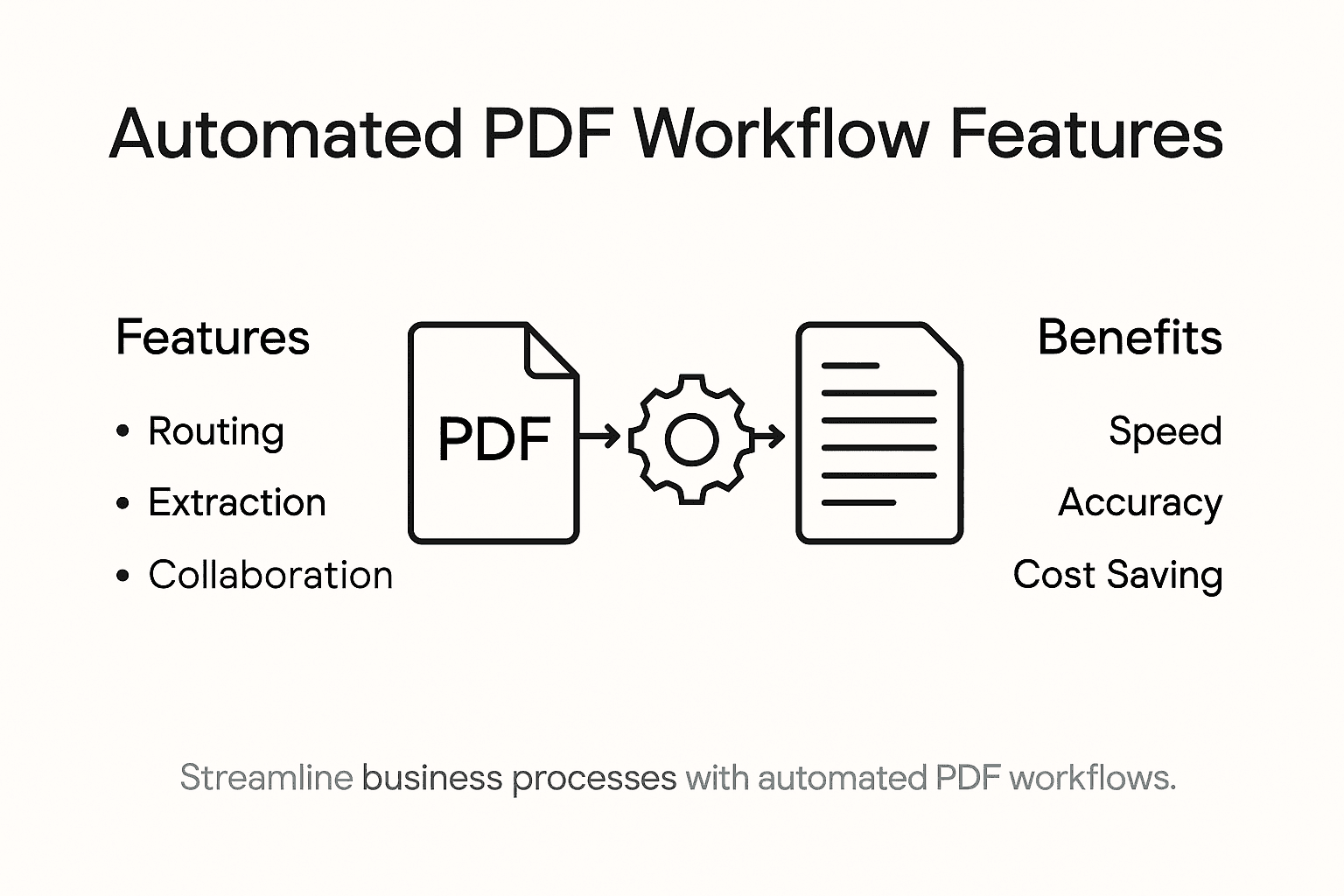
Here is a summary of how core automated PDF workflow features impact business efficiency:
| Feature | Business Impact | Typical Benefit |
|---|---|---|
| Intelligent document routing | Faster flow of information | 40–60% time reduction |
| Real-time document tracking | Immediate visibility into document status | Fewer missed deadlines |
| Content extraction with AI/ML | Reduces manual data entry | Fewer human errors |
| Compliance and security monitoring | Ensures regulatory adherence | Minimizes non-compliance risk |
Pro tip: Conduct a comprehensive workflow audit and pilot test automated PDF solutions with a small, representative document set before full-scale implementation.
Real-World Use Cases for Enterprises
Enterprises across multiple industries are transforming their operational efficiency through sophisticated PDF workflow automation. Comprehensive document processing use cases demonstrate remarkable productivity gains across finance, human resources, logistics, insurance, and legal departments. These advanced automation strategies enable organizations to streamline complex document management processes, reduce manual intervention, and significantly improve overall operational performance.

Strategic implementation of PDF workflow automation has proven particularly transformative in specific enterprise domains. Financial departments leverage automated systems for rapid invoice processing, while human resources departments utilize intelligent document routing for streamlined onboarding experiences. Machine learning algorithms enable precise document classification, extraction, and routing, dramatically reducing processing times and minimizing human error across critical business functions.
Key enterprise use cases for PDF workflow automation include:
- Financial invoice and expense report processing
- Human resources document management
- Legal contract review and management
- Logistics shipping documentation handling
- Insurance claims processing
- Regulatory compliance documentation
- Supply chain documentation workflows
Research indicates that enterprises implementing comprehensive PDF workflow automation can achieve substantial efficiency gains. Detailed case studies from multiple industries reveal potential productivity improvements ranging from 40% to 65% across various operational domains, with significant reductions in processing time and operational costs.
Pro tip: Select a single, low-complexity department for initial PDF workflow automation pilot to validate methodology and demonstrate tangible business value.
Risks, Costs, and Common Pitfalls
Workflow automation presents significant opportunities, but enterprises must carefully navigate potential challenges. Hidden costs of automating workflows can quickly erode expected productivity gains, requiring strategic and comprehensive planning. Organizations must conduct thorough cost-benefit analyses that extend beyond initial implementation expenses and consider long-term operational implications.
Technology implementation risks represent a critical consideration for enterprises pursuing PDF workflow automation. Potential pitfalls include vendor lock-in, insufficient employee training, overlooked security vulnerabilities, and automation of fundamentally inefficient processes. Complex integration challenges can emerge when attempting to connect automated PDF workflows with legacy systems, potentially creating additional operational friction instead of resolving existing inefficiencies.
Common risks and potential cost factors include:
- Initial software and infrastructure investment
- Employee retraining expenses
- Potential productivity disruptions during implementation
- Ongoing maintenance and upgrade costs
- Cybersecurity and compliance requirements
- Technical support and troubleshooting
- Potential workflow redesign expenses
Comprehensive research from industry experts highlights that successful PDF workflow automation requires a holistic approach. Enterprises must balance technological capabilities with practical organizational needs, ensuring that automation genuinely addresses existing operational challenges rather than creating additional complexity.
Pro tip: Conduct a comprehensive pilot program with a small, representative workflow to accurately assess potential risks and implementation challenges before full-scale deployment.
Comparing PDFs Versus Alternative Formats
Portable Document Format (PDF) remains a cornerstone of digital document management, but enterprises increasingly explore alternative formats to address evolving business communication needs. Organizations must carefully evaluate document formats based on specific functional requirements that extend beyond traditional file preservation and static representation.
Document format selection requires nuanced understanding of each format’s strengths and limitations. PDFs excel in maintaining consistent visual representation across platforms, ensuring document integrity, and providing robust security features. However, emerging formats offer enhanced interactivity, real-time collaboration capabilities, and improved mobile optimization that challenge PDF’s traditional dominance. Alternative formats like HTML5, interactive web documents, and cloud-based collaborative platforms provide dynamic content experiences that traditional PDFs cannot easily replicate.
Key comparison points between PDFs and alternative formats include:
- Visual consistency and cross-platform compatibility
- Interactive content capabilities
- Real-time collaboration features
- Mobile responsiveness
- Security and access controls
- File size and compression efficiency
- Editing and modification flexibility
Successful enterprises adopt a strategic approach, selecting document formats based on specific use cases rather than defaulting to a single solution. Some workflows may require PDFs for regulatory compliance, while others might benefit from more flexible, interactive digital formats that support immediate collaboration and content modification.
The table below compares PDFs to two popular alternative formats in business communication:
| Factor | HTML5 Document | Cloud Collaborative Doc | |
|---|---|---|---|
| Visual consistency | Always preserved | Depends on browser | High, cloud rendering |
| Interactivity | Limited (basic forms) | Full interactive support | Real-time, multifaceted |
| Security features | Advanced encryption options | Limited, relies on HTTPS | Managed by cloud provider |
| Mobile experience | Variable, often static | Highly responsive | Optimized for all devices |
Pro tip: Develop a comprehensive document format strategy that allows flexible selection based on specific communication and workflow requirements.
Unlock Peak PDF Productivity with Mapsoft Solutions
The article highlights how automated PDF workflows reduce manual processing and accelerate business operations while minimizing errors. If you are facing difficulties with inefficient document routing or complex PDF management, Mapsoft specializes in solving these exact pain points. Our advanced tools and custom solutions help you automate and optimize PDF workflows, enabling faster document processing, enhanced security, and seamless integration with your existing systems.

Discover powerful features like batch workflow automation, intelligent content extraction, and robust PDF editing at Mapsoft.com. Start transforming your document operations today by exploring our range of solutions and expertise in Digital Preservation. Don’t let outdated processes hold your business back. Visit us now and take the first step toward streamlined PDF productivity.
Frequently Asked Questions
What is PDF productivity in business automation?
PDF productivity in business automation refers to the use of digital solutions to improve document management and workflow processes, ultimately enhancing operational efficiency by reducing manual tasks and minimizing human errors.
How can automated PDF workflows benefit my organization?
Automated PDF workflows streamline document processing, reduce manual processing time, enhance accuracy, and improve collaboration among teams, resulting in significant productivity gains across various business functions.
What key features should I look for in PDF workflow automation solutions?
Key features include intelligent document routing, real-time collaboration, automated document capture, content extraction capabilities, secure digital signature implementation, and seamless integration with existing systems.
Are there any risks associated with implementing PDF workflow automation?
Yes, potential risks include hidden costs, technology implementation challenges, insufficient employee training, and the automation of inefficient processes. Conducting a thorough pilot program can help mitigate these risks.
Recommended
- Workflow Automation Services for Streamlined PDF Operations –
- Automating Business Processes with Adobe PDF Solutions –
- Master PDF Batch Processing to Automate Document Workflows –
- Master PDF Workflow Automation for Your Business –
- How to Improve Workshop Efficiency for Diesel Injection Pros 2025 – My WordPress