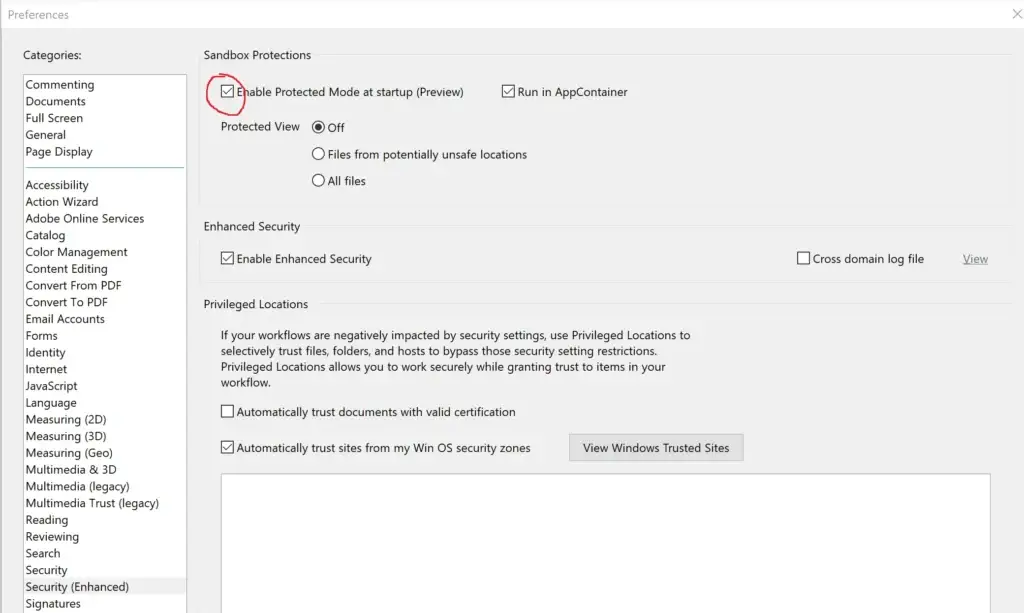
Acrobat Protected Mode Becomes Mandatory in 2026
Adobe is removing the option to turn off Sandbox on macOS in October 2026 and Protected Mode on Windows in December 2026. What it means for Acrobat plug-ins, and where Mapsoft stands.

Technical articles, product guides, and insights on Adobe development, PDF technology, and document workflows.

Looking for the tools, not the theory? Mapsoft's PDF Hub offers 55+ free PDF tools in your browser — merge, OCR, compress, redact, sign, and more. No installation.
Adobe is removing the option to turn off Sandbox on macOS in October 2026 and Protected Mode on Windows in December 2026. What it means for Acrobat plug-ins, and where Mapsoft stands.
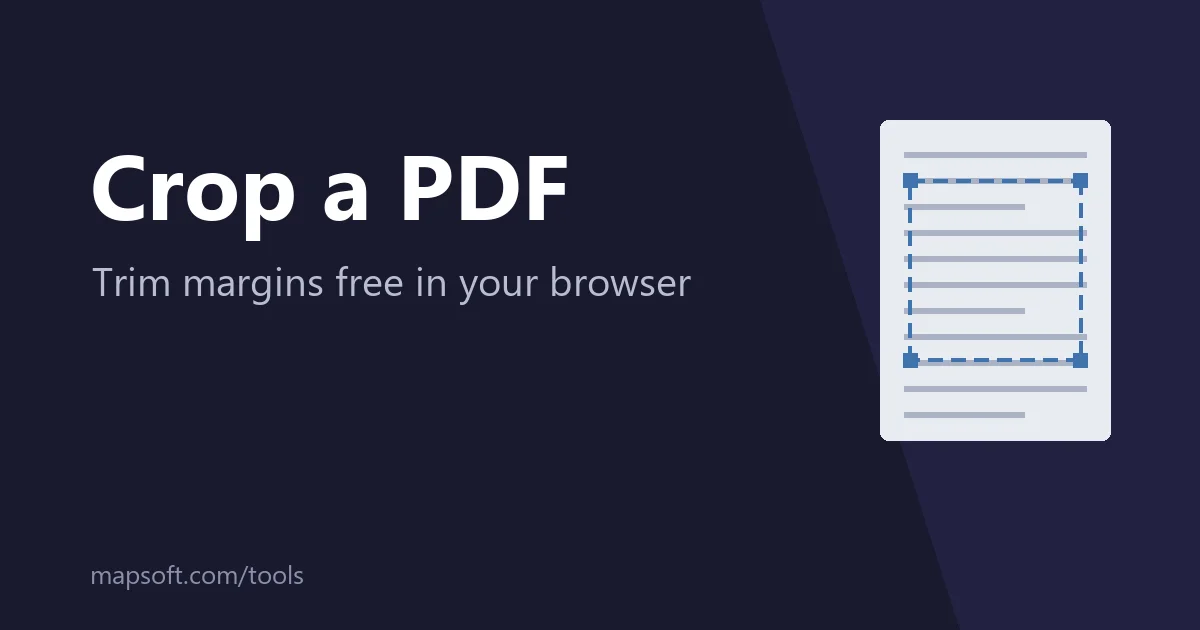
How to crop a PDF free in your browser - draw the area to keep, apply it to every page, and download. Plus cropping in Acrobat and macOS Preview, why cropped content is hidden rather than deleted, and when to redact instead.
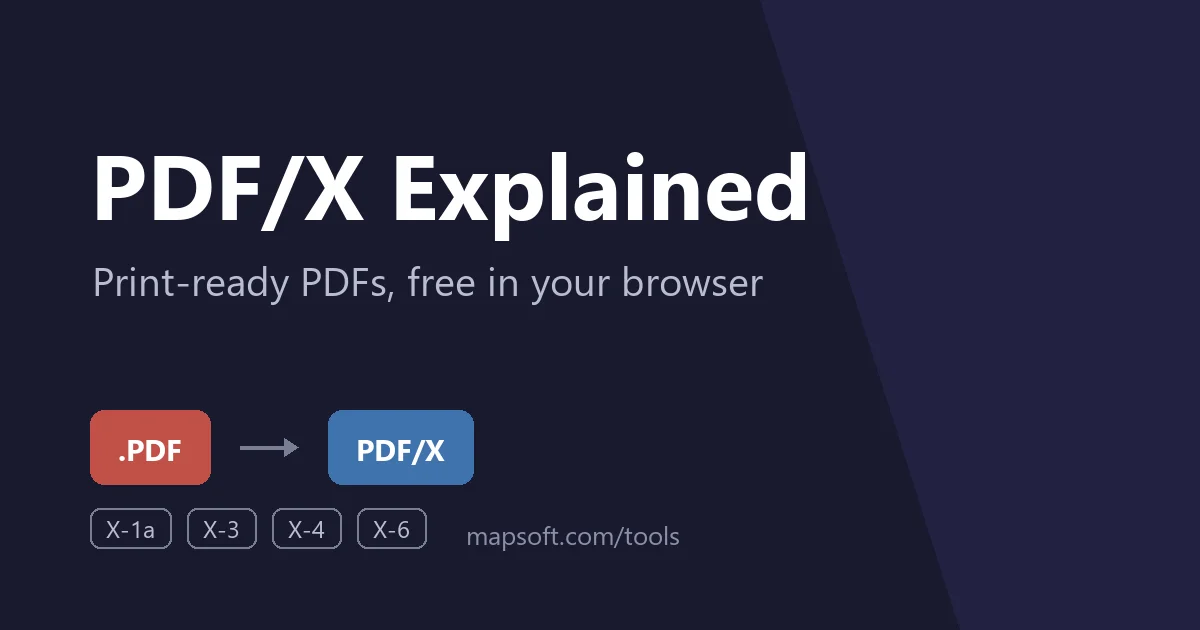
What PDF/X is, how PDF/X-1a, X-3, X-4 and X-6 differ, and how to convert a PDF to PDF/X free in your browser - embedded fonts, CMYK, output intents, bleed and transparency explained for press-ready files.
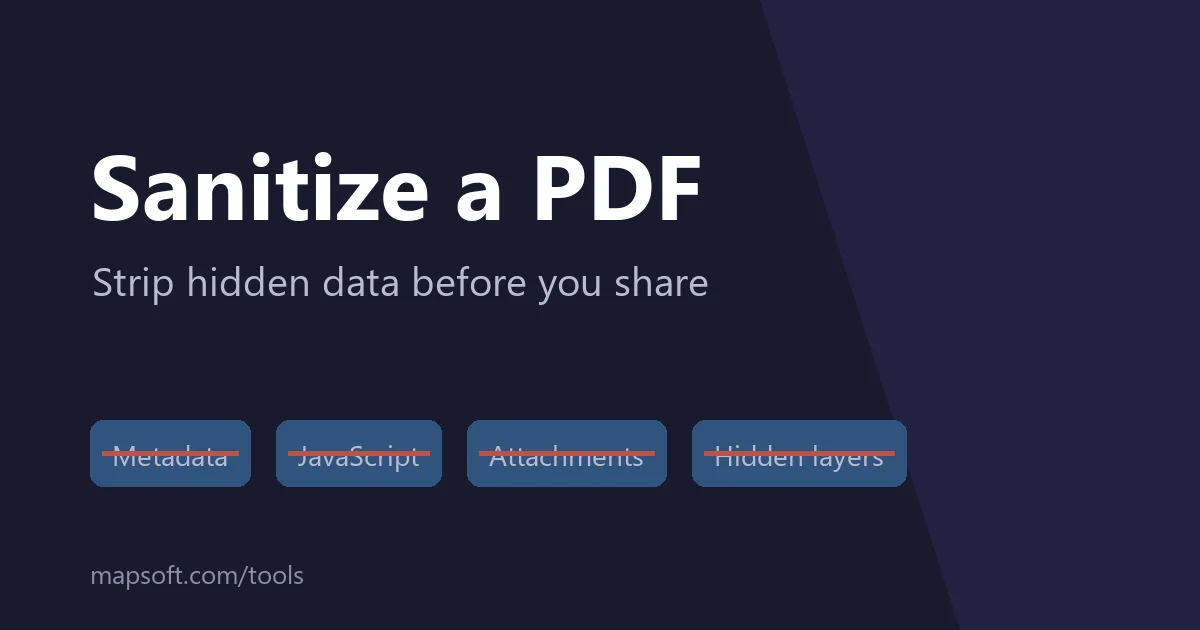
PDFs carry hidden data - author metadata, JavaScript, attachments, and invisible layers. How to sanitize a PDF free in your browser before sharing it, what sanitizing removes, and how it differs from redaction.
What Bates numbering is, why courts and legal teams require it, and how to add Bates numbers to a PDF free in your browser - prefix, digits, suffix, position, and numbering across multiple files explained.

Convert iPhone HEIC photos to PDF free in your browser - no app install. What HEIC is, why so many systems reject it, and every way to convert: online, on the iPhone itself, on Mac and Windows.
Step-by-step: validate a digital signature in any PDF — in Adobe Acrobat, free online in your browser, or on your phone. What the results actually mean, and what to do when a signature won't verify.
A yellow question mark or 'Signature Not Verified' on a PDF rarely means tampering. What the warning really means, why government-issued PDFs show it so often, and the safe way to fix it in Acrobat.
Ask questions about a PDF and get AI answers grounded in the document — with ChatGPT or Claude, Acrobat's AI Assistant, or Mapsoft's Chat with PDF tool. How it works, and where to be careful.
Turn a long PDF into a short summary with AI — ChatGPT or Claude, Acrobat's AI Assistant, or Mapsoft's Summarize PDF tool. How chunked summarisation works and what summaries reliably miss.
Translate a PDF with Google Translate, a Word round-trip, DeepL, or Mapsoft's AI tool — and understand why translated PDFs rarely keep their layout, and when you need a human translator.
Convert PDF tables to Excel spreadsheets using Adobe Acrobat, Excel's built-in Power Query, free online tools, OCR, and programmatic methods — without retyping data.
Extract embedded images from PDF files at original quality — Adobe Acrobat's Export All Images, free online tools, pdfimages, or Python. Why screenshots lose quality and what to expect from scans.
Rearrange PDF pages by drag and drop — in Adobe Acrobat's Organize Pages, free online tools, or the command line. Fix back-to-front scans, rotate pages losslessly, and keep bookmarks intact.
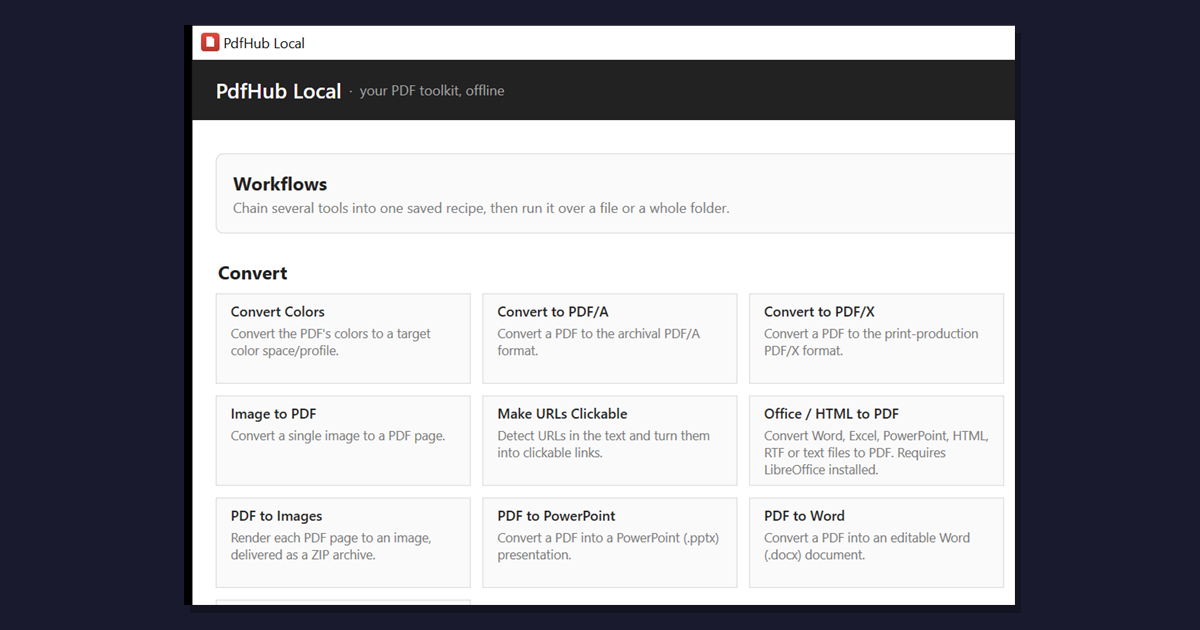
PdfHub Local brings 35+ Mapsoft PDF Hub tools to your Windows desktop — offline, private, and batch-ready. Free 14-day trial, included with any paid plan.
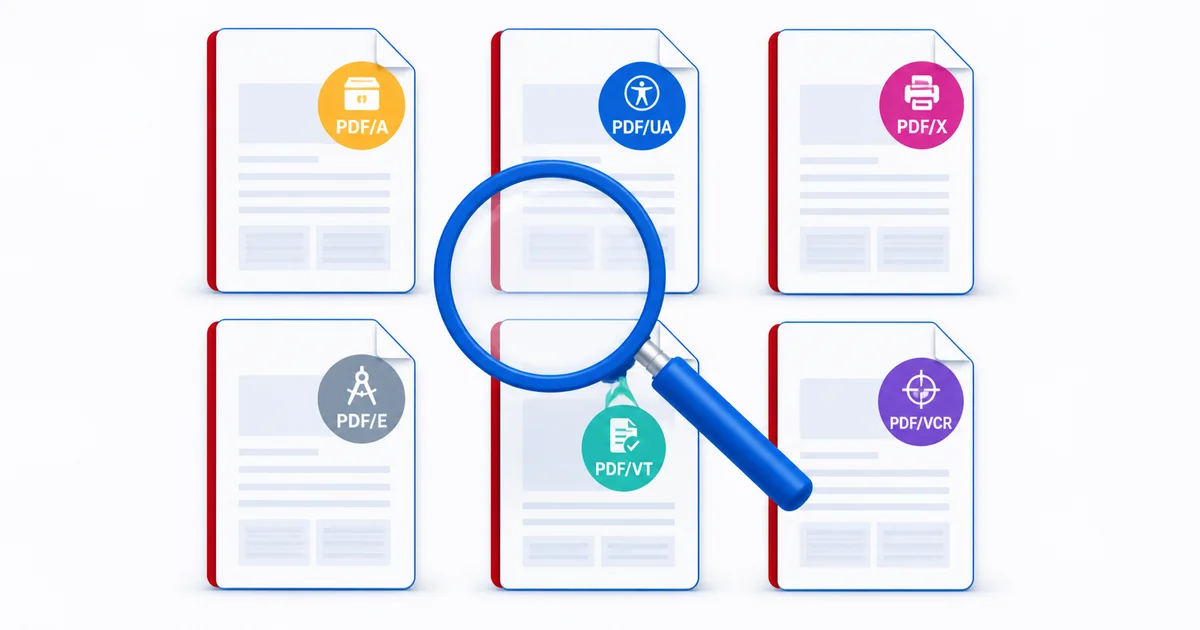
A complete reference to the PDF ISO standards: PDF/A, PDF/X, PDF/UA, PDF/E, PDF/VT and the ISO 32000-2 extensions, with a detailed comparison table.
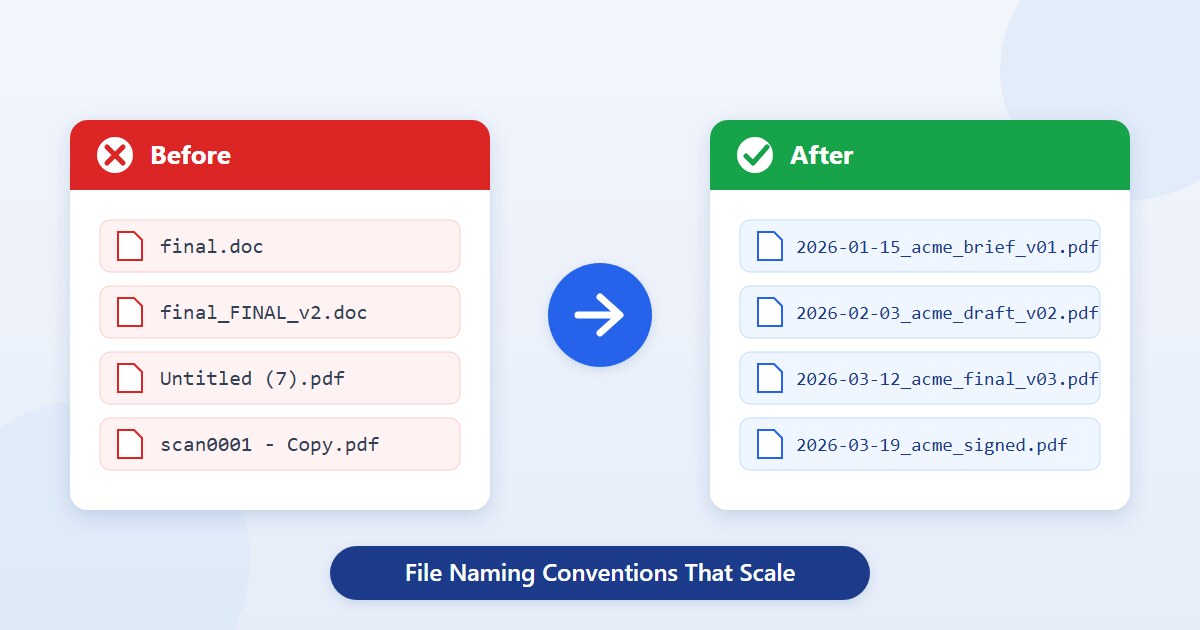
File naming conventions and best practices for 2026 — clear, sortable, machine-readable names that survive project, version, and team turnover. With templates.
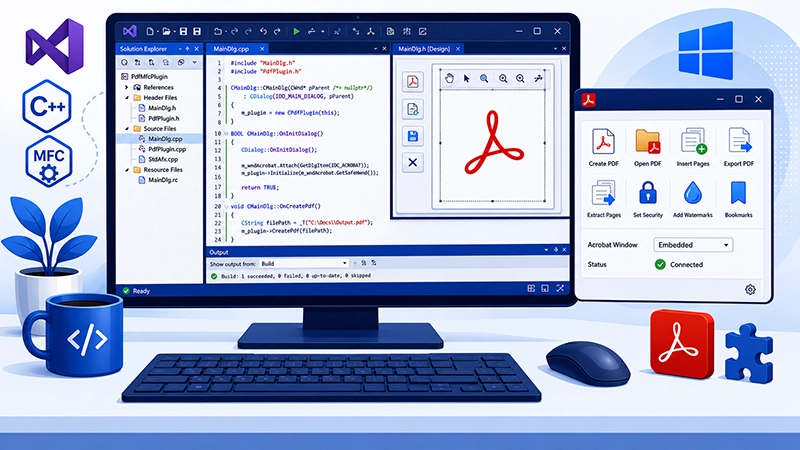
Demand for MFC and C++ consultants stays strong — legacy Win32/COM/MFC underpins engineering, finance and medical software. How Mapsoft uses MFC today.

Adobe’s PDF Services API is a cloud REST service for PDF operations — create, extract, OCR, compress, merge, split. Pricing model and when to self-host.

Automate Adobe InDesign with Scripts panel, ExtendScript, UXP, and the C++ SDK. Style normalisation, find/change, master pages, Book panel, packaging.
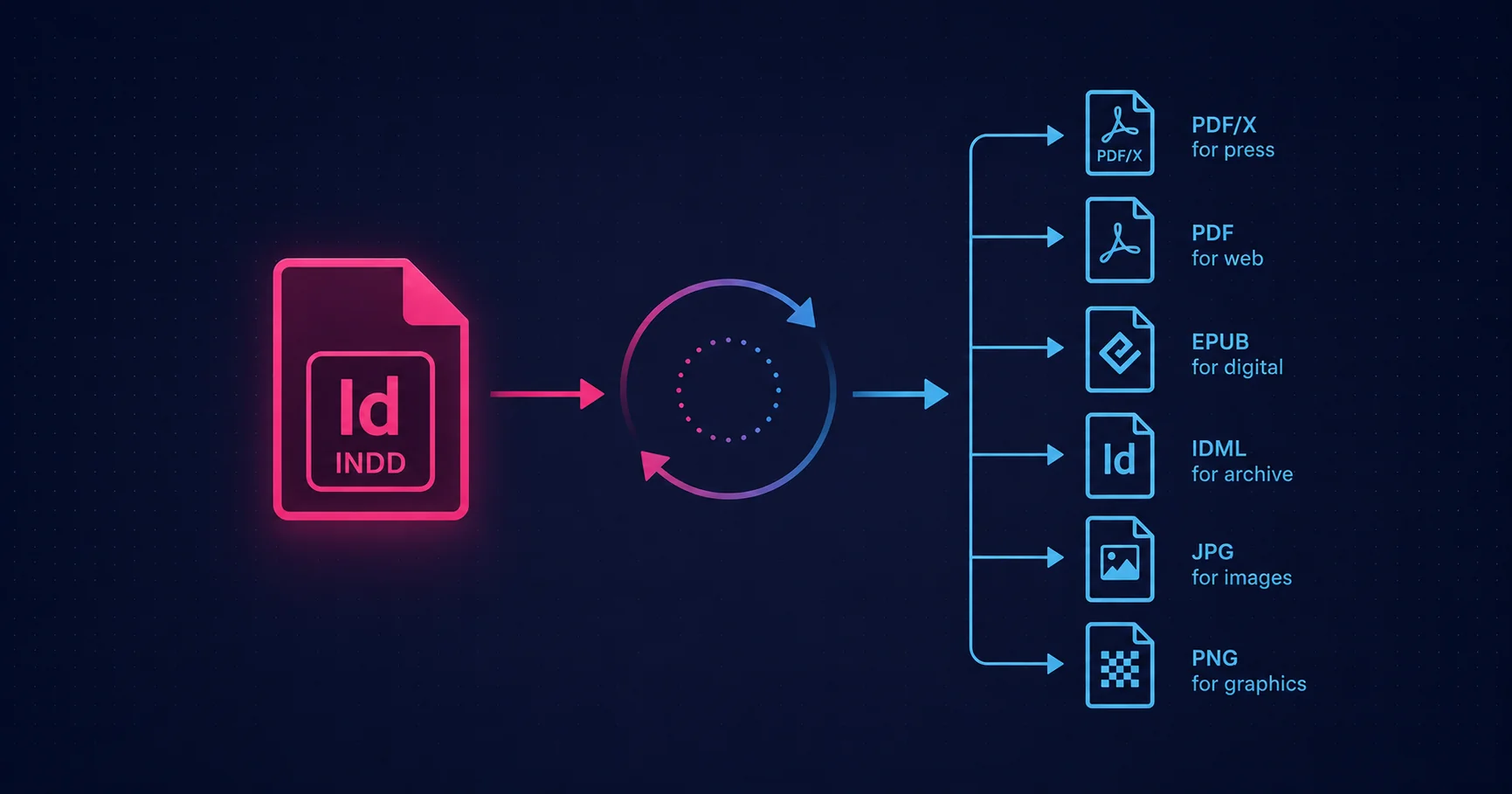
Batch process InDesign files: Scripts panel, ExtendScript folder loops, manifest-driven runs, multi-format export, and escalation to InDesign Server.
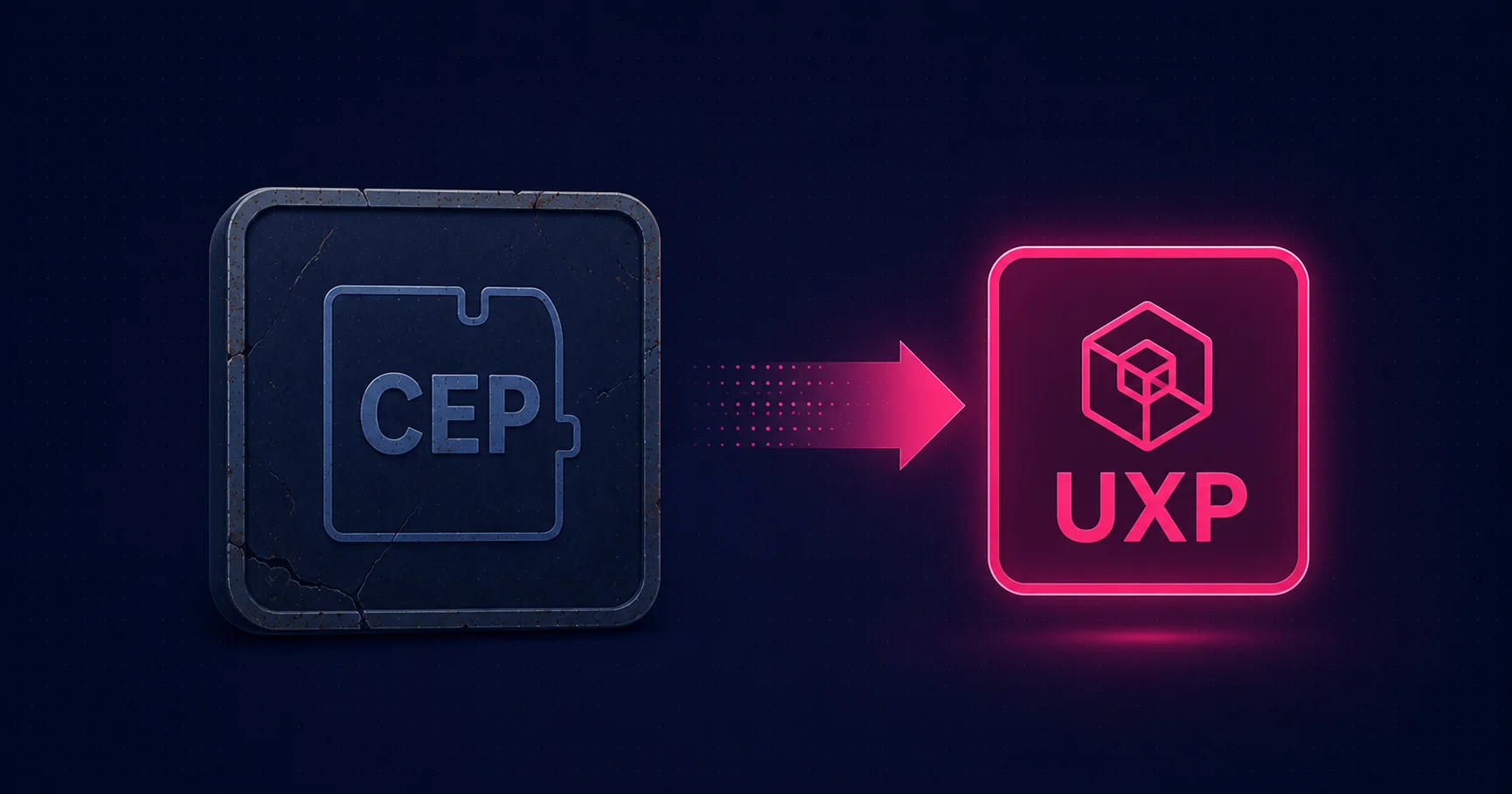
CEP for InDesign in 2026 — the legacy framework that still fits some jobs. When CEP is right, anatomy of an extension, ZXP packaging, and UXP migration.
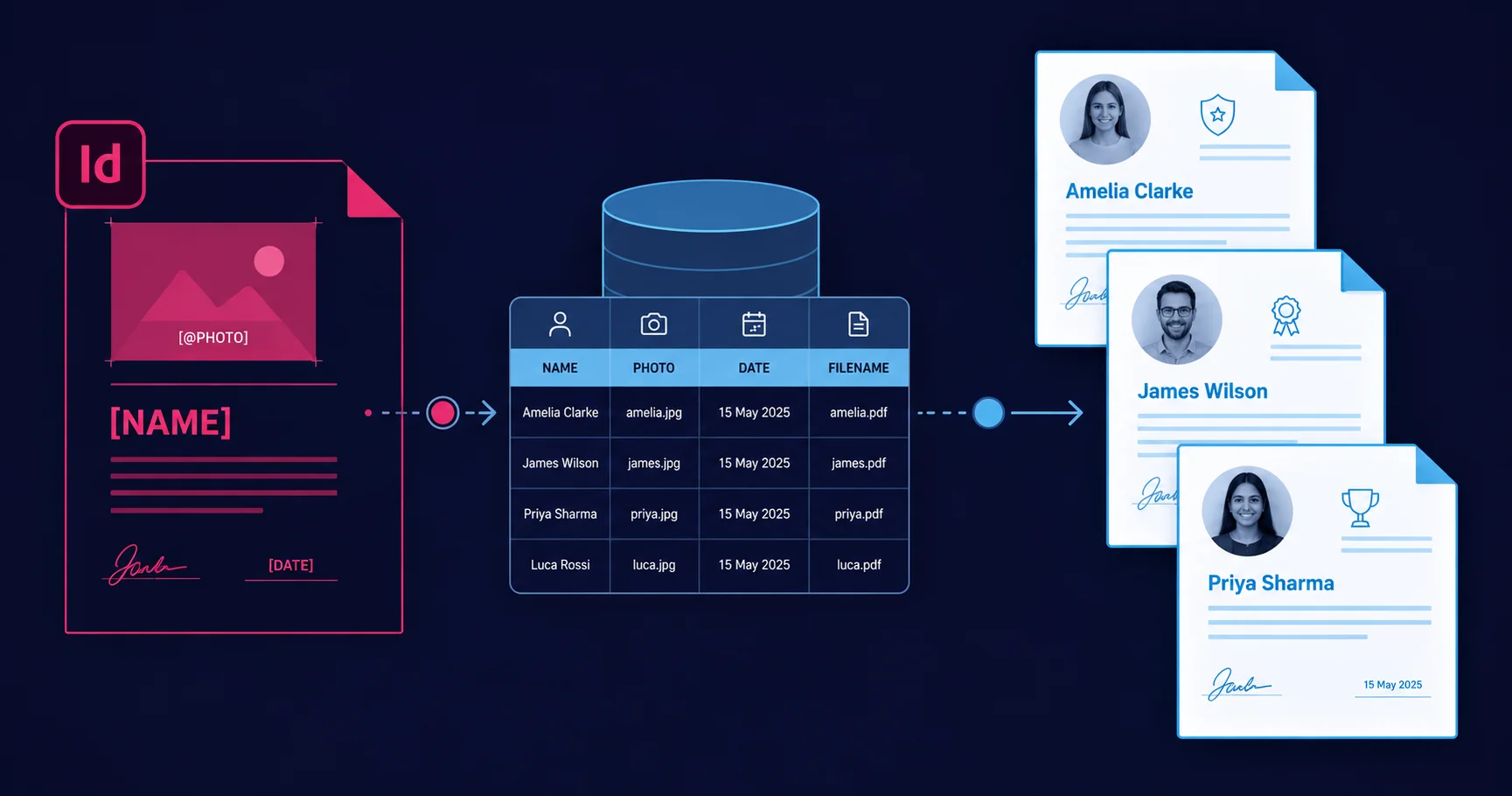
InDesign Data Merge for variable data: text and image variables, multiple records per page, CSV sources, and the handoff to InDesign Server or Engage.

ExtendScript, UXP, CEP, and the C++ SDK: the four ways to extend Adobe InDesign in 2026, when each is the right choice, and how they combine in production.

InDesign Server is the headless InDesign engine for high-volume publishing. Architecture patterns, licensing, and pairing with Engage for VDP at scale.

Record, replay, and share Photoshop automation with Actions and Droplets — when they win against scripts and how to package them for non-developers.

Adobe’s Photoshop API is a managed cloud service for headless image processing — PSD rendering, Smart Object replacement, and format conversion via REST.

Batch processing in Adobe Photoshop. Image Processor for bulk conversion, Actions and Droplets, ExtendScript folder loops, UXP, and the Photoshop API.

CEP for Photoshop in 2026 — the legacy framework with a narrow role. When CEP fits, anatomy of an extension, ZXP packaging, and UXP migration.

Compare the five Photoshop extension paths in 2026 — ExtendScript, UXP, CEP, Hybrid Plugins, C++ SDK — with a decision flow for choosing your stack.

Photoshop Hybrid Plugins combine a UXP front-end with a native C++ back-end — modern UI plus native performance. Architecture, build pipeline, when to use.

Adobe closed its $1.9bn Semrush deal in April 2026. What it means for SEO, GEO, ASO, Experience Cloud integration, and SMBs that depend on Semrush.

Where automation pays off in Adobe Illustrator. The four levers (Actions, ExtendScript, CEP, C++ SDK), common patterns, and when to graduate to a plugin.
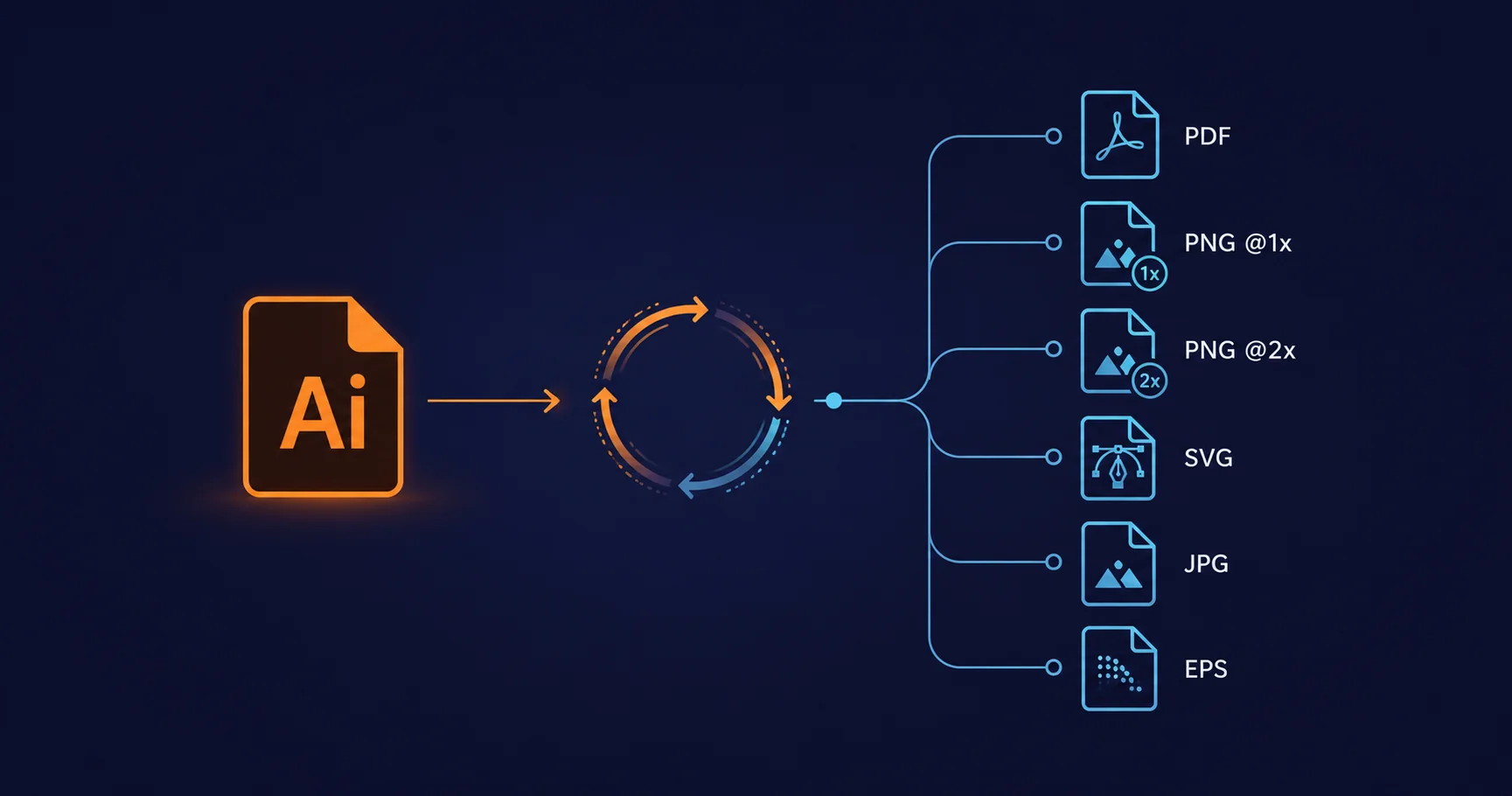
Batch processing in Adobe Illustrator. Actions for single-file jobs, ExtendScript folder loops, naming conventions, and multi-format export.

CEP is still the most credible Illustrator panel option in 2026. How HTML/CSS/JS panels talk to Illustrator, ZXP packaging, and the UXP migration outlook.

Use Adobe Illustrator for commercial cartography: GIS handoff via MAPublisher, layer architecture, symbol libraries, scripted map series, and export.

UXP for Illustrator is still internal to Adobe in 2026 — no public API. What to build with today (CEP, ExtendScript, C++ SDK) and how to track release.
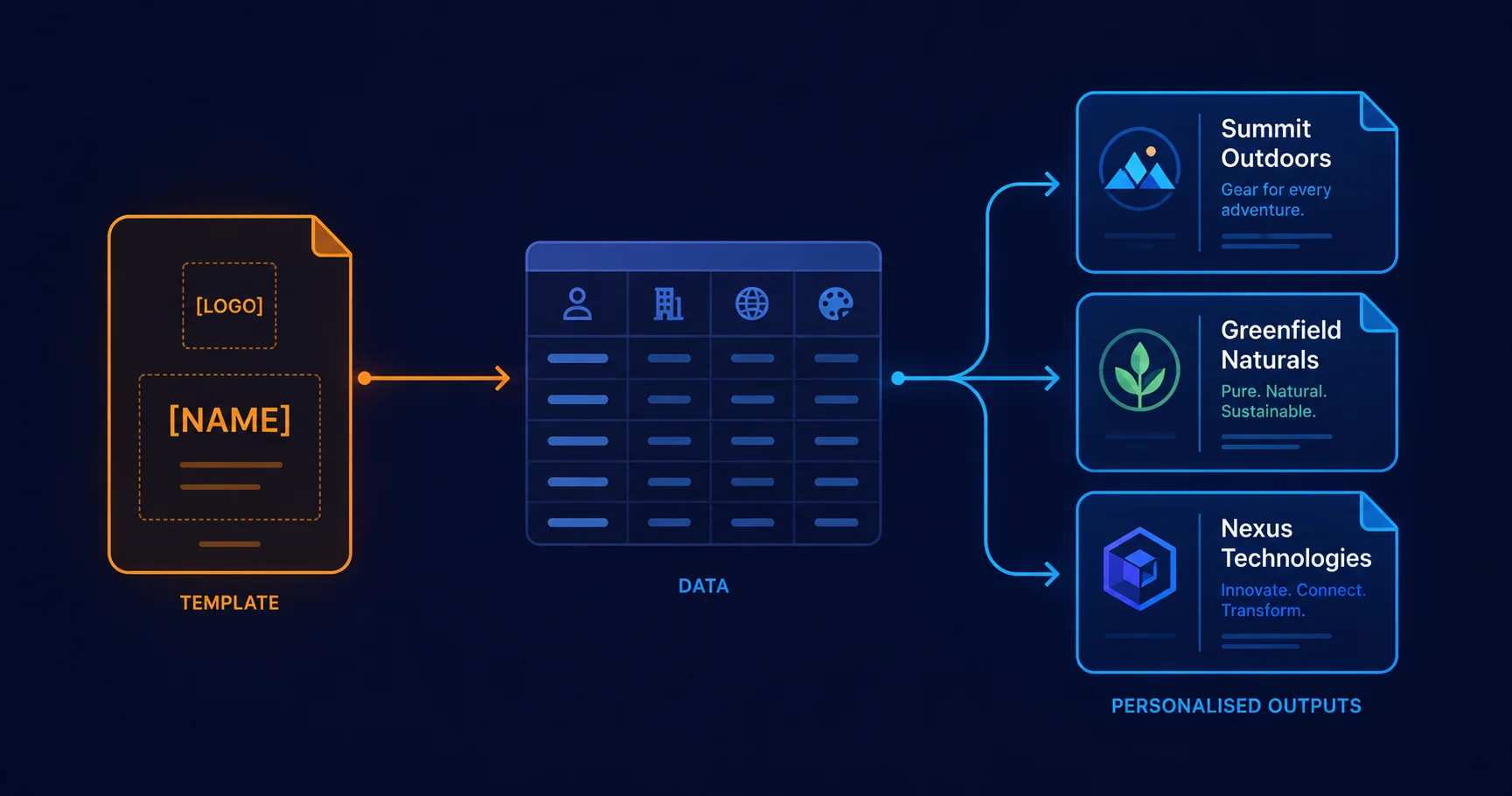
Variable data printing in Illustrator: native Variables panel, ExtendScript for small runs, and Mapsoft Engage for production-scale VDP.
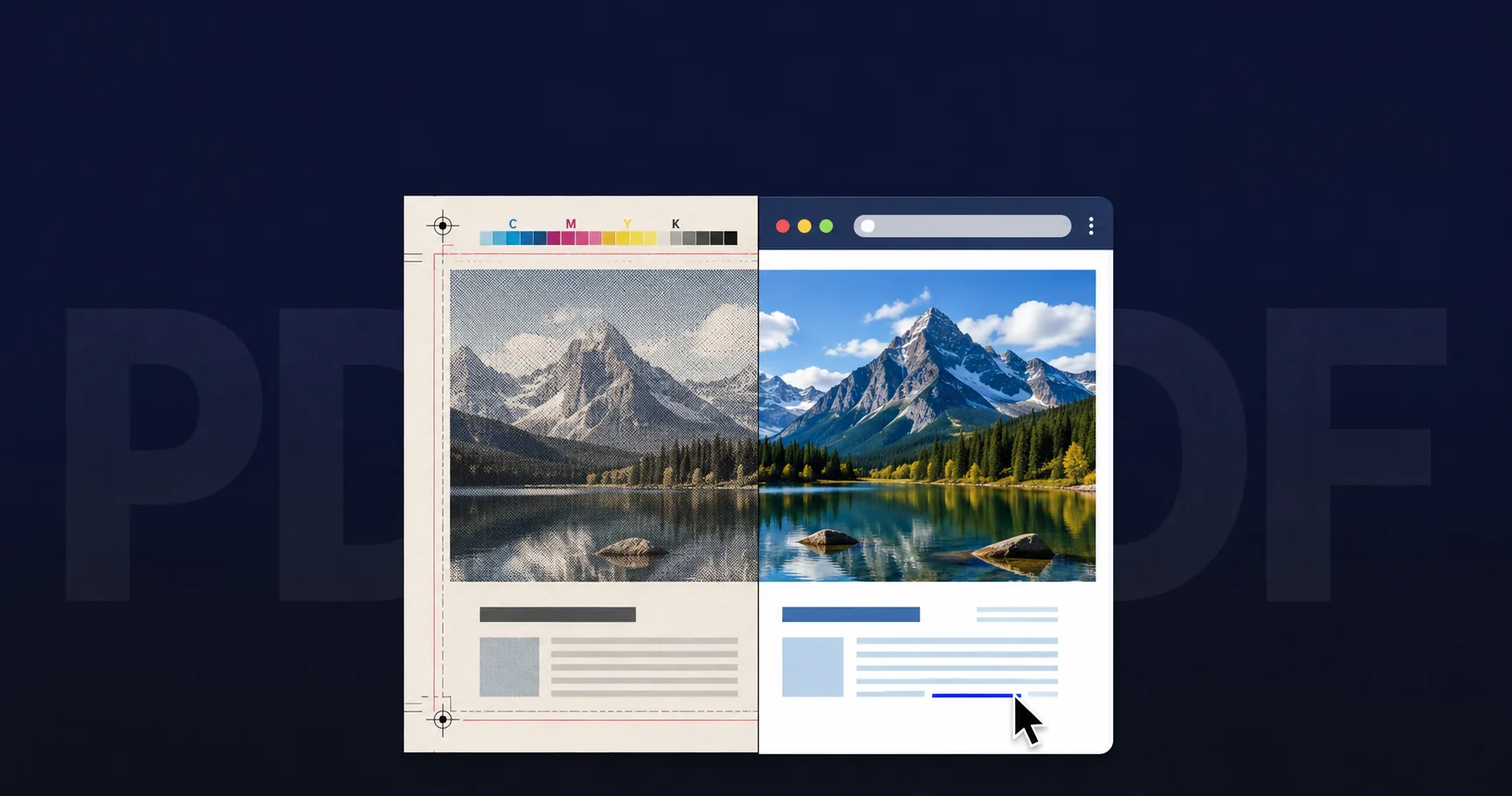
A PDF for print and a PDF for the web are not the same file. The PostScript-to-PDF transition, what PDF/X guarantees, and why the difference matters.
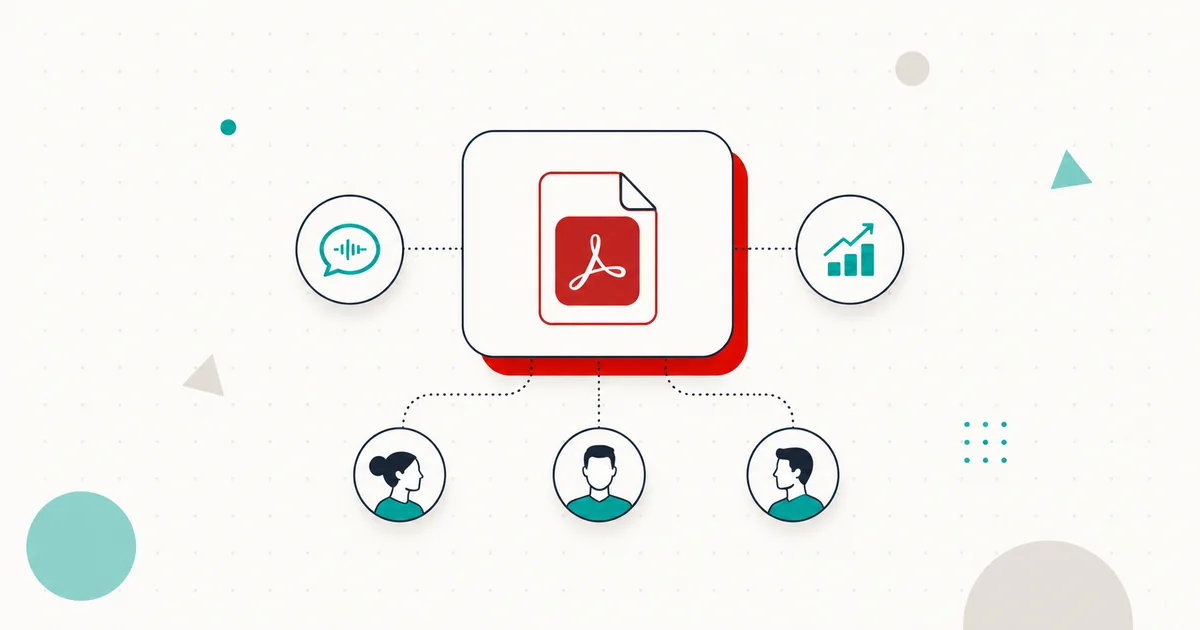
Adobe PDF Spaces turns a folder of PDFs into a branded, shareable workspace with an AI Assistant, audio overview, and engagement analytics.

A publisher's playbook for AI training opt-outs: tiered TDMRep policies, ODRL licensing, CMS and PDF rollout, audit, and enforcement.
A comparative guide to the ISO PDF standards family — PDF/A, PDF/UA, PDF/X, PDF/E, PDF/VT, PDF/VCR — and how to verify which standards a PDF claims.
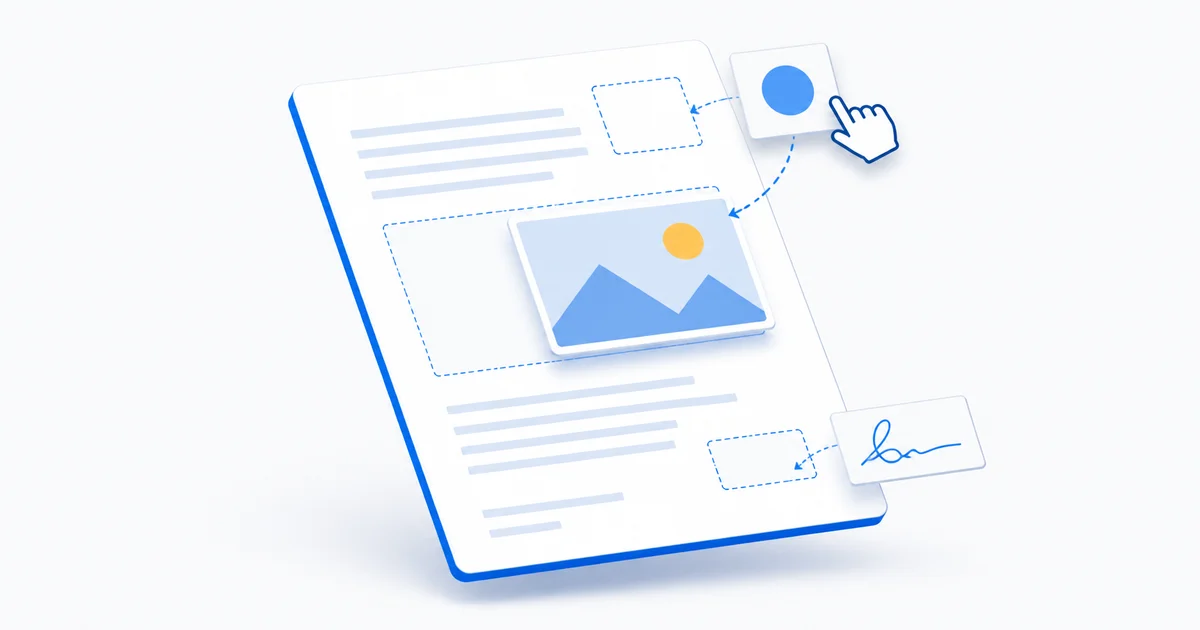
Placing images on PDF pages: use cases, formats, transparency, positioning, Z-order, quality, and how to do it in Acrobat, online, by script, or in batch.

Most PDFs ship with broken metadata. What each PDF document property does, why it matters for search and archival, and how to fix it at scale.
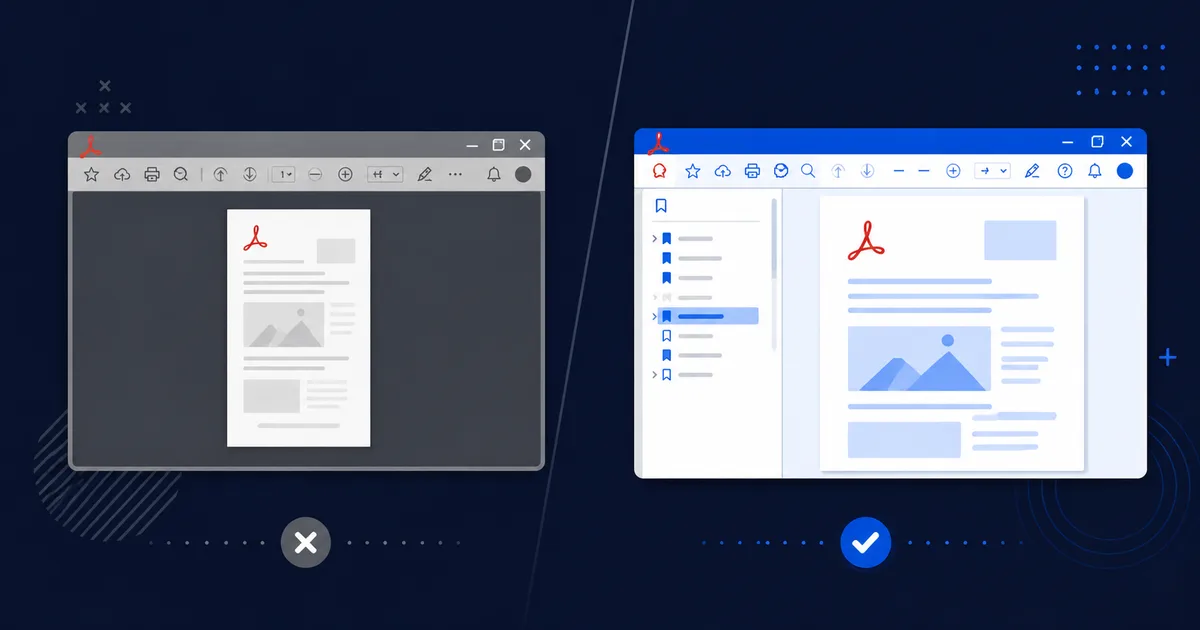
Most PDFs open at page 1, fitted to width, with no bookmarks panel — but they don’t have to. What every PDF open option does, and when defaults are wrong.

Adobe Stock AI Studio adds AI-powered image and video editing directly into the Adobe Stock catalogue — refine assets before you license them.
Apply page numbers, dates, document titles, and confidentiality marks to a PDF — in Acrobat, online for free, or via batch scripts.
What PDF analysis reveals — pages, fonts, objects, forms, security, version — why you’d inspect a file, and how to do it in Acrobat, online, or by CLI.
Converting PDF colour spaces matters for print (CMYK), screen (RGB), and accessibility (grayscale). How it works and how to avoid colour shifts.
Extract PDF pages as PNG, JPEG, or TIFF images for web use, slide decks, thumbnails, or archival — in Acrobat, online, or via the command line.
PDF/A is the archival PDF standard. Converting requires embedding fonts, setting colour profiles, removing dependencies, and adding XMP metadata.
Embedded files in PDFs can include spreadsheets, images, source data, and TDMRep policies. How to list and extract them — Acrobat, online, or CLI.
Flattening PDF transparency converts translucent overlays into opaque content — essential for older printers, PDF/X-1a output, and legacy workflows.
Combine JPEG photos, scans, or screenshots into a single PDF — in Acrobat, on Windows or macOS without extra software, or online for free.
Export PowerPoint (.pptx) slides to PDF for distribution, handouts, printing, or archival. Layout options, notes pages, and compression.
Blank pages creep into PDFs from scanning, duplex printing, and section breaks. How to find and remove them — Acrobat, online, or at scale via scripts.
Delete specific pages from a PDF — in Adobe Acrobat, online for free, or by command line — preserving bookmarks, links, and file size.
Repairing corrupted or damaged PDF files — what causes corruption, how Acrobat’s recovery works, and how to fix a PDF online without installing software.
Changing PDF page dimensions — with Acrobat, free online tools, or Mapsoft’s MediaSizer and ContentScaler. Paper sizes, cropping vs scaling, and batches.
Remove PDF password protection — when you have the owner password — via Adobe Acrobat, online tools, or the command line. The legal and technical limits.
Convert Microsoft Word documents (.doc, .docx) to PDF in Word itself, on macOS, online, or at the command line — preserving fonts, layout, and formatting.

Protect your PDF content from AI text and data mining using the W3C TDMRep protocol. The legal framework, XMP implementation, TDM policy files, and tools.
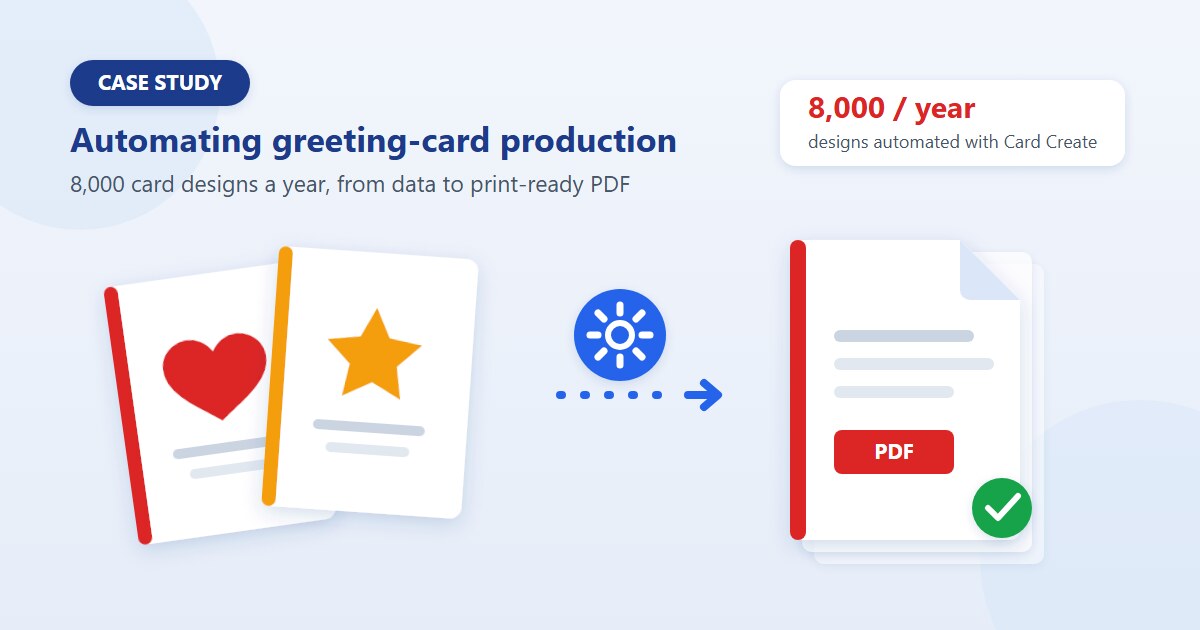
How Mapsoft built Card Create to reduce repeated data entry from five stages to one in Hallmark\'s card production workflow.
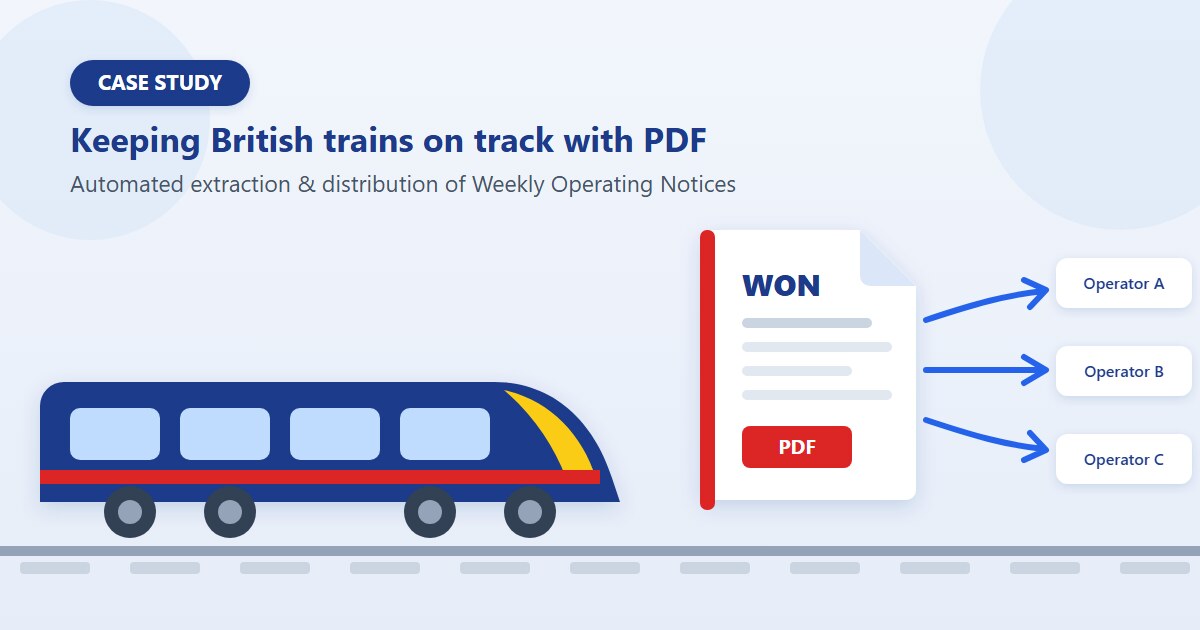
How Mapsoft built WONView, a custom Acrobat solution that automated distribution of safety-critical Weekly Operating Notices for Network Rail.
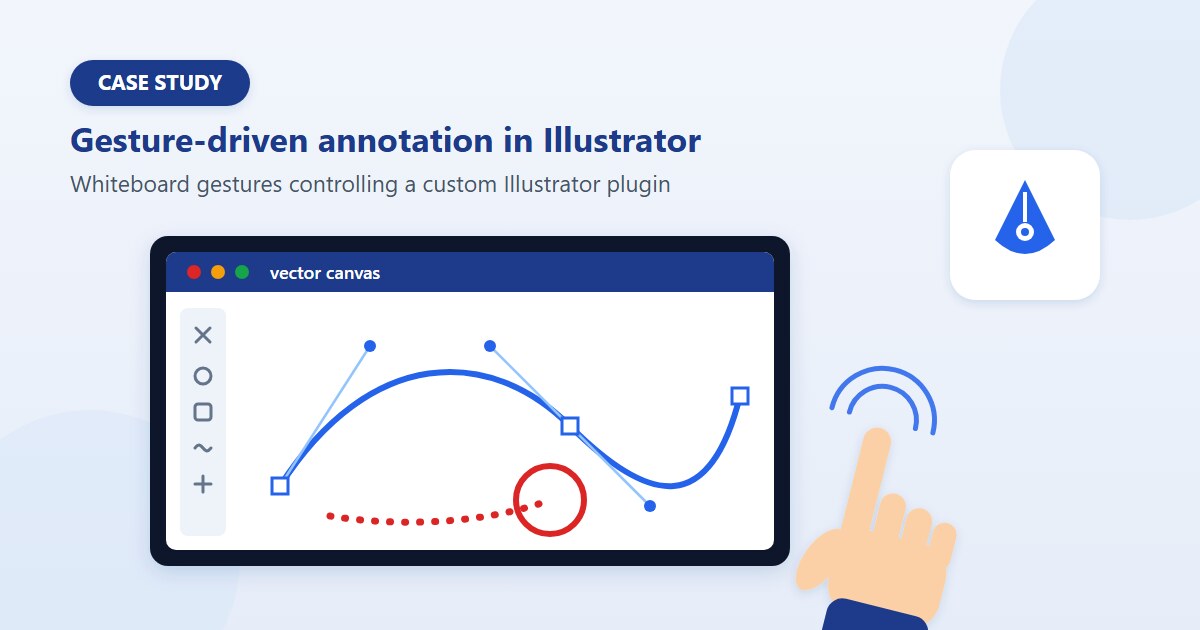
A custom Illustrator C++ plug-in bridging SMART Board hardware into Adobe Illustrator. The two-thread architecture, gesture state machine, and lessons.

How Mapsoft integrates AI tools like Claude Code and Codex into our development workflow while maintaining rigorous human oversight and quality standards.
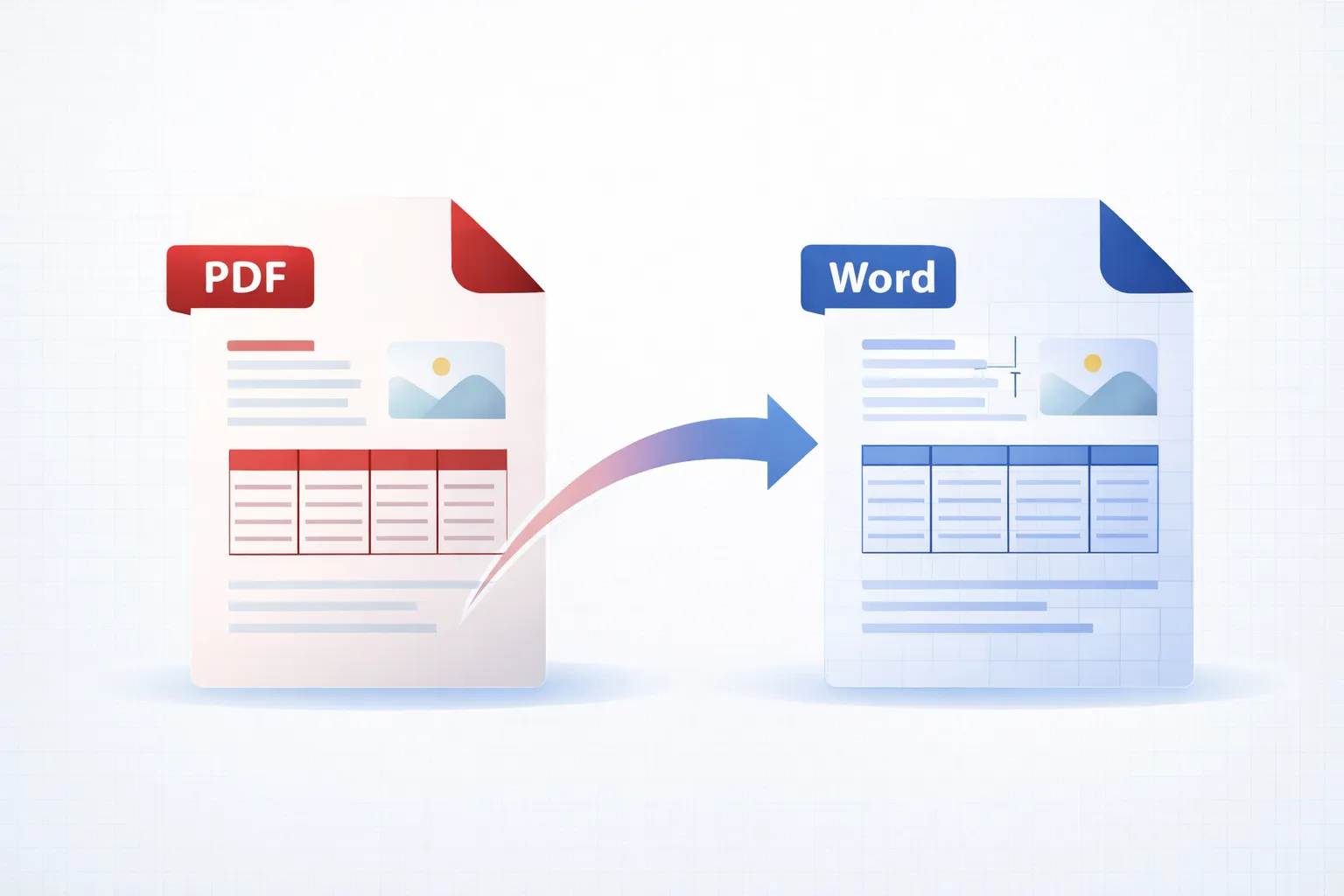
Convert PDF files to editable Word documents using Adobe Acrobat, free online tools, and programmatic methods. Preserve formatting, tables, and images.
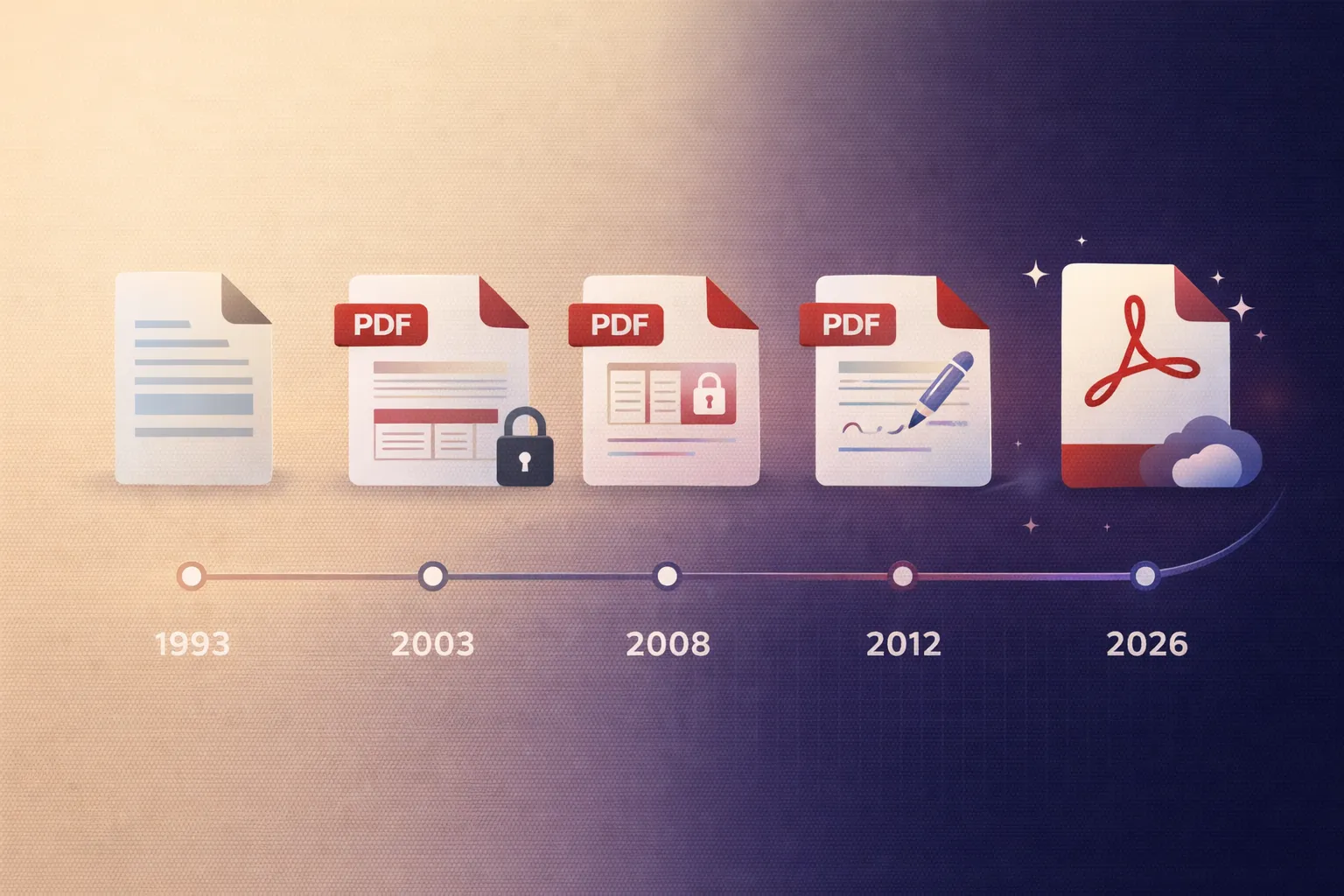
Complete Adobe Acrobat version history from 1.0 in 1993 to 2026. Timeline of every major release, features, editions, and the PDF platform's evolution.

Germany has mandated PDF/UA (ISO 14289) for government documents. Learn the compliance requirements and how to verify your PDFs meet the standard.
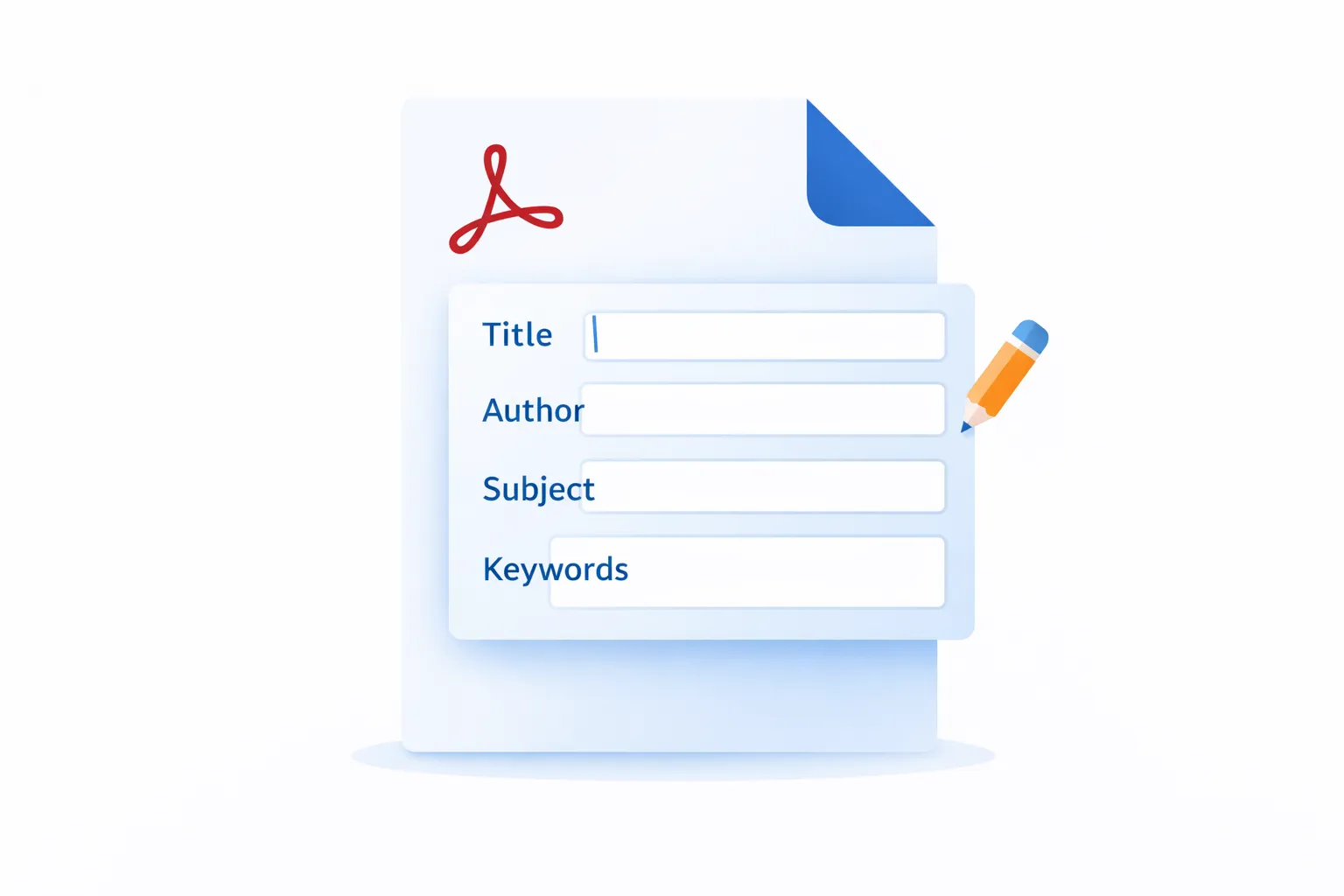
Edit PDF metadata in Adobe Acrobat: change title, author, subject, keywords, and custom properties. Viewing, editing, and batch-processing PDF info.
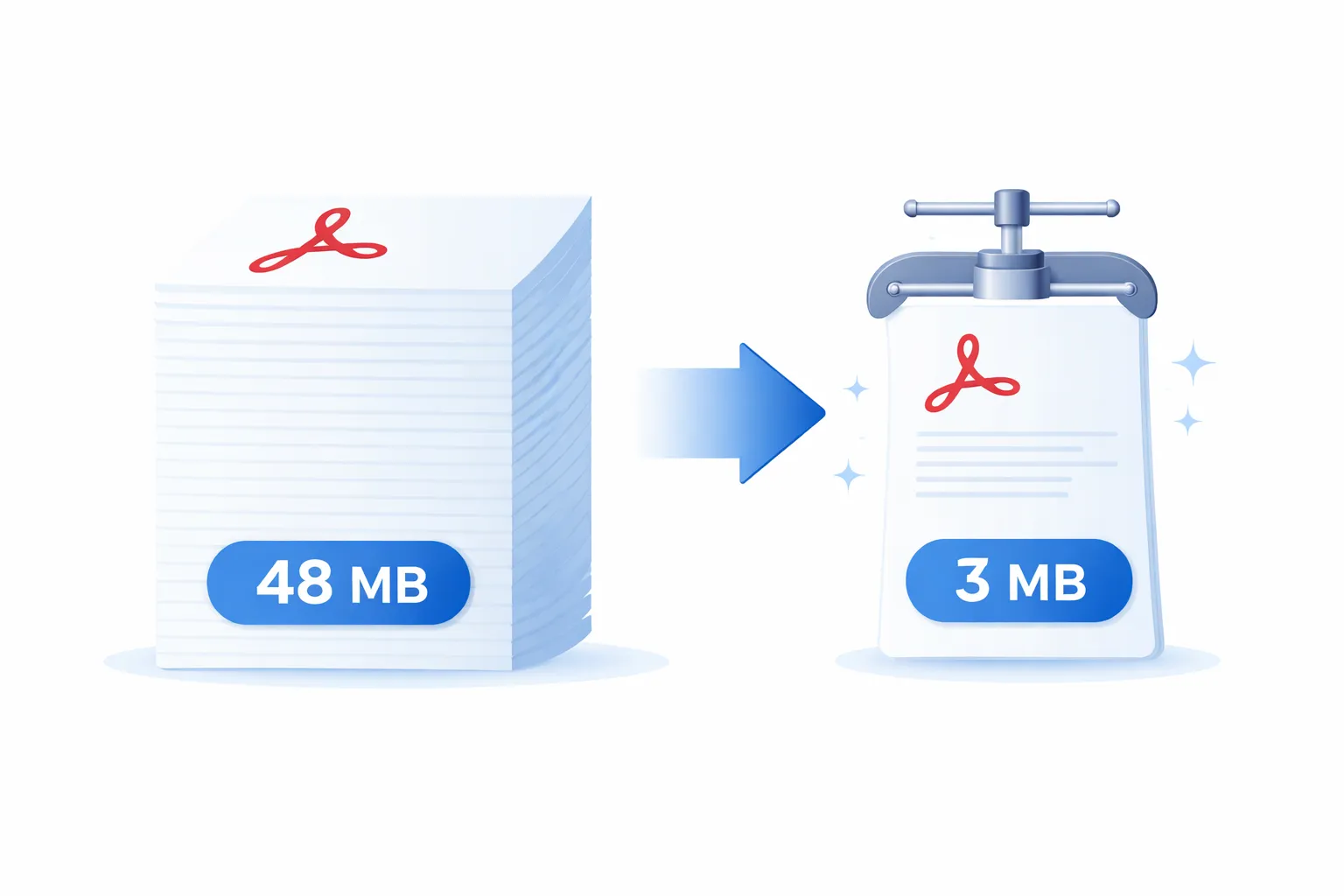
Reduce PDF file size in Adobe Acrobat using Save As Reduced Size, PDF Optimizer, and compression settings. Step-by-step guide to making PDFs smaller.
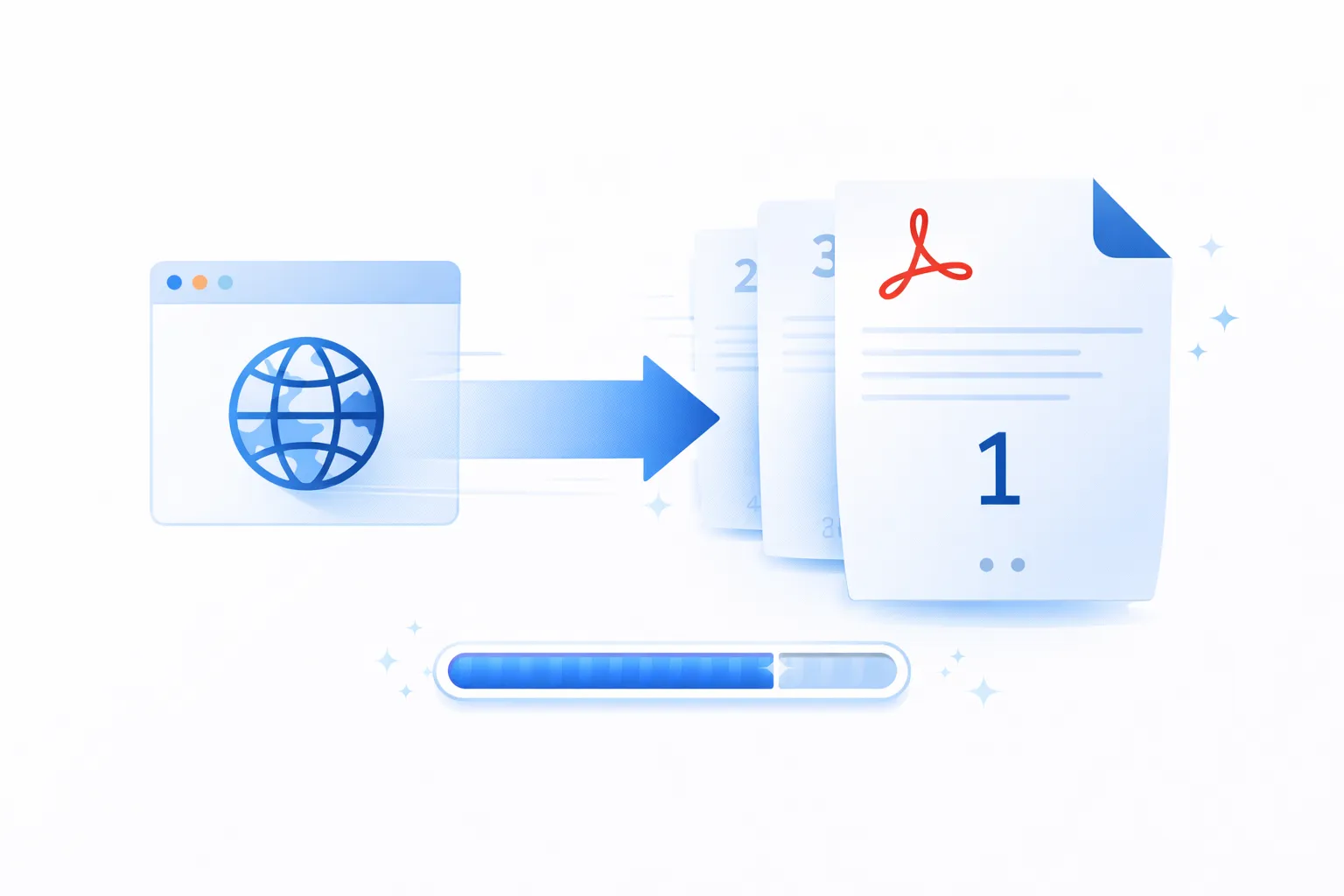
Linearized PDF explained: how Fast Web View optimises PDFs for instant first-page display. Creating and checking linearized PDFs in Adobe Acrobat.
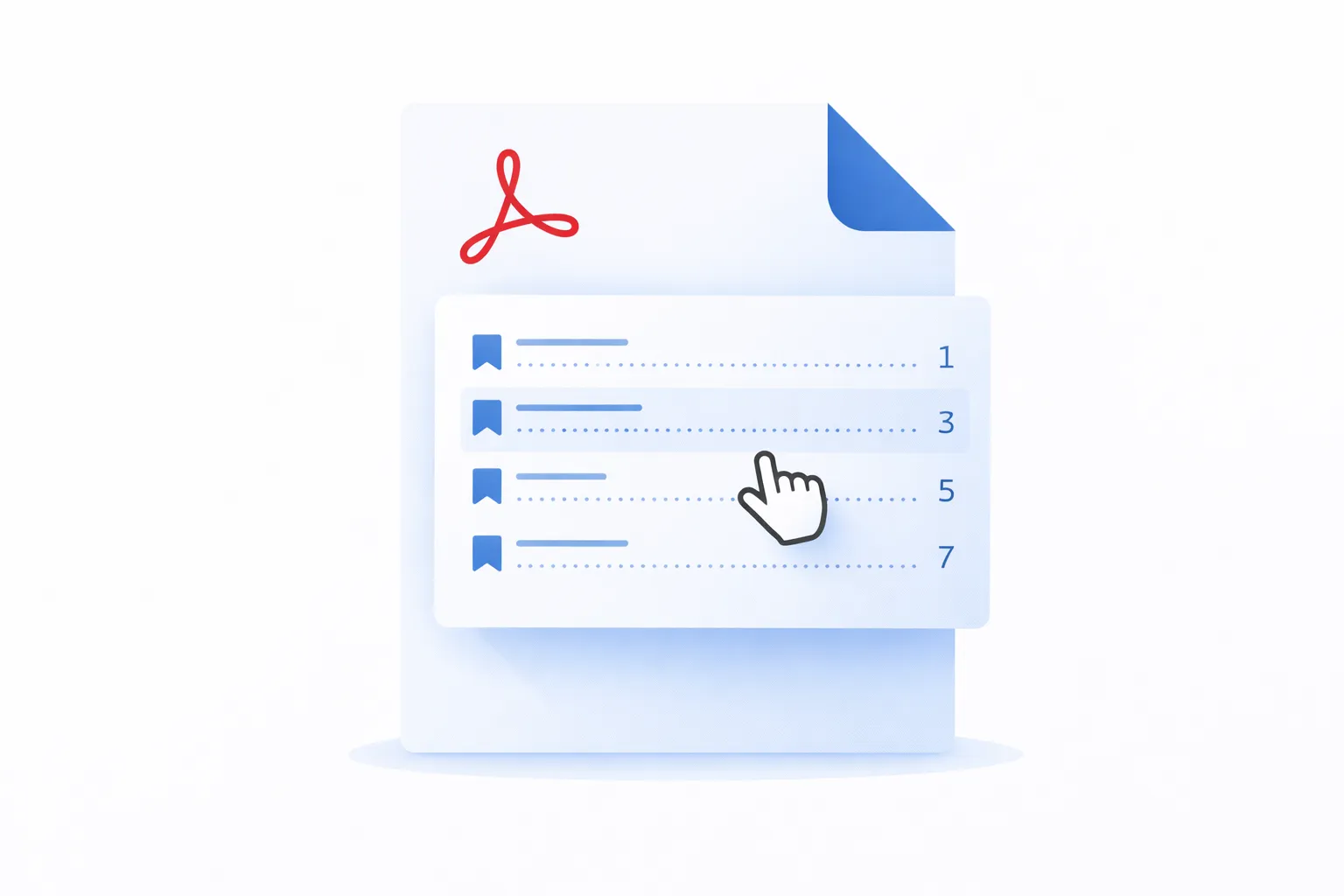
Create a professional table of contents in PDF using bookmarks, TOCBuilder, or manual methods. Guide to generating, formatting, and updating PDF TOCs.

Automate Photoshop with Actions, scripts, and plugins. Record Actions, batch process images, and extend Photoshop with JavaScript and UXP.

Mapsoft has updated its full product range with 64-bit support for Adobe Acrobat DC, while continuing to support 32-bit Acrobat installations.
Mapsoft has released a 64-bit Windows version of TOCBuilder to support Adobe Acrobat DC and Adobe Acrobat 2020 64-bit versions.
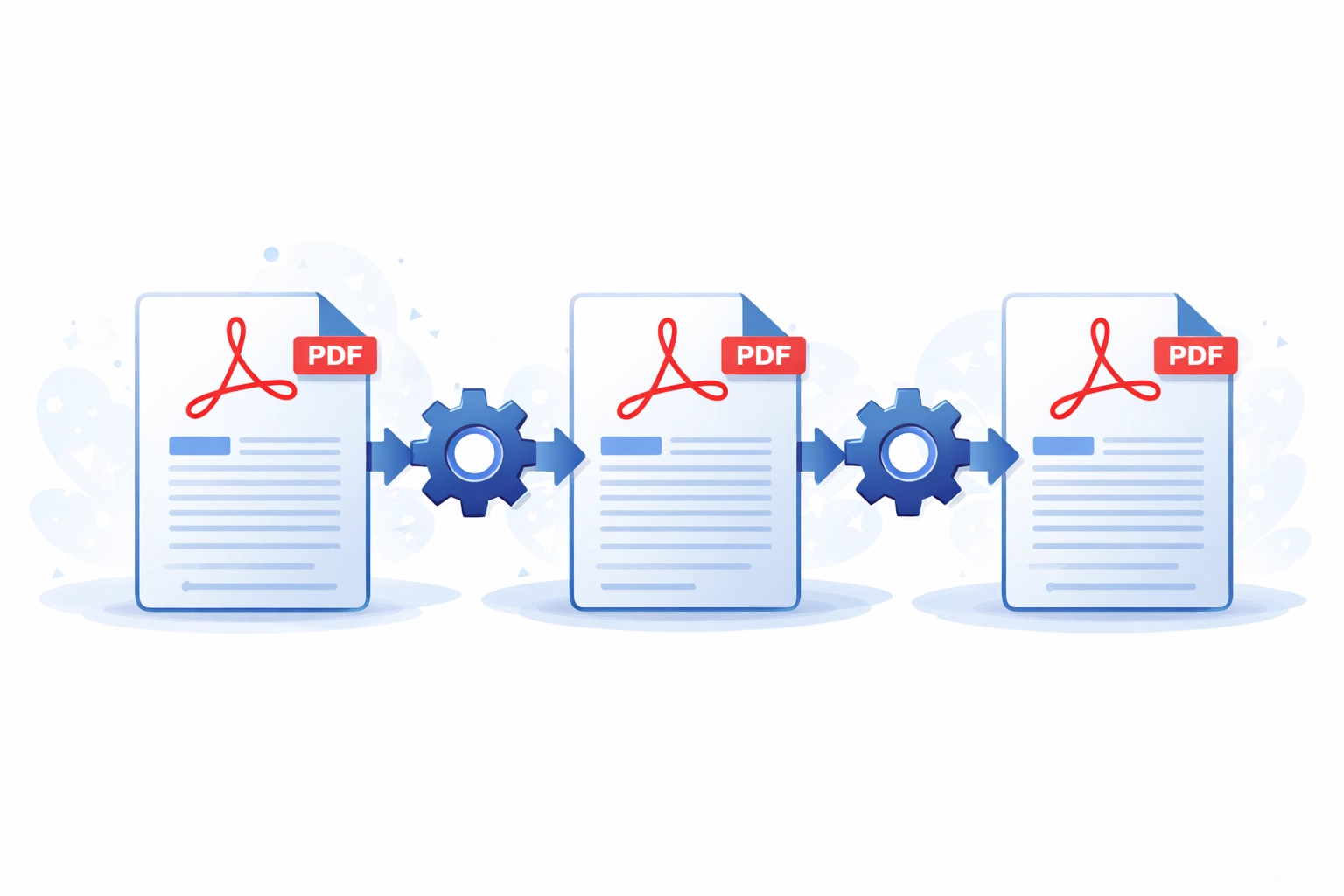
Acrobat Action Wizard guide — create automated multi-step PDF workflows for OCR, redaction, watermarking, and custom JavaScript actions.
The best Adobe Acrobat alternatives for PDF editing in 2026. Compare Foxit, PDF-XChange, Nitro, and free open-source options for your needs.

How architects, engineers, and construction teams use Acrobat for reviewing drawings, markups, measurements, and document management on projects.
Learn the basics of Acrobat JavaScript for automating PDF workflows, manipulating documents, and building custom solutions in Adobe Acrobat.
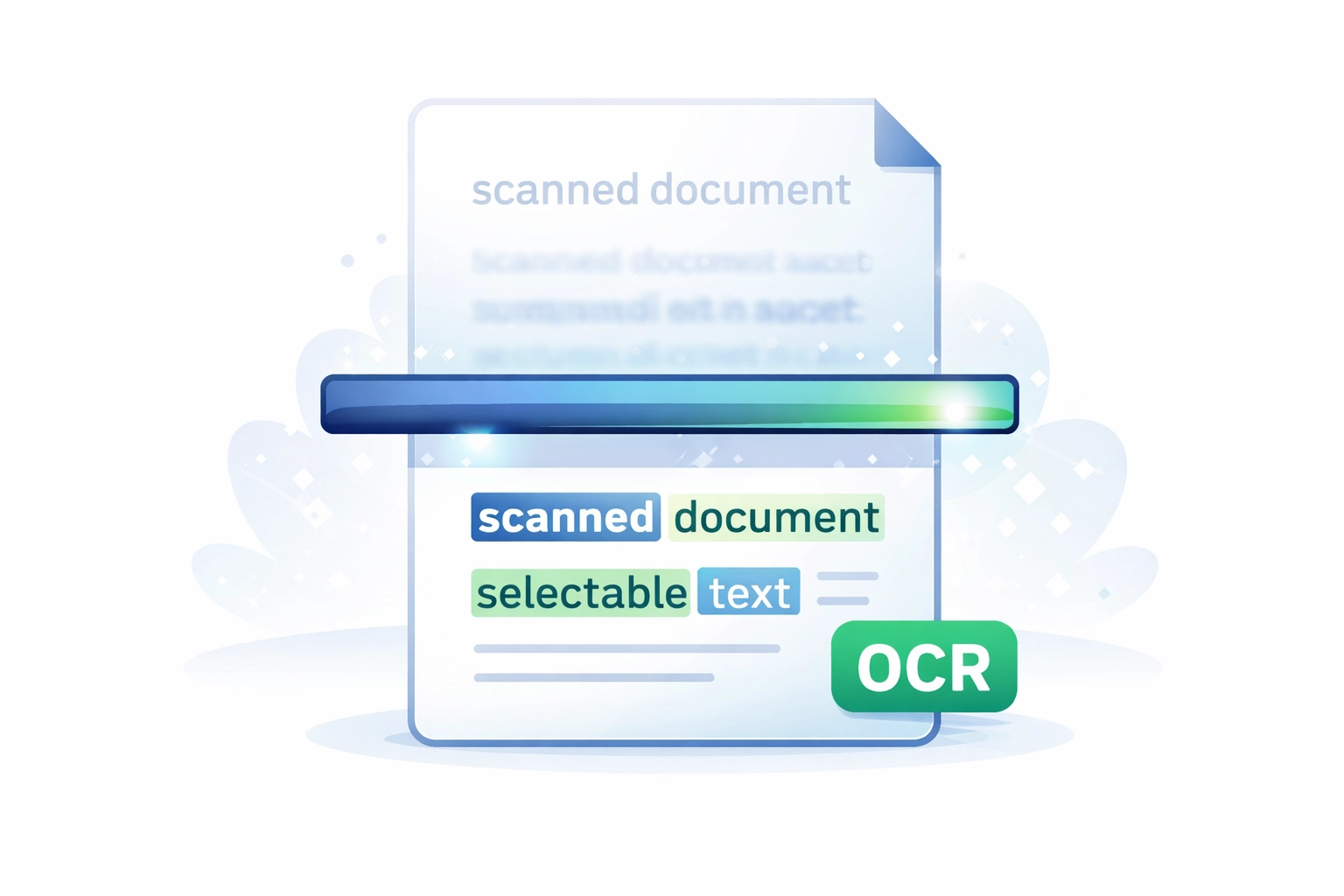
Guide to OCR in Adobe Acrobat: recognise text in scanned PDFs, choose the right output mode, batch process documents, and correct OCR errors.
Adobe Acrobat SDK guide — build plugins, automate PDF workflows, and extend Acrobat using C++ and the Acrobat SDK APIs.
Develop an Adobe Acrobat plug-in that adds a custom menu item using the Acrobat SDK, C++, and Visual Studio. Step-by-step guide with code examples.

How Adobe Acrobat Sign works for collecting legally binding e-signatures: sending documents, tracking status, and integrating with business workflows.
Adobe Acrobat Standard vs Pro vs Reader, side by side: features, pricing, platforms, and exactly what's missing from each edition. Updated 2026.
Compare free PDF editors with Adobe Acrobat Pro: editing, OCR, forms, redaction, security, batch tools, limitations, and when paid software is worth it.
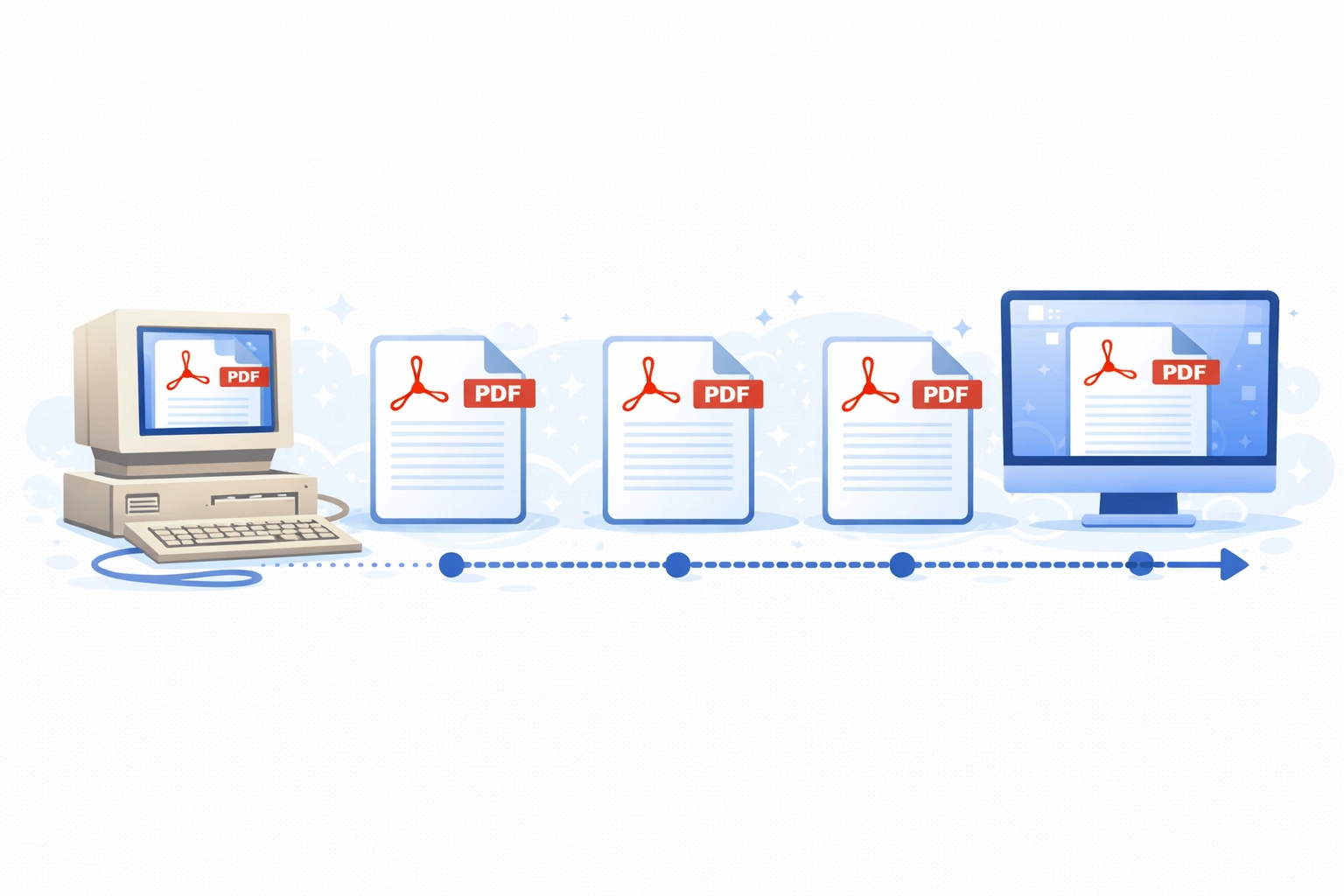
The full history of Adobe Acrobat from John Warnock's 1991 Camelot memo to today's AI-powered version. Every major release and PDF format milestone.
Explore the history of Adobe Inc. and how their work at Xerox PARC changed the multimedia software industry.

Overview of Adobe Inc: its founding, key milestones, major acquisitions, and recent developments in generative AI, Creative Cloud, and Document Cloud.
Discover the functionality of Adobe products. Explore the benefits and availability of these tools on Windows and Mac.

Explore ways to create user interfaces for Adobe products, including extensions and plugins for Creative Cloud and Document Cloud applications.

Adobe XD is officially discontinued and in maintenance mode. The 2026 status, why Adobe stopped development, and the best alternatives for UX/UI teams.

Barcode types, their applications across industries, the encoding algorithms behind them, and how they are rendered using fonts, raster, and vectors.

How to batch process PDFs in Adobe Acrobat: Action Wizard step-by-step, JavaScript automation, watch folders, command line, and Mapsoft plugins. With examples.

The Camelot Project by John Warnock described the vision that became PDF and Adobe Acrobat - a universal way to communicate documents across platforms.
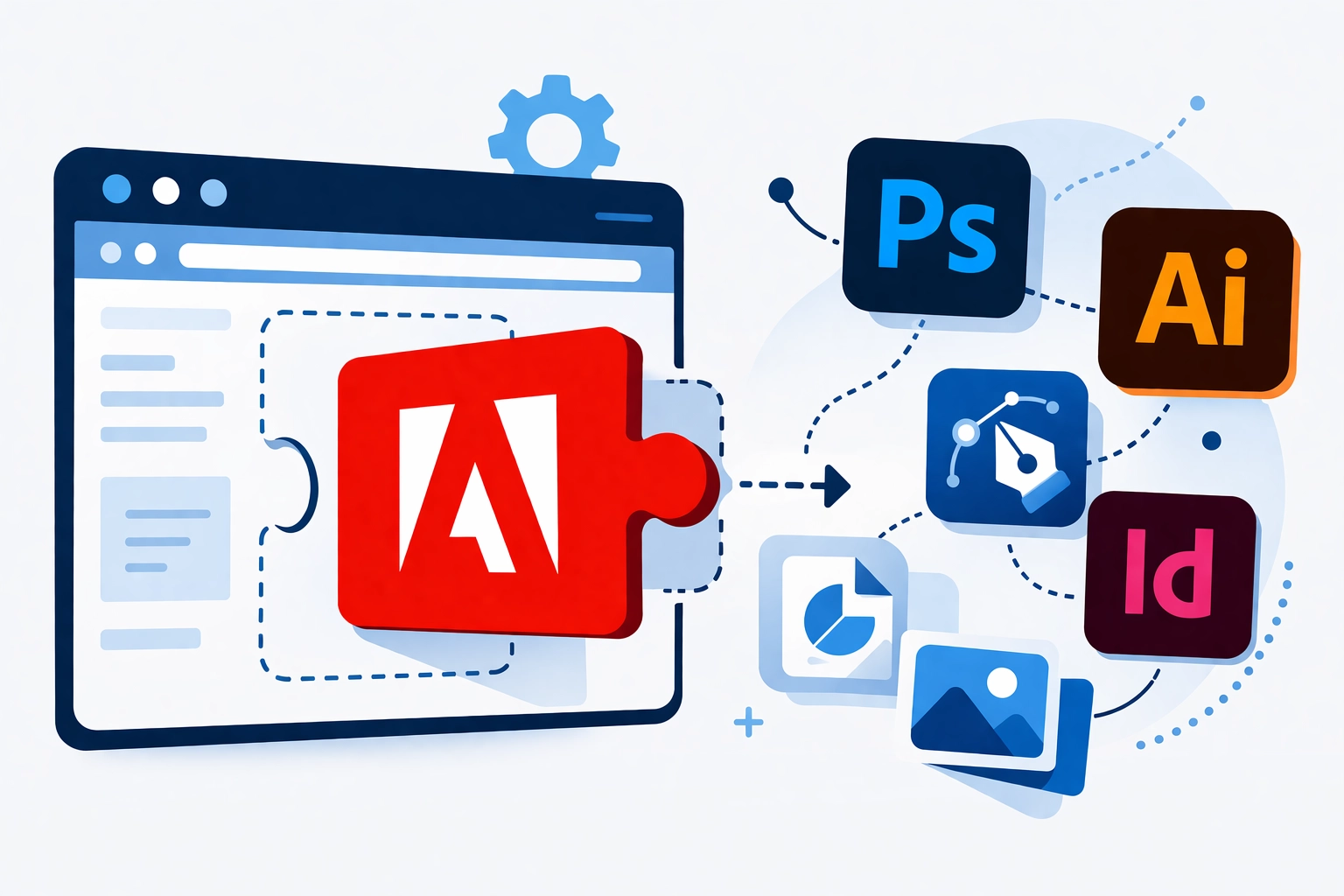
An introduction to Adobe's Common Extensibility Platform (CEP) — how it works, how it integrates with ExtendScript, and how to structure a CEP extension.
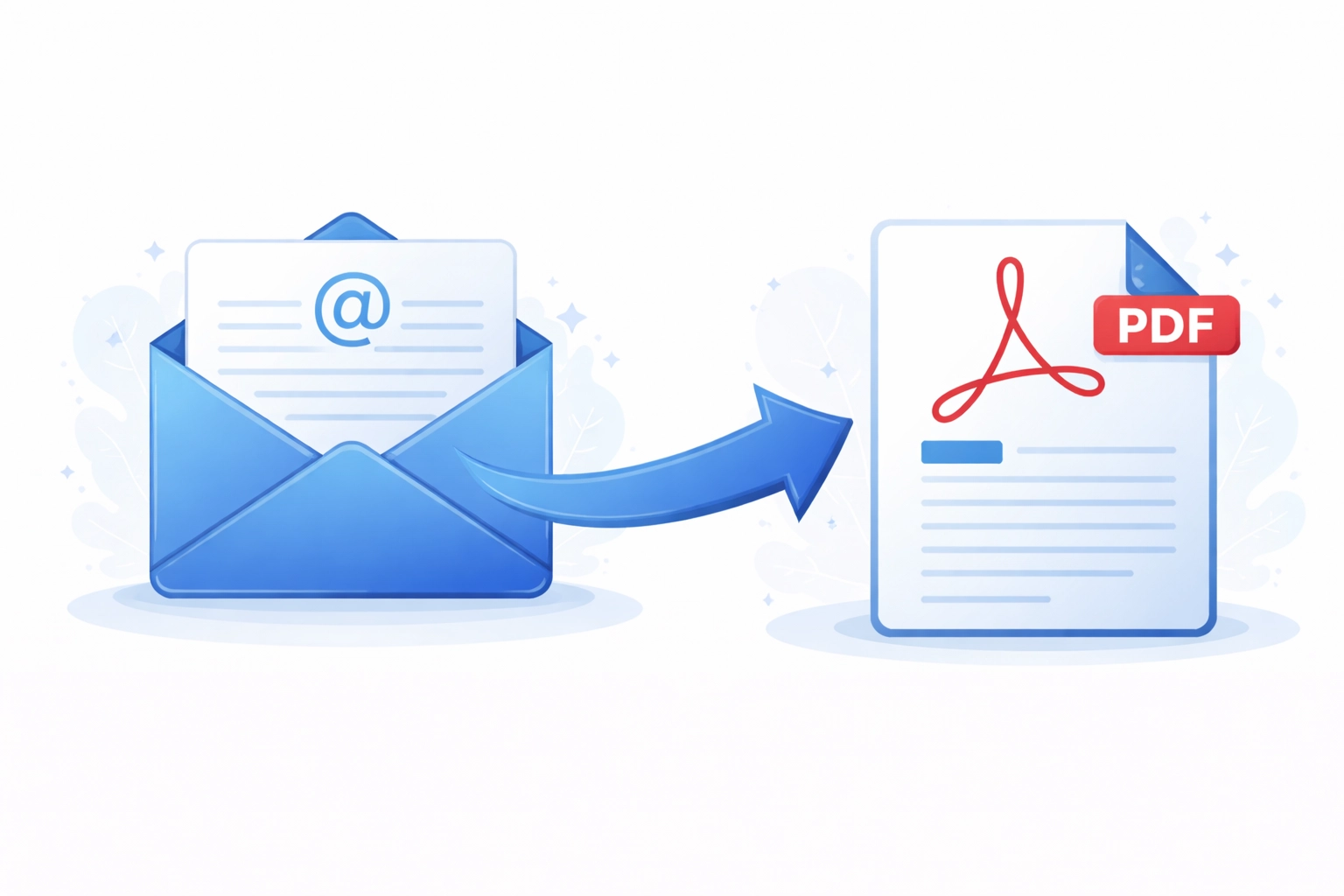
Convert EML email files to PDF using Outlook, Adobe Acrobat, or batch processing. Preserve attachments, metadata, and formatting with free methods.
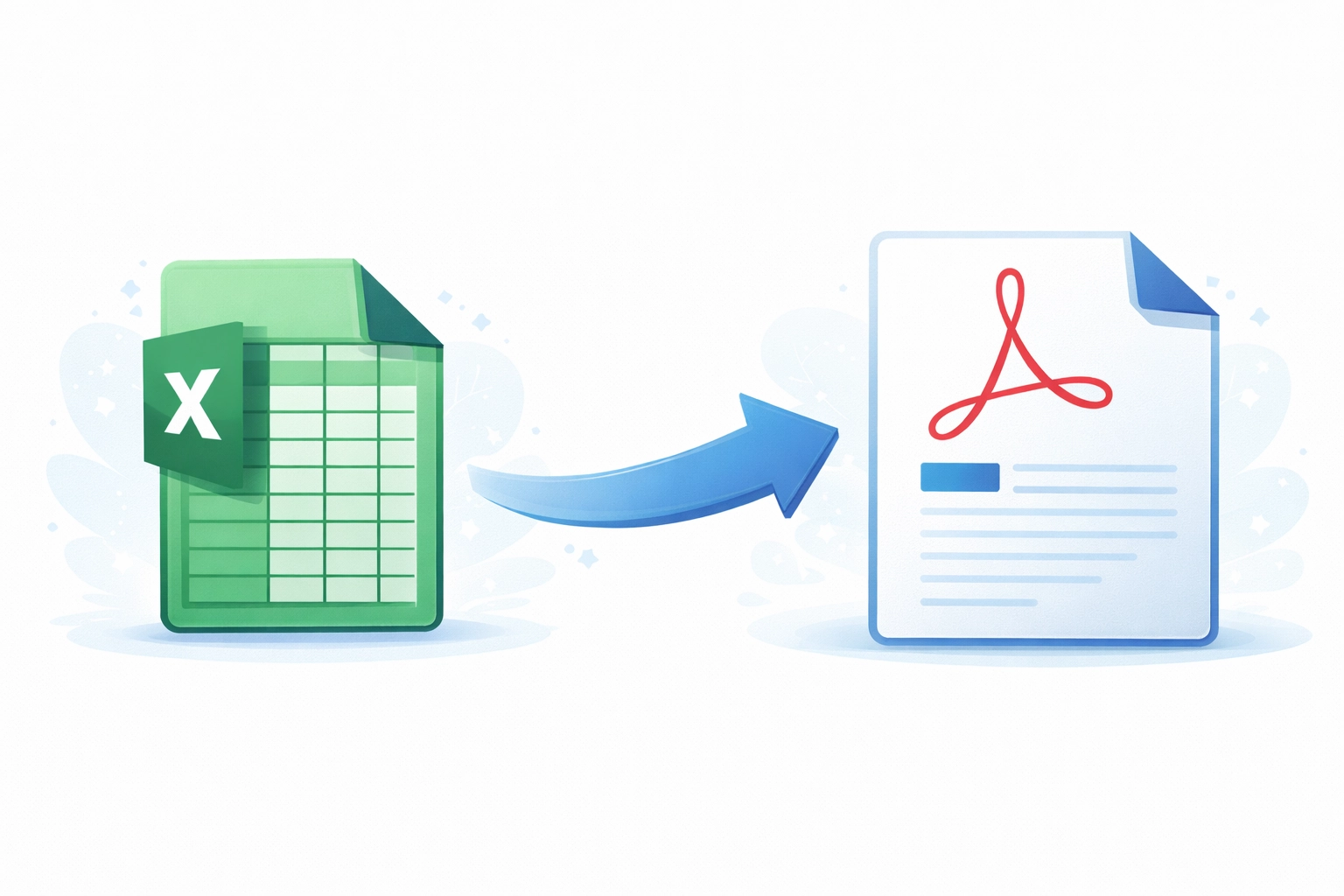
Convert Excel spreadsheets and tables to PDF without losing formatting — Save As PDF, the Acrobat tab, Print to PDF, and batch macros. Handle huge sheets cleanly.
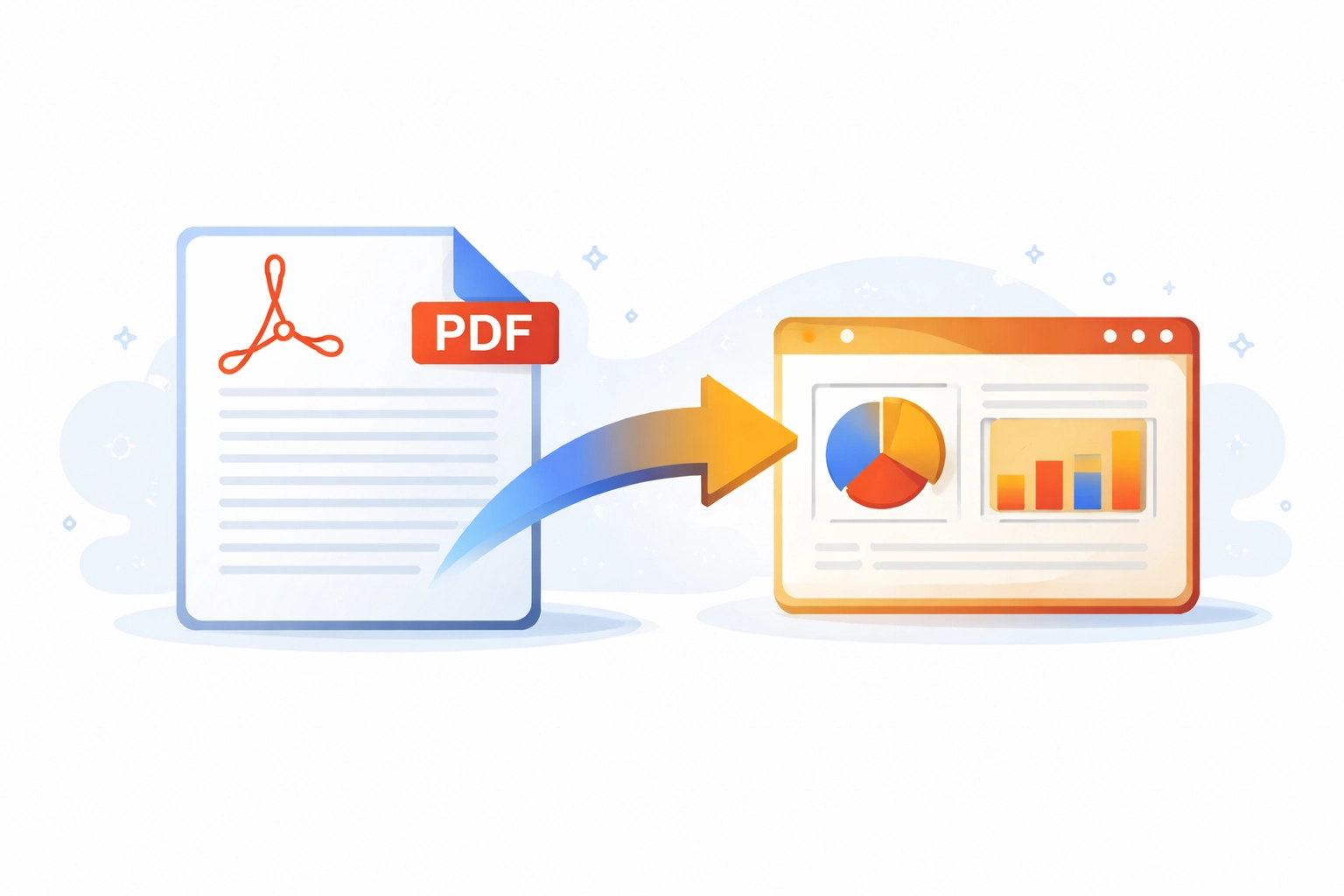
How to convert PDF files to editable PowerPoint presentations using Adobe Acrobat and other tools — with guidance on what converts well and what doesn't.
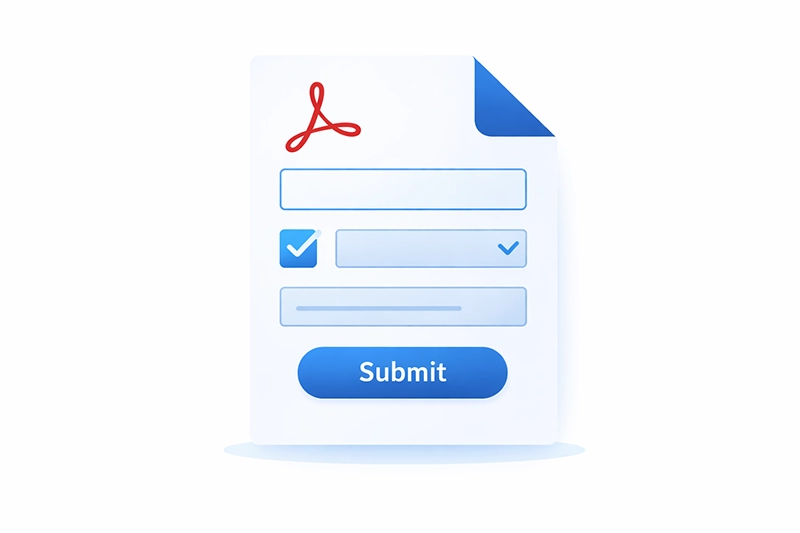
Create interactive PDF forms in Adobe Acrobat. A complete guide to adding text fields, checkboxes, dropdowns, and other form elements to PDFs.
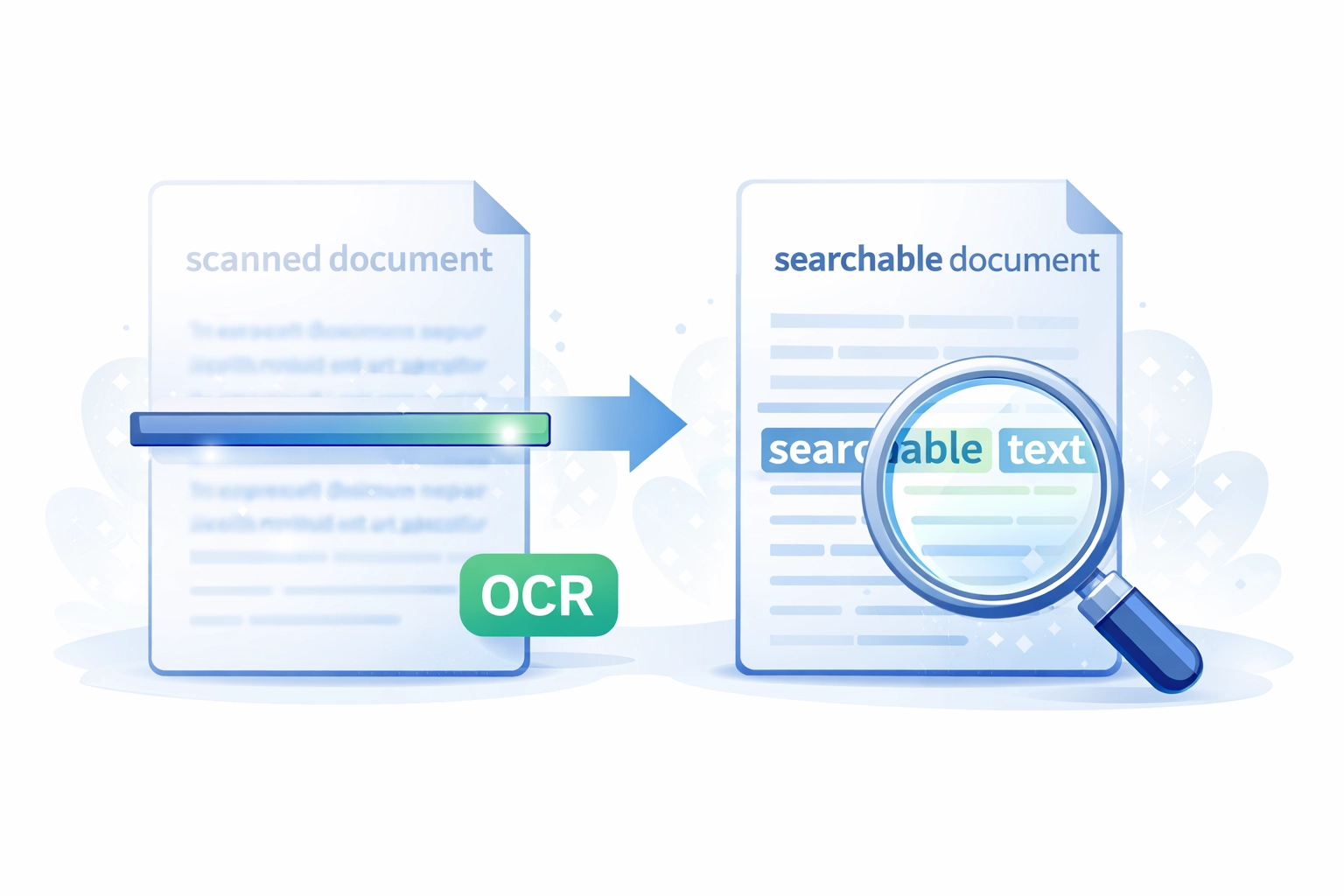
How to make PDF documents searchable — using OCR on scanned documents, ensuring text is not rendered as images, and checking searchability in Acrobat.

How to configure Adobe Acrobat — toolbars, preferences, custom stamps, keyboard shortcuts, and deploying custom settings across an organisation.
Overview of Datalogics Inc, a PDF technology pioneer since 1967 and the channel for the Adobe PDF Library SDK, which Mapsoft licenses for development.
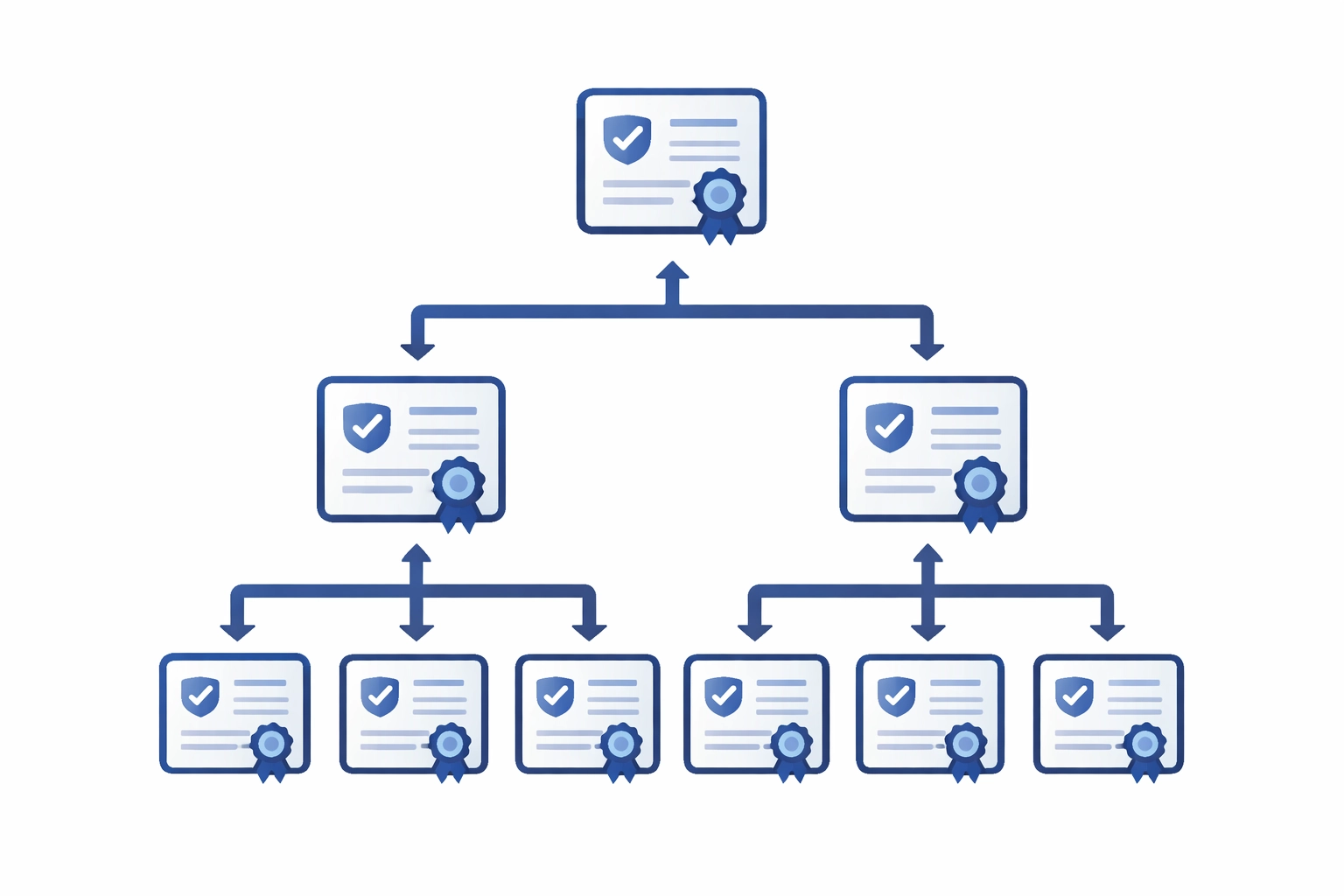
How digital certificates work for PDF signing — X.509 certificates, certificate authorities, trust chains, and obtaining a signing certificate.
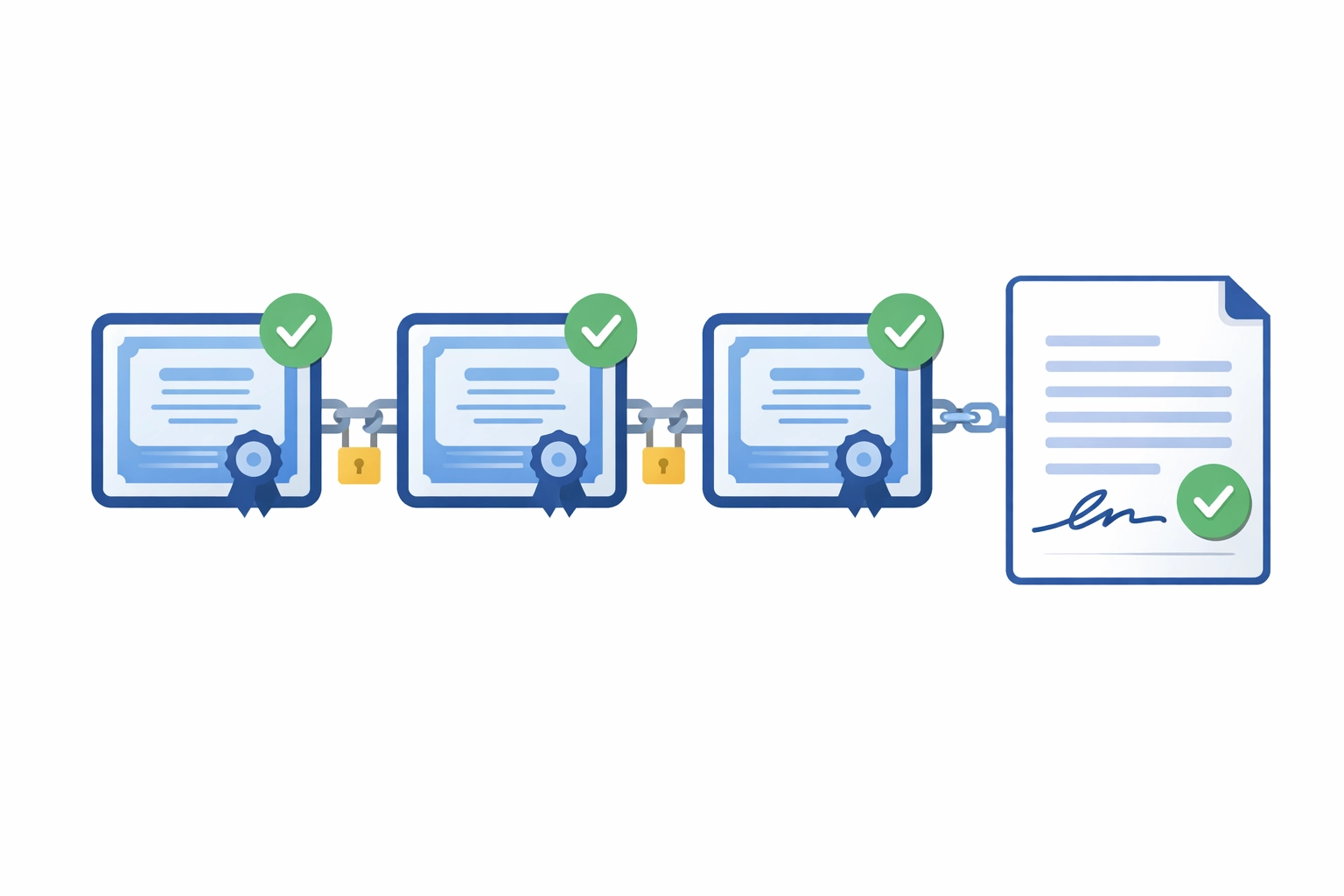
How PDF digital signature validation works: certificate chains, trust anchors, revocation checking (OCSP/CRL), long-term validation, and troubleshooting.
Learn how the DogEars plugin for Adobe Acrobat lets you mark pages for quick navigation and extract marked pages into a new document.
How Adobe ExtendScript automates tasks in Photoshop, Illustrator, and other Creative Cloud apps. Learn its capabilities, use cases, and limitations.

Adobe ExtendScript explained — what it is, the ExtendScript Toolkit, the move to UXP and CEP, and where it still works in Photoshop, Illustrator, and InDesign.
Step-by-step guide to creating FDA-compliant PDFs with Acrobat, Mapsoft Bookmarker, and TOCBuilder. Covers fonts, bookmarks, searchability, and TOC.
Where PDF is heading: PDF 2.0, AI integration, accessibility requirements, digital workflows, and the ongoing relevance of PDF in a cloud-first world.

An introduction to Generative Fill in Adobe Photoshop — how it works, what you can do with it, and how it fits into a professional image editing workflow.
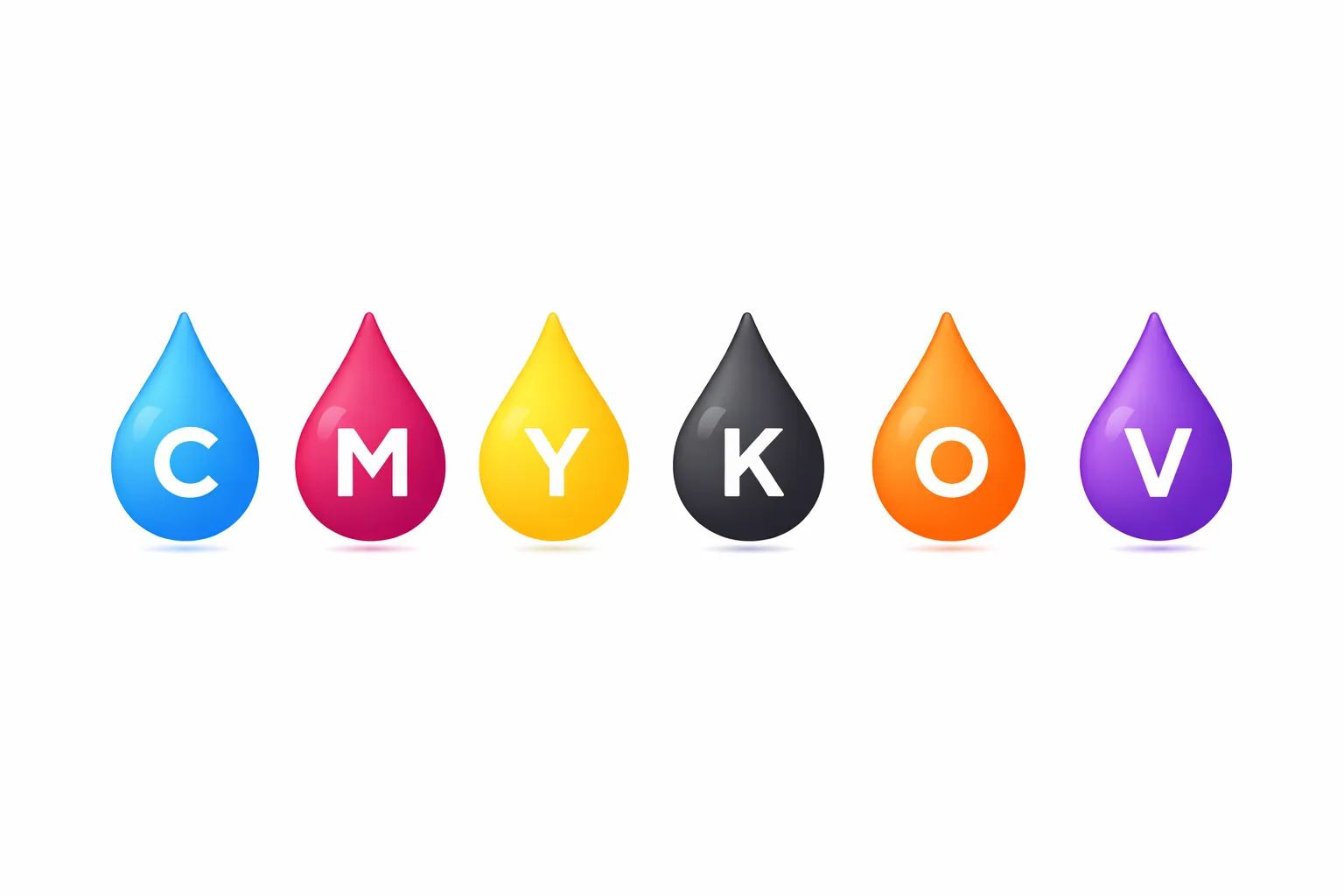
An introduction to Pantone Hexachrome, the six-colour (CMYKOV) extended-gamut printing system, its advantages over standard CMYK, and its current status.

Every Adobe Illustrator version from 1987 to 2026 — Illustrator 88, CS, CC, and the 2026 release. Release dates, key features, and the Aldus and Pantone milestones.

Explore the history of Adobe InDesign and its evolution from a small project codenamed K2 to becoming a major player in the desktop publishing industry.

Complete Adobe PageMaker and Aldus PageMaker history: launch in 1985, key versions, Adobe acquisition, decline, and replacement by InDesign.
An honest look at PDF portability: what the standard promises, where Adobe and third parties add limitations, and what it means for document interchange.
Add text and image watermarks to PDFs in Adobe Acrobat: appearance settings, page ranges, saving configurations, removal, and JavaScript automation.
Use Adobe Acrobat Pro's Compare Documents feature to spot differences between two PDF versions. Understand the comparison report and work with results.
Step-by-step guide to editing PDFs in Adobe Acrobat — edit text, replace images, add or delete pages, and use the Edit PDF toolbar.
Step-by-step guide to password protection and encryption for PDFs in Adobe Acrobat: open passwords, permission passwords, and encryption strength.
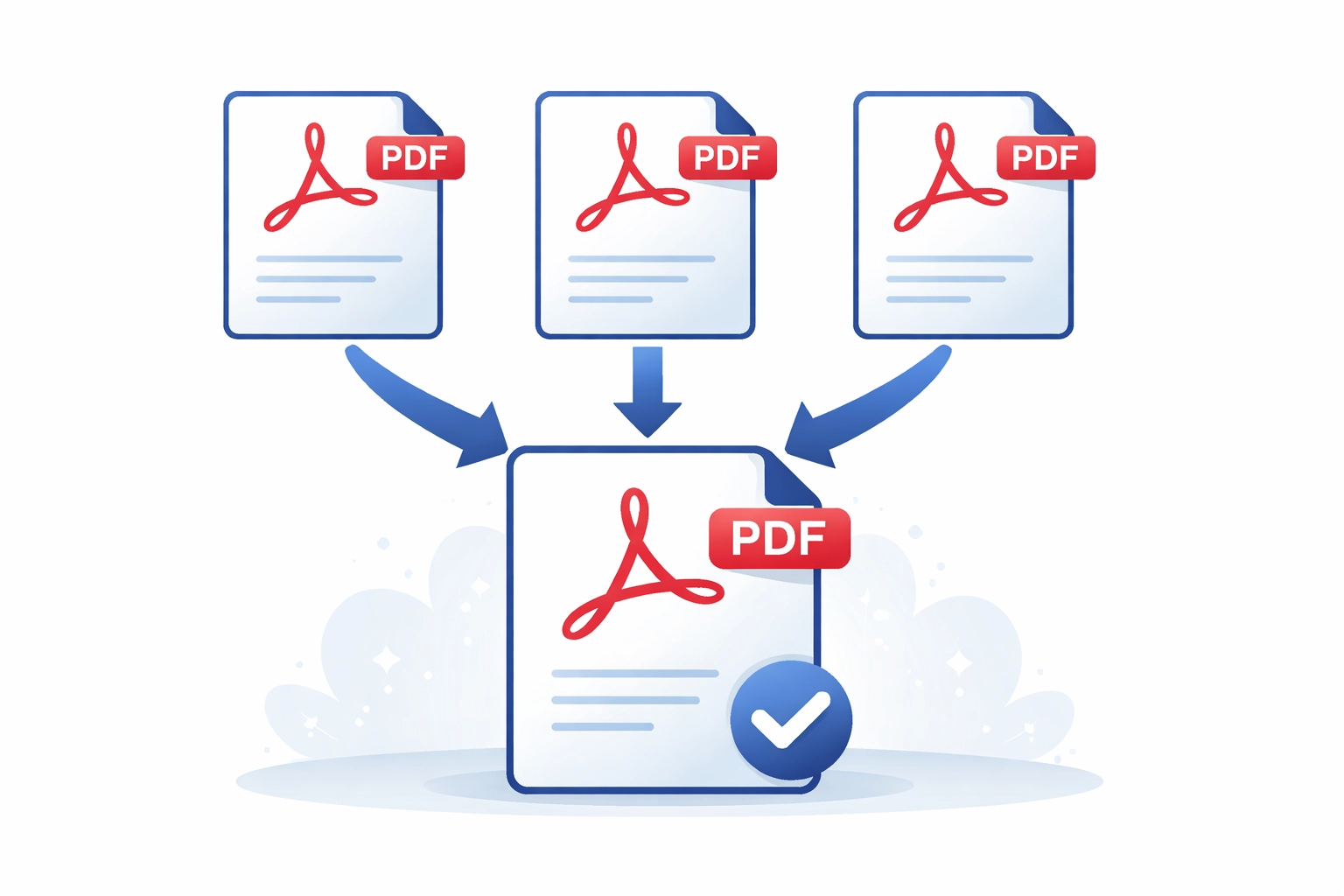
Three ways to merge PDF files: free online in your browser, in Adobe Acrobat with Combine Files or Insert Pages, and automated with JavaScript. Covers bookmark handling, form-field name conflicts, named destinations, PDF/A compliance, and large-batch performance.
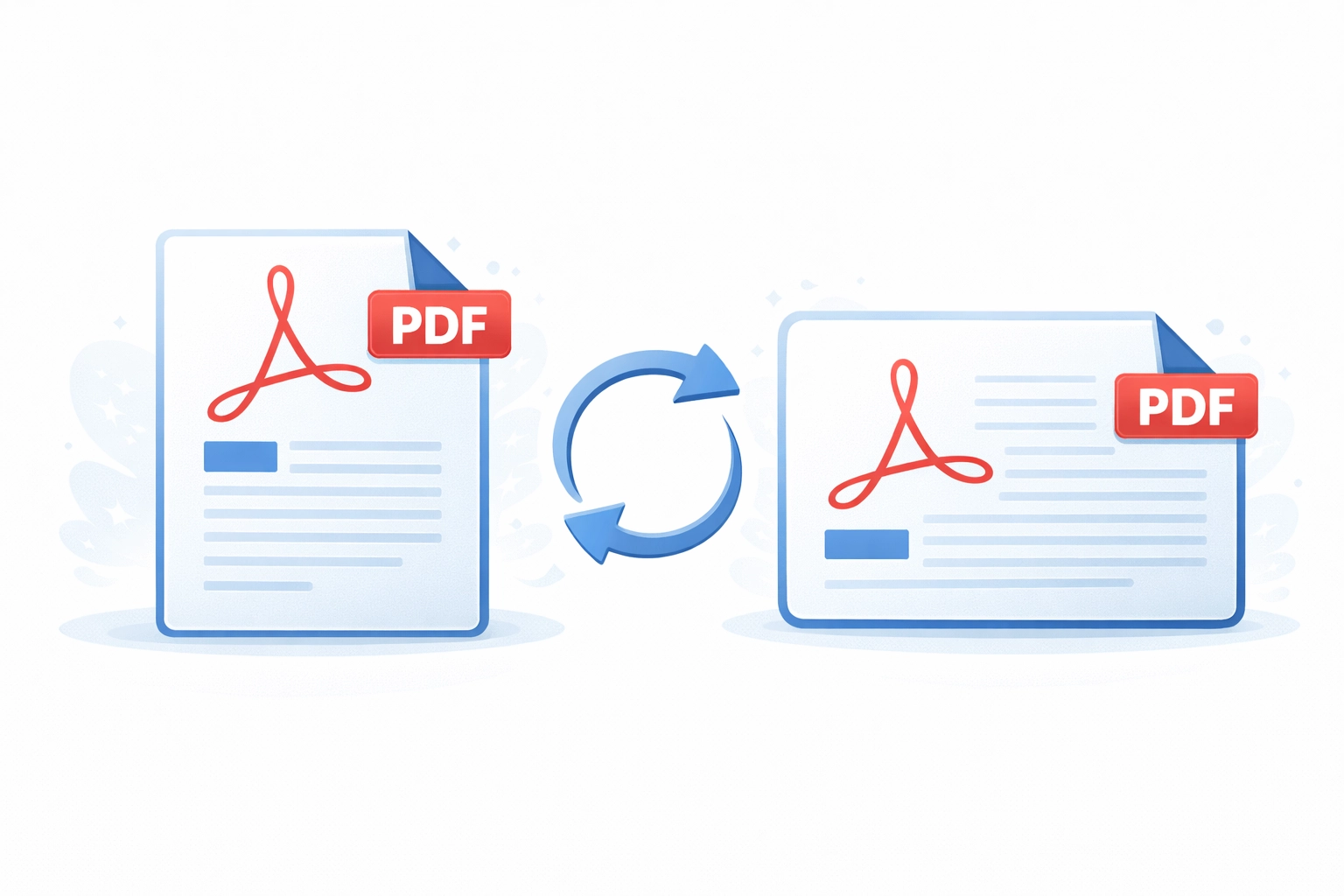
How to permanently rotate individual pages or all pages in a PDF document using Adobe Acrobat, including saving the rotation correctly.
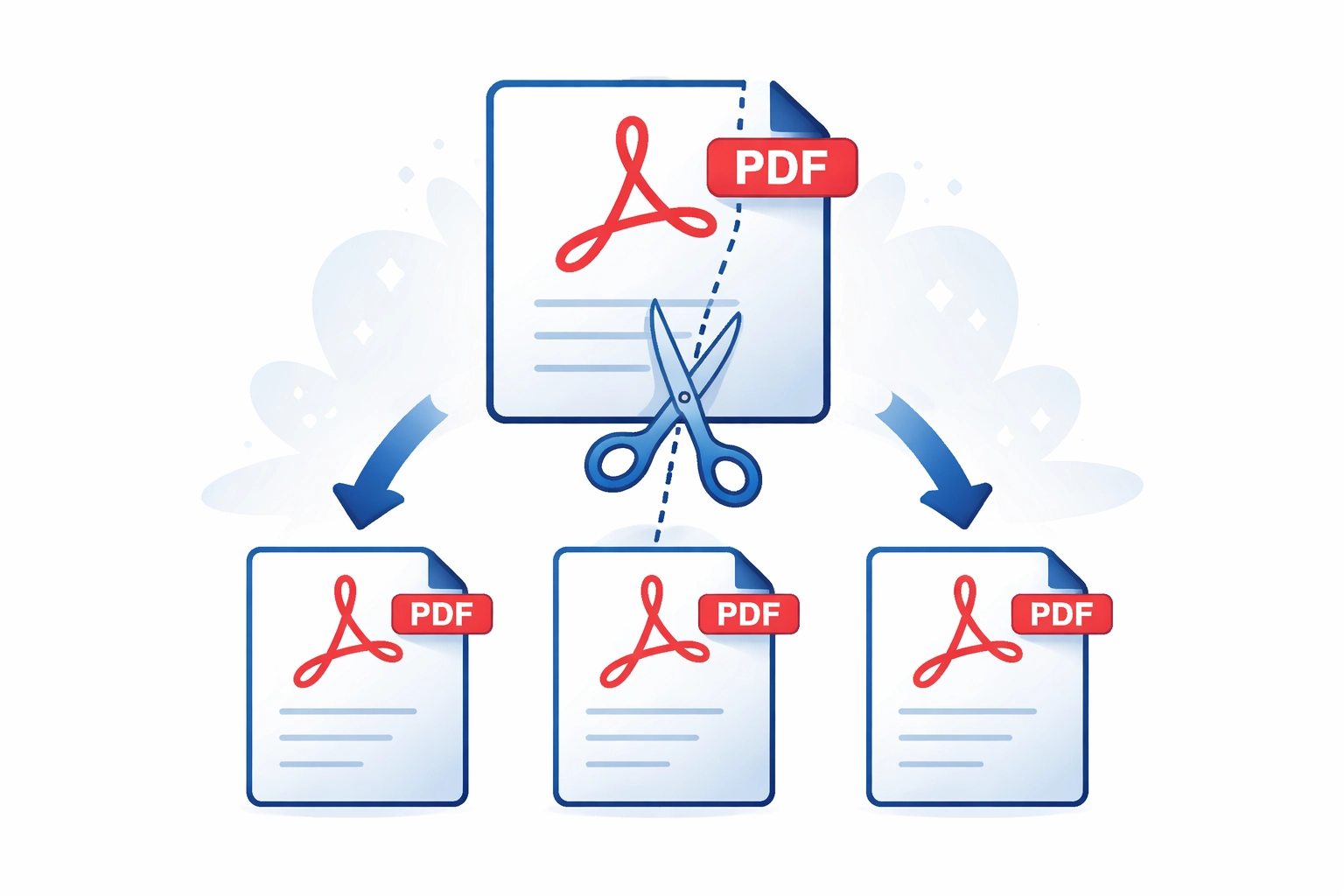
Learn how to split PDF files in Adobe Acrobat — extract pages, split by page count or file size, split by bookmarks, and automate splits with JavaScript.

Explore how combining ExtendScript, C++ SDK plugins, and modern UI frameworks unlocks the full potential of Adobe Illustrator automation and extensibility.
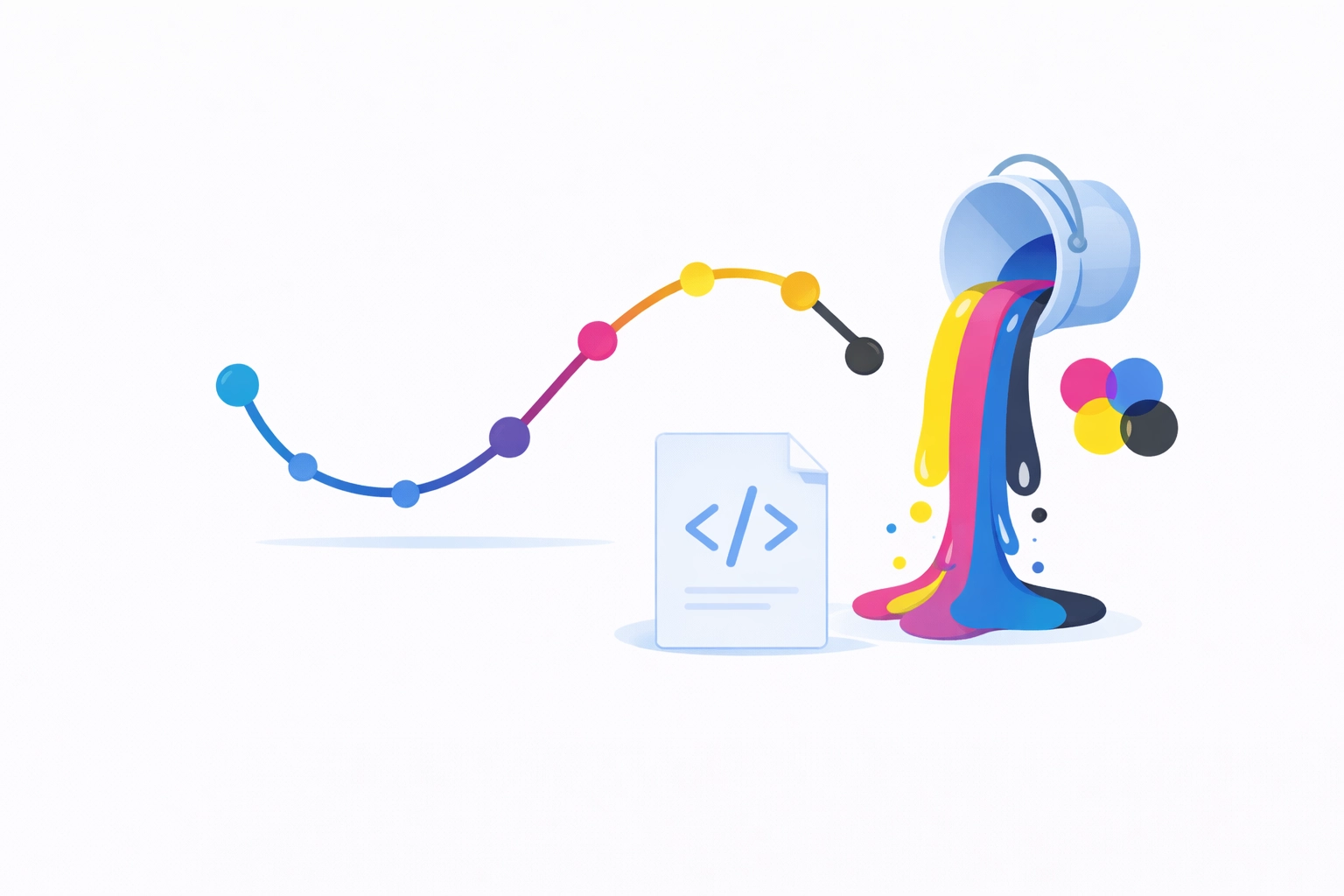
Use Illustrator scripts to apply colour changes to artwork. Understanding RGB vs CMYK colour modes and automating colour transforms with ExtendScript.

Switch between Python versions for Illustrator SDK plugin development on Windows and macOS. Includes batch scripts and pyenv setup instructions.
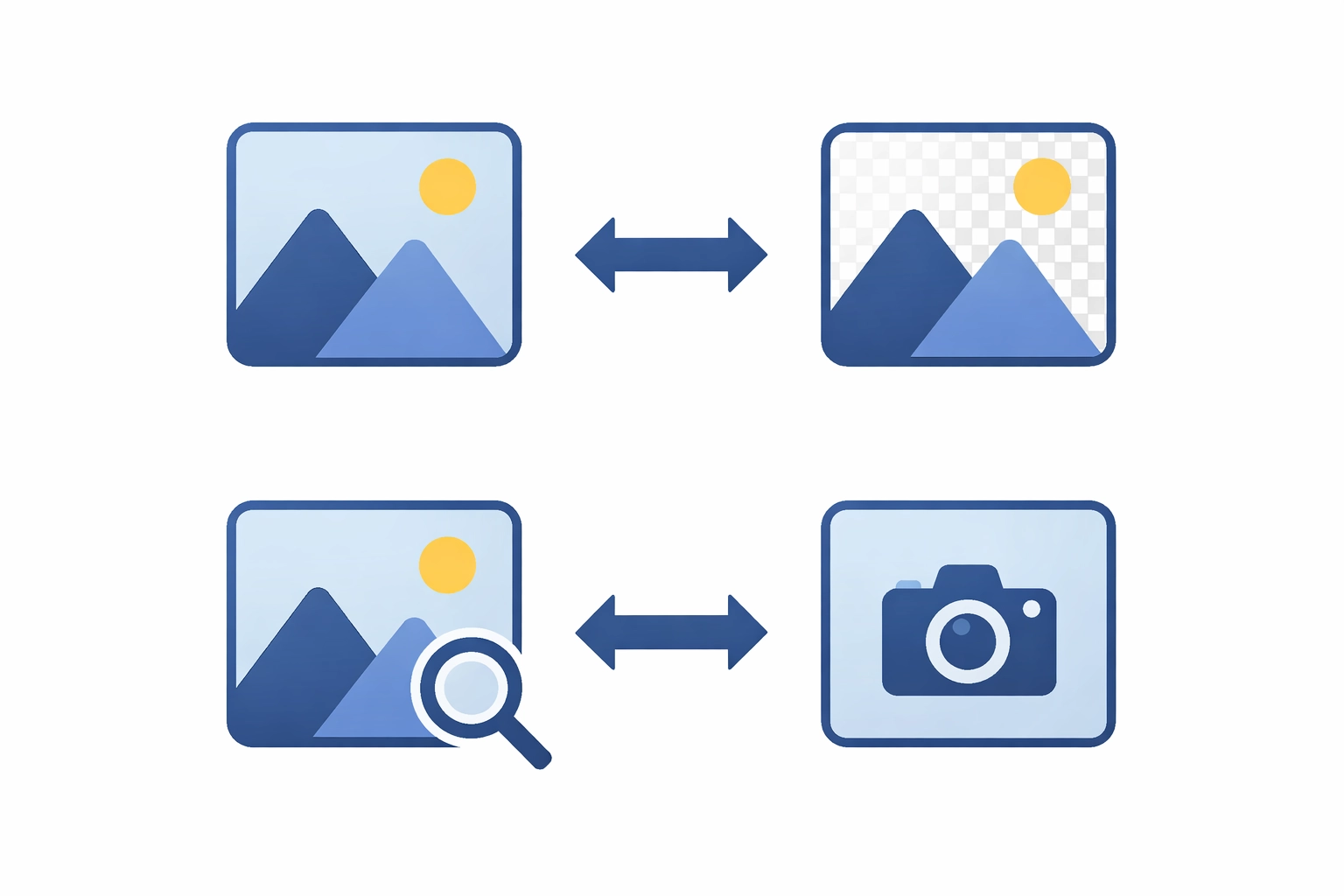
Which image format to use in a PDF? JPEG, PNG, TIFF, JBIG2, CCITT, and JPEG 2000 compared — compression, quality, transparency, and the right choice per use case.
Explore the new features in Adobe InDesign 2024 — Auto Style, searchable text in Publish Online, dynamic filename suffixes, and more.

Create interactive PDFs with clickable buttons, form fields, multimedia, and navigation in Adobe Acrobat. A guide to building engaging PDF documents.
Practical guide to tools and approaches for editing PDF files, from basic Acrobat editing to custom development with the Adobe PDF Library.

Overview of PaperlessProofs, the online PDF proofing service for reviewing and annotating documents without printing, with production workflow integration.
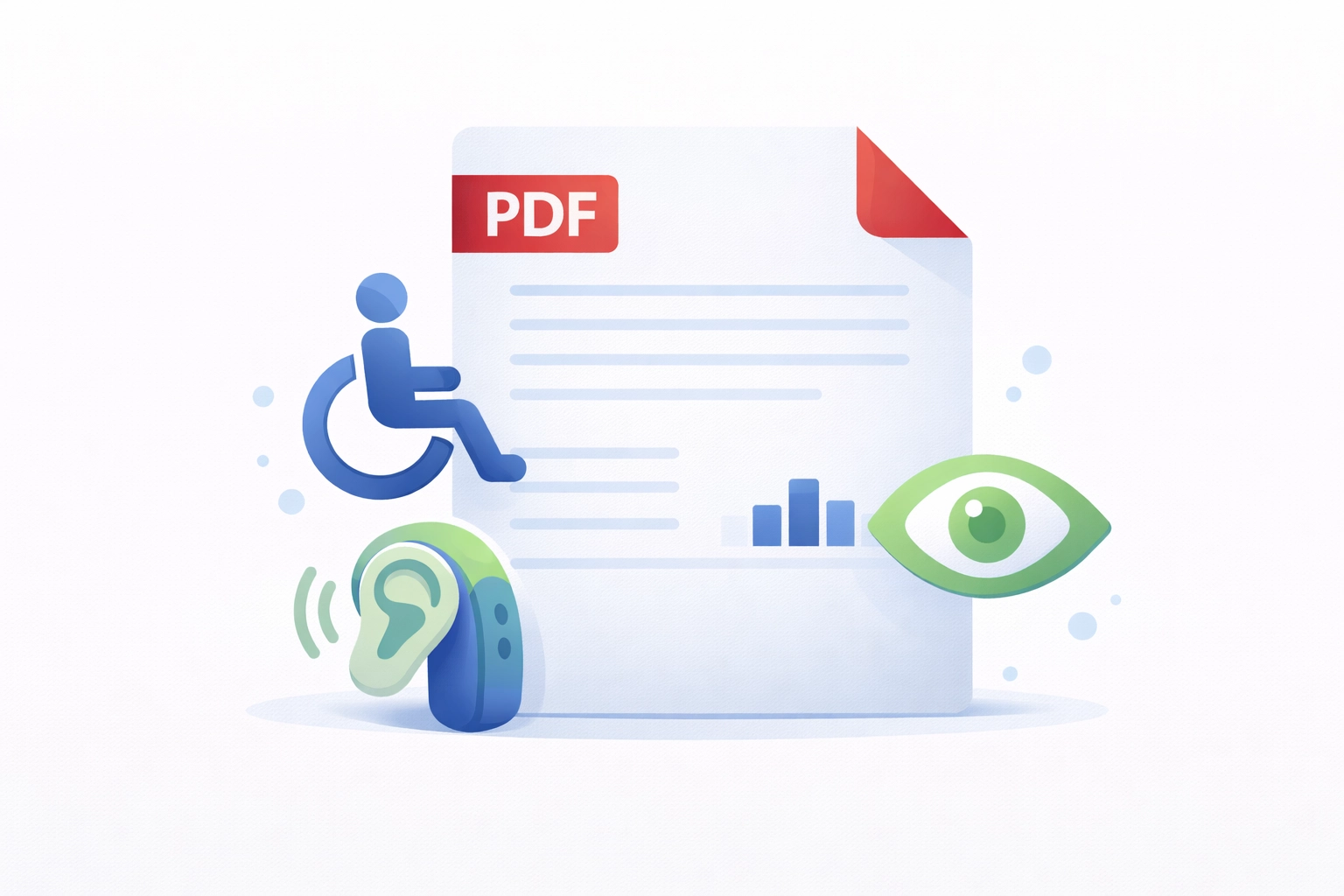
Guide to PDF accessibility: tagged PDF, WCAG 2.1, PDF/UA (ISO 14289), logical structure, alt text, table markup, reading order, and remediation.

Guide to PDF annotations: types, how they are stored in the PDF format, review workflows, flattening, and scripting with Acrobat JavaScript.
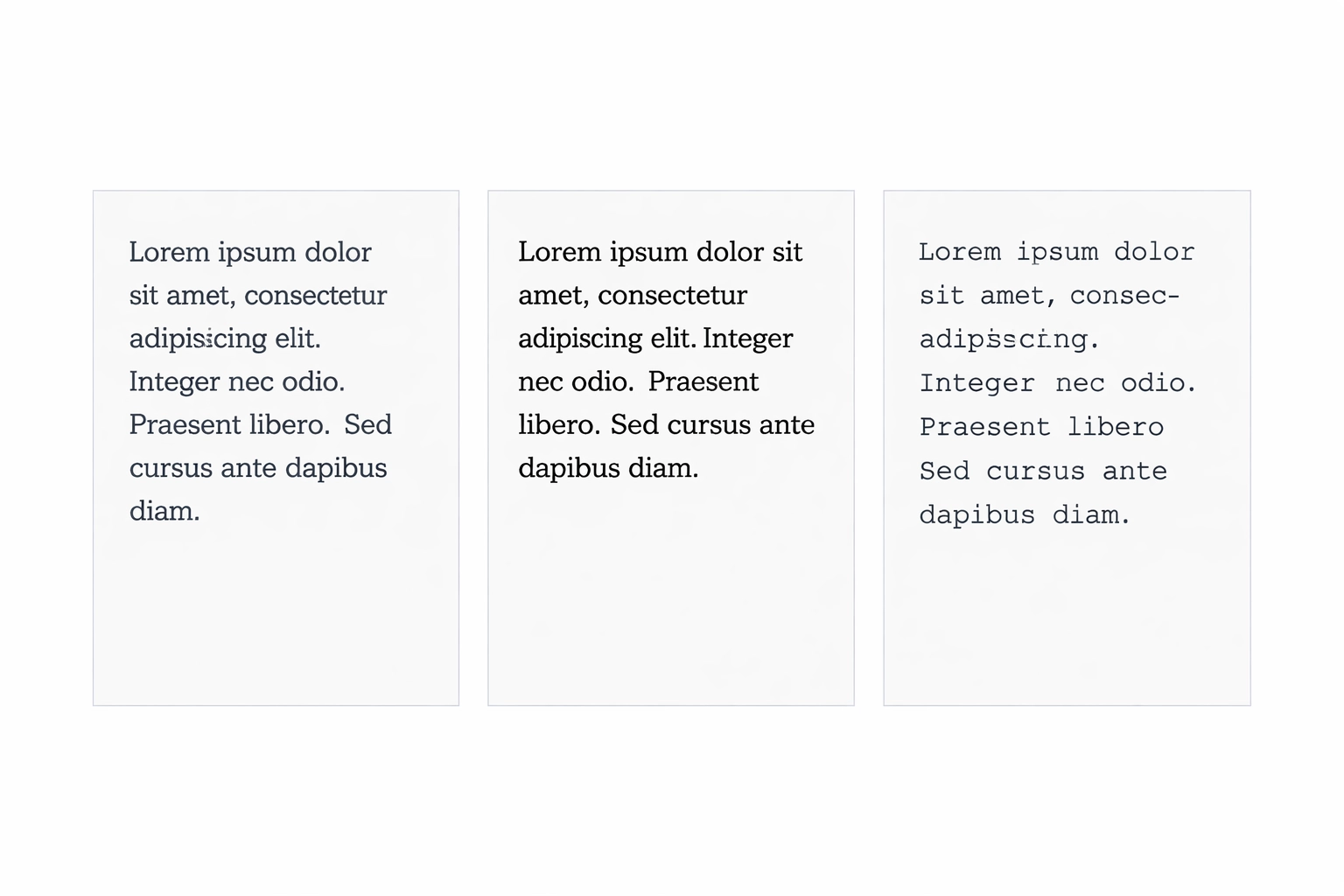
The 14 standard fonts built into every PDF viewer — what they are, why they exist, and how Mapsoft products use them.
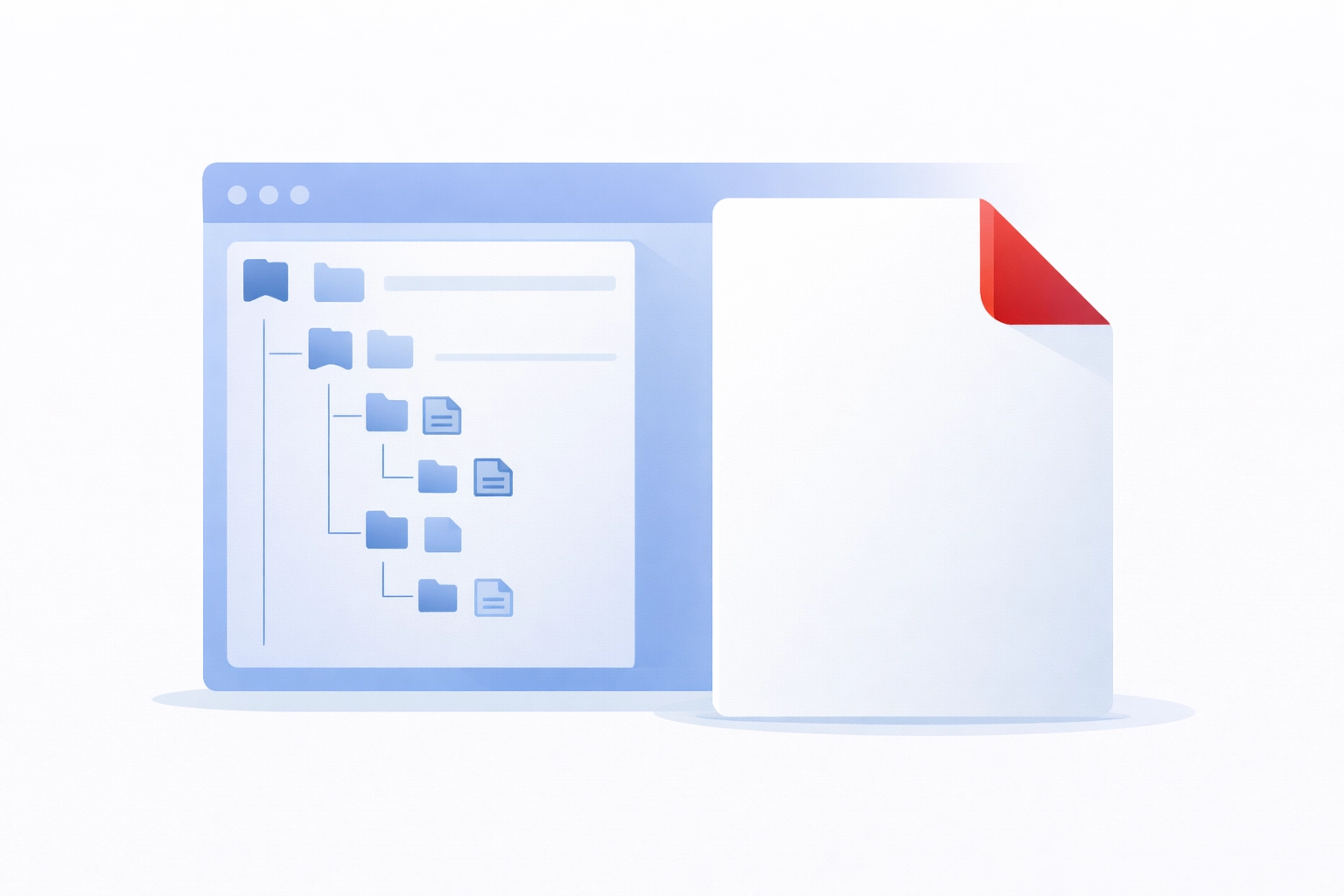
A complete guide to PDF bookmarks: what they are, how they work in the PDF specification, how Acrobat generates them, and how to automate their creation.
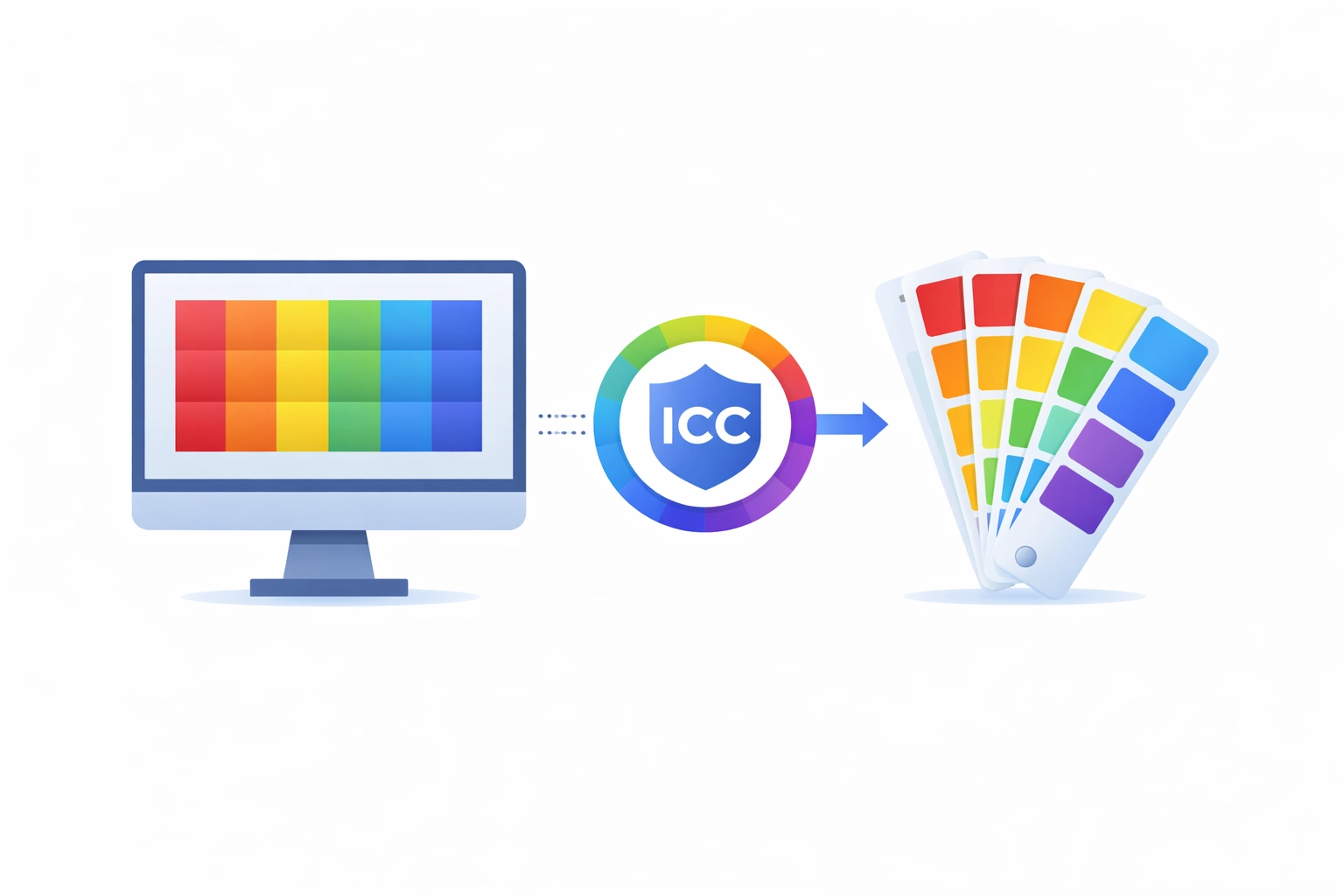
How colour management works in PDF — ICC profiles, output intents, colour spaces, and ensuring consistent colour in print and digital output.
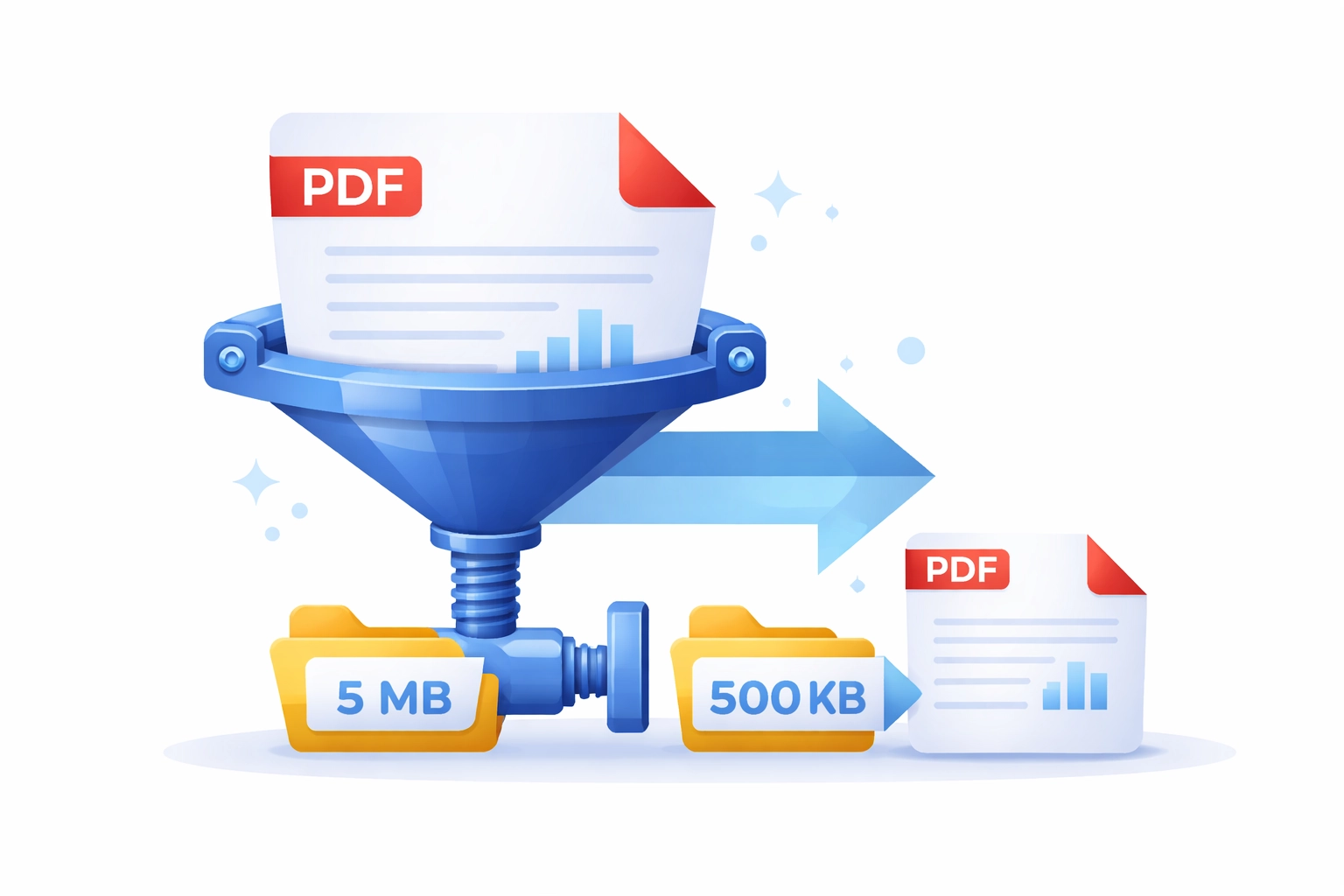
Technical guide to PDF compression: image algorithms, font subsetting, content stream compression, downsampling, and Acrobat PDF Optimizer.
How PDF digital signatures work: cryptographic signing, PKI certificates, approval vs certification signatures, long-term validation, and PAdES.
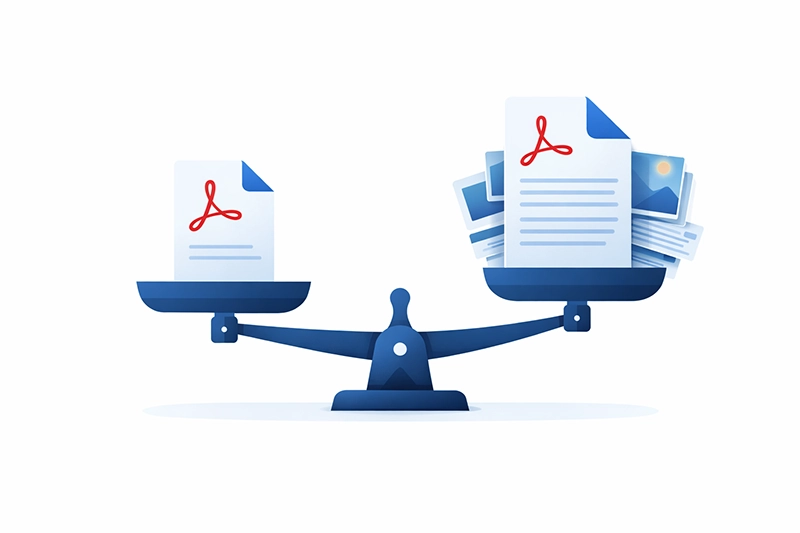
Learn why PDF files can be larger than expected and how to reduce them. A technical guide to PDF file size, auditing, and optimisation.
Latest PDF format spec updates. The second collection of errata for PDF 2.0 features 265 corrections for enhanced interoperability.

The birth and evolution of the PDF format. How Adobe Acrobat shaped its growth, plus key features and advantages including document integrity and security.
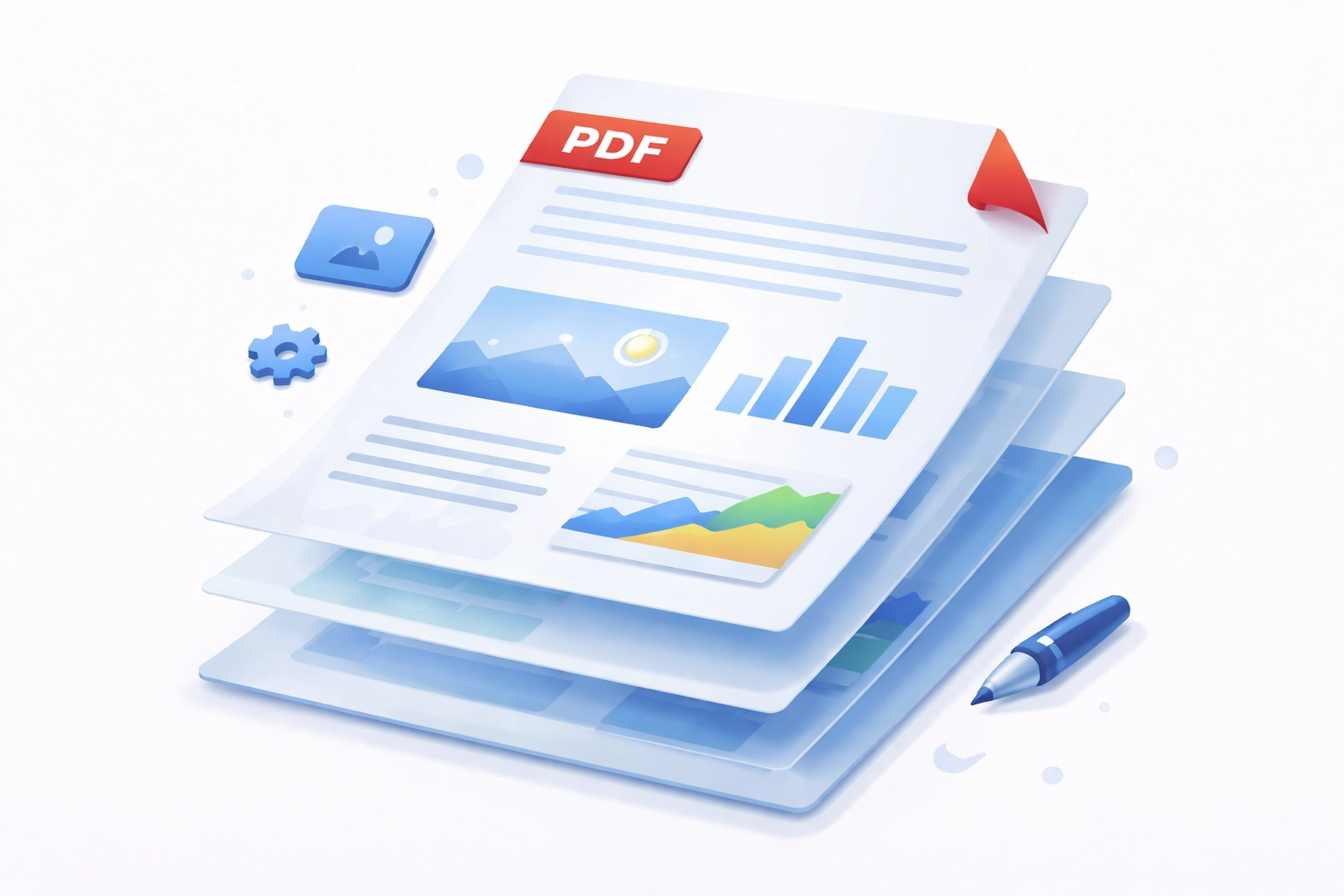
PDF layers (Optional Content Groups) explained: how OCGs work in ISO 32000, use cases in CAD and maps, creating layers, scripting, and printing.

Guide to PDF metadata: DocInfo dictionary, XMP streams, reading and editing properties in Acrobat, custom schemas, PDF/A requirements, and scripting.
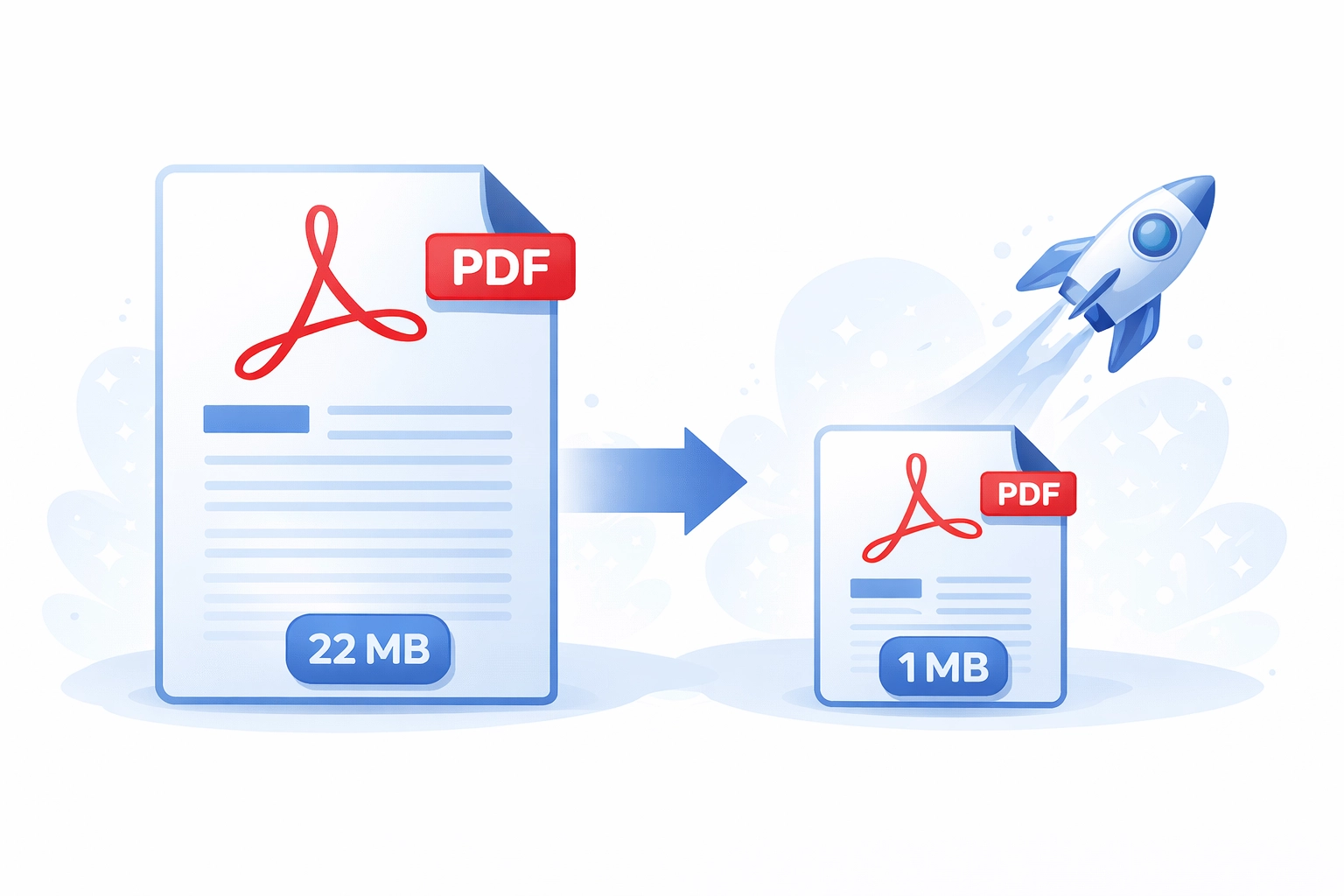
Optimize PDFs to shrink file size and load fast — Acrobat PDF Optimizer settings, image downsampling, font subsetting, linearisation, and removing unused resources.
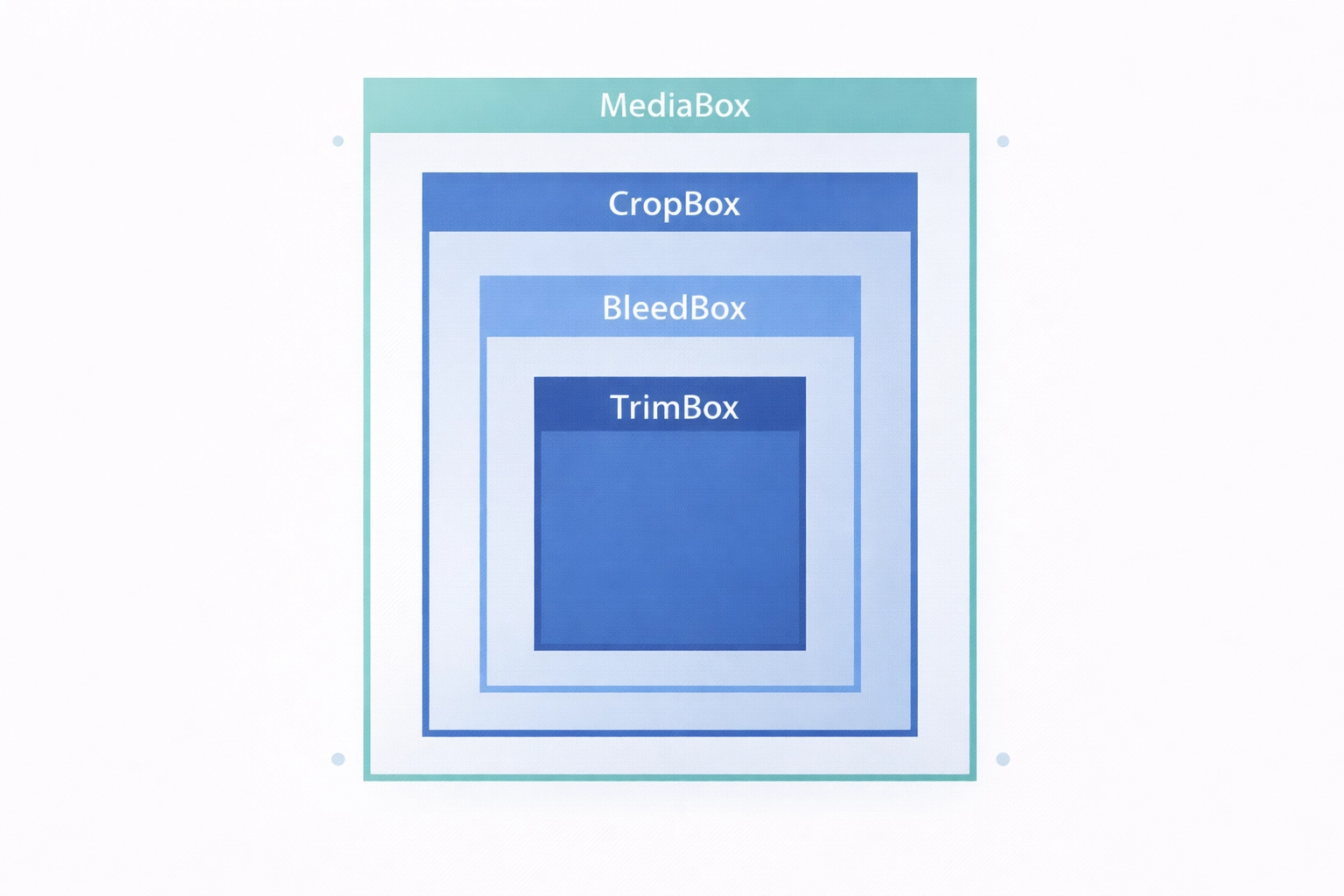
Understanding the five PDF page box types — what they define, how they're used in professional print production, and how to view them in Acrobat Pro.
Set PDF page labels in Adobe Acrobat — roman numerals, prefixes, and section-based numbering. Step-by-step guide to custom page labelling.
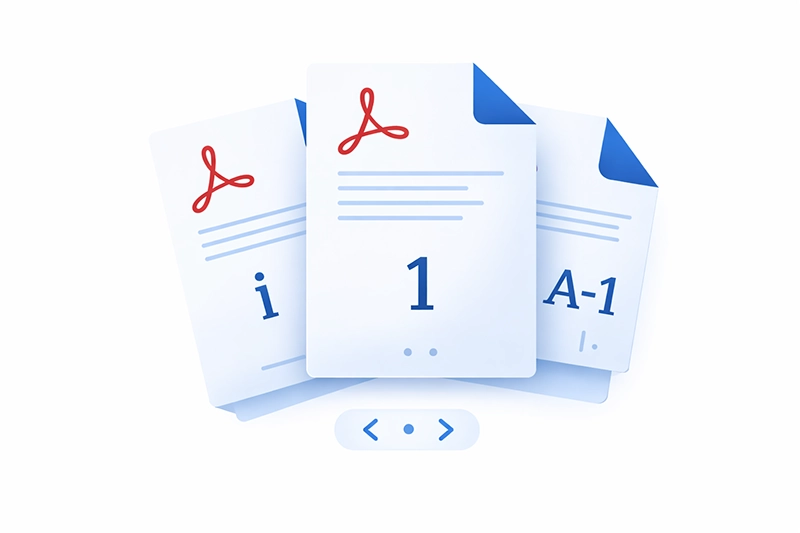
Learn how to use PDF page labels to number pages in Adobe Acrobat. Set Roman numerals, custom prefixes, and mixed numbering schemes across your documents.
In-depth guide to PDF/A, the ISO 19005 standard for long-term archiving. Covers conformance levels, requirements, prohibited features, and conversion.
What PDF Portfolios are, how to create them in Acrobat Pro, and when to use them over merged PDFs. Covers layout themes, searching, and printing.
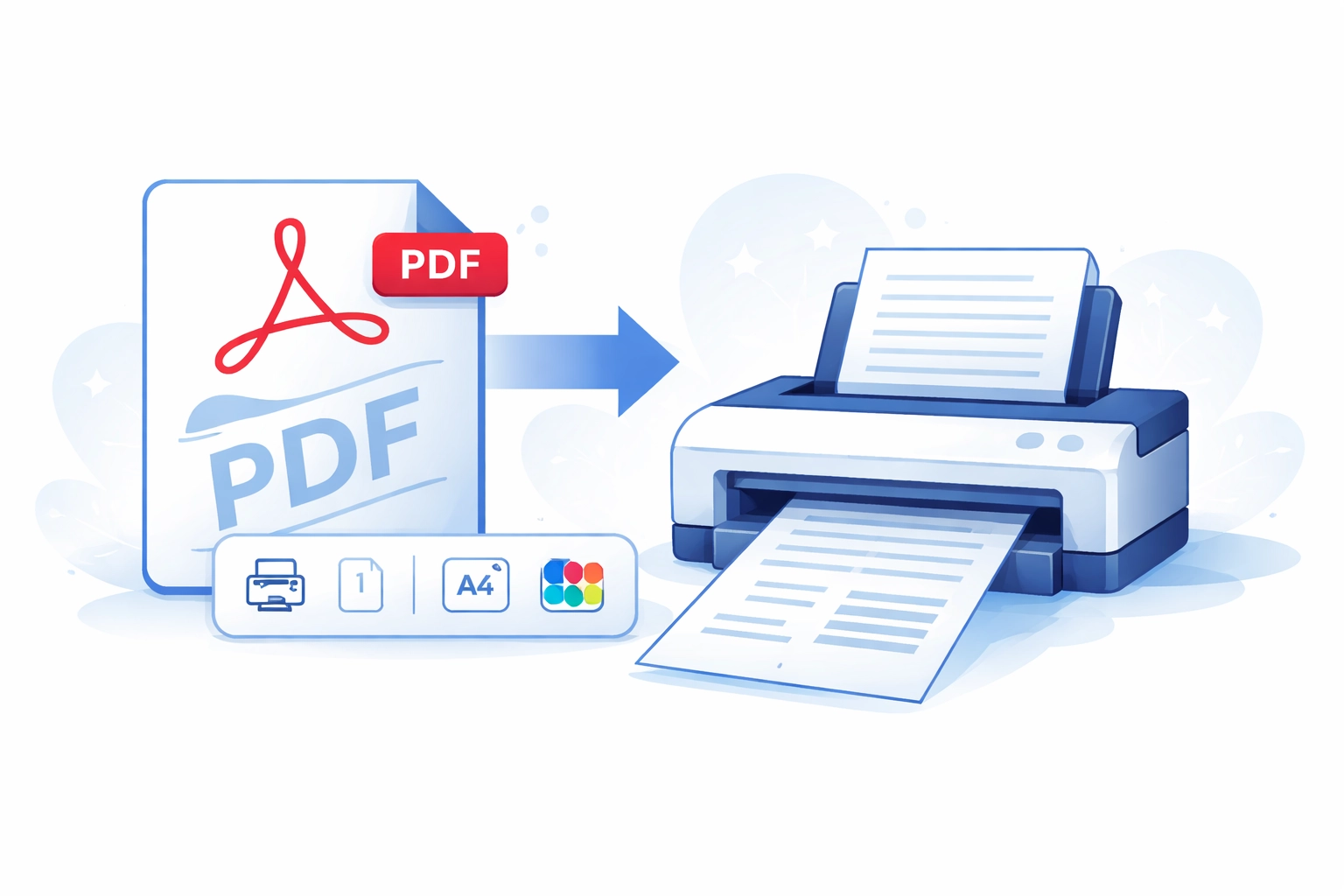
Guide to printing PDFs: print dialog options, page scaling, N-up and booklet printing, PostScript drivers, overprint preview, and batch printing.

Discover what PDF redaction is, its significance, and how it works in protecting sensitive information in documents.
Guide to PDF security: password types, permission flags, encryption algorithms, certificate security, and best practices for protecting PDF documents.
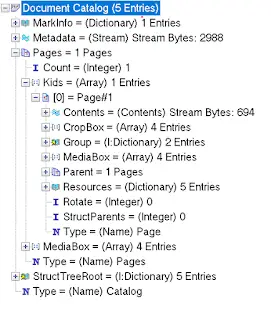
The structure of a PDF file demystified — header, body objects, the cross-reference (xref) table, trailer, streams, fonts, images, and incremental updates.

PDF 2.0 vs 1.7 compared: key differences, new features, deprecated elements, and what the changes mean for your document workflows.
How to use PDF web links for seamless access and better navigation — page navigation, named destinations, and zoom levels in your files.
How PDF is used in academic publishing: journal distribution, preprint servers, accessibility requirements, and challenges of extracting research data.
Scan documents to PDF using Adobe Acrobat. Covers resolution, colour modes, OCR after scanning, presets, and PDF/A archival compliance.
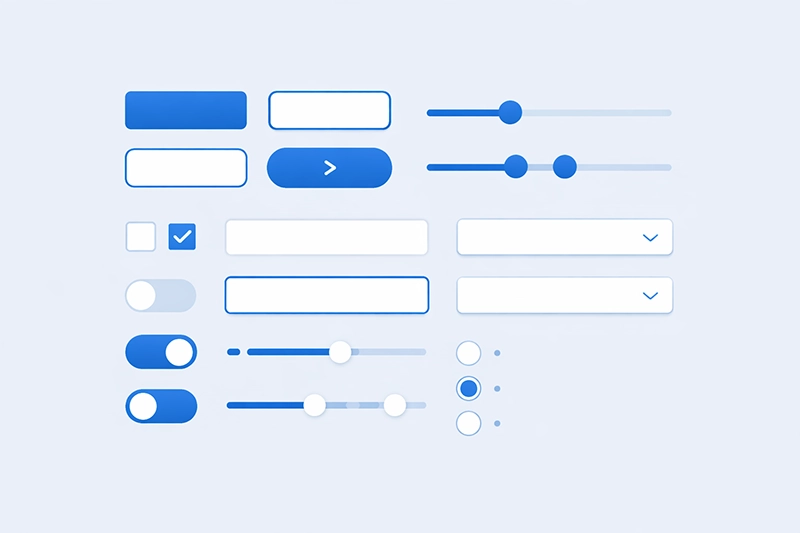
Explore Spectrum UXP components and design guidelines, including buttons, checkboxes, pickers, sliders, text fields, tooltips, and typography.
What spot colours are, how they differ from process colours, how Pantone spot colours work, and how spot colours are represented in PDF documents.

Add a clickable table of contents to any PDF: from Word, from bookmarks, or automatically. Free methods plus the fastest tools across hundreds of files.

Learn what tagged PDFs are, why they matter for accessibility, and how to create them. Includes practical examples and best practices.

Fix Adobe Acrobat problems: slow performance, PDF display issues, plugin conflicts, printing errors, and update failures. Tested solutions.
The history of PostScript Type 1 fonts, how they work technically, their role in PDF, and Adobe's end-of-support for the format.
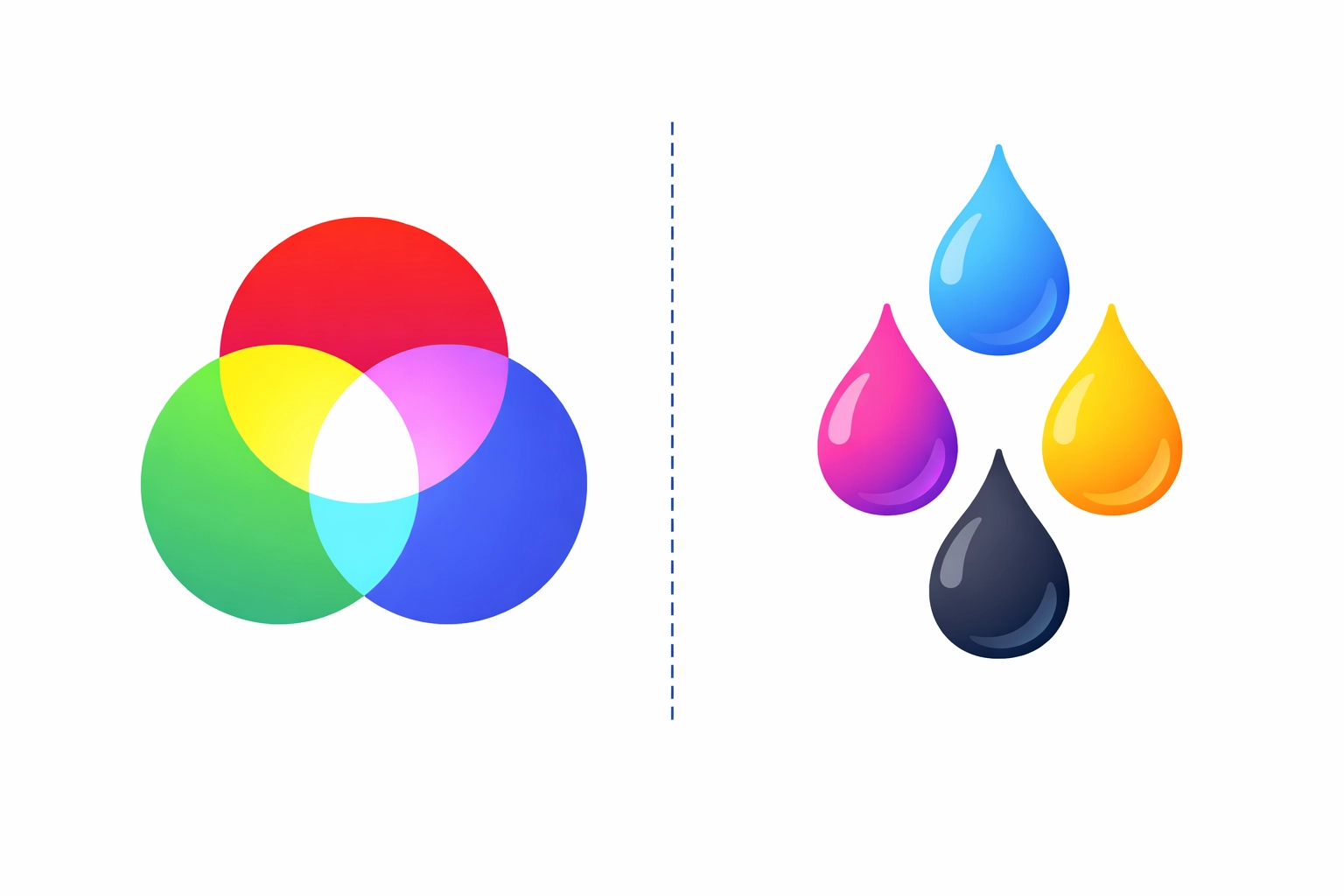
A practical guide to RGB and CMYK colour models: how they work, their differences, and why colour management matters for screen-to-print conversion.
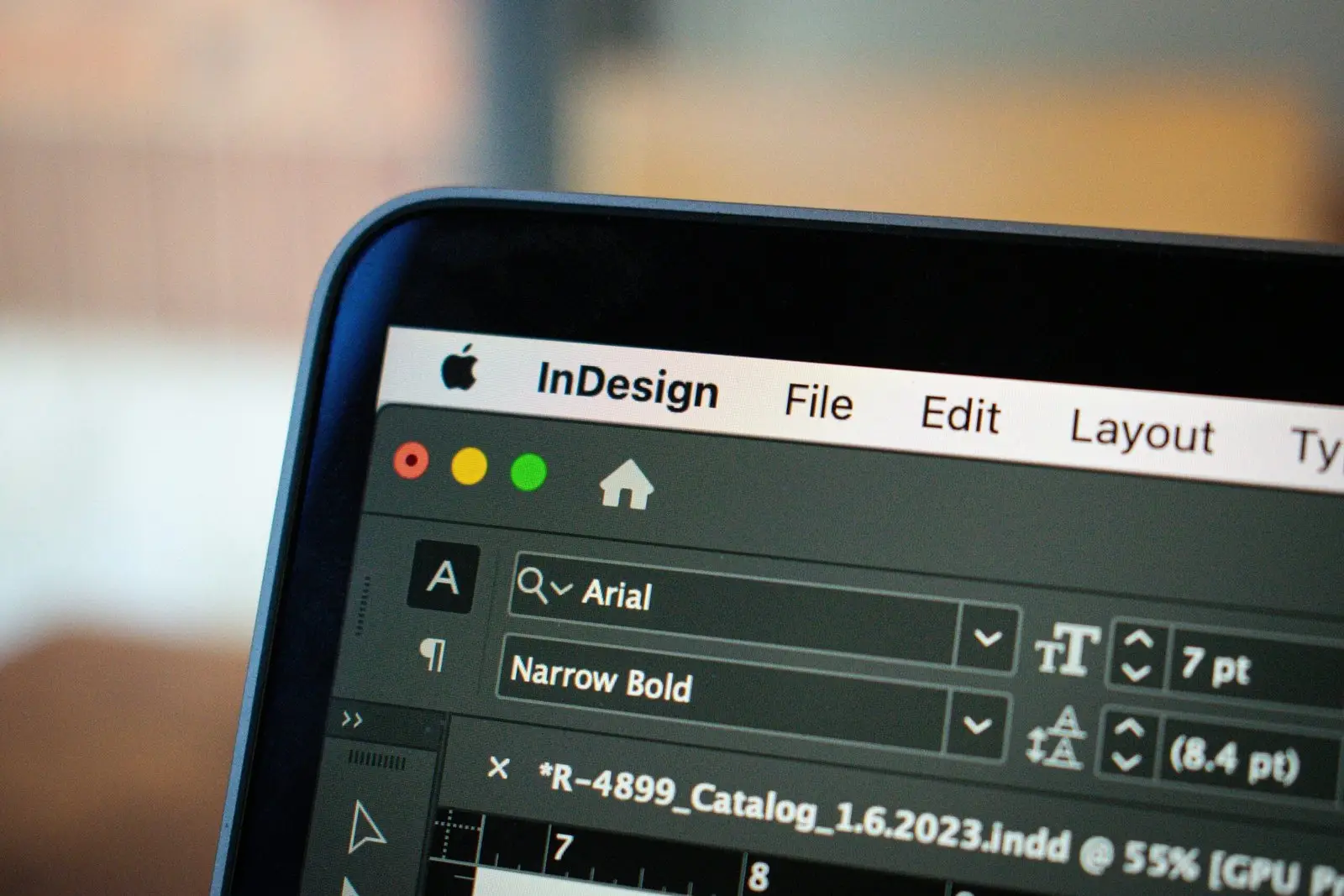
UXP is the modern path for new InDesign panels in 2026. What UXP is, why InDesign was an early target, when CEP still fits, and a panel walk-through.

Compare UXP and CEP extensions in Photoshop. Differences in performance, compatibility, and security between the old and new extension platforms.

Creating personalised documents like direct mail and event tickets? Explore variable data printing standards including PDF/VT, PPML, and more.
How Acrobat plugins enhance Adobe Acrobat with added features, from interactive forms and annotations to advanced document processing tasks.
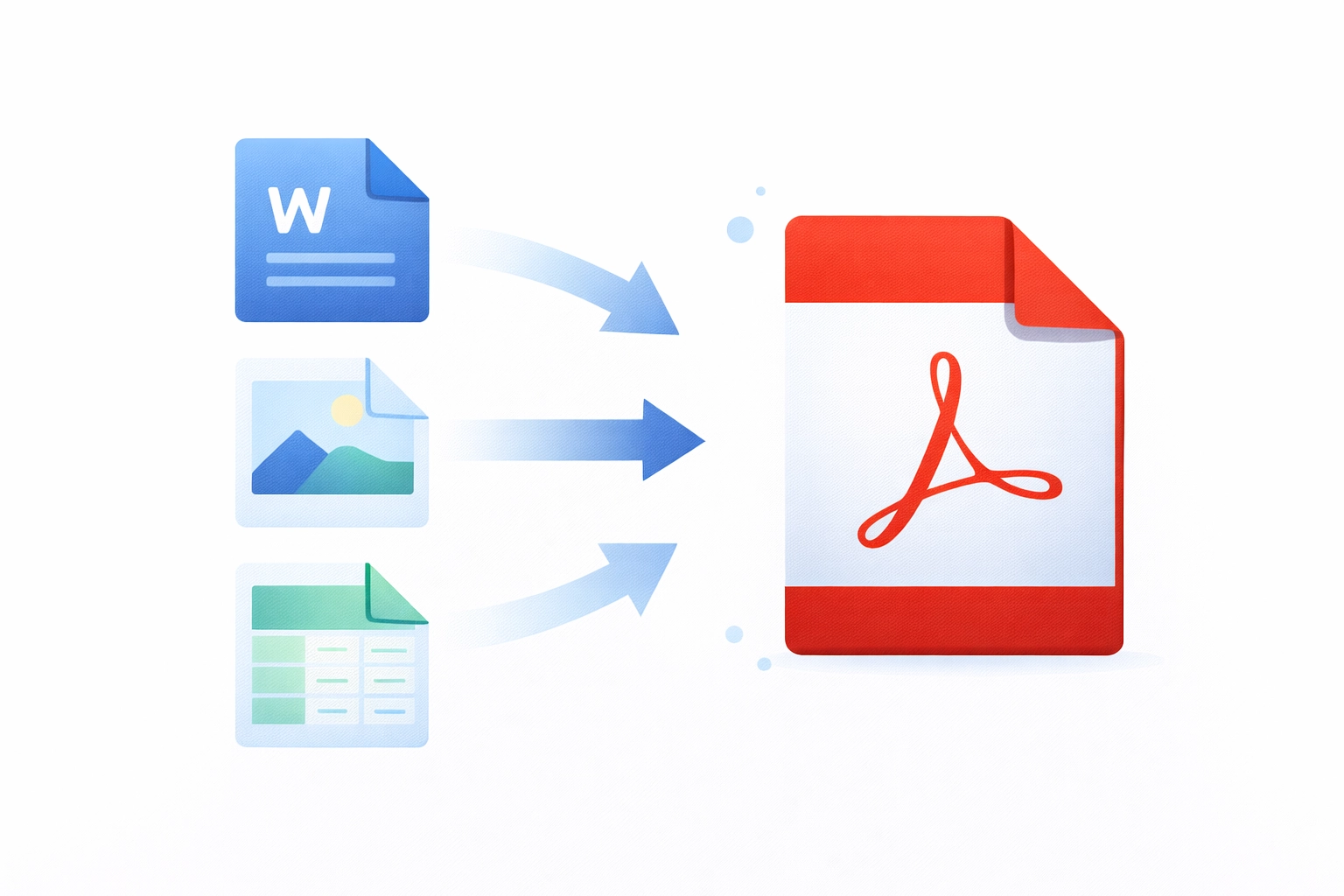
A clear explanation of what PDF is, why it was created, how it works, and why it remains the world's most widely used document format.
Get in touch to discuss Adobe development, PDF solutions, or any of our products.