
Manual PDF management overwhelms even the most efficient IT teams with tedious steps, recurring errors, and nagging compliance worries. For large enterprises, these stumbling blocks slow down operations and waste valuable talent on low-impact tasks. By shifting routine processes to automated workflows powered by Adobe solutions, organizations can achieve fewer errors, faster turnaround, and seamless compliance—all while empowering employees to drive strategic business outcomes.
Table of Contents
- What Are Workflow Benefits in PDF Automation
- Types of PDF Workflow Enhancements Today
- How Automated Workflows Improve Operations
- Risk Reduction, Compliance, and Cost Savings
- Comparing Manual Versus Automated Workflows
Key Takeaways
| Point | Details |
|---|---|
| Workflow Automation Reduces Processing Time | Automated PDF workflows significantly decrease document processing times, allowing staff to focus on higher-value tasks instead. |
| Lower Error Rates Enhance Efficiency | Automation minimizes human errors, leading to fewer costly rework cycles and improved data accuracy. |
| Consistent Compliance and Governance | Automated processes ensure uniform adherence to compliance standards, reducing risks related to regulatory failures. |
| Cost Savings through Increased Productivity | Organizations can save substantial amounts annually by reallocating staff hours from manual processing to strategic initiatives. |
What Are Workflow Benefits in PDF Automation
Workflow benefits in PDF automation represent the measurable gains your organization achieves when you shift from manual document handling to systematic, repeatable processes. These benefits extend far beyond simple time savings.
At their core, workflow benefits address the friction points that slow down enterprise operations. When documents flow through your systems automatically, you eliminate the bottlenecks that plague IT managers daily: lost files, duplicate processing, human error during data entry, and compliance gaps.
The Core Benefits Your Organization Gains
Automating PDF workflows delivers tangible advantages across multiple operational dimensions:
- Reduced processing time: Tasks that once required hours finish in minutes, freeing your team for higher-value work
- Lower error rates: Automation removes the human mistakes that create costly rework cycles
- Improved compliance: Documents are processed consistently according to your organizational standards every single time
- Enhanced visibility: Track document status in real time instead of hunting through email chains
- Cost reduction: Fewer staff hours devoted to manual document handling directly impacts your bottom line
Consider a typical enterprise scenario. Your accounts payable team receives 500 vendor invoices monthly. Manual processing requires data entry, verification, and routing to multiple approvers. Automation handles invoice capture, data extraction, validation, and approval routing without human intervention. The result? Processing costs drop from $2.50 per invoice to $0.15.
Your employees spend less time on repetitive tasks and more time solving actual business problems that require critical thinking.
These efficiency gains compound when you scale across departments. Finance, legal, HR, and operations teams all handle documents differently, yet each department experiences the same fundamental benefits when their specific workflows become automated.
Implementing business automation workflows for PDF efficiency shows how organizations translate these principles into measurable outcomes. IT managers recognize that automation isn’t about replacing staff—it’s about redirecting human effort toward work that generates competitive advantage.
The financial case becomes undeniable when you calculate annual impact. A mid-size enterprise processing 100,000 documents yearly can reallocate 8,000 to 12,000 staff hours annually through workflow automation. At $25 per hour loaded cost, that’s $200,000 to $300,000 in freed-up capacity.
Beyond the numbers, automation delivers strategic benefits. Your organization responds faster to customer requests, adapts more quickly to regulatory changes, and maintains tighter control over document governance. These factors become critical competitive advantages in regulated industries where compliance failures carry serious financial and reputational consequences.
Pro tip: Start by mapping your highest-volume document processes and measuring current processing time per document—this baseline becomes your benchmark for calculating the ROI of any automation implementation you undertake.
Types of PDF Workflow Enhancements Today
PDF workflow enhancements have evolved far beyond simple document storage. Modern solutions address specific operational challenges that IT managers face when handling enterprise-scale document processes.
Today’s enhancements fall into distinct categories, each solving particular pain points. Understanding these types helps you identify which improvements align with your organization’s actual needs.
Core Enhancement Categories
Modern PDF automation encompasses multiple solution types that work together:
- Automated PDF creation: Generate PDFs from various sources programmatically, eliminating manual document assembly
- Batch processing: Handle thousands of documents simultaneously without human intervention
- Form filling: Populate PDF fields automatically using data from your systems or databases
- Document merging: Combine multiple files into single, organized packages instantly
- Data extraction: Pull structured information from PDFs using intelligent algorithms and pattern recognition
- OCR capabilities: Convert scanned images and unstructured documents into searchable, editable text
- Workflow routing: Direct documents to appropriate departments or approvers based on predefined rules
These aren’t isolated features. They work together within integrated systems to handle complete document lifecycles.
Here’s how different PDF workflow enhancements impact key business outcomes:
| Enhancement Type | Main Purpose | Key Business Impact |
|---|---|---|
| Automated PDF Creation | Streamline document generation | Faster client communications |
| Data Extraction | Pull data from unstructured PDFs | Accelerated reporting |
| Batch Processing | Process documents in bulk | Handles large-scale volumes |
| Form Filling | Auto-populate PDF fields | Fewer onboarding errors |
| Workflow Routing | Send to correct approvers | Reduces approval bottlenecks |
| OCR Capabilities | Convert scans to editable text | Enables process automation |
| Document Merging | Combine multiple files instantly | Simplifies record-keeping |
How These Enhancements Address Real Problems
Consider data extraction in practice. Your legal team receives contracts from dozens of vendors. Manual review means lawyers spend hours identifying key terms, dates, and obligations. Intelligent extraction algorithms now identify these elements automatically, reducing review time by 70 percent.
Batch processing tackles another challenge. Your claims department processes 5,000 insurance claims monthly. Running these through validation rules and generating approval documents manually? Impossible. Automation processes the entire month’s volume overnight.
Smart routing means documents reach the right decision-maker instantly, eliminating approval bottlenecks that delay critical business processes.
Form filling simplifies customer onboarding. New accounts require multiple forms—tax documentation, compliance certifications, enrollment paperwork. Systems automatically populate fields with customer data, reducing form errors to near zero.
These enhancements integrate with your existing enterprise systems. PDF document workflows connect to databases, ERPs, and business applications, creating seamless information flow without manual handoffs.
OCR technology deserves specific attention. Organizations still receive faxes, scanned documents, and image-based files. OCR converts these into processable text, making them eligible for automation instead of requiring manual handling.
Pro tip: Audit your current document processes and categorize each by type—identify which enhancement category addresses your biggest pain point, then pilot that solution first to demonstrate ROI before expanding across departments.
How Automated Workflows Improve Operations
Automated workflows transform how enterprises handle documents by removing friction at every stage. When manual tasks disappear, your entire operation becomes faster, more accurate, and more responsive to business needs.

The improvement isn’t subtle. Organizations that automate document workflows report dramatic operational gains within months. Your team stops fighting bottlenecks and starts solving actual business problems.
Direct Operational Improvements
Automation delivers measurable improvements across critical operational dimensions:
- Faster processing speeds: Documents move through approval chains in hours instead of days, compressing decision cycles
- Eliminated manual errors: No data entry mistakes means no rework cycles or compliance violations from human oversight
- Improved data accuracy: Automated workflows surface accurate data insights quickly, enabling better decisions based on correct information
- Reduced operational bottlenecks: Documents don’t languish in someone’s inbox waiting for manual processing
- Consistent process execution: Every document follows identical rules and validation steps without variation
Consider what happens when you automate invoice processing. Previously, invoices entered your system, waited for manual data entry, required human verification, then moved through approval chains. One invoice took five business days. Now? Automation validates vendor information, extracts amounts, checks purchase orders, and routes to appropriate approvers. The same invoice completes in two hours.
Your employees shift from pushing paper to analyzing results, identifying cost-saving opportunities, and negotiating better vendor terms.
This transformation cascades through your organization. Finance processes invoices faster and catches duplicate payments automatically. Accounts payable staff handles three times more volume without hiring additional people. Your CFO gets visibility into cash flow sooner, enabling better working capital management.
How Automation Empowers Your Team
Automated workflows don’t eliminate jobs. They eliminate drudgery. Your document handlers now focus on exception handling, quality assurance, and process improvement instead of repetitive data entry.
Employees gain more satisfying work when automation removes tedious tasks. They focus on core business initiatives that actually matter. This shift improves retention and reduces burnout on your team.
Operational efficiency compounds when automation becomes standard. Your organization responds faster to customer requests, adapts more quickly to regulatory changes, and maintains tighter control over compliance documentation.
Pro tip: Start with your highest-volume, most repetitive process—usually invoice processing, claims handling, or onboarding—to demonstrate quick wins that justify expanding automation across other departments.
Risk Reduction, Compliance, and Cost Savings
Automated workflows address three critical concerns that keep IT managers awake at night: regulatory compliance failures, operational risks, and spiraling document processing costs. These aren’t separate issues—they’re interconnected problems that automation solves simultaneously.
When you automate document workflows, compliance becomes built-in rather than hoped-for. Risk drops dramatically. Costs plummet. These outcomes aren’t accidental—they’re direct results of systematic process control.
How Automation Strengthens Compliance
Consistent process adherence forms the foundation of regulatory compliance. When documents follow identical validation and approval steps every single time, compliance violations become rare exceptions rather than systemic failures.
Document automation strengthens compliance by ensuring consistent process adherence and maintaining detailed audit records. Regulators want evidence that your organization followed established procedures. Automated systems create immutable audit trails showing exactly what happened, when it happened, and who approved it.
Consider healthcare compliance. HIPAA requires documented proof that patient information handling follows specific protocols. Manual processes create gaps—some staff members follow procedures perfectly while others cut corners. Automation removes variation. Every patient document follows identical security checks, access controls, and encryption standards.
Financial services face similar demands. Regulators audit your loan approval process, checking that underwriting standards were applied consistently. Automated workflows prove compliance automatically through system logs that document every decision step.
Risk Mitigation Through Systematic Control
Operational risks decrease when you eliminate human judgment from routine decisions. Consider these risk categories that automation addresses:
- Mishandled sensitive documents: Automation routes documents to secure locations instantly, eliminating the risk of misfiling or accidental disclosure
- Duplicate processing: Systems detect and prevent processing the same document twice, avoiding duplicate payments or duplicate benefit claims
- Missed deadlines: Workflows escalate automatically when approval windows close, eliminating missed regulatory filing deadlines
- Incomplete information: Validation rules prevent processing documents missing critical data fields
- Unauthorized access: Secure storage and access controls mitigate risks associated with document mishandling
One compliance violation can cost your organization millions in fines, not counting reputational damage that takes years to repair.
These risks aren’t theoretical. Insurance companies lose millions to duplicate claim processing. Banks face regulatory action for inconsistent lending practices. Healthcare organizations pay substantial penalties for inadequate patient information controls.
Cost Savings That Compound
Cost reduction accelerates when you combine efficiency gains with error elimination. Every manual intervention costs money—staff time, system access, potential rework from errors.
Automated workflows reduce costs through:
- Fewer manual interventions: Eliminate data entry, verification steps, and manual approvals
- Decreased error rates: Fewer errors means less rework, fewer customer complaints, fewer regulatory investigations
- Improved resource utilization: Your existing staff handles dramatically more volume without additions
A mid-size insurance company processing 50,000 claims annually saves $180,000 to $250,000 annually by automating claim document workflows. That’s not projection—that’s typical results from eliminating manual processing steps.
Pro tip: Calculate your true cost per document by including labor, rework, error correction, and compliance risk—this realistic number justifies automation investment much more convincingly than efficiency gains alone.
Comparing Manual Versus Automated Workflows
The gap between manual and automated document workflows is wider than most organizations realize. It’s not just about speed—it’s about fundamental operational capability, error rates, compliance consistency, and cost structure.
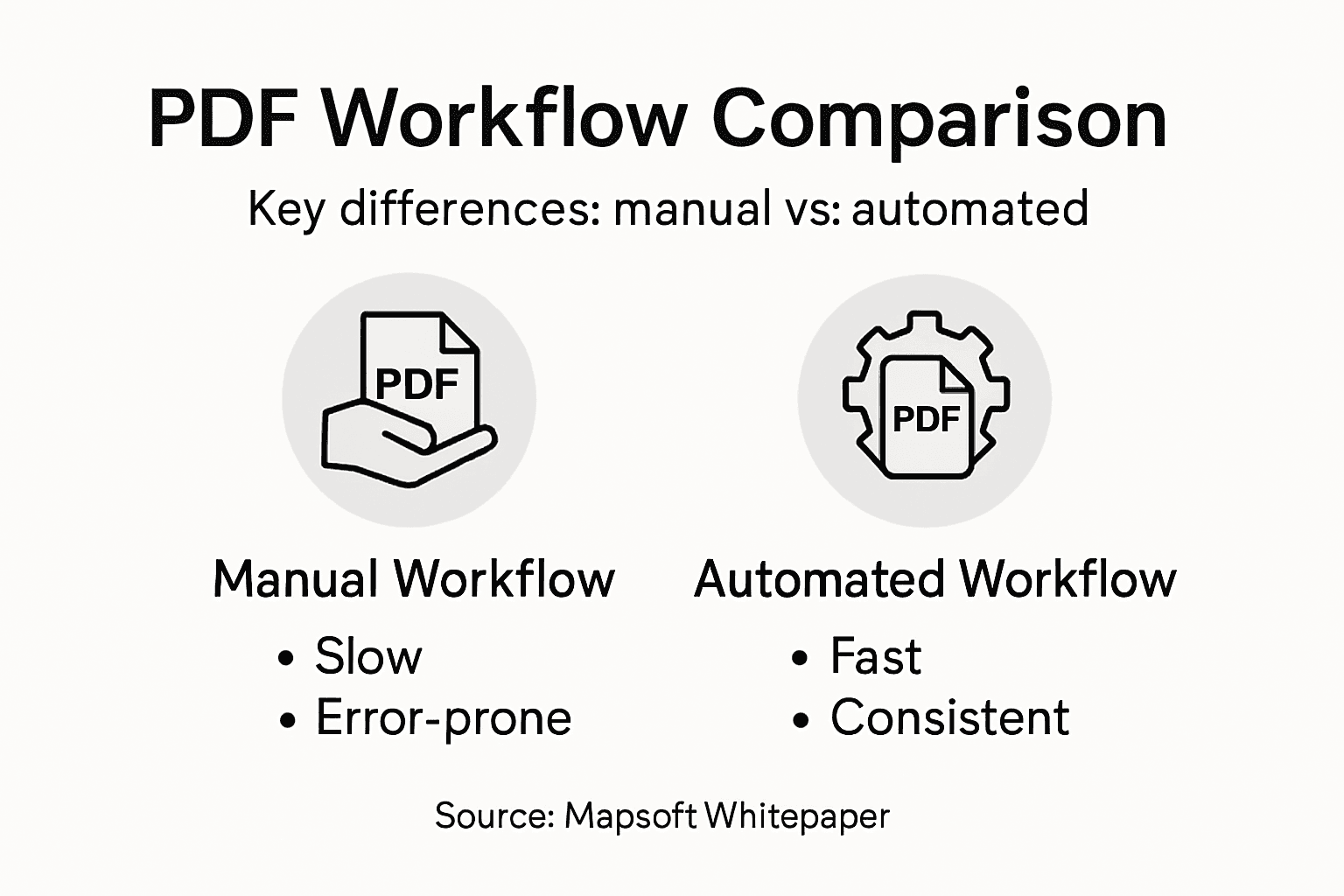
Understanding these differences clarifies why automation isn’t optional for enterprises handling significant document volume. The comparison reveals how manual processes create hidden costs that spreadsheets never capture.
The Manual Workflow Reality
Manual document workflows rely on human execution at every step. Someone receives the document, someone extracts data, someone validates it, someone routes it, someone approves it. Each step introduces human variability.
Consider invoice processing manually. Your AP clerk receives an invoice, opens it, reads vendor information, types it into your system, compares amounts to purchase orders, flags discrepancies, routes to a manager for approval, waits for approval, posts to the general ledger. One invoice requires 45 minutes of labor spread across multiple people.
Now add reality. Some invoices arrive in formats that don’t load properly. Your clerk calls IT. Some invoices lack purchase order references. Your clerk hunts through email chains. Some invoices arrive during vacation weeks. Approval gets delayed. The 45-minute estimate becomes 90 minutes with all the interruptions and workarounds.
Manual workflows create bottlenecks at approval steps. Documents languish in someone’s inbox. Priorities shift. Critical documents get delayed while routine ones get processed.
Automated Workflows Execute Consistently
Automated processes handle documents identically every single time. Invoice arrives, automation extracts vendor details, validates amounts against purchase orders, flags mismatches for human review, and routes to appropriate approvers automatically.
The same invoice completes processing in under 3 minutes. No human manually types anything. No email hunting. No approval delays from busy managers.
Automated workflows eliminate human judgment from routine decisions. This sounds negative—but it’s actually powerful. Consistency matters more than individual judgment for repetitive tasks. Your organization applies identical validation rules to every document. Every check gets processed using identical procedures. Every onboarding application follows identical verification steps.
Humans should make strategic decisions about exceptions; systems should handle routine processing with perfect consistency.
Automation also scales without adding headcount. Your manual process requires one more AP clerk for each additional 10,000 invoices annually. Your automated process handles 50,000 additional invoices with zero additional staff.
Direct Comparison Across Key Dimensions
Processing time per document:
- Manual: 45–120 minutes across multiple people
- Automated: 2–5 minutes end-to-end
Error rates:
- Manual: 2–5% (data entry mistakes, missed validations, approval oversights)
- Automated: 0.1% (only exceptions that require human judgment)
Scaling cost:
- Manual: $18,000–$25,000 per 10,000 additional documents annually
- Automated: Negligible incremental cost
Compliance consistency:
- Manual: Varies by individual; some staff follow procedures perfectly, others cut corners
- Automated: 100% consistency; every document follows identical rules
Audit trail:
Below is a side-by-side summary of manual and automated workflows:
| Workflow Aspect | Manual Processing | Automated Processing |
|---|---|---|
| Processing Speed | Hours or days per document | Minutes per document |
| Human Error Risk | Frequent data entry mistakes | Nearly eliminated |
| Compliance Consistency | Varies by staff | 100% rule adherence |
| Audit Trail | Scattered paper/email records | Complete digital record |
| Scaling Cost | Higher staff needed | Minimal incremental cost |
| Staff Satisfaction | Repetitive, tedious tasks | Focused on valuable work |
| Governance Control | Often ad hoc | Systematic, transparent |
- Manual: Scattered across emails, spreadsheets, and incomplete notes
- Automated: Complete, immutable digital record of every decision
Workflow process automation for PDF-driven businesses demonstrates how organizations transition from manual chaos to systematic automation that scales.
Pro tip: Document your current manual process timeline and error rates—this baseline measurement becomes your ROI benchmark for any automation investment you evaluate.
Unlock the Full Potential of Your PDF Workflows with Mapsoft Solutions
The article highlights common pain points such as slow processing, human error, compliance risks, and costly manual labor that enterprises face when managing PDF documents. If your organization is seeking to eliminate bottlenecks, improve accuracy, and achieve consistent compliance in PDF workflows, there is an impactful way forward. By leveraging advanced automation and integration tools tailored for enterprise PDF needs, you can transform repetitive manual tasks into fast, reliable processes that free up valuable staff time and reduce operational risk.

Discover how Mapsoft.com delivers specialized plug-ins, custom software development, and web-based platforms designed specifically to enhance Adobe Acrobat workflows and PDF processing at scale. Our solutions enable batch processing, data extraction, secure document manipulation, and automated workflow creation—all essential to turning the workflow benefits discussed into your reality. Take the next step today by visiting Mapsoft.com to explore how our offerings can dramatically boost your enterprise productivity and compliance posture.
Frequently Asked Questions
What are the main workflow benefits of automating PDF processes?
Automating PDF workflows reduces processing time, lowers error rates, improves compliance, enhances visibility into document status, and leads to cost reductions by freeing up staff time for more valuable tasks.
How does PDF automation enhance compliance within an organization?
PDF automation ensures consistent processing of documents according to organizational standards, thereby reducing the risk of compliance violations and creating detailed audit trails for regulatory scrutiny.
What types of enhancements can organizations implement in their PDF workflows?
Core enhancement categories include automated PDF creation, batch processing, form filling, data extraction, document merging, OCR capabilities, and workflow routing, all aimed at addressing specific operational challenges.
How can organizations measure the return on investment (ROI) from automating PDF workflows?
Organizations can calculate ROI by measuring the reduction in processing time, the decrease in error rates and rework costs, and the number of labor hours saved, often summing up to significant annual cost savings across departments.
Recommended
- PDF Document Workflows: Automating Enterprise Efficiency –
- Cloud Workflow for PDFs: Boosting Enterprise Efficiency –
- Business Automation Workflow: Maximizing PDF Efficiency –
- Benefits of Cloud-Based PDFs: Transforming Enterprise Workflows –
- Process Automation Tutorial for Agentic AI in Compliance Workflows | Ailerons IT Consulting