
Enterprises waste countless hours wrestling with manual PDF workflows, losing productivity to repetitive tasks like data entry, document routing, and version control. Adobe workflow automation slashes processing time by up to 45%, transforming how IT teams handle document lifecycles. This guide reveals how process automation companies specializing in Adobe technologies enable large organizations to eliminate bottlenecks, reduce errors, and unlock measurable ROI from their existing Adobe investments.
Table of Contents
- Understanding PDF Process Automation In Enterprises
- Key Adobe Technologies Empowering PDF Workflow Automation
- Benefits Of Adobe PDF Workflow Automation For Enterprises
- Common Misconceptions And Licensing Challenges In Automation
- Cloud Vs. On-Premise PDF Workflow Automation Models
- Implementing Adobe-Based PDF Workflow Automation In Your Enterprise
- Future Trends: AI And Intelligent Automation In PDF Workflows
- Summary And Strategic Takeaways For Enterprise IT Managers
- Boost Your Enterprise PDF Automation With Mapsoft Solutions
- Frequently Asked Questions About Enterprise Adobe PDF Automation
Key Takeaways
| Point | Details |
|---|---|
| PDF automation definition | Systematically automates document creation, editing, security, metadata workflows across enterprise systems |
| Proven ROI | Time savings reach 45%, errors drop significantly, labor costs decrease through reduced manual intervention |
| Licensing clarity | User licenses restrict automation to manual initiation; system-wide requires Document Cloud APIs or enterprise agreements |
| Deployment options | Cloud offers scalability and vendor updates; on-premise provides data control with higher maintenance |
| AI integration | Intelligent features like data extraction and classification multiply automation effectiveness and future-proof workflows |
Understanding PDF Process Automation in Enterprises
PDF process automation means systematically handling document operations without manual intervention. Think of it as orchestrating creation, editing, security, and metadata management through software rather than human clicks. Large enterprises process thousands of PDFs daily across procurement, HR, legal, and operations departments.
Manual workflows create predictable problems. Workflow automation research identifies common pain points:
- Human error during data entry corrupts records and triggers costly rework
- Slow processing delays approvals, contracts, and regulatory submissions
- Compliance gaps emerge when manual handling skips security protocols
- High labor costs accumulate as skilled workers perform repetitive tasks
Automation transforms these challenges into competitive advantages. Systems execute workflows consistently, processing documents in seconds rather than hours. Audit trails automatically capture every action, satisfying regulatory requirements. The scale difference matters: while small businesses might automate dozens of PDFs weekly, enterprises automate thousands daily across global operations.
Integrating enterprise PDF document workflows requires understanding both technical capabilities and organizational change management. Successful implementations map existing processes before digitizing them, ensuring automation solves real bottlenecks rather than digitizing inefficient workflows.
Key Adobe Technologies Empowering PDF Workflow Automation
Adobe’s ecosystem provides the foundation for sophisticated PDF automation. Acrobat offers desktop capabilities for individual users, while Adobe Document Cloud APIs enable programmatic system integration. Understanding which technology fits your automation goals prevents compliance issues and maximizes effectiveness.
Acrobat features include batch processing for repetitive tasks, Action Wizard for recording multi-step operations, and JavaScript for customization. These tools excel when humans initiate workflows on local machines. Document Cloud APIs support server-based operations, handling document generation, manipulation, and security at enterprise scale.
Adobe’s productivity research highlights critical capabilities:
- Document creation from templates with dynamic data injection
- Batch editing across hundreds of files simultaneously
- Security application including encryption, redaction, and digital signatures
- Metadata management for compliance and searchability
- Conversion between PDF and other formats maintaining fidelity
Licensing determines what automation you can legally implement. Standard Acrobat user licenses permit automation initiated manually by licensed users on their devices. System-wide automation where servers or robots trigger processes requires Document Cloud APIs or specialized enterprise agreements. Misunderstanding this distinction creates legal risks and operational failures.
Aligning your Adobe PDF automation tools selection with actual automation objectives saves money and ensures compliance. Small-scale departmental automation might work within user licenses, while enterprise-wide digital transformation demands API-based solutions.
Benefits of Adobe PDF Workflow Automation for Enterprises
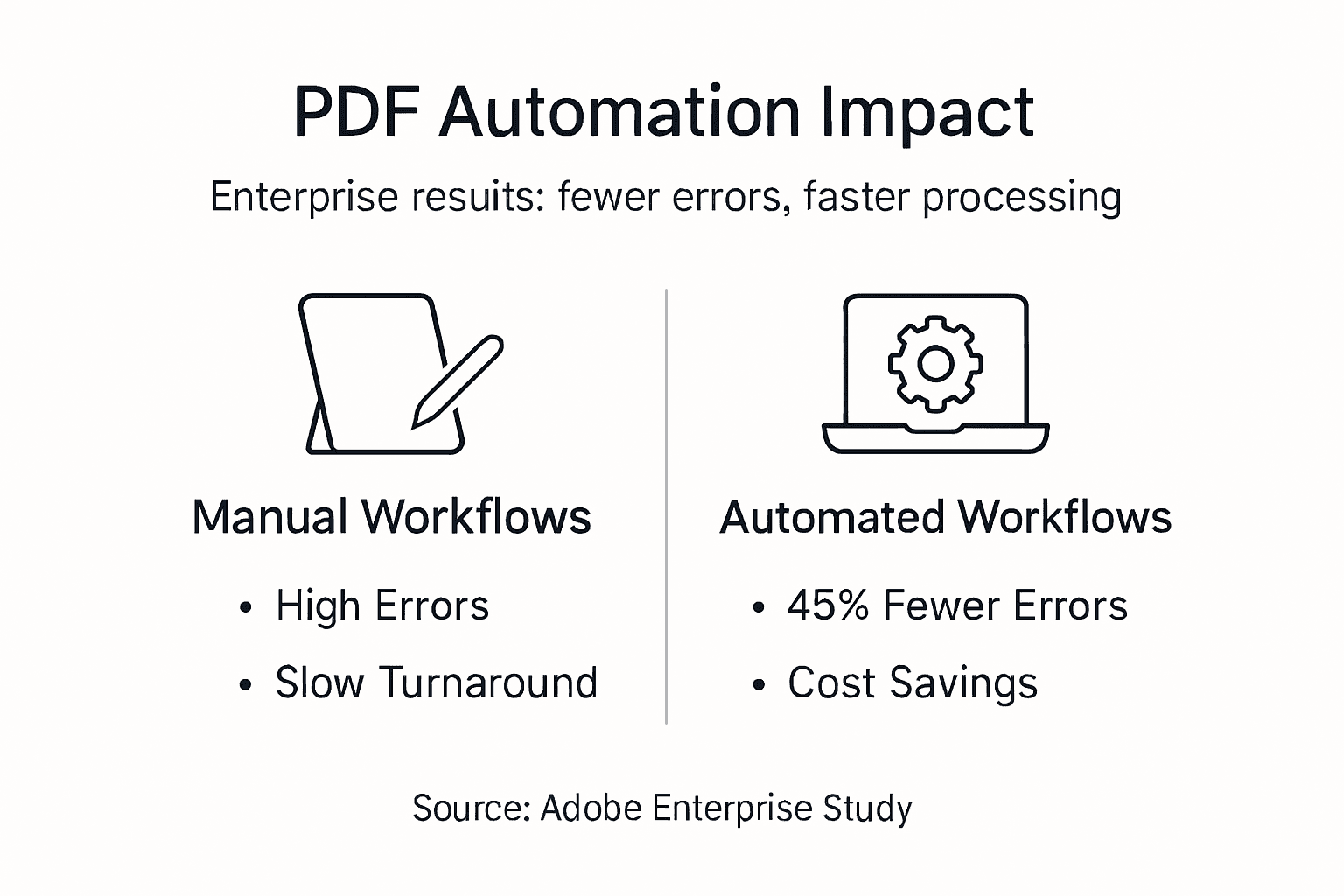
Quantified benefits make the business case for automation investment. Adobe workflow studies document enterprises achieving 45% reductions in document processing time. Tasks that consumed hours now complete in minutes, freeing knowledge workers for strategic activities.

Cost savings multiply across the organization. The State of Hawaii reduced processing costs significantly after implementing Adobe automation for permit applications. Fewer staff hours per document, reduced error correction, and faster approval cycles create measurable ROI within months.
Processing Time Reduction: 45% Enterprise deployments consistently measure time savings approaching half the original manual effort, with some optimized workflows exceeding this benchmark.
Error reduction strengthens compliance postures. Automated workflows enforce standardized processes, eliminating the variability that human fatigue introduces. Documents route correctly, required fields populate accurately, and security protocols apply consistently. Regulatory audits pass more easily when systems prove consistent application of policies.
Employee productivity and satisfaction improve when automation handles tedious tasks. Workers redirected from data entry to analysis or customer service report higher engagement. The cost savings with Adobe PDF automation extend beyond direct labor to include retention and morale benefits.
Additional advantages include:
- Faster customer response times improving satisfaction and competitive positioning
- Better audit trails supporting governance and compliance requirements
- Scalability enabling growth without proportional staff increases
- Data accuracy improvements supporting better decision making
Common Misconceptions and Licensing Challenges in Automation
Myths about Adobe automation create compliance risks and project failures. The most dangerous misconception claims standard Acrobat licenses permit unlimited robotic process automation. They don’t. User licenses restrict automation to manual initiation by the licensed individual on their specific device.
The reality requires careful planning. System-wide automation where servers, batch schedulers, or RPA bots trigger PDF operations demands Adobe Document Cloud APIs or specialized enterprise licensing. Using standard licenses for server-based automation violates agreements and exposes organizations to legal action.
Another myth suggests automation automatically eliminates all errors. Poor workflow design simply automates bad processes faster. Effective automation requires mapping current workflows, identifying inefficiencies, redesigning for optimal flow, then implementing technology. Continuous monitoring catches edge cases and evolving requirements.
Compliance risks multiply when organizations ignore licensing distinctions:
- Legal penalties from Adobe license audits discovering violations
- Operational disruptions when Adobe disables non-compliant implementations
- Security vulnerabilities from workarounds attempting to bypass proper licensing
- Budget impacts from emergency license purchases after audit findings
Pro tip: Conduct a licensing audit before designing automation. Document which processes require user-initiated automation versus system-wide triggering. Budget for appropriate licensing from the start rather than retrofitting compliance later.
Understanding PDF workflow automation licensing guidance prevents costly mistakes. Engage Adobe representatives or specialized consultants early when planning enterprise automation to ensure architectural decisions align with licensing models.
Cloud vs. On-Premise PDF Workflow Automation Models
Deployment architecture shapes automation capabilities, costs, and risks. Cloud-based solutions offer elastic scaling, remote accessibility, and vendor-managed infrastructure. Adobe Document Cloud APIs deliver these benefits while integrating with enterprise systems through secure connections.
On-premise deployments provide data residency control appealing to regulated industries. Financial services, healthcare, and government organizations often mandate data remain within controlled facilities. Adobe PDF Library enables on-premise automation but requires organizations to manage servers, security patches, and scaling.
| Factor | Cloud Model | On-Premise Model |
|---|---|---|
| Scalability | Automatic elastic scaling handles demand spikes | Manual capacity planning and hardware procurement |
| Security updates | Vendor manages patches and threat response | IT team responsible for all security maintenance |
| Initial cost | Lower upfront investment, predictable subscriptions | Higher capital expenditure for infrastructure |
| Data residency | Vendor data centers, various geographic options | Complete organizational control of physical location |
| Integration complexity | API-based, typically simpler connectivity | Deep integration possible but requires more expertise |
Security myths persist around cloud deployments. Modern cloud platforms offer security exceeding most enterprise on-premise implementations. Adobe invests millions in security infrastructure, threat monitoring, and compliance certifications that individual organizations cannot match. The question becomes whether your specific regulatory requirements mandate on-premise control regardless of security levels.
Cost considerations extend beyond subscription fees. Cloud eliminates infrastructure management overhead, but organizations sacrifice capital expenditure tax advantages. On-premise deployments require staff expertise in Adobe technologies, increasing personnel costs. Calculate total cost of ownership over three to five years rather than comparing initial prices.
Cloud PDF workflow advantages include faster deployment timelines and easier scaling as business needs evolve. On-premise solutions offer customization depth for unique workflows requiring specialized processing.
Implementing Adobe-Based PDF Workflow Automation in Your Enterprise
Successful implementation follows structured phases reducing risk and ensuring adoption. Rushing deployment creates resistance and technical debt. Methodical approaches deliver sustainable automation aligned with business objectives.
-
Map existing workflows thoroughly. Document current PDF processes across departments, identifying bottlenecks, error sources, and time sinks. Quantify baseline metrics for later ROI measurement.
-
Select appropriate Adobe technologies. Match workflow requirements to licensing models. User-initiated departmental automation uses Acrobat features; system-wide integration requires Document Cloud APIs or PDF Library.
-
Design optimized workflows. Redesign processes for automation rather than digitizing existing manual steps. Eliminate unnecessary approvals, parallelize independent tasks, and implement exception handling.
-
Pilot with limited scope. Deploy automation to a single department or workflow type first. Gather user feedback, measure performance, and refine before expanding.
-
Scale systematically across the enterprise. Roll out proven automation to additional departments in phases. Train users, establish support processes, and document best practices.
-
Monitor and optimize continuously. Track performance metrics, user satisfaction, and error rates. Adjust workflows as business needs evolve and Adobe releases new capabilities.
Compliance anchors every phase. Verify licensing covers planned automation scope before development begins. Implementing PDF workflow automation requires collaboration between IT, legal, and business units ensuring technical solutions meet regulatory requirements.
Pro tip: Establish a center of excellence for PDF automation. Centralize expertise, share best practices across departments, and maintain standards preventing fragmented implementations that multiply support costs.
Best practices accelerate success:
- Secure all integrations with encryption, authentication, and access controls
- Test thoroughly including edge cases and failure scenarios
- Train end users on new workflows before forcing adoption
- Document processes enabling knowledge transfer and troubleshooting
- Iterate based on user feedback rather than assuming initial design perfection
Future Trends: AI and Intelligent Automation in PDF Workflows
Artificial intelligence elevates PDF automation from rule-based processing to intelligent document understanding. Adobe Acrobat AI Assistant and similar technologies extract meaning from unstructured content, classify documents automatically, and make contextual decisions previously requiring human judgment.
Intelligent data extraction reads invoices, contracts, and forms regardless of format variations. Traditional automation requires templates; AI handles documents with shifting layouts, handwriting, and quality issues. Enterprises processing vendor invoices from hundreds of suppliers benefit immediately, as AI adapts to each format automatically.
Document classification routes incoming PDFs to appropriate workflows without manual sorting. AI analyzes content, determines document type and priority, then triggers corresponding processes. Legal departments processing mixed correspondence see dramatic efficiency gains.
ROI improvements accelerate with AI integration:
- Processing accuracy increases as machine learning improves from feedback
- Straight-through processing rates climb when AI handles exceptions
- Labor savings multiply as intelligent systems tackle complex tasks
- Competitive advantages emerge from faster, more accurate operations
Challenges temper enthusiasm. AI models require training data reflecting your specific documents and use cases. Generic models underperform without customization. Integration complexity increases as AI components connect to existing workflows. Security concerns arise around data used for model training.
Mitigation strategies include starting with narrow use cases where AI delivers clear value. Pilot intelligent extraction on high-volume, standardized documents before tackling complex variations. Partner with vendors offering pre-trained models for common document types, reducing training burden.
Enterprises ignoring intelligent automation risk competitive disadvantage. Early adopters gain years of learning and optimization while competitors wrestle with manual processes. The technology matured sufficiently that implementation risk now sits lower than the opportunity cost of delay.
Summary and Strategic Takeaways for Enterprise IT Managers
Adobe-based PDF workflow automation delivers measurable improvements in time, cost, accuracy, and employee productivity. Enterprises achieving 45% processing time reductions and significant error elimination demonstrate proven ROI. Success requires understanding licensing nuances, selecting appropriate deployment models, and following structured implementation approaches.
Critical decision factors include:
- Licensing compliance ensuring automation scope matches Adobe agreements
- Deployment model balancing control, cost, scalability, and security requirements
- Integration architecture connecting PDF workflows to existing enterprise systems
- Change management preparing users and establishing ongoing support
Process automation companies with deep Adobe expertise accelerate implementation and reduce risk. Specialized knowledge of licensing edge cases, integration patterns, and optimization techniques shortens time to value. Partnering strategically yields better outcomes than internal trial and error.
Proven implementation approaches start small, measure rigorously, and scale systematically. Piloting in controlled environments validates technical architecture and user acceptance before enterprise-wide rollout. Continuous optimization adapts automation as business needs evolve and Adobe releases enhanced capabilities.
The automation journey never truly completes. Technology advances, regulations change, and business requirements shift. Organizations treating automation as ongoing evolution rather than one-time projects sustain competitive advantages and maximize Adobe investment returns.
Boost Your Enterprise PDF Automation with Mapsoft Solutions
Transforming PDF workflows from manual burden to strategic asset requires specialized expertise and proven tools. Mapsoft delivers both through comprehensive Adobe-focused solutions tailored for enterprise scale and complexity.

Our Adobe Acrobat plugins extend Acrobat capabilities with enterprise features for bookmark management, batch processing, and document manipulation. These tools integrate seamlessly into existing workflows while maintaining Adobe licensing compliance.
Enterprise-scale automation demands more than desktop tools. Mapsoft’s workflow automation services for PDFs architect, implement, and optimize system-wide solutions using Adobe Document Cloud APIs and PDF Library. We handle licensing complexity, integration challenges, and deployment across cloud or on-premise environments.
Unique requirements need custom solutions. Our Adobe PDF Library custom development builds specialized automation for workflows standard products cannot address. Deep Adobe technology expertise ensures solutions leverage platform capabilities fully while meeting your specific business needs.
Frequently Asked Questions about Enterprise Adobe PDF Automation
What Adobe licenses do we need for enterprise-wide PDF workflow automation?
User licenses permit manual automation initiated by licensed individuals on their devices. System-wide automation where servers or RPA bots trigger processes requires Adobe Document Cloud APIs or specialized enterprise agreements. Consult Adobe or specialized partners before implementing to ensure compliance.
How does cloud PDF automation differ from on-premise deployment?
Cloud automation offers elastic scaling, vendor-managed security, and lower initial costs through subscription models. On-premise provides data residency control and deep customization but requires infrastructure investment and ongoing maintenance. Choice depends on regulatory requirements, existing infrastructure, and cost structure preferences.
What measures ensure our PDF automation remains compliant and secure?
Implement encryption for data in transit and at rest, authenticate all system connections, restrict access through role-based controls, and audit activities continuously. Verify licensing covers your automation scope and maintain documentation proving compliance. Regular security reviews and penetration testing identify vulnerabilities before exploitation.
Can Adobe PDF automation scale to handle our enterprise document volumes?
Yes, when architected properly. Cloud deployments using Document Cloud APIs scale elastically with demand. On-premise solutions require capacity planning and infrastructure investment but handle massive volumes with appropriate hardware. Pilot implementations validate performance at your specific volumes before full deployment.
How long does typical enterprise PDF automation implementation take?
Timelines vary by scope and complexity. Small departmental automation deploys in weeks. Enterprise-wide transformation spanning multiple systems and workflows requires months. Phased approaches starting with high-value pilots demonstrate ROI quickly while building toward comprehensive automation. Realistic planning accounts for workflow mapping, development, testing, and user training phases.
What ROI should enterprises expect from Adobe PDF workflow automation?
Typical deployments achieve 45% processing time reductions and significant error elimination. Payback periods run six to eighteen months depending on automation scope and current inefficiency levels. Calculate ROI including labor savings, error reduction, faster cycle times, and improved compliance. Ongoing optimization increases returns over time as systems mature.
Recommended
- Document Automation Strategies: Boosting Enterprise Efficiency –
- PDF Document Workflows: Automating Enterprise Efficiency –
- Automating Business Processes with Adobe PDF Solutions –
- Cost Saving with Workflow Automation: Adobe PDF Solutions –
- AI Automation for Startups Why Data Quality Beats Tool Selection